Artefacts.AI
Artefacts.AI is an innovative platform utilizing AI to produce 3D models efficiently from text descriptions or images. It provides users with swift previews and downloadable results suitable for further digital production tasks. The user-friendly format promotes engagement among individuals ranging from skilled professionals to emerging hobbyists, expanding the scope of sophisticated project realization to a broader population.
One translation. Verified by 22 AI models.
Compare leading AI translations, preserve document layouts, and add human verification when accuracy matters.
From idea to 3D model in one browser workspace
Generate from text or images, inspect the result online, then export GLB or OBJ and continue toward an STL workflow.

Create more in one place
Generate images, make videos, edit photos and create audio with shared credits.
Explore MagicShotWhat is Artefacts.AI
Artefacts.AI is an AI-powered 3D modeling platform designed to simplify the creation process. Users provide a text description or image, and the platform generates a preview of a 3D model swiftly. This allows designers, creators, and artists to quickly translate their concepts into tangible 3D assets that can be downloaded for further refinement. Artefacts.AI makes 3D model creation highly accessible with various artistic style choices to experiment with. The inclusion of remixing opens creative doors for both seasoned professionals and aspiring hobbyists, enhancing pipeline efficiency while importing and exporting various 3D asset formats. By enabling swift iteration and detailed model realization, Artefacts.AI accelerates workflow processes in fields like architectural visualization and concept art generation. It simplifies complex 3D asset creation, fostering broader participation in advanced product design across sectors.
Key Features of Artefacts.AI
Create high-quality 3D models from text descriptions or 2D references without complex 3D software expertise. Enhance community sharing and streamline integration processes by Importing and Exporting 3D assets. Artefacts.AI allows fast previews and offers downloads suitable for multiple use.
AI-Powered 3D Modeling: Generate 3D models effortlessly from text descriptions or uploaded images.
Fast Preview Generation: Quickly preview 3D models and iterate on designs.
Downloadable 3D Models: Download resulting models in standard formats compatible with other digital production tools.
Community-driven Remixing: Gain design inspiration and refinements through access to community shared elements.
Multiple Style Options: Choose from a variety of artistic styles for 3D model creation.
Import 3D assets: Enhance community sharing and streamline integration processes.
Export 3D assets: Download a single combined file encompassing the project components of each individual and enhance pipeline efficiency
Use Cases of Artefacts.AI
Product Design: Create 3D prototypes rapidly to visualize products, test concepts, and communicate design direction.
Architectural Visualization: Generate visualizations of architectural ideas from initial conceptual sketches to finished models.
Graphic Design: Translate 2D sketches into immersive 3D artwork.
Concept Art: Create artwork and prototypes directly from the minds of creators.
Hobbyist and Creator projects: Design assets for their personal projects without relying on specialist CAD experience
Artefacts.AI Pros and Cons
Pros
- Efficient Design Iteration: Swiftly modify ideas with convenient output generation, unlike with resource intensive traditional 3D programs.
- Lower Barrier to Entry: Empowers a wider range of individuals to design detailed projects easily.
- Versatile Concept Application: Offers quick concept prototyping, facilitating project momentum during various stages.
- Enhanced pipeline integration: Importing and exporting enhances pipeline integration
Cons
- Limited Control Over Intricate Detailing: Generative outputs lack precise nuance.
- Over-Reliance on AI Interpretation: Results may sometimes misinterpret the user’s creative brief.
- Risk of Similarity to Training Data: Some models might possess features reminiscent of others from the same trained set
Artefacts.AI FAQs
How does Artefacts.AI work?
Artefacts.AI uses AI to generate 3D models from text descriptions or images. You input your text or image, and the AI interprets it to create the 3D model. You can further refine by trying various art styles
How much does Artefacts.AI cost?
While specific pricing isn't available on the website introduction, it's expected to be a tiered subscription. Visit their platform directly for most up-to-date info.
What file formats are supported?
Currently, you can import or export files in several commonly used 3D file formats: including obj, fbx, gltf and usd, which supports further editing.
Interested in this product?
Take a look at their websiteUpdated 2026-09-06
Find More Tools
SciSpace by Typeset is an AI-powered research assistant that simplifies complex scientific papers with clear explanations and a smart search feature. It provides valuable tools for understanding and navigating academic literature.
Optimo is a free AI-powered marketing toolkit developed by FATJOE. It helps marketers generate various types of content, including social media captions, ad copy, and blog post ideas, thus saving time and increasing efficiency. Optimo caters to various needs, offering solutions for SEO, video, and email marketing as well.
Visily is an AI-powered UI design software that simplifies the creation of wireframes, prototypes, and designs. It offers AI assistance, a user-friendly interface, pre-built components, and collaboration features, all while being easy to use regardless of design experience.
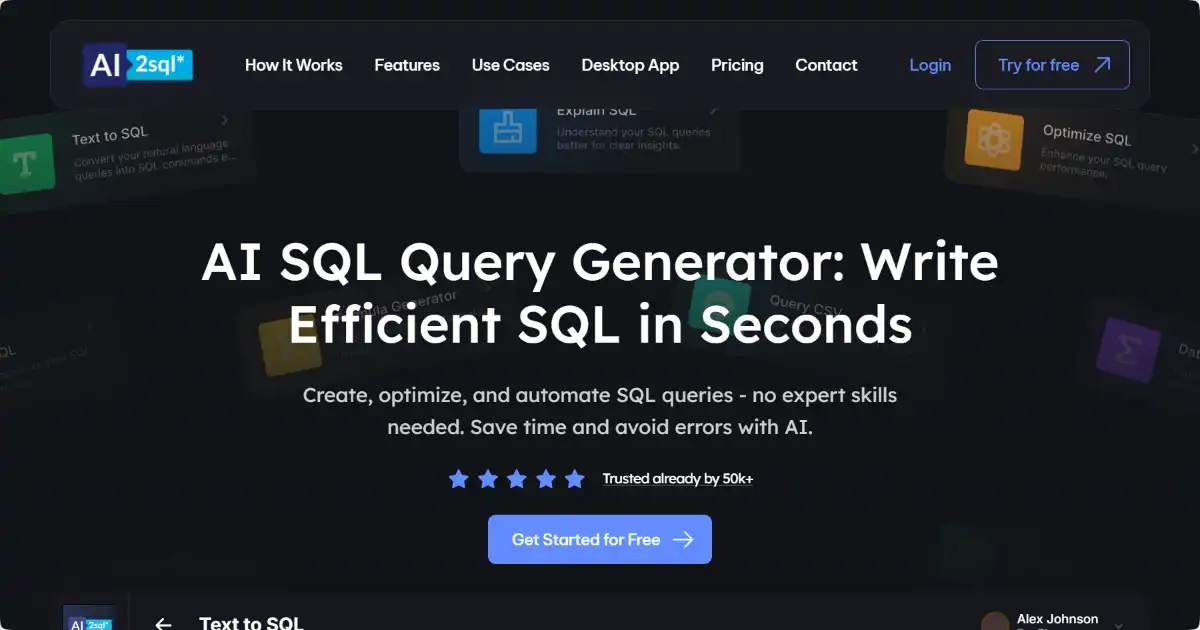
AI2SQL is a powerful tool that generates SQL queries from natural language input. It supports multiple databases and programming languages, simplifying data interaction for all users.
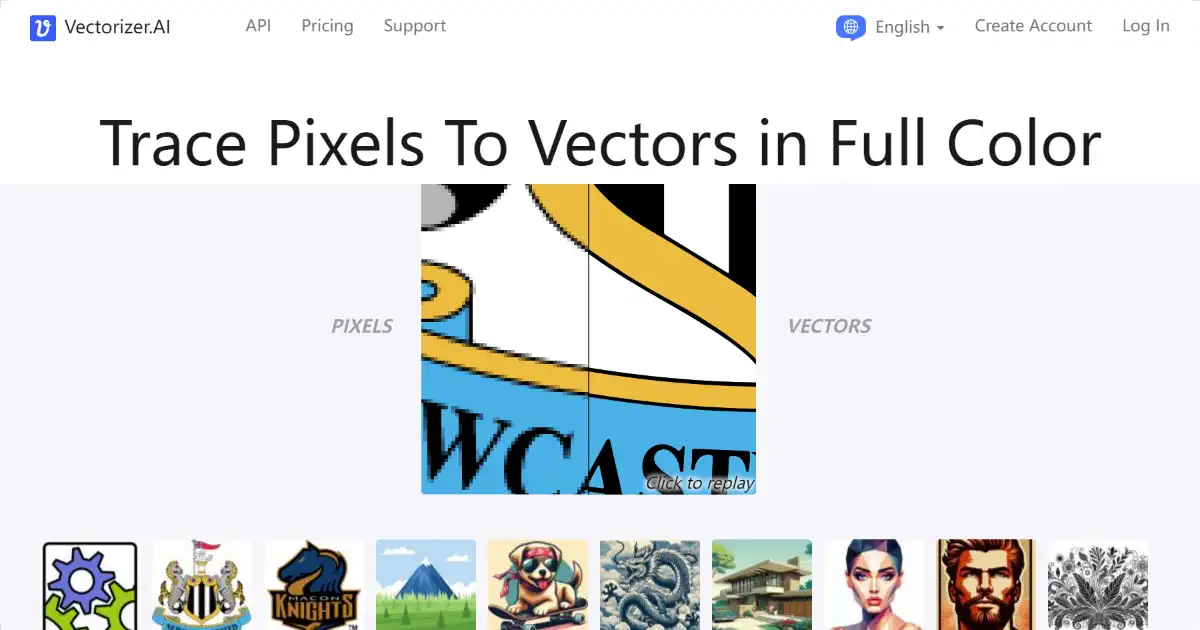
Vectorizer.AI is an AI-powered image conversion tool that transforms raster images into scalable vector graphics. This allows for high-quality resizing and versatile use in print, design, and other applications. Export your vector images in various formats like SVG, PDF, EPS, and more.
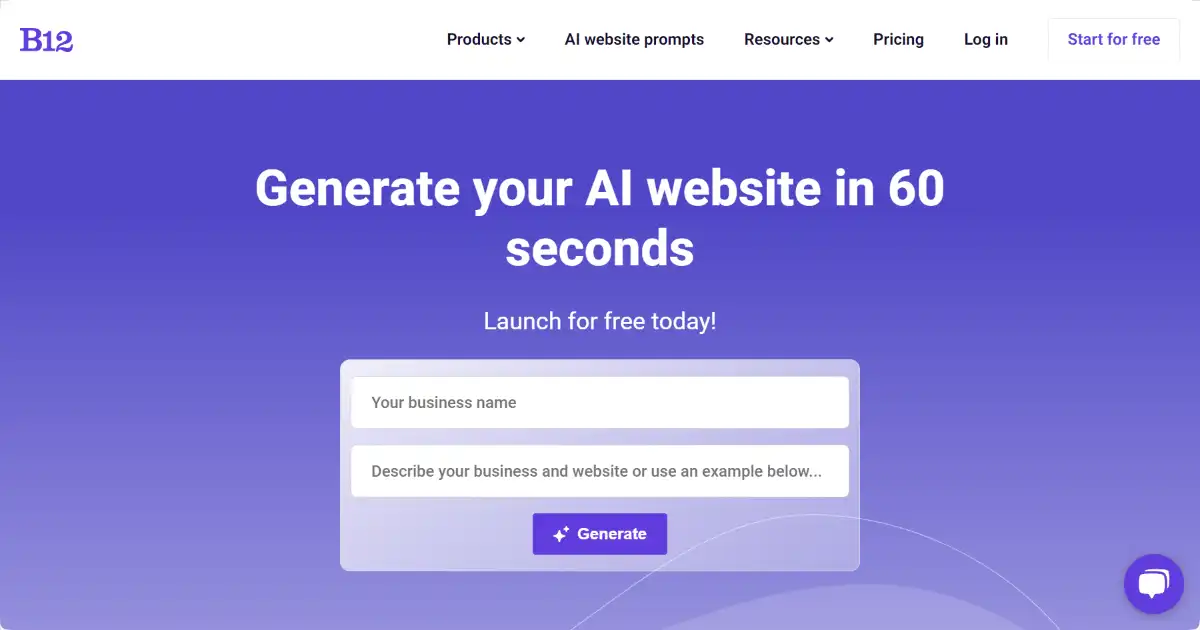
B12 is an AI-powered website builder for professional service providers. It automates website creation and integrates essential business tools like online scheduling and marketing. B12 provides ongoing expert support to help businesses establish and grow their online presence.