Capalyze
Capalyze is a data analytics agent that enables individuals and businesses to analyze data using natural language commands. It supports connecting multiple data sources and crawling web data to generate intelligent insights and interactive reports. Capalyze helps users in various fields, like e-commerce and real estate, to extract valuable information and empower business decisions.
One translation. Verified by 22 AI models.
Compare leading AI translations, preserve document layouts, and add human verification when accuracy matters.
From idea to 3D model in one browser workspace
Generate from text or images, inspect the result online, then export GLB or OBJ and continue toward an STL workflow.

Create more in one place
Generate images, make videos, edit photos and create audio with shared credits.
Explore MagicShotWhat is Capalyze
Capalyze is an AI-powered data analytics agent designed for both individuals and businesses to simplify the process of gaining insights from complex data. It allows users to interact with their data using natural language, making analysis as simple as having a conversation. The platform can connect to multiple data sources, including files like Excel, databases, and APIs, and crawl web data. Capalyze intelligently selects the appropriate analysis models to answer user queries, helping professionals in e-commerce, real estate, content creation, and local services make data-driven decisions. It further streamlines workflows by generating interactive reports and dashboards, and even allows for direct editing of spreadsheets within the conversational interface.
Key Features of Capalyze
Capalyze offers a suite of powerful features designed to simplify data analysis. It allows users to interact with their data through natural language, connect diverse data sources, generate interactive reports, and even edit data directly within the conversational interface.
Natural Language Interaction: Analyze complex data by asking questions in plain English, eliminating the need for coding or technical expertise.
Intelligent AI Analysis: Utilizes built-in analysis modes and machine learning algorithms to automatically select the best models for your specific goals, from sales forecasting to user behavior analysis.
Interactive Reports and Dashboards: Generate comprehensive analysis reports and customizable, interactive dashboards with just one click to easily share and present findings.
In-Conversation Data Editing: Edit spreadsheets and refine your data directly within the chat interface, streamlining the data cleaning and analysis workflow.
Unified Data Connectivity: Connect and analyze data from multiple sources simultaneously, including Excel/CSV files, databases, cloud storage, and APIs, to break down data silos.
Use Cases of Capalyze
E-commerce Product Strategy: Analyze sales data, competitor pricing, and customer reviews from platforms like Amazon to identify market trends and inform sourcing decisions.
Vacation Rental Optimization: Evaluate top-performing rental properties on sites like Airbnb to understand key drivers of bookings, such as pricing, amenities, and location, to optimize your own listings.
Social Media Content Creation: Track viral trends, engagement metrics, and top-performing content on platforms like YouTube to guide the creation of more impactful and timely content.
Business Operations Analysis: Connect to internal databases or upload financial spreadsheets to analyze costs, forecast sales, and understand user behavior for informed business planning.
Capalyze Pros and Cons
Pros
- No-code interface allows data analysis through simple, conversational language.
- Integrates with a wide variety of data sources including files, databases, and APIs.
- Automatically generates interactive and customizable dashboards.
- No separate OpenAI/ChatGPT account is required for use.
- Strong commitment to user data privacy and security.
Cons
- AI-driven model selection might lack the fine-tuned control preferred by expert data scientists.
- Primary support channel is Discord, which may not be suitable for all professional users.
- New users may need time to learn how to phrase questions effectively for optimal results.
Capalyze FAQs
Do I need a ChatGPT or OpenAI account to use Capalyze?
No, you do not need a separate ChatGPT or OpenAI account. Capalyze automatically selects the most appropriate AI engine to provide the best data analysis and extraction results for your needs.
Is my data secure with Capalyze?
Yes, Capalyze prioritizes data security and guarantees that your data will not be used for any other purpose. All analysis is confidential.
What types of data sources can Capalyze analyze?
Capalyze supports a wide range of data sources. You can upload files like Excel and large CSVs, or connect directly to popular databases, cloud storage solutions, and various APIs for seamless integration.
Who is the target audience for Capalyze?
Capalyze is designed for anyone who needs to make sense of data, including e-commerce managers, real estate agents, social media influencers, local business owners, and data analysts.
Interested in this product?
Take a look at their websiteUpdated 2026-09-06
Find More Tools
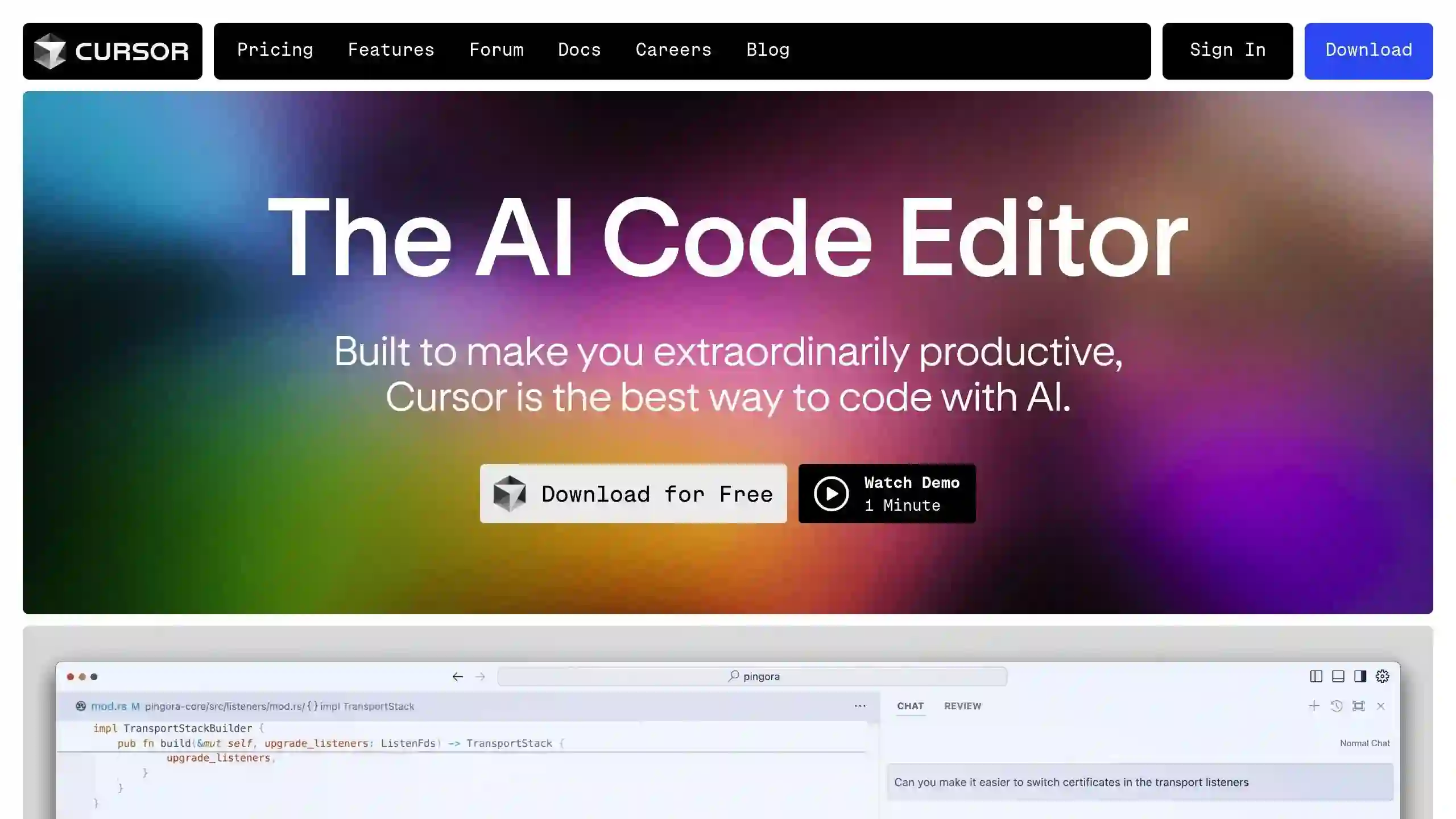
Cursor AI Editor is a powerful, AI-powered code editor designed to enhance the coding experience by integrating advanced artificial intelligence features. Built on a fork of Visual Studio Code, it offers intelligent code completion, predictive editing, and natural language commands, making it a valuable tool for developers of all levels.

Windsurf IDE by Codeium is an innovative AI-powered integrated development environment (IDE) designed to enhance the coding experience for developers. It combines advanced AI tools with traditional coding practices to create a more efficient and intuitive workflow. With features like AI flows, real-time contextual assistance, and a user-friendly interface, Windsurf aims to streamline the development process and empower programmers to work more efficiently.
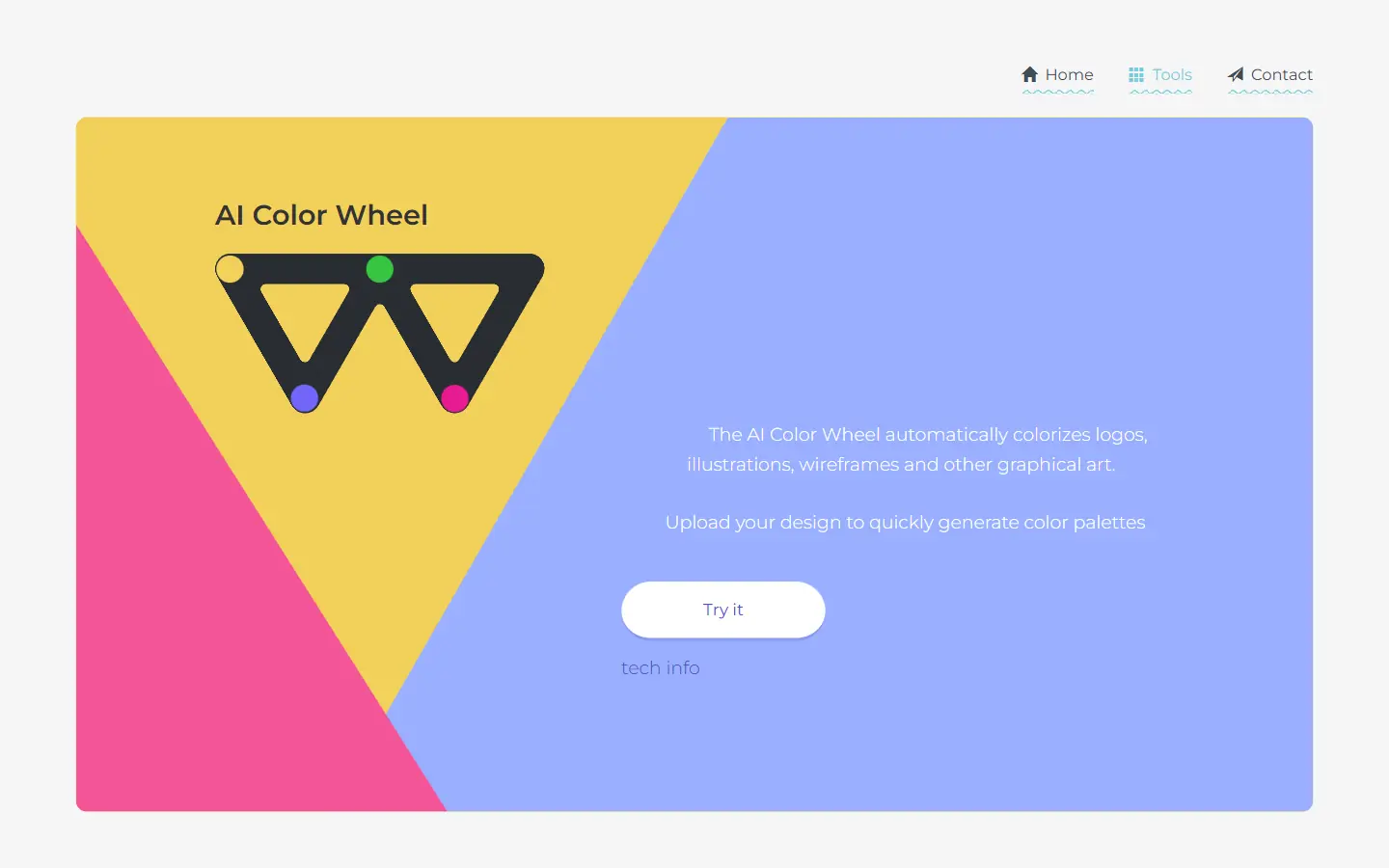
AI Color Wheel is an AI-powered tool designed to help you find the perfect color palette for your logos, illustrations, wireframes, and other graphic designs. By uploading your flat design, the tool automatically generates thousands of unique color variations based on classical and modern art movements. It's like having a team of color experts at your fingertips, ready to provide inspiration and guidance for your next creative project.
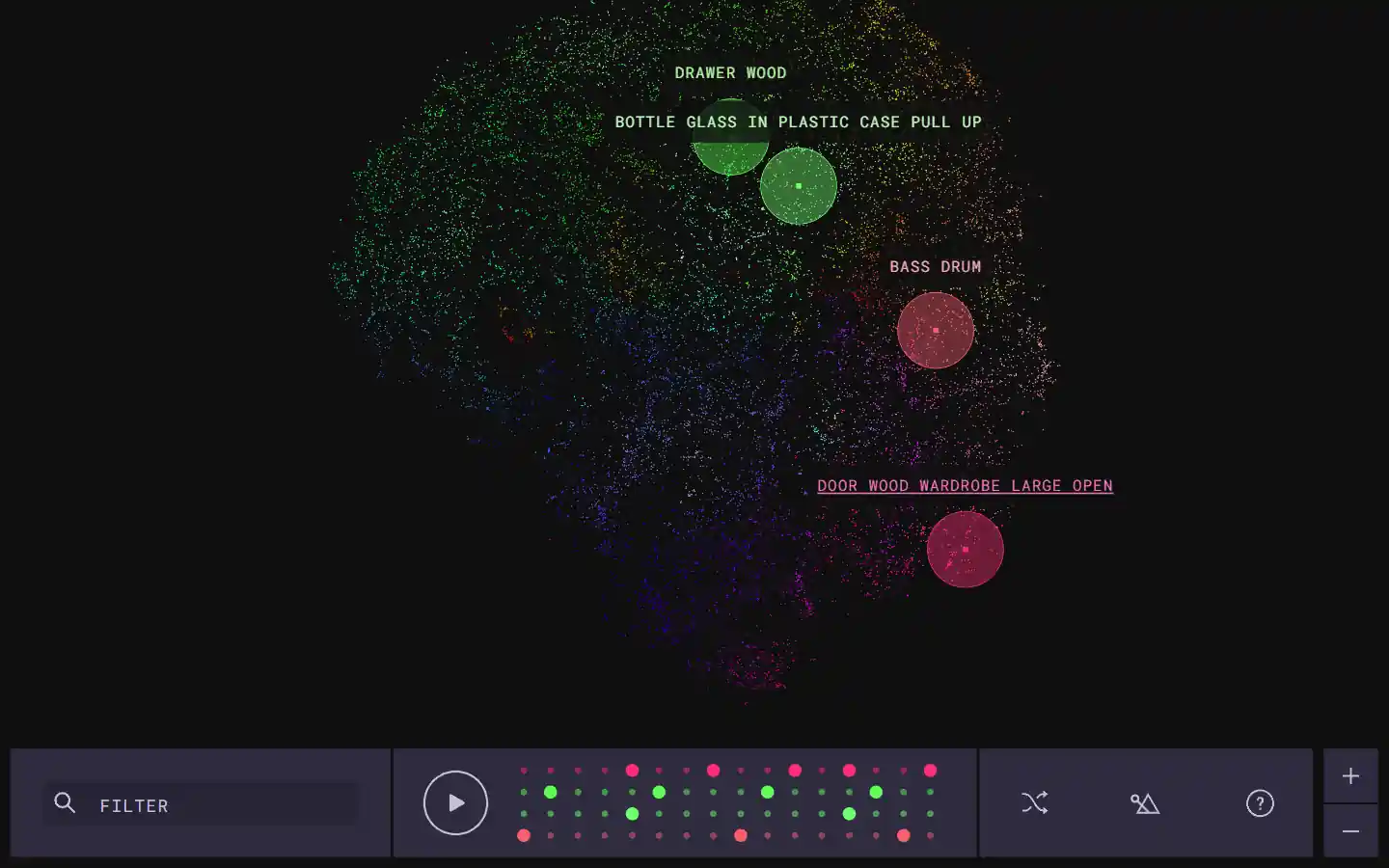
The Infinite Drum Machine is an AI-powered tool created by Google Creative Lab that allows users to create unique beats using sounds from everyday life. This innovative tool utilizes machine learning to organize a vast library of over 6,330 sounds, including contributions from the London Philharmonia Orchestra. With its intuitive interface, users can explore these sounds, discover similar audio elements, and craft their own custom beats.
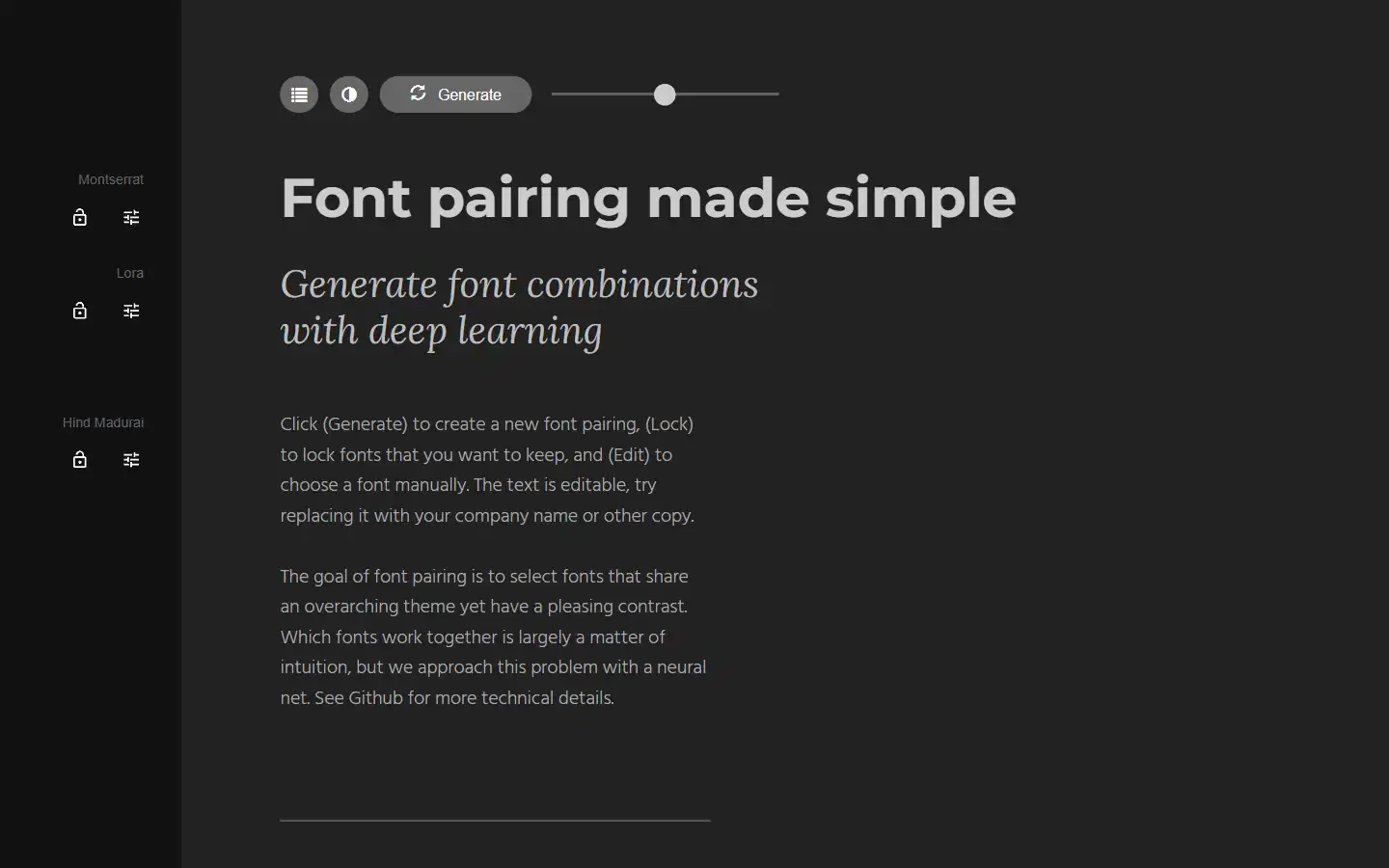
Tired of spending hours agonizing over the perfect font combination? Fontjoy, an innovative website powered by machine learning, simplifies font pairing for designers and typography enthusiasts alike. With its user-friendly interface and powerful deep learning engine, Fontjoy analyzes font characteristics and generates visually harmonious pairings in just a few clicks, helping you create impactful designs that truly resonate.
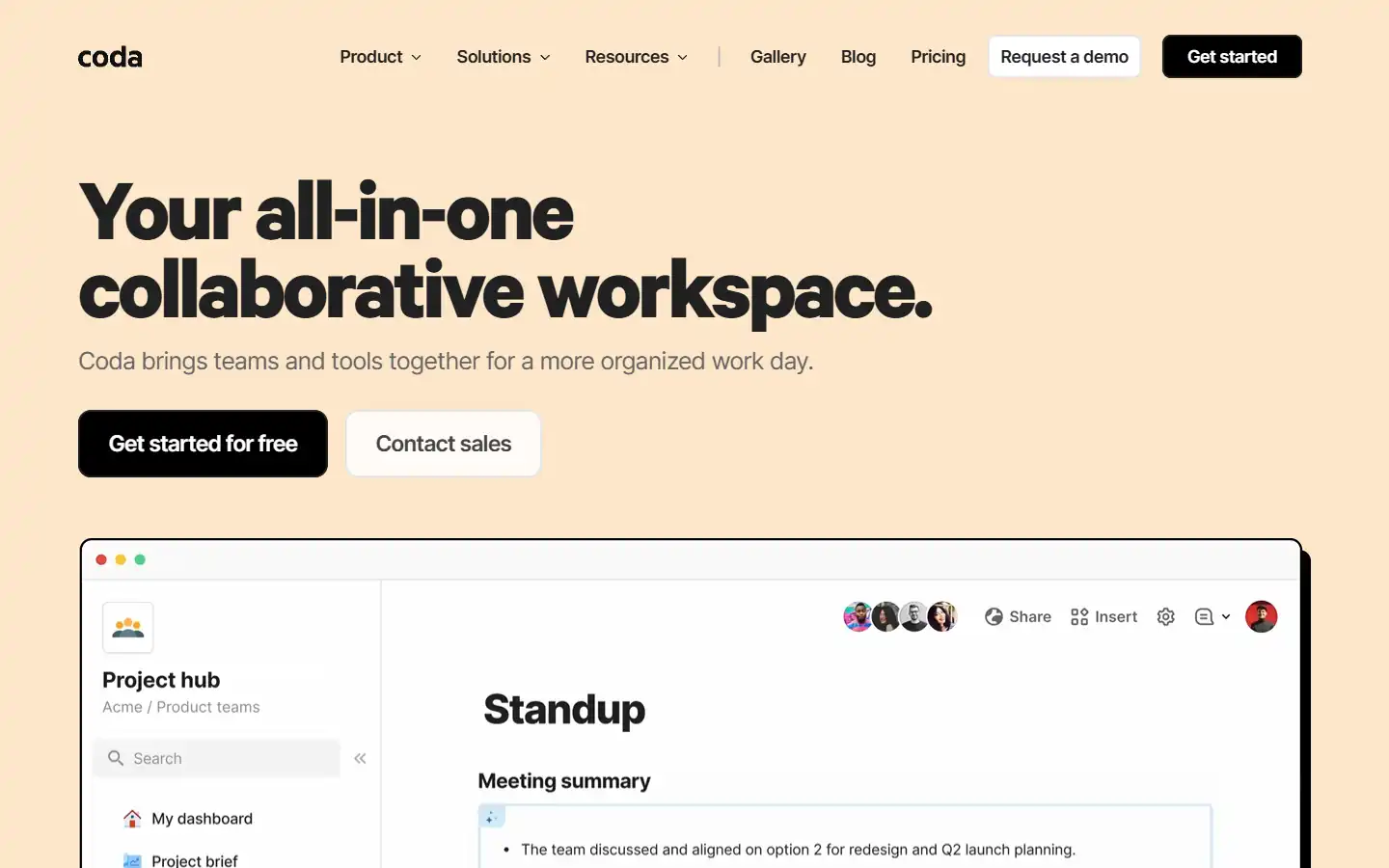
Coda AI is an AI-powered work assistant that integrates seamlessly with the Coda platform, a collaborative workspace that blends the best features of docs, spreadsheets, and applications. This intelligent tool can help you automate tasks, generate insights, and create better content within your Coda workspace, streamlining your workflow and boosting productivity.