CopilotForXcode
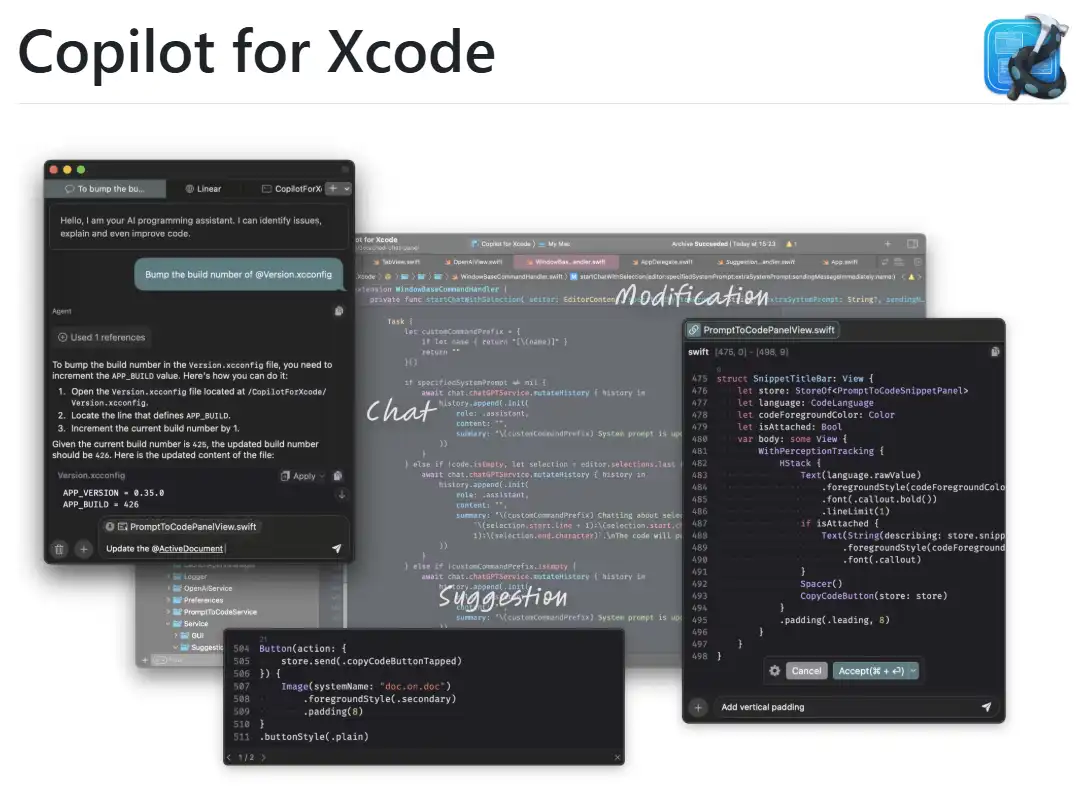
CopilotForXcode is an Xcode Source Editor Extension offering AI-powered code suggestions, chat assistance, and prompt-to-code features using GitHub Copilot, Codeium, and ChatGPT within Xcode.
One translation. Verified by 22 AI models.
Compare leading AI translations, preserve document layouts, and add human verification when accuracy matters.
From idea to 3D model in one browser workspace
Generate from text or images, inspect the result online, then export GLB or OBJ and continue toward an STL workflow.

Create more in one place
Generate images, make videos, edit photos and create audio with shared credits.
Explore MagicShotWhat is CopilotForXcode
CopilotForXcode is a tool that improves Xcode coding with AI. It integrates GitHub Copilot, Codeium, and ChatGPT into Xcode, providing code suggestions, a chat for coding questions, and prompt-based code generation and refactoring. This boosts iOS and macOS developer productivity and code quality.
Key Features of CopilotForXcode
CopilotForXcode, an Xcode Source Editor Extension, provides AI-powered coding help in Xcode. It offers code suggestions via GitHub Copilot and Codeium, a chat interface using OpenAI's ChatGPT, natural language prompt-to-code functionality, and customizable commands.
ChatGPT Integration: Includes a chat interface based on OpenAI's ChatGPT for coding questions and support.
AI-Powered Code Suggestions: Delivers real-time code suggestions using GitHub Copilot and Codeium, based on open files.
Custom Commands: Allows creating personalized commands for the chat and prompt-to-code functions with custom prompts.
Prompt-to-Code Functionality: Enables refactoring existing code or creating new code using natural language prompts.
Use Cases of CopilotForXcode
Bug Fixing: Use AI suggestions and the chat to find and fix bugs.
Code Refactoring: Use prompt-to-code to enhance code readability, modularize large functions, or add documentation.
Rapid Prototyping: Quickly generate code snippets or functions using natural language prompts to accelerate development.
Learning and Exploration: Use the chat to learn coding concepts or best practices within Xcode.
CopilotForXcode Pros and Cons
Pros
- Supports custom commands for personalized workflows
- Seamless Xcode integration
- Offers numerous AI-powered coding assistance features
Cons
- May struggle with accurate Xcode state monitoring, particularly with multiple windows open.
- Relies on third-party services that may need separate subscriptions.
- Requires extra setup and permissions.
CopilotForXcode FAQs
How do I install CopilotForXcode?
Install CopilotForXcode with Homebrew ('brew install --cask copilot-for-xcode') or download the app from the latest GitHub release and put it in your Applications folder.
What permissions does CopilotForXcode need?
CopilotForXcode needs Folder Access and Accessibility API permissions. Grant these in System Settings > Privacy & Security.
How do I update CopilotForXcode?
Update using the in-app updater or download the newest version from GitHub releases. Open Copilot for Xcode.app and restart Xcode after updating.
How can I set up key bindings for CopilotForXcode?
Set up keybindings in Xcode settings > Key Bindings. Search for 'copilot' to find and assign key combinations to Copilot commands.
Where are the installed language servers located?
GitHub Copilot's language server is at '~/Library/Application Support/com.intii.CopilotForXcode/GitHub Copilot/executable/'. Codeium's is at '~/Library/Application Support/com.intii.CopilotForXcode/Codeium/executable/'.
What features does CopilotForXcode offer?
CopilotForXcode offers code suggestions (via GitHub Copilot and Codeium), chat (via OpenAI ChatGPT), prompt-to-code, and custom commands to expand chat and prompt-to-code features.
How do I set up GitHub Copilot with CopilotForXcode?
In the host app, go to 'Service - GitHub Copilot', install the language server, sign in to your GitHub account, and then set the feature provider to 'GitHub Copilot' in 'Feature - Suggestion'.
Interested in this product?
Take a look at their websiteUpdated 2026-10-05
CopilotForXcode Alternatives

Windsurf IDE by Codeium is an innovative AI-powered integrated development environment (IDE) designed to enhance the coding experience for developers. It combines advanced AI tools with traditional coding practices to create a more efficient and intuitive workflow. With features like AI flows, real-time contextual assistance, and a user-friendly interface, Windsurf aims to streamline the development process and empower programmers to work more efficiently.
Editor's TakeNo review yet
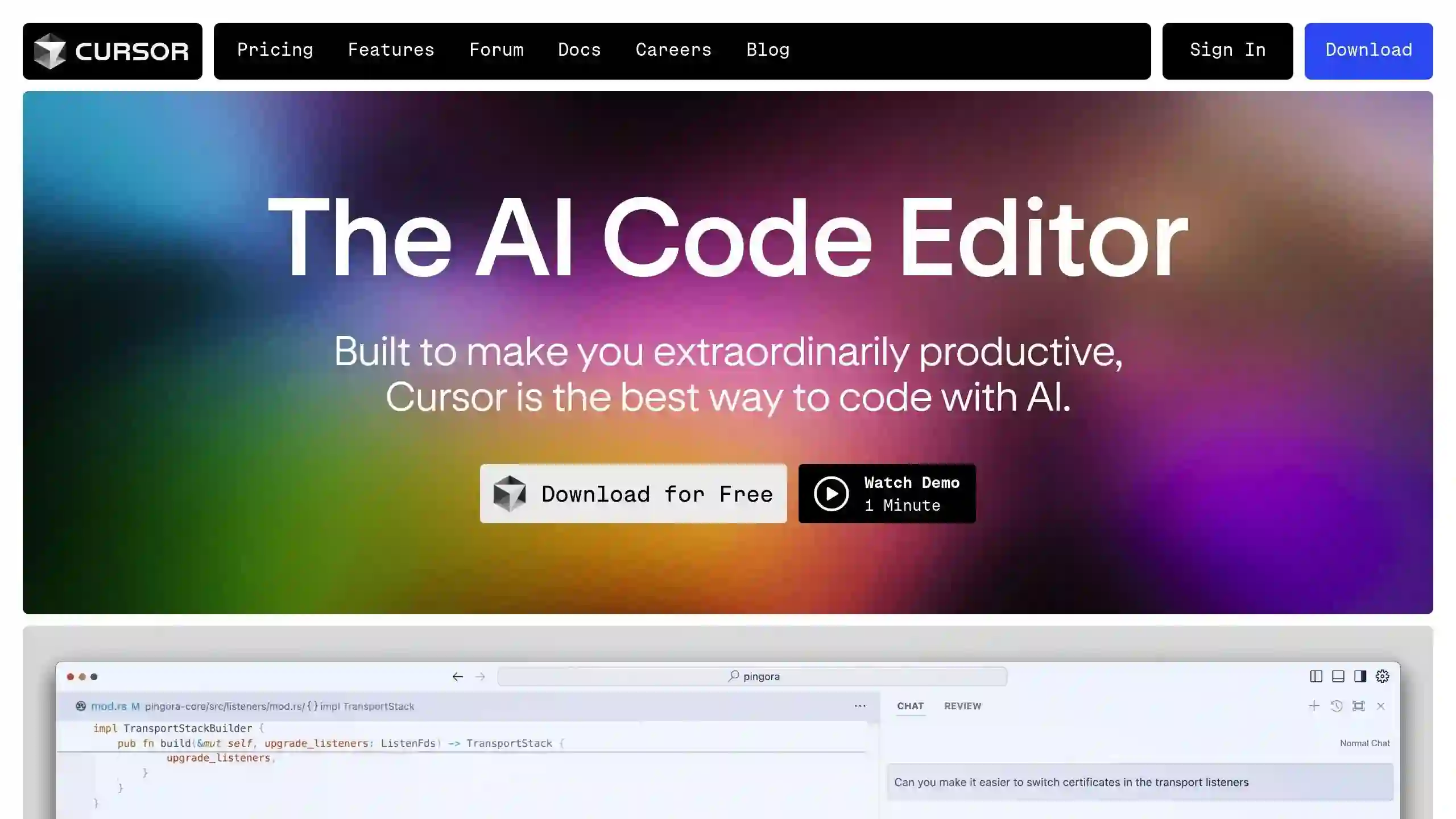
Cursor AI Editor is a powerful, AI-powered code editor designed to enhance the coding experience by integrating advanced artificial intelligence features. Built on a fork of Visual Studio Code, it offers intelligent code completion, predictive editing, and natural language commands, making it a valuable tool for developers of all levels.
Editor's TakeNo review yet
Supermaven is an advanced AI-powered code completion tool designed to enhance developer productivity. It offers fast, high-quality code suggestions, a 1 million token context window, and seamless integration with popular IDEs like VS Code, JetBrains IDEs, and Neovim. Supermaven aims to help developers write code 2x faster and minimize repetitive tasks.
Editor's TakeNo review yet
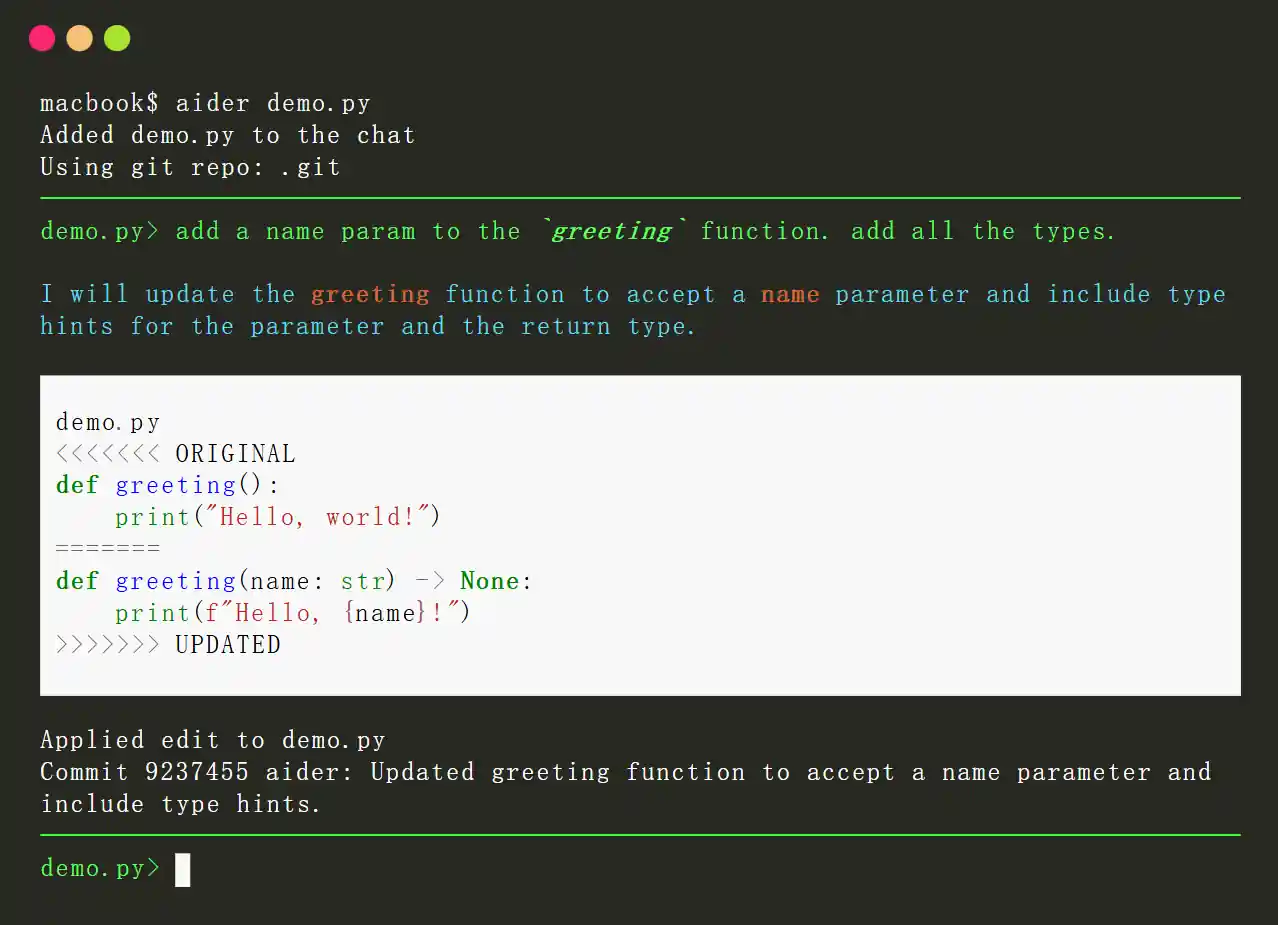
Aider is an open-source AI-powered pair programming tool designed to enhance the coding experience for developers. It integrates with local Git repositories, enabling users to edit, debug, and enhance their code using large language models (LLMs) like GPT-4o and Claude 3.5 Sonnet. Aider streamlines the development process by providing real-time collaboration, context-aware suggestions, and automatic Git integration.
Editor's TakeNo review yet

v0.dev, created by Vercel, is an AI tool generating React code from text prompts and images for UI development.
Editor's TakeNo review yet

Claude is an advanced AI chatbot developed by Anthropic, designed to assist users in various conversational tasks while prioritizing safety and usability. It leverages cutting-edge natural language processing to provide informative, context-aware responses.
Editor's TakeNo review yet
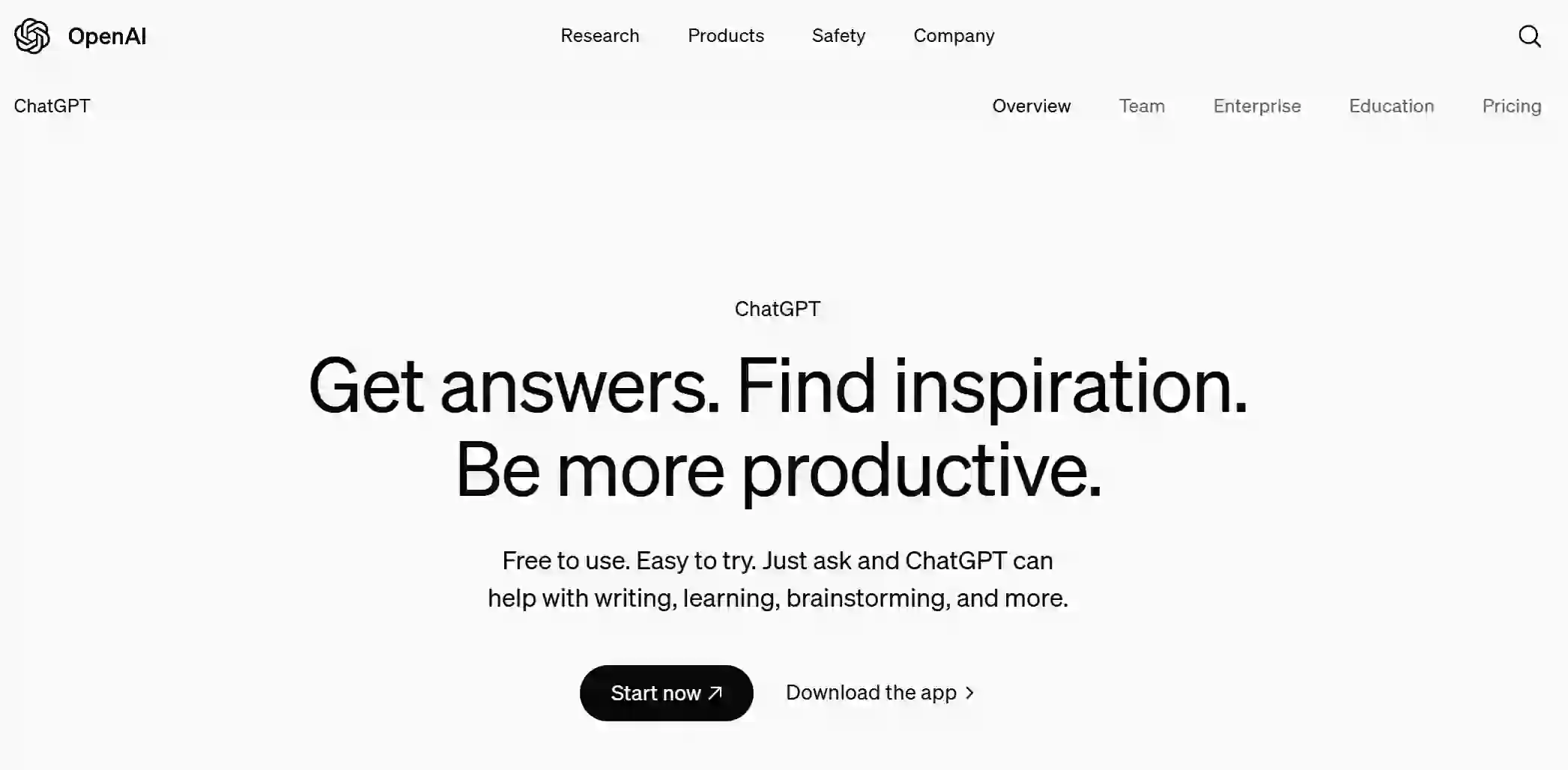
ChatGPT is an AI-powered conversational agent designed to engage users in natural language dialogues. It understands and generates text, assisting users with various tasks, answering questions, or providing entertainment across multiple contexts.
Editor's TakeNo review yet
Find More Tools

ImgUpscaler is an AI-powered online tool that upscales and enhances images in batch, supporting up to 400% enlargement and 16000x16000 resolution without quality loss.
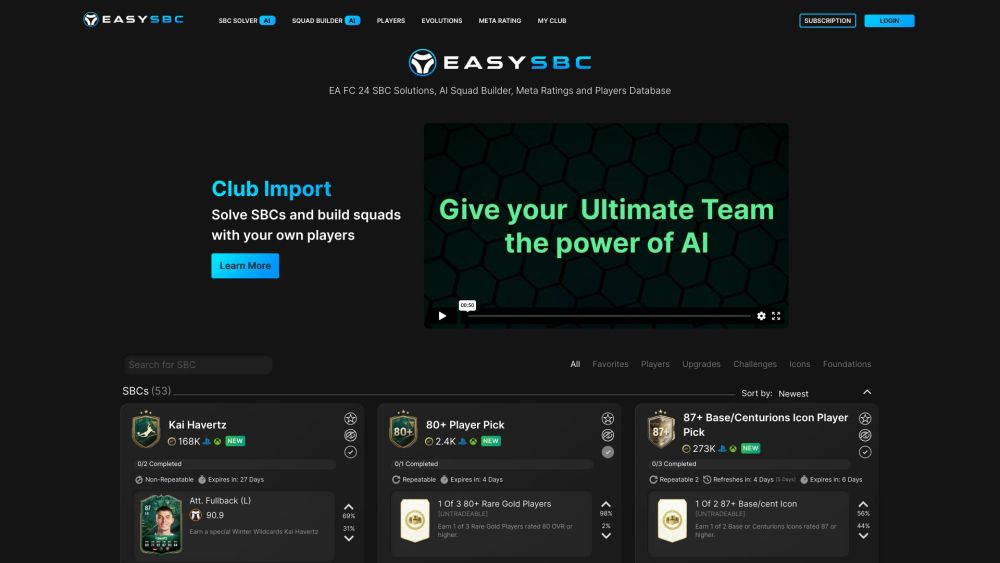
EasySBC is a comprehensive AI-powered platform for FIFA Ultimate Team, providing SBC solutions, squad building tools, meta ratings, and a player database.

Octolens is an AI-powered social listening tool for B2B companies that monitors web and social platforms to send real-time alerts on brand, competitor, or keyword mentions.

NewArc.ai is an AI platform that quickly converts sketches into realistic images and 3D renders, improving creativity and efficiency in many industries.

QuizRise uses AI to help educators and learners easily create interactive quizzes, tests, and assessments from various content types, saving time.
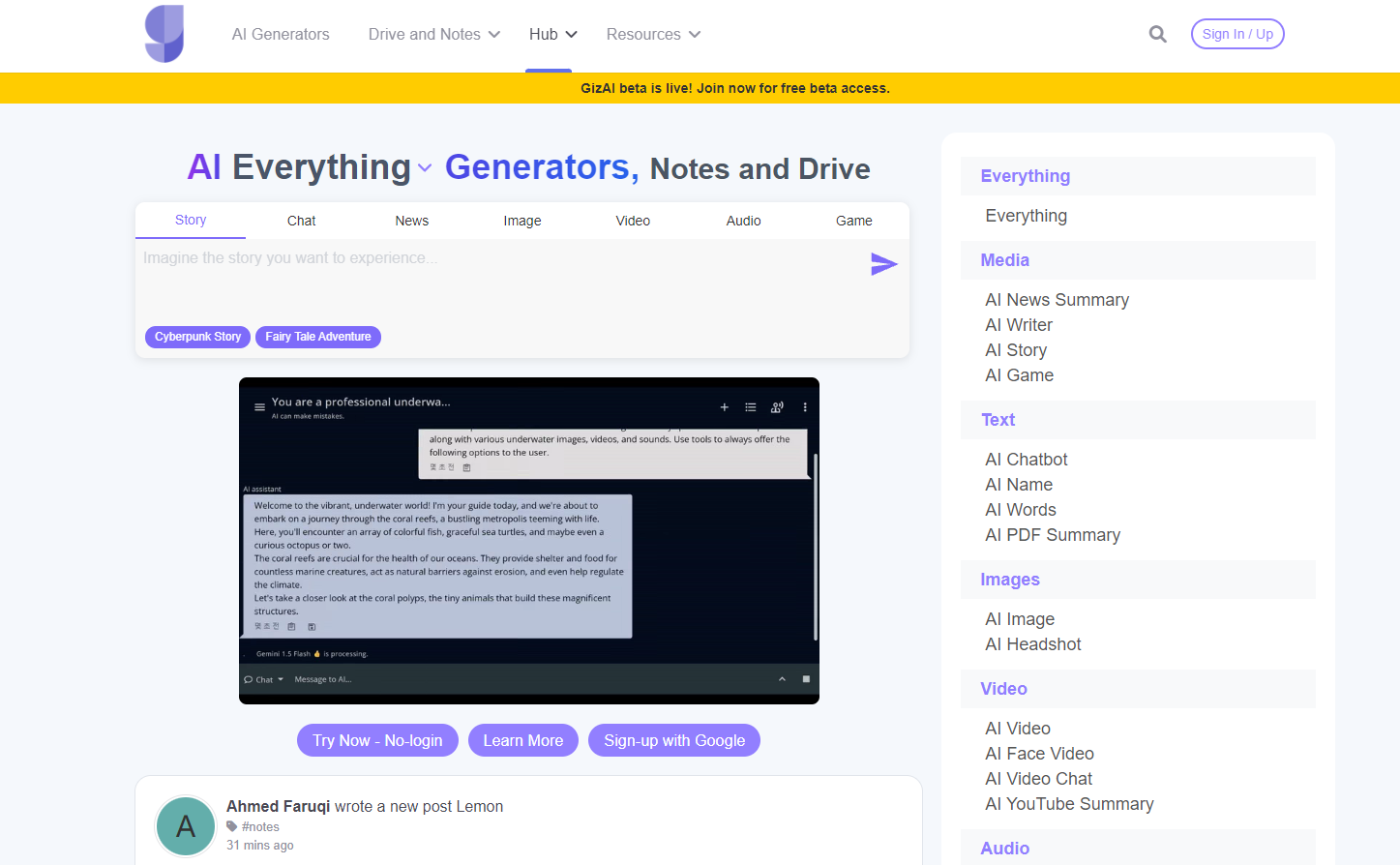
GizAI is an all-in-one AI platform that combines AI generators, chat, drive, and notes, providing advanced features such as image, video, and story creation.