LTX Studio
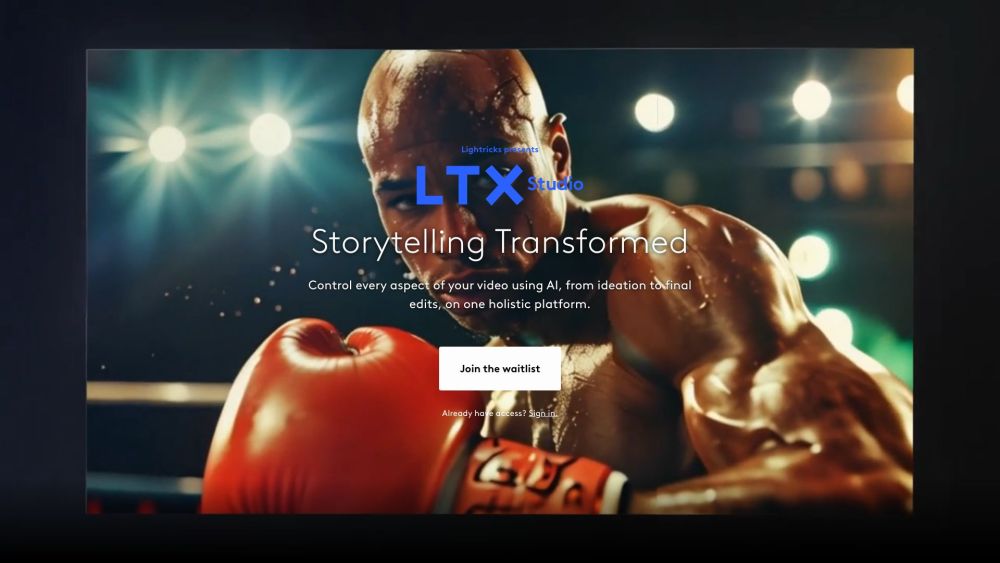
LTX Studio is a powerful AI-powered filmmaking platform that helps you turn ideas into finished videos, offering unparalleled control to creators at every stage of the process.
One translation. Verified by 22 AI models.
Compare leading AI translations, preserve document layouts, and add human verification when accuracy matters.
From idea to 3D model in one browser workspace
Generate from text or images, inspect the result online, then export GLB or OBJ and continue toward an STL workflow.

Create more in one place
Generate images, make videos, edit photos and create audio with shared credits.
Explore MagicShotWhat is LTX Studio
LTX Studio, created by Lightricks, is a groundbreaking web-based platform blending AI and film production. It gives creators, marketers, filmmakers, and studios the means to bring their ideas to life with advanced storytelling tools. From initial concept to final edit, LTX Studio simplifies video creation, making it accessible to both professionals and newcomers. Users can create whole productions from a text prompt, offering a unique way to make videos that balances efficiency and creative control.
Key Features of LTX Studio
LTX Studio, an AI-powered filmmaking platform, changes video production by letting users turn ideas into complete videos with text prompts. It offers comprehensive control over all parts of video production, including scripting, frame control, maintaining character consistency, and automatic editing. The platform uses a mix of open-source models, licensed services, and proprietary technology to make high-quality, customizable videos.
Frame Control: Use specialized AI to precisely direct each scene's camera angles, taking advantage of 3D generative technology for accurate shot composition.
Character Consistency: Cast characters and keep their look and style across different video frames.
AI Storytelling: Use advanced language models to transform simple ideas or full scripts into detailed video productions.
Stylization & Rendering: Use advanced language models to describe and immediately add specific visual styles to every frame.
Automatic Editing: Effortlessly create final video projects with sound effects, music, and voiceovers in a single click, simplifying post-production.
Use Cases of LTX Studio
Marketing and Advertising: Quickly generate marketing videos and commercials for products or services that maintain brand consistency.
Independent Filmmaking: Help indie creators make high-quality short films or music videos on a limited budget.
Educational Content Creation: Create captivating educational videos and animations to explain complex ideas for students and training purposes.
Social Media Content Creation: Help influencers and brands create regular, high-quality video content for different social media sites.
Rapid Prototyping: Allow filmmakers and studios to visualize and improve on story concepts quickly before moving into full production.
LTX Studio Pros and Cons
Pros
- Comprehensive, all-in-one video creation platform
- Accessible to both beginners and professionals
- Quickly generates high-quality, customizable video content
- Offers fine-grained control over individual elements in video production
Cons
- Potential for job displacement within the film industry
- Limited collaboration features initially
- The possibility of less unique creative expression due to AI-generated content
- Relies on a web-based platform; currently limited to desktop use
LTX Studio FAQs
What is LTX Studio?
LTX Studio is an AI-powered filmmaking platform that simplifies video production from scripting to final edits. It allows creators to easily create AI-generated videos and makes professional video-making tools available to anyone.
What are some of LTX Studio's key features?
Key features include AI storytelling, frame control, character consistency, and automatic editing. Users can create whole video productions from text prompts, adjust camera angles, keep character appearances consistent across scenes, and add sound effects, music, and voiceovers.
Who is LTX Studio for?
LTX Studio is for many types of users: creators, marketers, filmmakers, and studios. It is designed to be professional but also easy for anyone to use.
What platforms is LTX Studio compatible with?
LTX Studio is a web-based platform made for desktop computers.
Are there any copyright problems when using LTX Studio outputs?
LTX Studio's Terms of Use prevent copyright infringement. The usage rights of outputs vary according to the user's subscription, and the projects should not infringe on any other person's intellectual property rights.
Can I add my own AI models to LTX Studio?
Adding custom AI models isn't possible at the moment, but it is something they plan for in the future. Check the Discord channel for updates about upcoming features.
Interested in this product?
Take a look at their websiteUpdated 2026-10-05
LTX Studio Alternatives
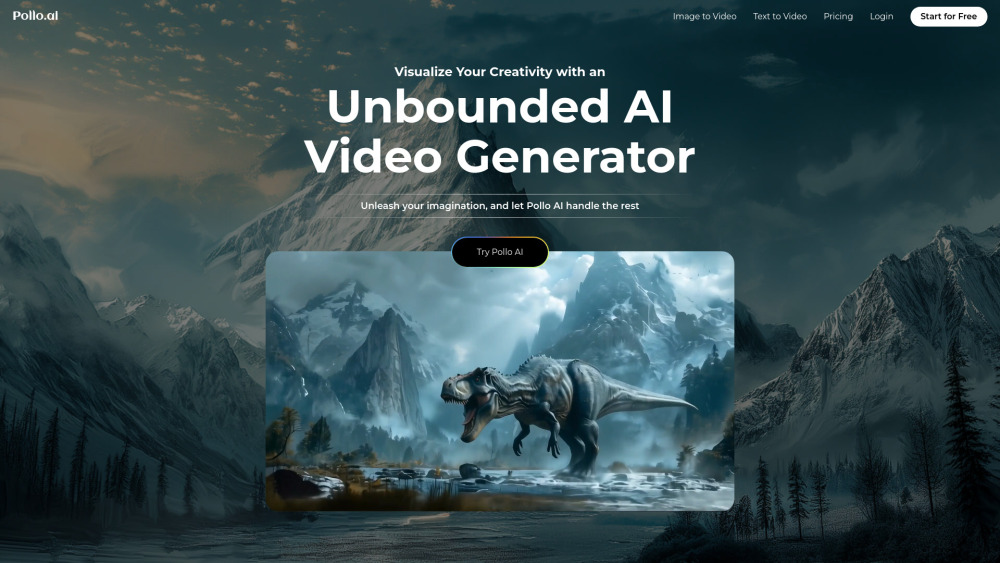
Pollo AI is an advanced AI-powered video generator that transforms text prompts, images, and concepts into high-quality, customizable videos.
Editor's TakeNo review yet
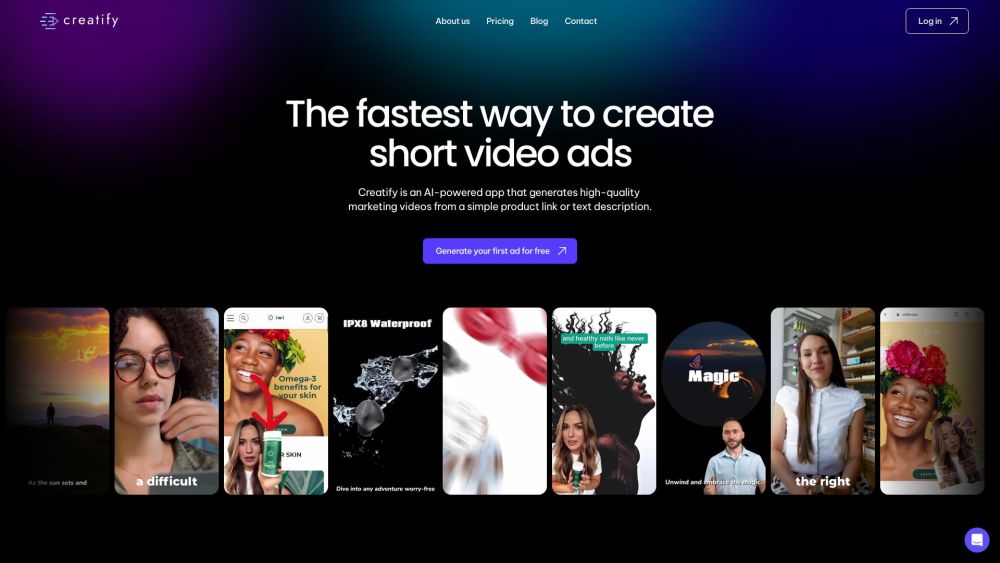
Creatify is an AI platform that creates high-quality marketing videos from product URLs or descriptions, simplifying the production of engaging video ads.
Editor's TakeNo review yet
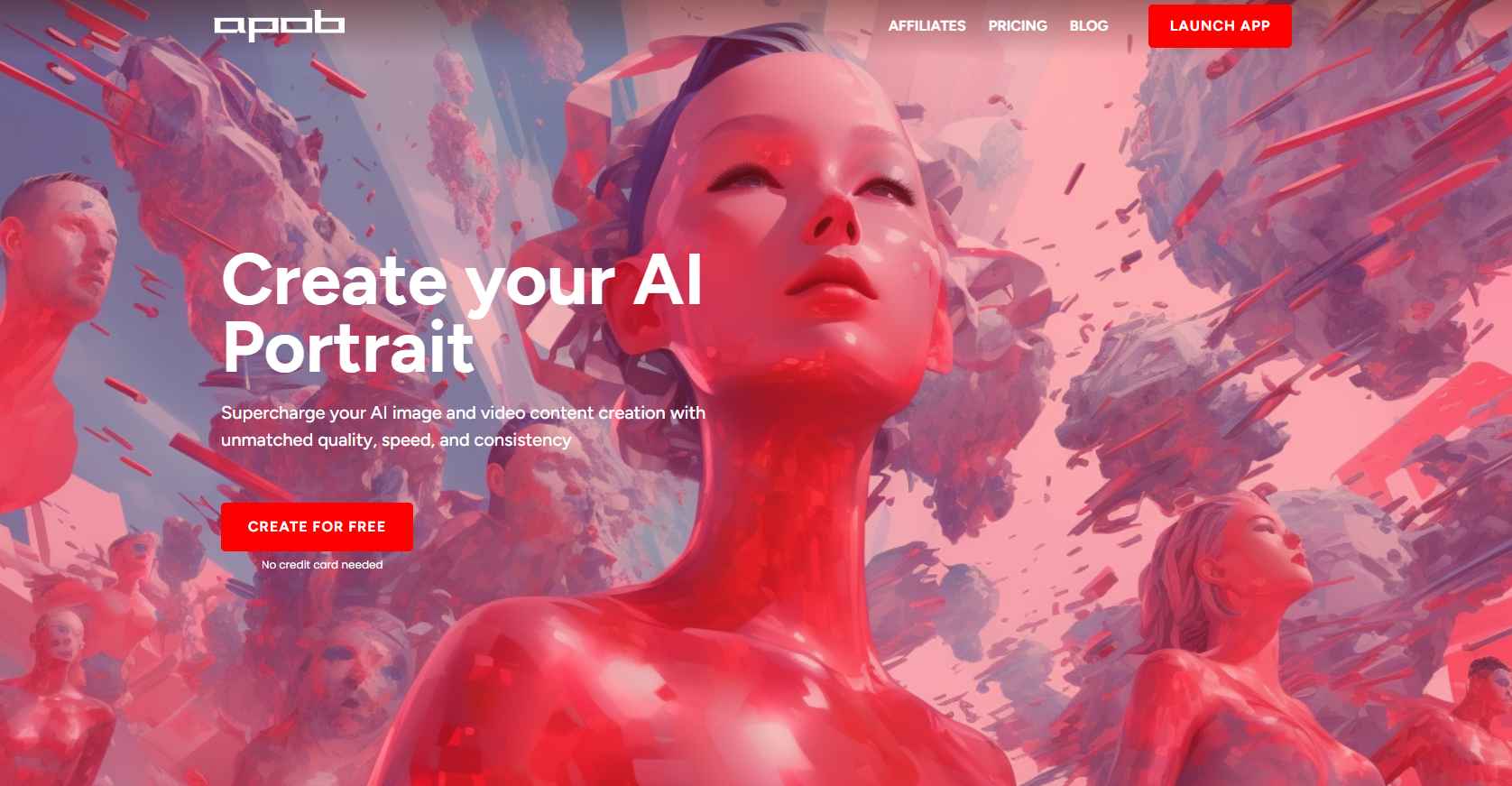
APOB is an AI platform that uses user photos or text descriptions to create personalized AI portraits, images, and videos.
Editor's TakeNo review yet
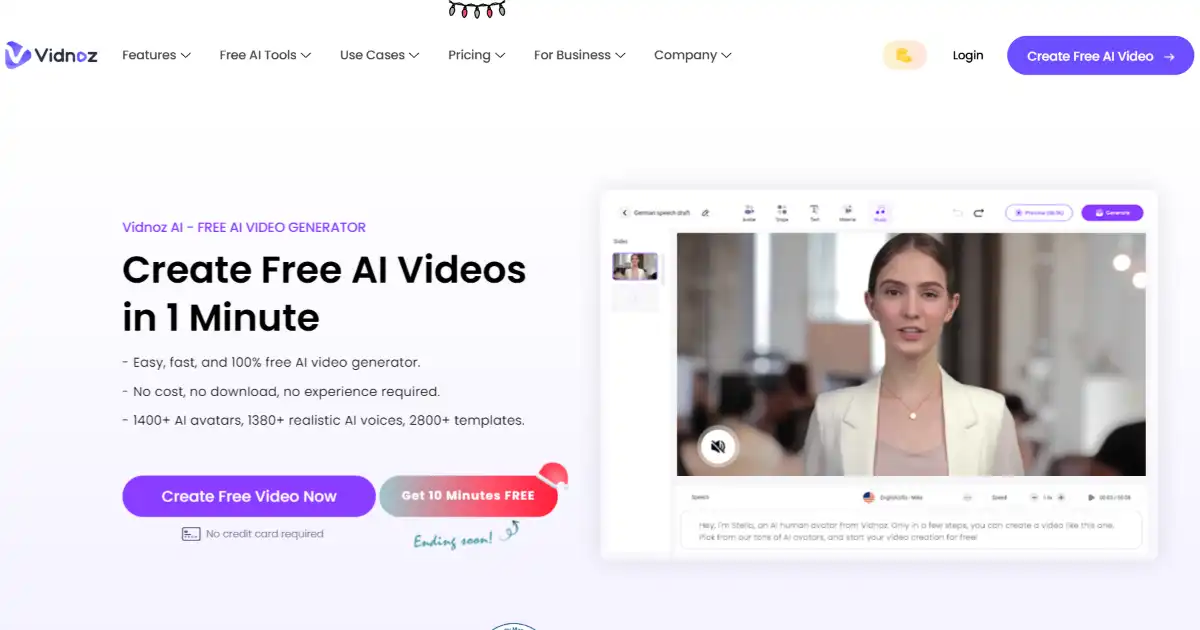
Vidnoz is an AI-powered video creation platform for quickly generating professional-quality videos. It uses lifelike avatars, natural voices, and customizable templates.
Editor's TakeNo review yet
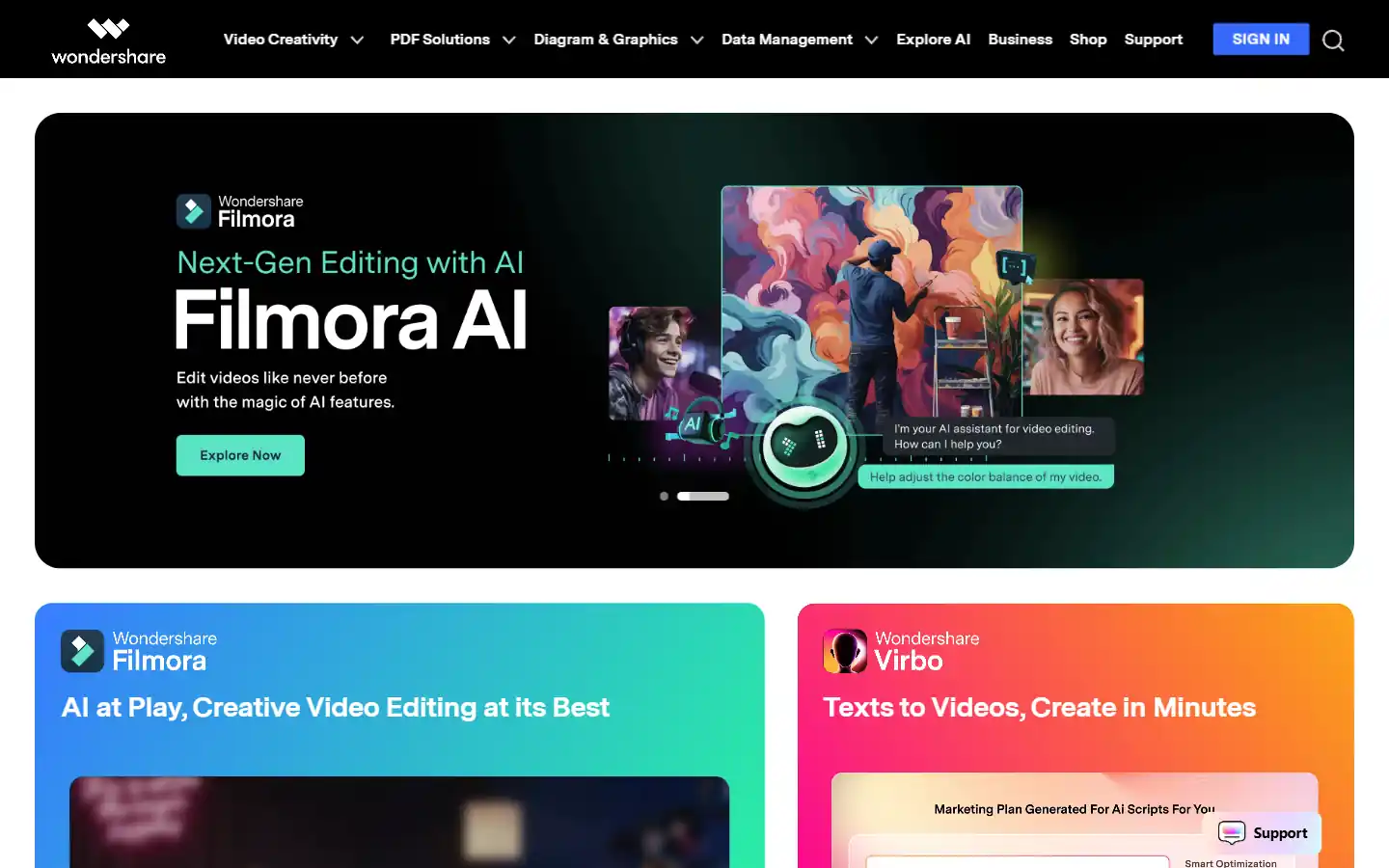
Wondershare.net offers a comprehensive suite of AI-powered tools designed to enhance creativity and productivity across various content formats. From video editing and image generation to audio manipulation and text-to-speech functionalities, Wondershare empowers individuals and businesses to create professional-grade content with ease. Whether you're a content creator, marketer, educator, or simply looking to explore new creative possibilities, Wondershare's AI tools provide the resources you need to elevate your projects to the next level.
Editor's TakeNo review yet
Wava.ai is an AI-powered video creation platform that helps users generate engaging, faceless viral content for social media platforms like TikTok and Instagram in seconds.
Editor's TakeNo review yet
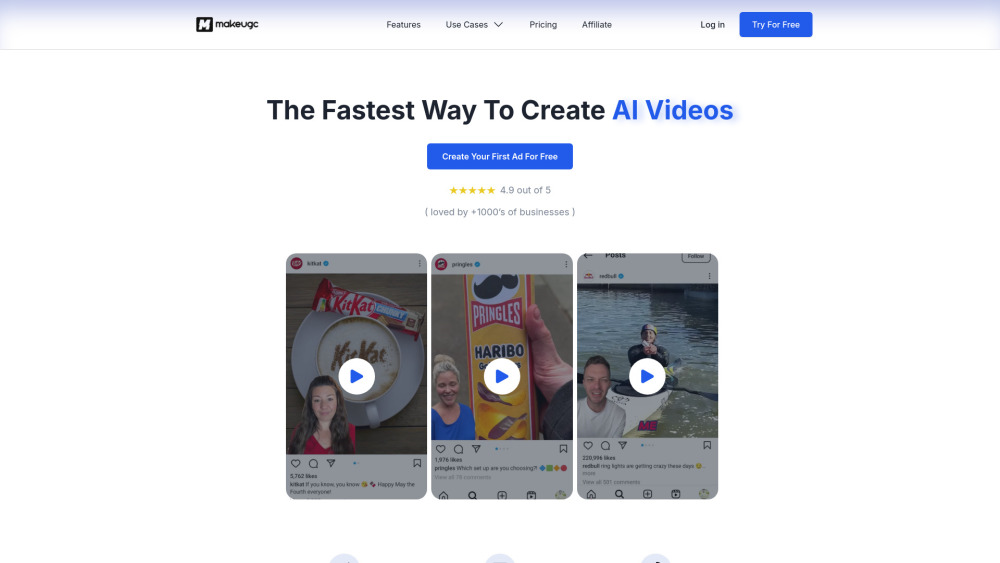
MakeUGC is an AI platform that helps businesses create high-quality user-generated content (UGC) videos for marketing.
Editor's TakeNo review yet
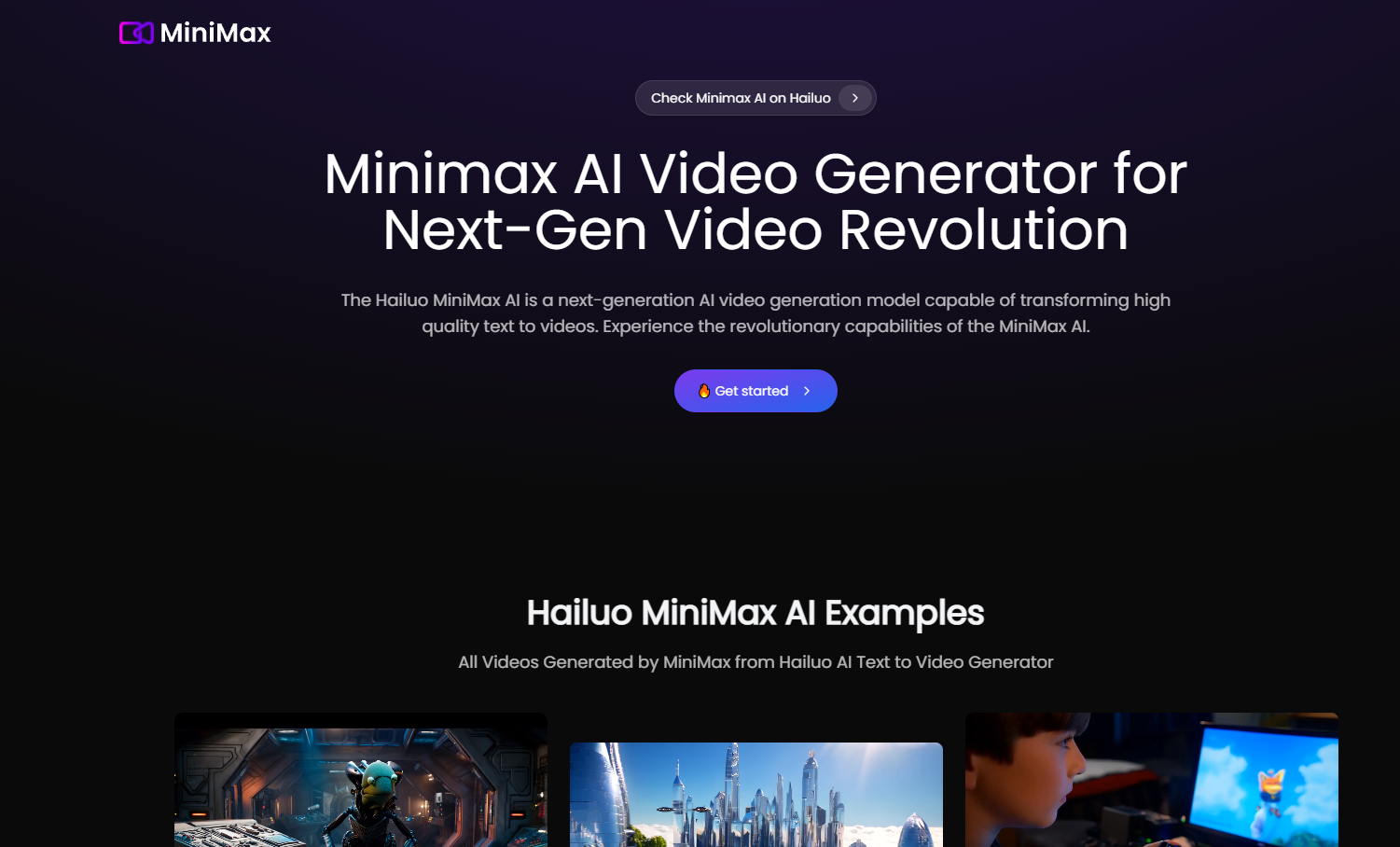
Minimax AI is an advanced AI platform that generates high-quality videos from text and enhances photos with innovative AI effects.
Editor's TakeNo review yet
Find More Tools
Creatify is an AI platform that creates high-quality marketing videos from product URLs or descriptions, simplifying the production of engaging video ads.
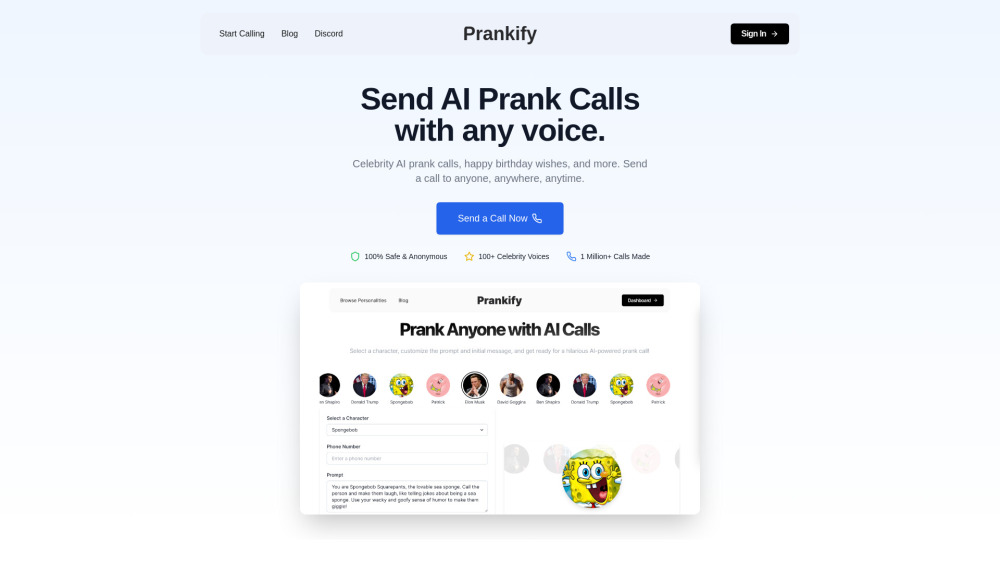
Prankify AI uses AI to generate funny and believable prank calls with celebrity voices and AI-driven conversations.
Brainrot Translator is an AI tool that converts any text, image, or audio into a unique TikTok-style 'skibidi' format.
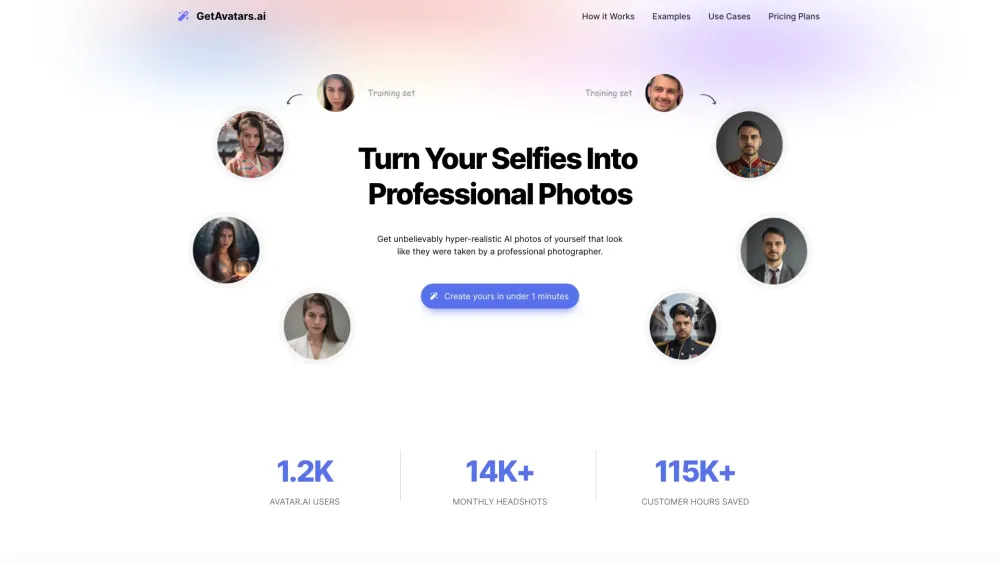
GetAvatars.ai uses AI to turn selfies into pro-quality headshots in only a minute.
Dippy AI(formerly Unhinged AI) is an interactive platform for chatting with AI characters in various scenarios and storylines, without content filters.
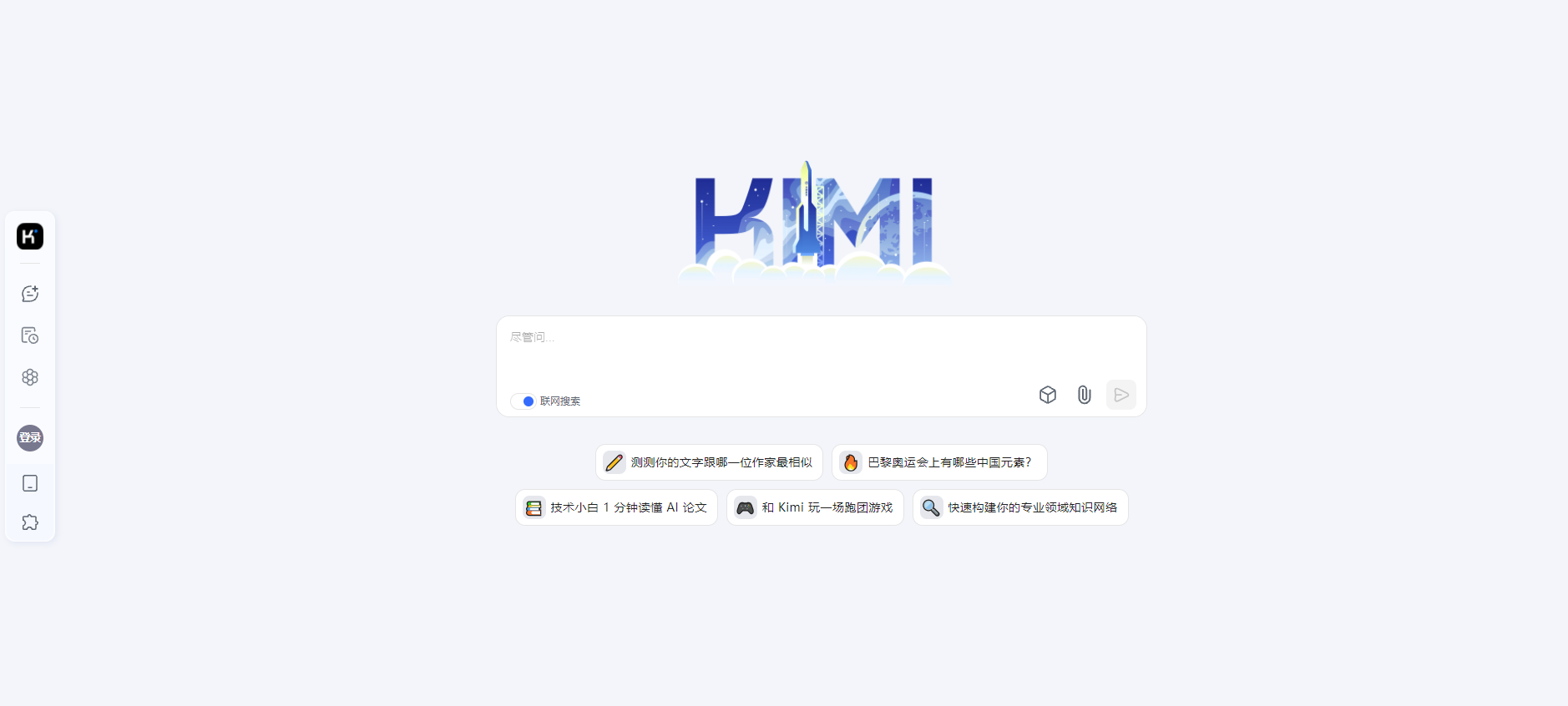
Kimi Chat, by Moonshot AI, is an AI assistant supporting ultra-long context processing (up to 2 million Chinese characters), web browsing, and multi-platform synchronization.