MagicShot: AI Image, Video & Audio Generator

MagicShot combines AI image and video generation, virtual photoshoots, photo editing and audio tools in one creative studio with a shared credit balance.
One translation. Verified by 22 AI models.
Compare leading AI translations, preserve document layouts, and add human verification when accuracy matters.
From idea to 3D model in one browser workspace
Generate from text or images, inspect the result online, then export GLB or OBJ and continue toward an STL workflow.
Create more in one place
Generate images, make videos, edit photos and create audio with shared credits.
Explore MagicShotWhat is MagicShot?
MagicShot is an AI creative studio for marketers, ecommerce sellers, founders and content creators. It combines image generation, video generation, virtual photoshoots, photo editing and audio in one account. The official site advertises 85+ tools and 500+ models; its public model directory highlights part of that catalog. Credits are shared across tools, so users can work on several kinds of creative assets within one subscription.
MagicShot features
Generate and edit visual and audio assets in a shared workspace.
AI images: create artwork, product photos, logos, stickers, flyers and YouTube thumbnails from prompts.
AI video: turn text or images into clips, create UGC-style ads, apply effects and upscale videos.
Virtual photoshoots: create professional headshots, avatars, fashion imagery and themed portraits from uploaded photos.
Photo editing: remove backgrounds and objects, upscale images, restore old photos and add color.
Audio tools: generate music, turn text into speech, create video sound effects and transcribe recordings.
Model access: use model families such as Seedance, Veo, Kling, FLUX, Seedream and GPT Image within the same credit system.
MagicShot use cases
Ecommerce sellers can place products in new scenes and prepare listing visuals.
Marketing teams can produce UGC-style video ads and social campaign assets.
Founders and professionals can create headshots without arranging a studio session.
Creators can make thumbnails, cover art, short video effects, narration and music.
MagicShot pros and cons
Pros
- One account and credit balance cover several creative tasks.
- Image, video, editing and audio tools support a broad range of content workflows.
- Browser access and a native iOS app offer desktop and mobile options.
Cons
- Paid plans have monthly credit allowances, so usage needs to fit the selected plan.
- Generated images, video and audio can need prompt refinement and manual review before publication.
How to use MagicShot
- 1
Open MagicShot in a browser or use its iOS app, then sign in.
- 2
Choose an image, video, photoshoot, editing or audio tool for the task.
- 3
Enter a prompt or upload a supported reference, then adjust the available model and output settings.
- 4
Generate the asset, review the result and refine the inputs if necessary before downloading.
MagicShot FAQ
What can MagicShot generate?
MagicShot provides tools for images, videos, virtual portraits and audio, alongside photo editing and enhancement.
How much does MagicShot cost?
The official monthly plans are Essential at $9 for 8,000 credits, Premium at $19 for 19,000 credits, and Premium+ at $35 for 40,000 credits. Annual billing and introductory offers may change; check the current pricing page.
Do the tools share credits?
Yes. MagicShot uses one credit balance across its tools and models rather than separate subscriptions for each model.
Does MagicShot work on mobile?
MagicShot runs in a web browser and also offers a native app for iPhone and iPad. Features and interfaces may differ between platforms.
Can MagicShot make product photos and video ads?
Its product photography and UGC-style video tools support those workflows. Review the generated assets for product accuracy and suitability before using them in a campaign.
Interested in this product?
Take a look at their websiteUpdated 2026-10-05
Find More Tools

Vidnoz is an AI-powered video creation platform for quickly generating professional-quality videos. It uses lifelike avatars, natural voices, and customizable templates.
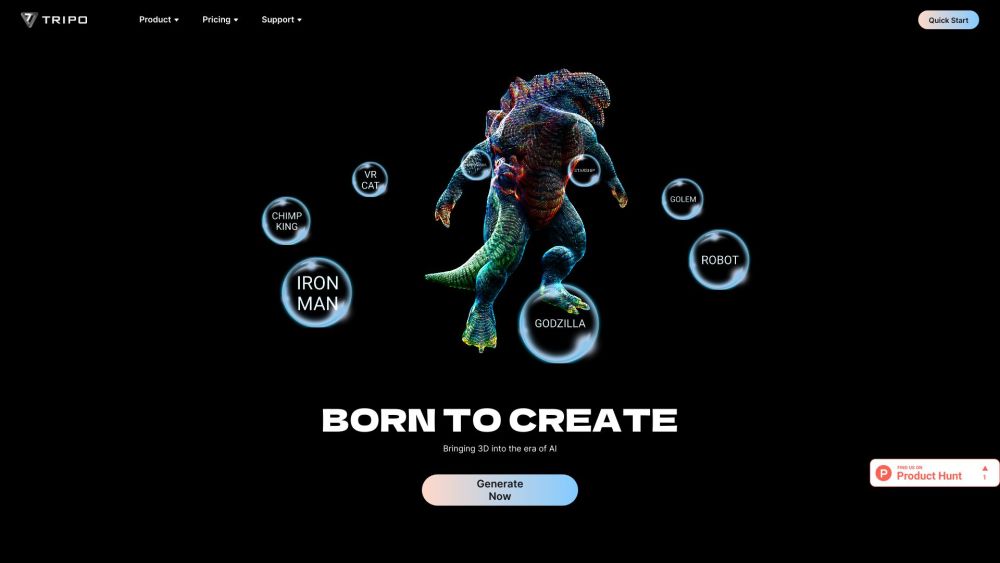
Tripo 3D is an AI platform that rapidly generates high-quality, ready-to-use 3D models from text or images in seconds.
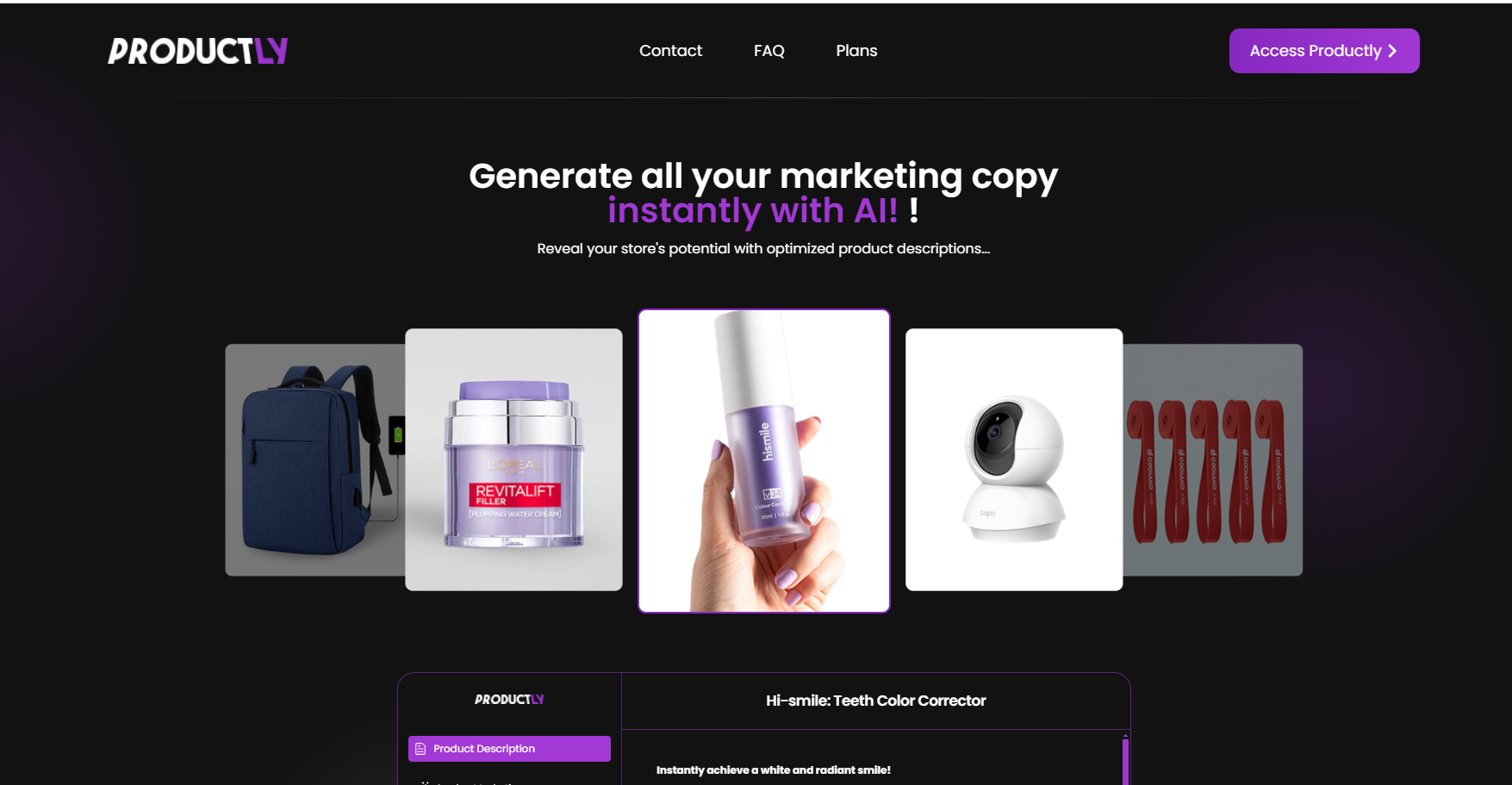
Productly is an AI-powered tool that instantly generates optimized marketing copy and content for e-commerce stores, including product descriptions, emails, ad copies, and more.

OpenRouter offers a unified API to access and compare multiple large language models (LLMs).
Wordware's Twitter Personality is an AI agent that analyzes your tweets to uncover unique personality traits, strengths, weaknesses, and even playfully teases you.
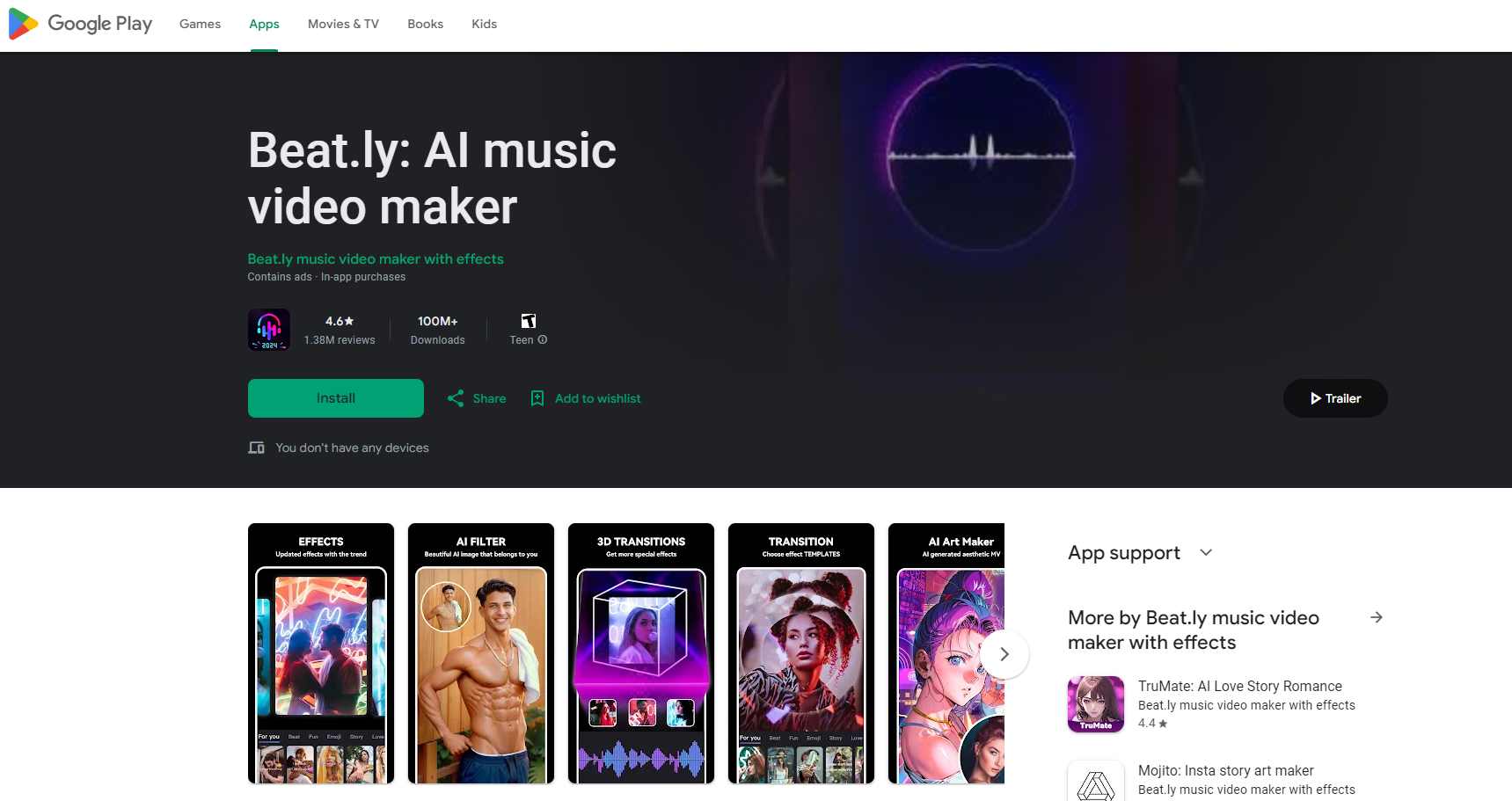
Beat.ly is a free AI-powered app for creating music videos and slideshows. It offers trendy templates, effects, and popular music.