Microsoft Copilot
Microsoft Copilot is an AI-driven productivity tool integrated into Microsoft 365 applications, designed to enhance user efficiency and creativity. It assists users by generating content, summarizing information, and providing intelligent suggestions within familiar software environments.
One translation. Verified by 22 AI models.
Compare leading AI translations, preserve document layouts, and add human verification when accuracy matters.
From idea to 3D model in one browser workspace
Generate from text or images, inspect the result online, then export GLB or OBJ and continue toward an STL workflow.

Create more in one place
Generate images, make videos, edit photos and create audio with shared credits.
Explore MagicShotWhat is Microsoft Copilot?
Microsoft Copilot is an advanced AI assistant that operates within Microsoft 365 applications like Word, Excel, and PowerPoint. By utilizing natural language processing and machine learning, Copilot can interpret user commands and perform tasks that streamline workflows. It helps users draft documents, analyze data, create presentations, and more, all while learning from user interactions to improve its effectiveness. This integration allows users to leverage the power of AI without needing extensive technical knowledge, making everyday tasks more manageable and efficient.
Microsoft Copilot Key Features
Microsoft Copilot offers a suite of AI-powered features designed to boost productivity. These include automated content generation, insightful data analysis, design suggestions for presentations, task automation, smart summarization, and contextual assistance, all working together to streamline workflows.
Content Generation: Automatically drafts text and generates ideas based on user prompts.
Data Insights: Analyzes data sets and creates visualizations to support decision-making.
Design Suggestions: Provides layout and design recommendations for presentations.
Task Automation: Automates repetitive tasks, freeing up time for more important work.
Smart Summarization: Summarizes long documents or emails for quick understanding.
Contextual Assistance: Offers relevant tips and suggestions based on the task at hand.
Microsoft Copilot Use Cases
Drafting reports
Analyzing business data
Preparing presentations
Summarizing emails
Creating content for blogs or articles
Organizing project timelines
Enhancing teamwork through collaborative tools
Developing marketing strategies
Generating meeting agendas
Conducting research efficiently
Microsoft Copilot Pros and Cons
Pros
- Increased efficiency and productivity
- Automation of repetitive tasks
- Improved content creation
- Data-driven insights
- Streamlined workflows
- Time savings
Cons
- Reliance on Microsoft 365 ecosystem
- Cost associated with Microsoft 365 subscription
- Potential for inaccuracies in AI-generated content
- Privacy concerns regarding data processing
- Learning curve for optimal use
Microsoft Copilot FAQs
What applications support Microsoft Copilot?
Copilot is integrated into various Microsoft 365 applications, including Word, Excel, PowerPoint, Outlook, and Teams.
How does Copilot improve productivity?
By automating tasks, providing intelligent suggestions, and generating content, Copilot saves users time and enhances their workflow.
Is Microsoft Copilot available for personal use?
Copilot is primarily designed for business and educational environments as part of Microsoft 365 subscriptions.
Can I customize Copilot’s suggestions?
Yes, Copilot learns from user interactions, allowing it to provide more personalized and relevant suggestions over time.
What kind of data does Copilot use?
Copilot processes data from your documents, emails, and spreadsheets while adhering to Microsoft’s privacy and security policies.
Interested in this product?
Take a look at their websiteUpdated 2026-09-06
Microsoft Copilot Alternatives
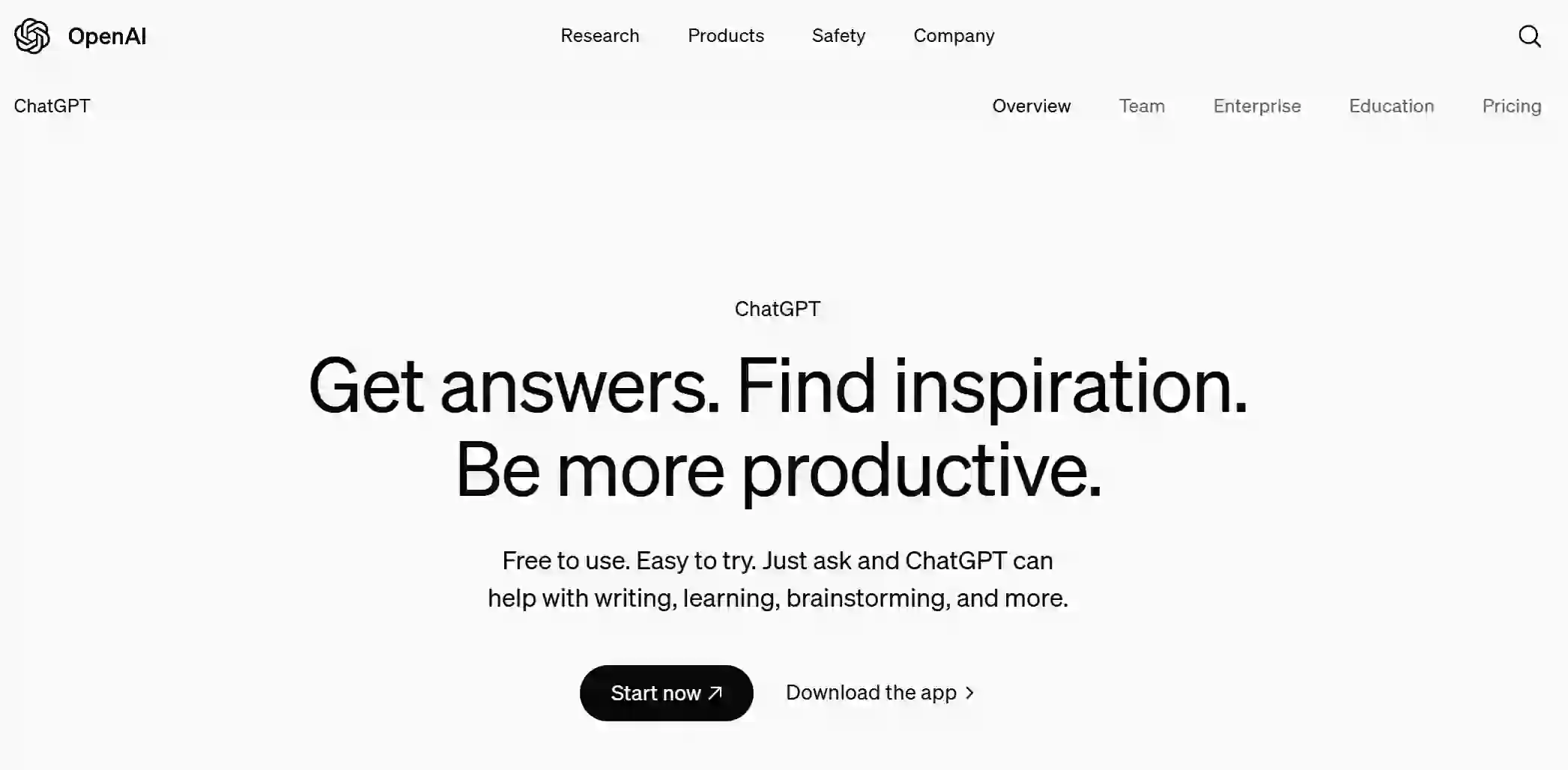
ChatGPT is an AI-powered conversational agent designed to engage users in natural language dialogues. It understands and generates text, assisting users with various tasks, answering questions, or providing entertainment across multiple contexts.
Editor's TakeNo review yet

Google Gemini is an advanced AI model designed to enhance various applications by integrating natural language processing and image understanding capabilities. It aims to improve user interactions across Google's platforms, providing more intuitive and context-aware responses.
Editor's TakeNo review yet

Claude is an advanced AI chatbot developed by Anthropic, designed to assist users in various conversational tasks while prioritizing safety and usability. It leverages cutting-edge natural language processing to provide informative, context-aware responses.
Editor's TakeNo review yet
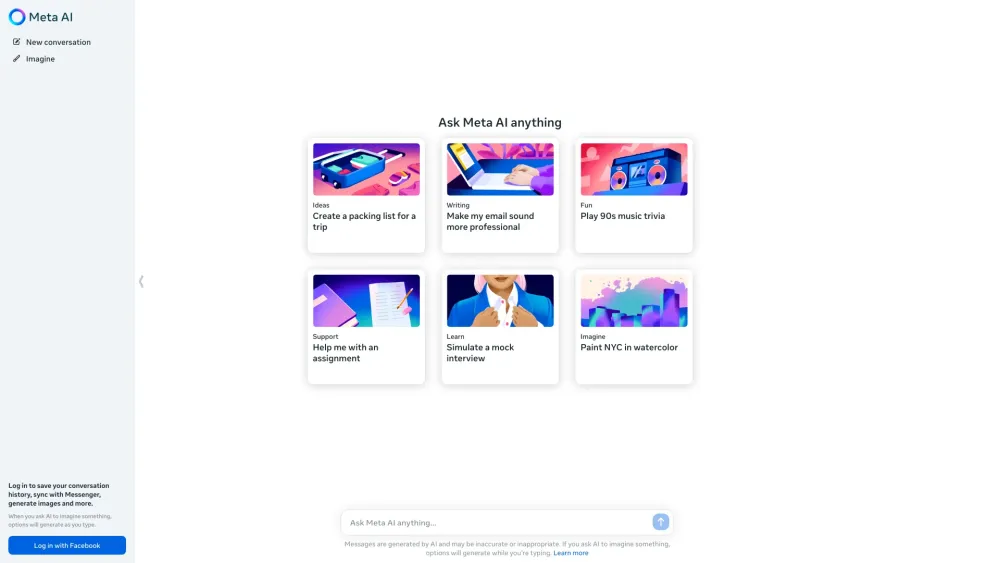
Meta AI is an advanced AI assistant from Meta, enabling conversations, answering questions, generating images, and performing various tasks across its platforms.
Editor's TakeNo review yet
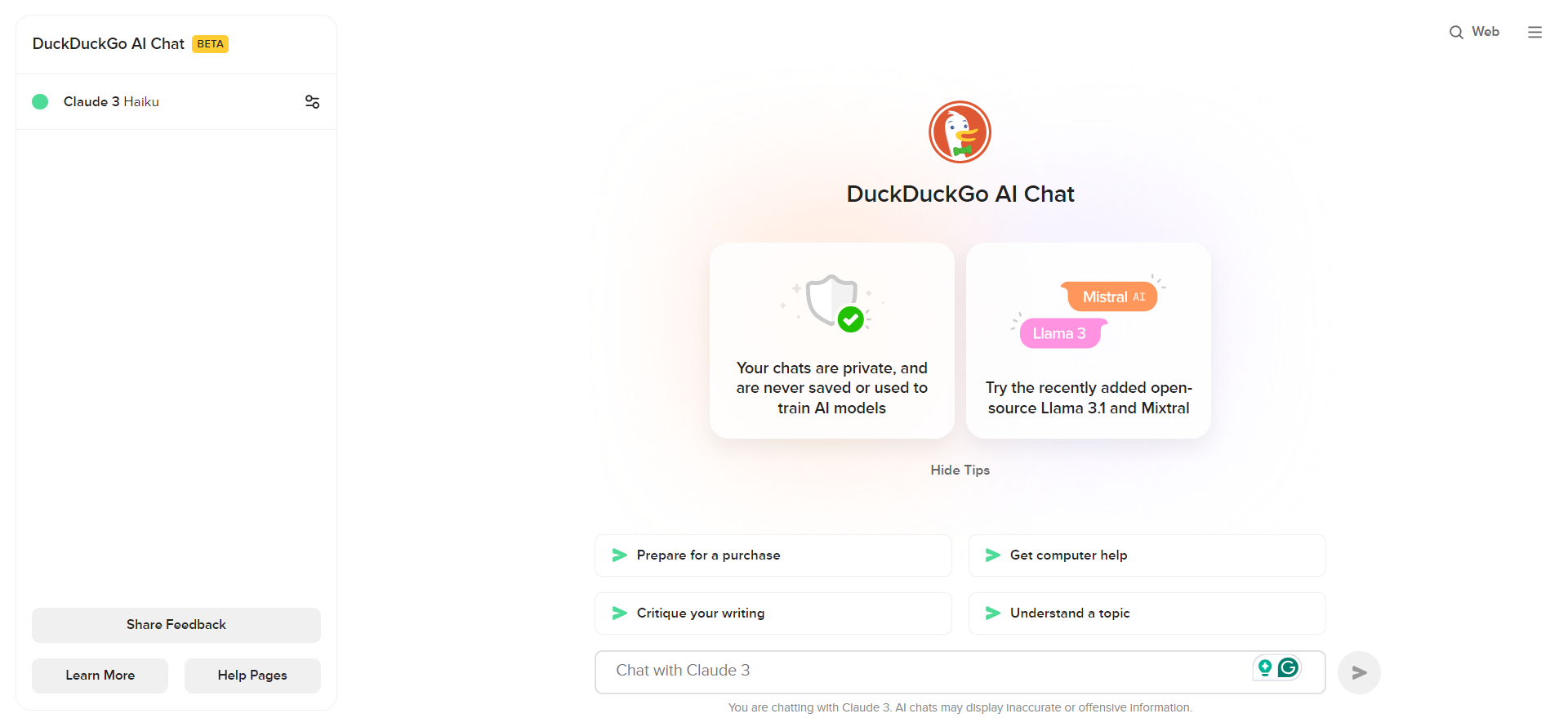
Access popular AI chatbots like GPT-3.5, Claude, and others anonymously and for free, while maintaining your privacy, through DuckDuckGo AI Chat.
Editor's TakeNo review yet

Nous Chat, a chatbot interface powered by Hermes 3, gives access to Nous Research's advanced language models. It provides enhanced conversations without censorship restrictions.
Editor's TakeNo review yet
Find More Tools

Fooocus is an AI image generation tool using Stable Diffusion to easily create stunning visuals.
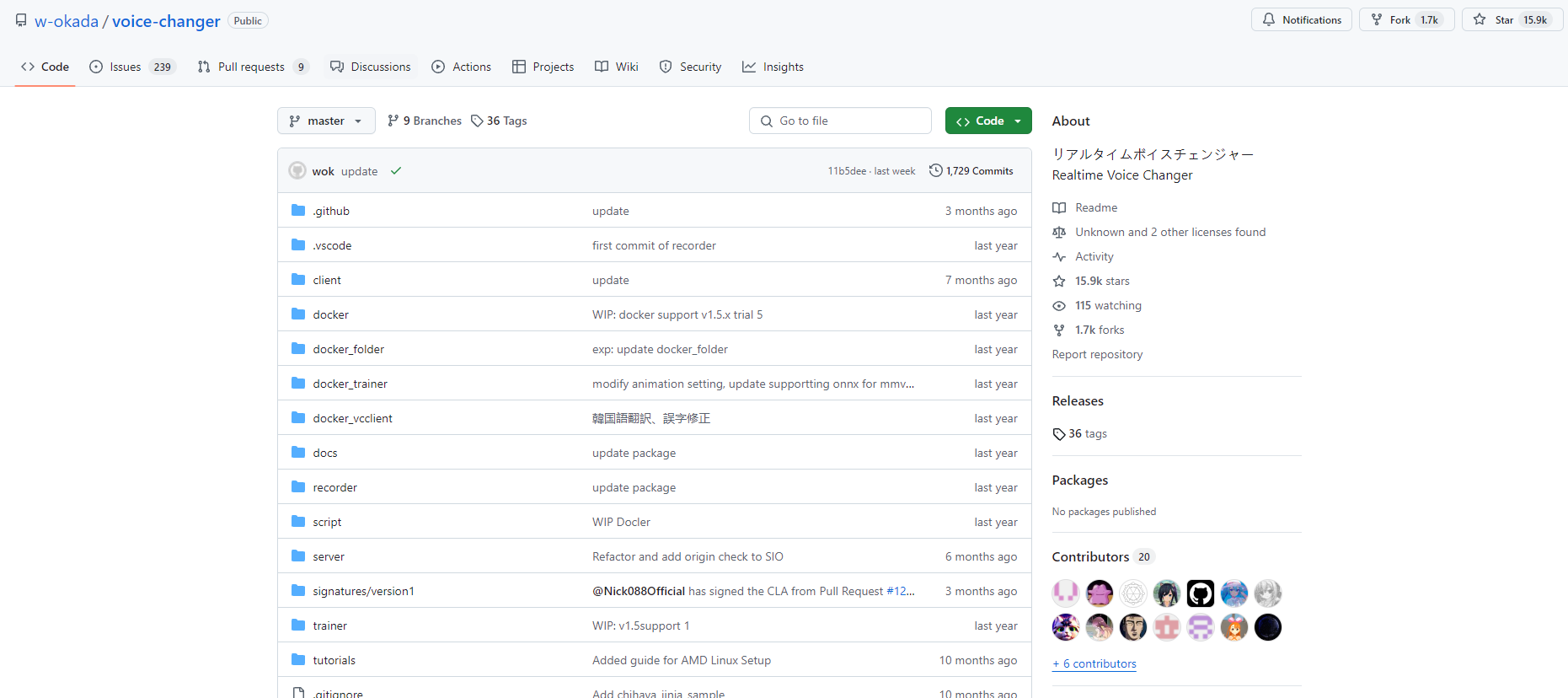
W-Okada Voice Changer is an open-source real-time voice conversion software using AI to transform voices with high quality and low latency.
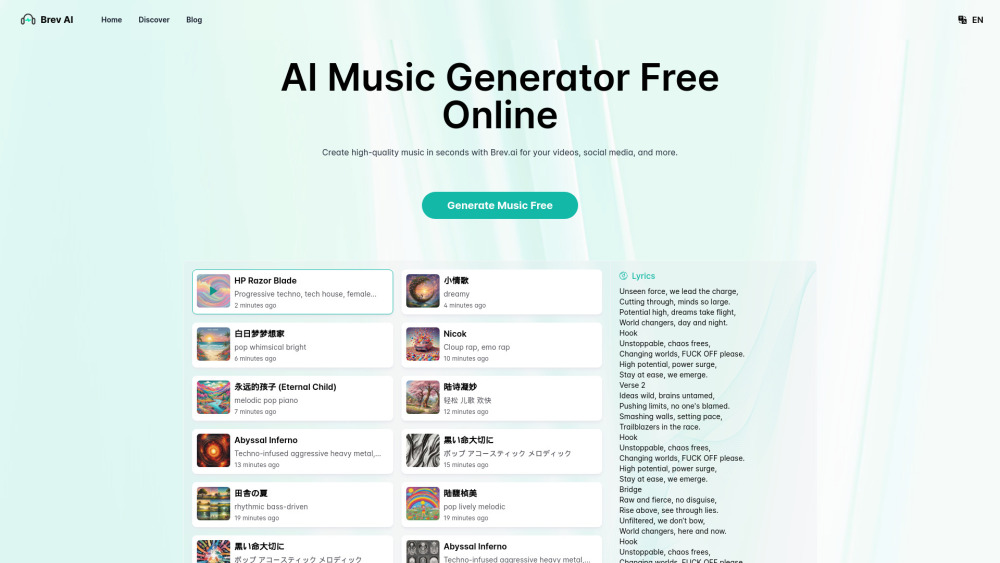
Brev.ai is a free online AI music generator that uses Suno V3.5 technology to create high-quality original music from text descriptions.
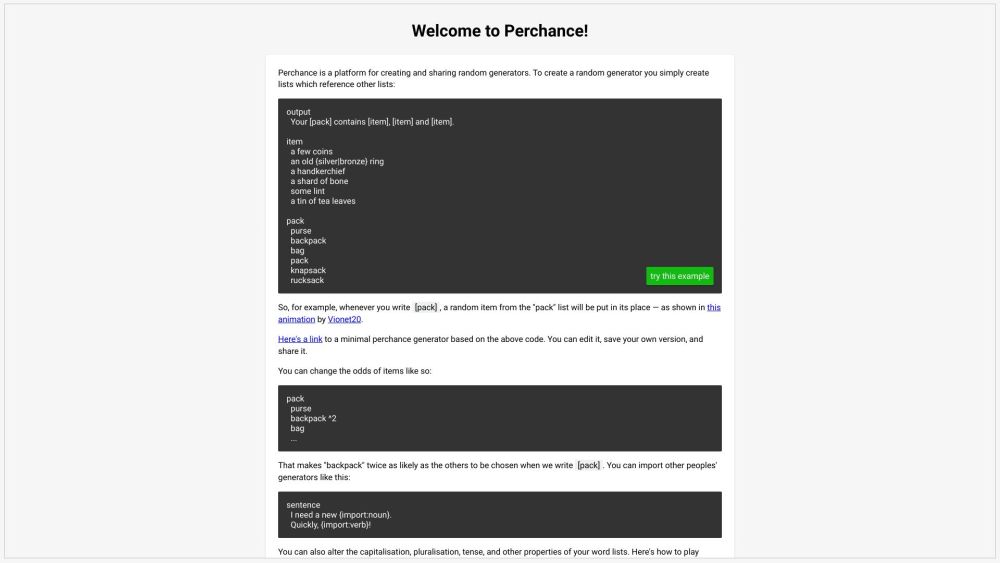
Perchance AI is a free online platform utilizing artificial intelligence to produce creative content such as images, stories, characters, and more using simple text prompts.

Wava.ai is an AI-powered video creation platform that helps users generate engaging, faceless viral content for social media platforms like TikTok and Instagram in seconds.
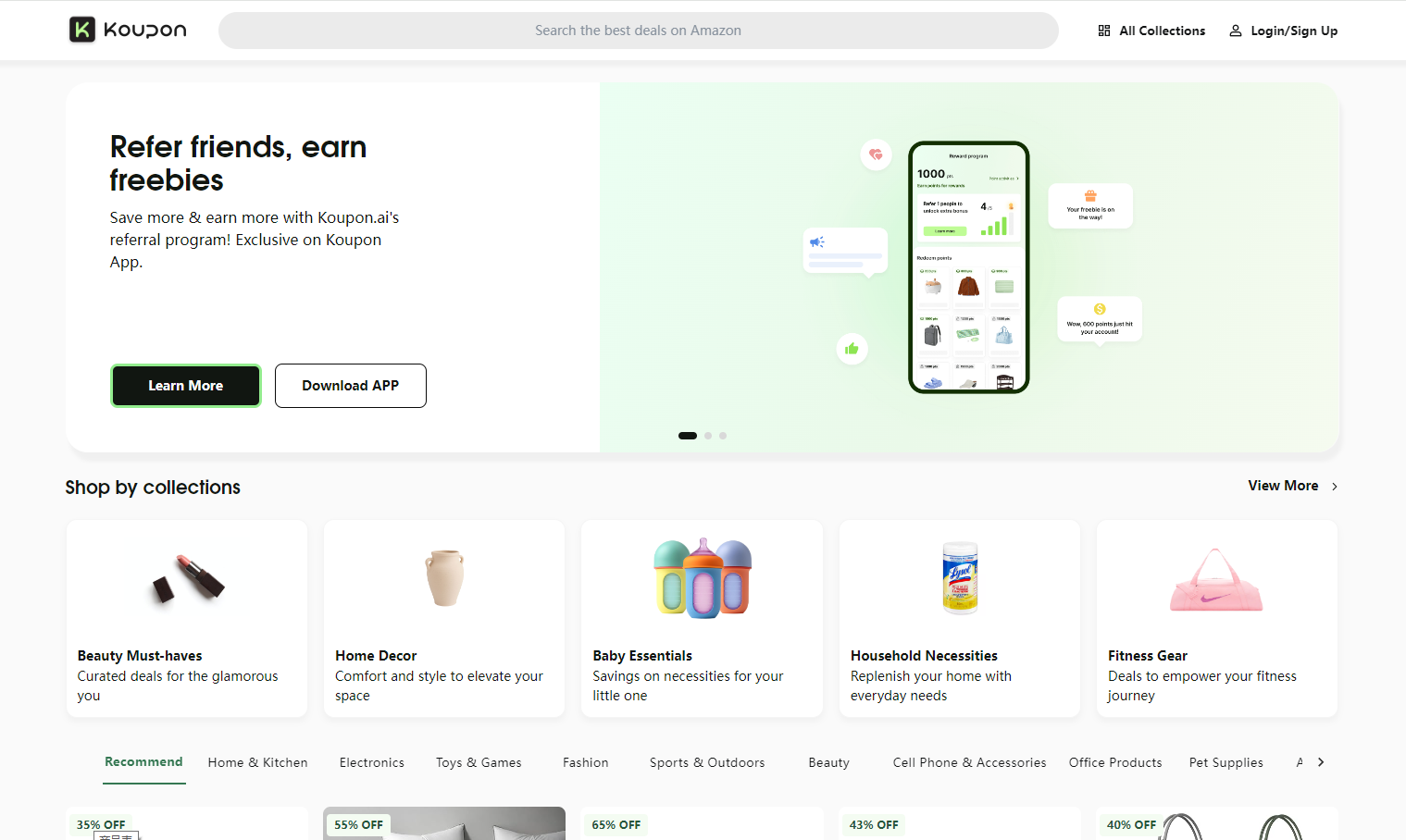
Koupon.ai is an AI-powered platform offering 20-80% savings on many Amazon products by finding and verifying promo codes and deals.