RenderLion AI Video Generator
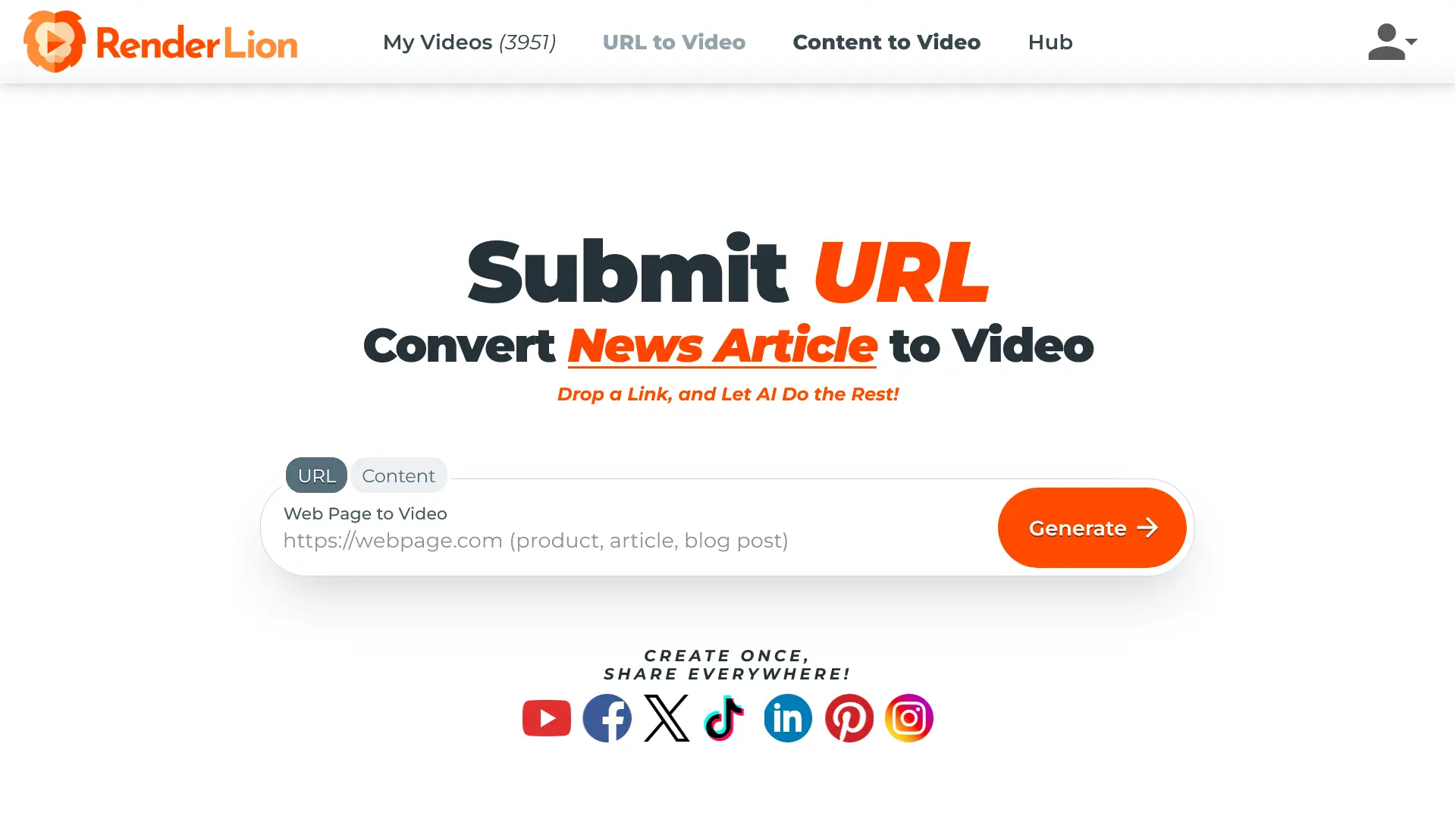
RenderLion is an AI video generator that instantly transforms links, text, and images into short animated videos. It simplifies video creation for social media, ads, or websites, requiring no editing skills. Users can quickly generate videos by submitting content and letting the AI handle the animation.
One translation. Verified by 22 AI models.
Compare leading AI translations, preserve document layouts, and add human verification when accuracy matters.
From idea to 3D model in one browser workspace
Generate from text or images, inspect the result online, then export GLB or OBJ and continue toward an STL workflow.

Create more in one place
Generate images, make videos, edit photos and create audio with shared credits.
Explore MagicShotWhat is RenderLion
RenderLion is an innovative AI video generation tool designed to instantly transform various types of content, such as links, text, and images, into engaging short animated videos. It simplifies the video creation process, making it accessible even for users without any video editing background. By inputting content and selecting desired styles, users can leverage AI to automatically generate eye-catching videos suitable for social media, advertisements, websites, and other digital platforms quickly and efficiently.
Key Features of RenderLion
RenderLion offers a suite of AI-powered features designed for fast and easy creation of short animated videos from various content sources.
Instant Video Generation: Transforms text, URLs, or images into short animated videos rapidly using AI.
Ease of Use: Features a simple, intuitive interface that requires no prior video editing experience.
Brand Customization: Allows users to incorporate their logo, brand colors, and fonts for consistent video branding.
Multi-Format Output: Automatically generates videos in square, portrait, and landscape formats to fit different platforms.
Versatile Content Input: Accepts a wide range of inputs including web links, text blocks, images, social media posts, and articles.
Free Tier Availability: Offers a free plan, allowing users to test the platform and create videos without initial cost.
Use Cases of RenderLion
Social Media Content: Generate engaging short video clips from posts or ideas for platforms like Instagram, TikTok, and Facebook.
Digital Advertising: Quickly create eye-catching video ads from promotional text, offers, or product descriptions.
Content Repurposing: Convert blog posts, news articles, or website pages into shareable video summaries.
Product Marketing: Produce animated videos to showcase product features, updates, or announcements.
Brand Promotion: Develop consistently branded videos using custom logos, colors, and fonts.
Informational Snippets: Turn text-based information like job postings or event details into simple animated videos.
RenderLion Pros and Cons
Pros
- Creates videos rapidly from various content types (links, text, images).
- Extremely user-friendly, requiring no editing experience.
- Supports multiple aspect ratios (square, portrait, landscape) for different platforms.
- Enables brand customization with logos, colors, and fonts.
- Offers a free version for users to try the service.
- Streamlines the process of turning static content into dynamic videos.
Cons
- The free version likely includes limitations like watermarks or restricted features.
- Primarily focused on short-form video content.
- Reliance on pre-defined templates and styles.
RenderLion FAQs
What is RenderLion?
RenderLion is an AI-powered video generator that quickly turns content like text, images, links, or social posts into short animated videos without needing editing skills.
Who is RenderLion for?
It's designed for marketers, content creators, businesses, and social media managers needing quick, engaging video content for ads, product showcases, announcements, or social engagement.
What kind of content can I use to make videos?
You can use URLs, plain text, images, social media posts, news articles, blog posts, promotional offers, and more.
Do I need video editing skills to use RenderLion?
No, RenderLion is designed to be very user-friendly. You provide the content, choose styles, and the AI handles the video creation process.
What video formats does RenderLion support?
RenderLion automatically generates videos in Square (1:1), Portrait (9:16), and Landscape (16:9) formats, suitable for various platforms.
Is RenderLion free to use?
Yes, RenderLion offers a free version with basic features. Paid subscription plans are available for access to premium features.
Interested in this product?
Take a look at their websiteUpdated 2026-10-05
Find More Tools
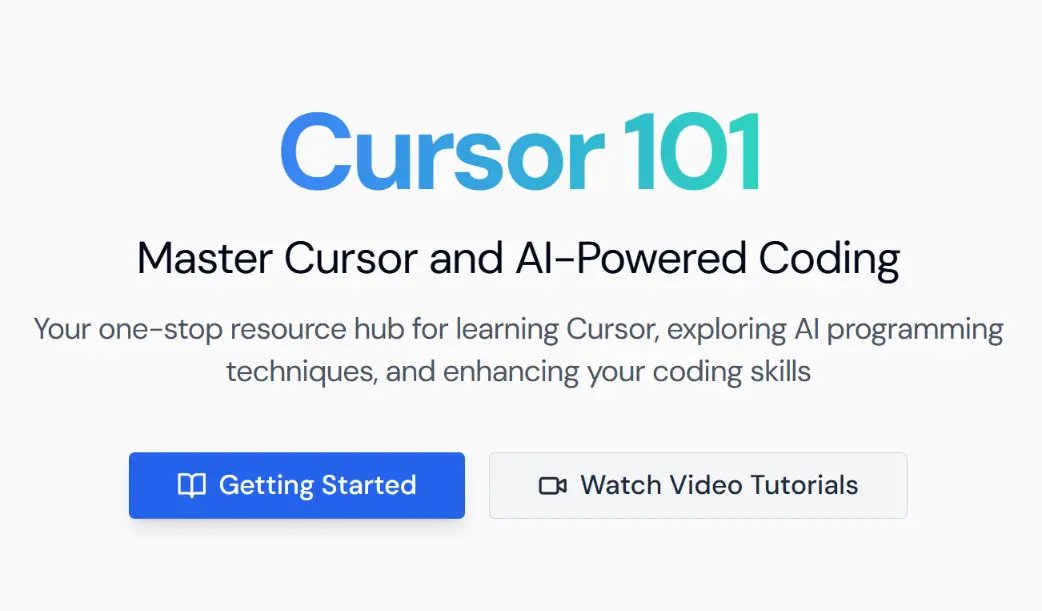
Cursor101 is a dedicated learning hub offering tutorials, insights, and guides for developers looking to enhance their workflows with Cursor, an AI-assisted code editor built on VSCode.
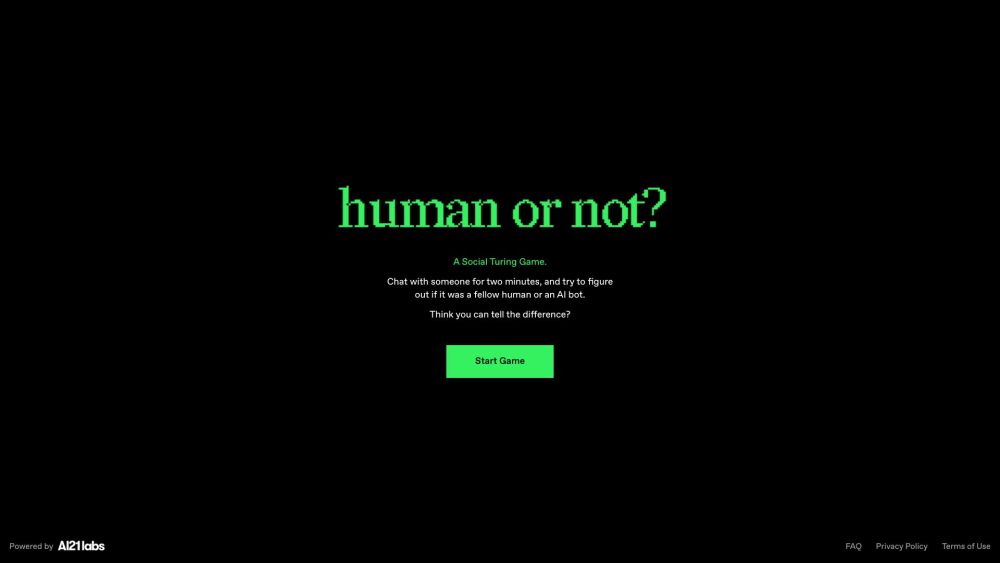
Human or Not? is an engaging AI-powered game. In a timed chat, players determine if their partner is human or AI.
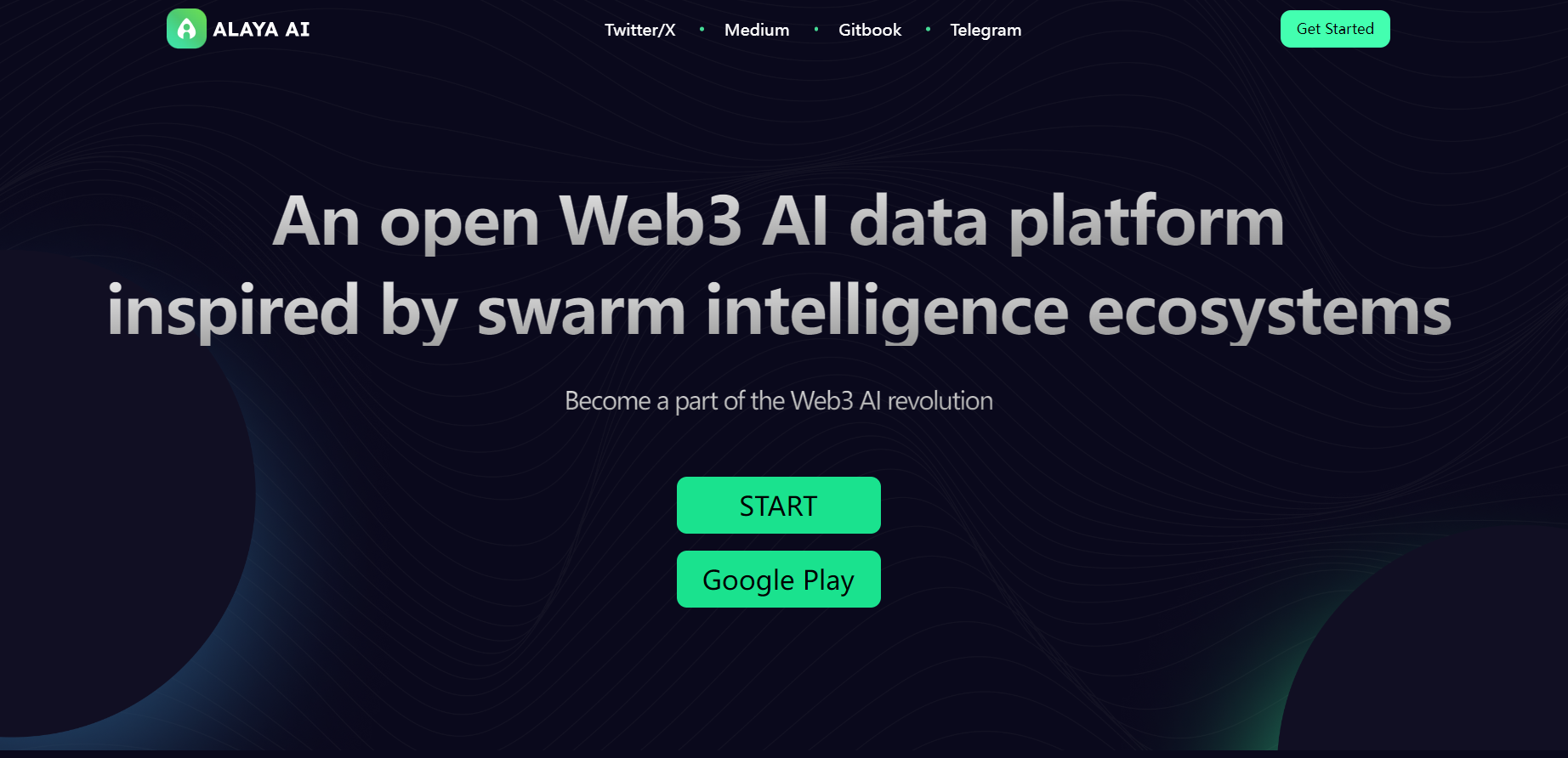
Alaya AI is a decentralized AI data platform that combines data collection, labeling, and social commerce to deliver high-quality, scalable data for the AI industry while protecting data ownership and privacy.
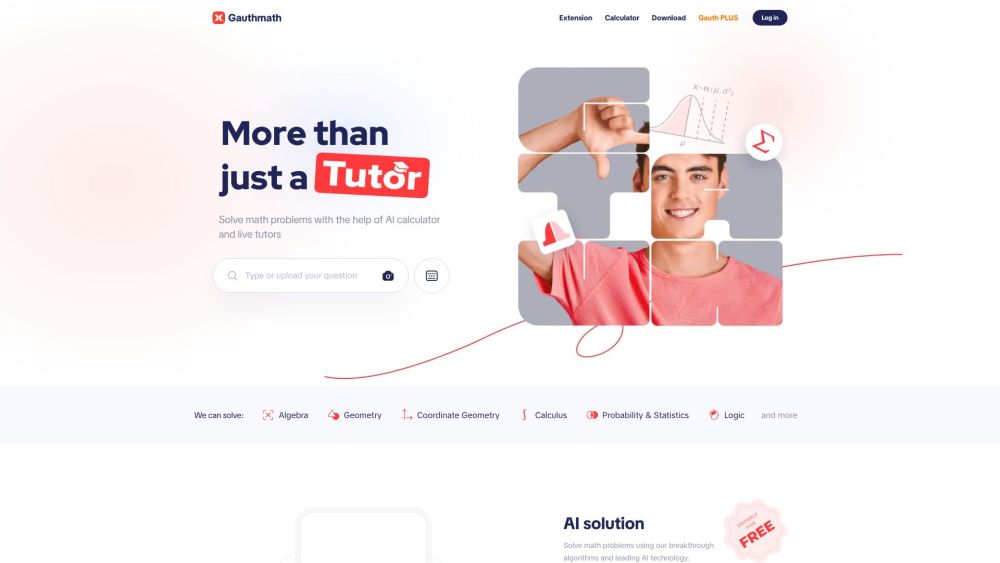
Gauth (formerly Gauthmath) is an AI-powered app offering instant solutions and explanations for math and other STEM subjects. It uses photo recognition, AI algorithms, and live expert tutors.
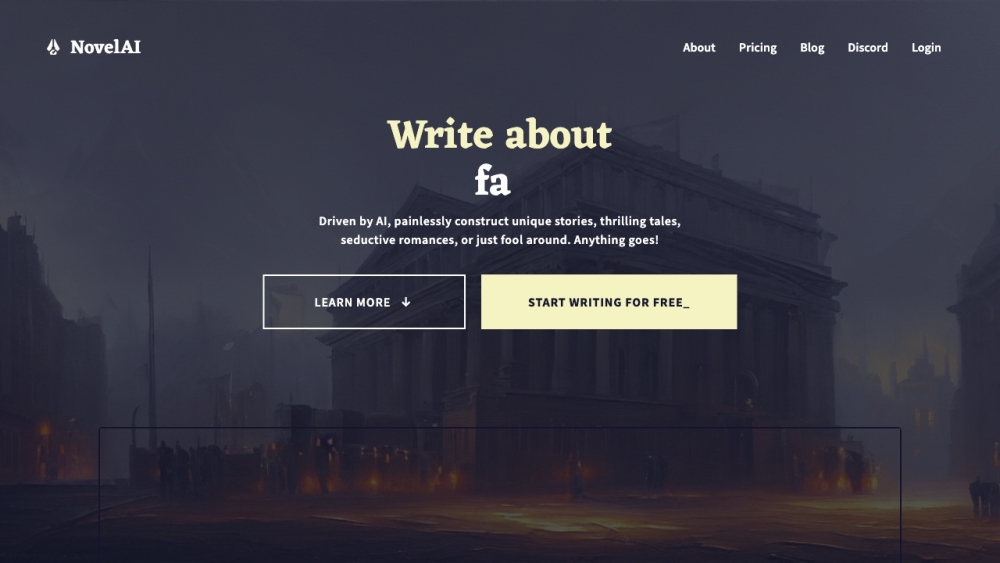
NovelAI is a subscription service offering AI tools for creative writing, storytelling, and image generation. It uses customizable models and has no censorship.
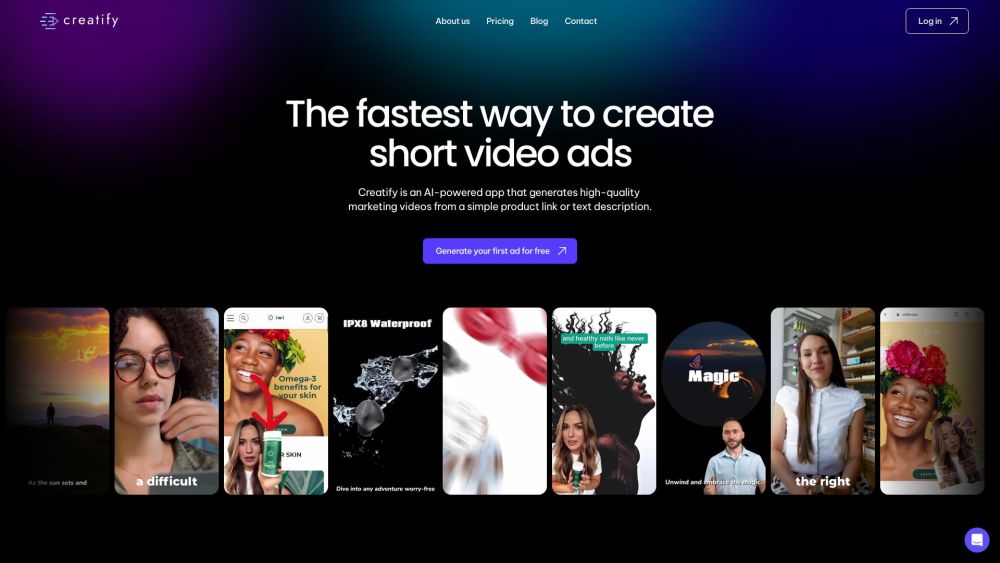
Creatify is an AI platform that creates high-quality marketing videos from product URLs or descriptions, simplifying the production of engaging video ads.