Scribble Diffusion
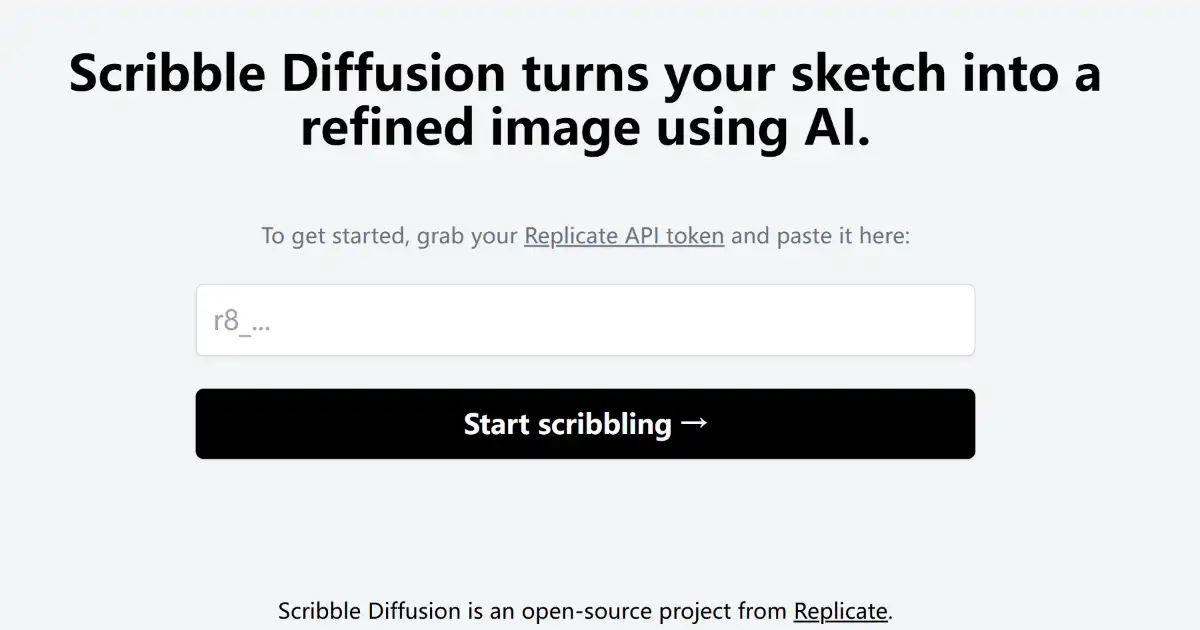
Scribble Diffusion is an AI-powered tool that turns your sketches into refined digital images. By adding a text prompt to your sketch, you can guide the AI’s interpretation and generation of the final image. This accessible online tool is perfect for both beginners and seasoned artists alike.
One translation. Verified by 22 AI models.
Compare leading AI translations, preserve document layouts, and add human verification when accuracy matters.
From idea to 3D model in one browser workspace
Generate from text or images, inspect the result online, then export GLB or OBJ and continue toward an STL workflow.

Create more in one place
Generate images, make videos, edit photos and create audio with shared credits.
Explore MagicShotWhat is Scribble Diffusion
Scribble Diffusion is an innovative, AI-powered tool that converts your rough sketches into detailed images with the assistance of a guiding text prompt. This accessible online tool harnesses advanced AI to help bring creative concepts to life in digital format, bridging the gap between initial idea and polished artwork. Simply draw a sketch, provide some text describing your intent, and let Scribble Diffusion do the rest. This open-source platform supports ongoing development and adaptability within the digital art sphere.
Key Features of Scribble Diffusion
Main features include AI sketch refinement and image generation based on text prompt guidance, enabling creative exploration within an easy-to-use interface accessible on the web.
AI-Powered Image Generation: Transforms simple sketches into polished digital artwork.
Text Prompt Guidance: Allows users to refine the AI's interpretation of their sketch by adding text descriptions.
Web-Based Accessibility: Available online and usable on various devices without needing specialized software.
Open-Source Nature: Fosters community development and potential integrations with other tools or platforms.
Ease of Use: Designed with a user-friendly interface suitable for beginners and experienced digital artists alike.
Creative Freedom: Enables experimentation and diverse visual styles for a wide array of artistic needs.
Use Cases of Scribble Diffusion
Digital Art Creation: Transform sketches into finished artworks quickly and easily.
Concept Visualization: Rapidly generate visual representations of ideas.
Creative Brainstorming: Explore diverse visual styles from a single sketch.
Educational Tool: Introduce digital art and AI image generation techniques.
Casual Sketching & Sharing: Fun and engaging way to create and share sketches as enhanced digital art.
Scribble Diffusion Pros and Cons
Pros
- Easy-to-Use Interface: Simple and intuitive platform for quick art creation.
- Accessibility: Online platform readily available on any browser.
- Creative Exploration: Facilitates experimenting with various art styles.
- AI Assistance: Advanced AI empowers users of all levels to produce detailed imagery.
- Open-Source Development: Benefits from a community focused on ongoing improvement and adaptation.
Cons
- Output Quality Dependent on Sketch and Prompt Clarity: Results are influenced by the initial drawing and description provided.
- Potential Learning Curve: While user-friendly, mastering advanced features may require some exploration and experimentation.
- Reliance on Internet Connection: Requires consistent internet access for functionality.
Scribble Diffusion FAQs
How does Scribble Diffusion work?
Scribble Diffusion leverages the power of AI to transform your simple sketches into refined digital images. You start by drawing a sketch, adding a text prompt to guide the AI, and the tool generates the corresponding image based on your input.
Where can I access Scribble Diffusion?
Scribble Diffusion is readily available online, accessible through any web browser on your computer or mobile device.
Is Scribble Diffusion free?
While the base functionality of Scribble Diffusion is free to use, certain features or usage limits might be subject to charges in the future. It's best to check the official website for the most up-to-date pricing information.
Interested in this product?
Take a look at their websiteUpdated 2026-10-05
Find More Tools
Kimi Chat, by Moonshot AI, is an AI assistant supporting ultra-long context processing (up to 2 million Chinese characters), web browsing, and multi-platform synchronization.
Yodayo is an AI-powered platform designed for anime fans. It enables users to generate art, interact with characters, and connect within a vibrant community.
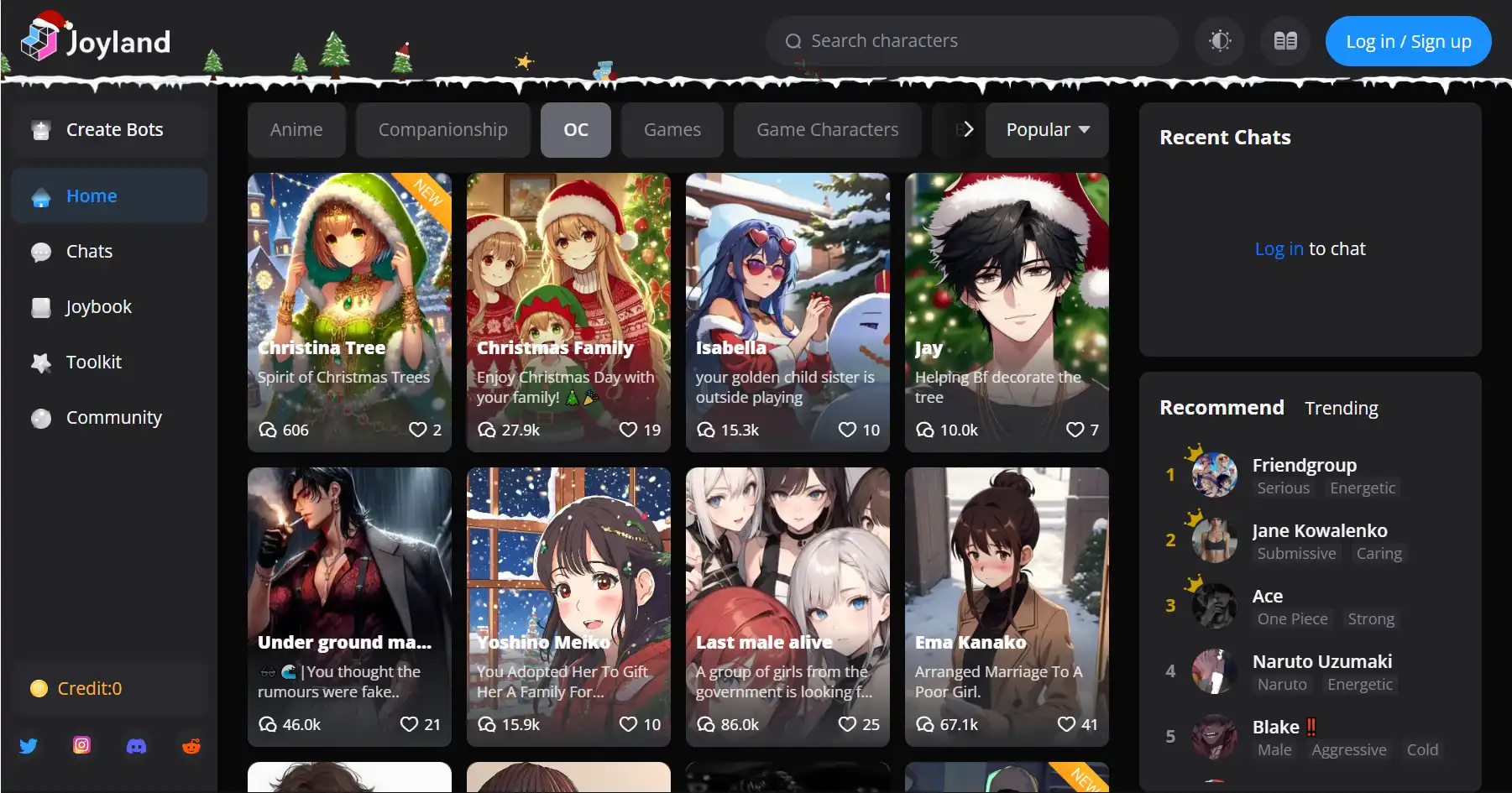
Joyland is an AI-powered platform for creating and interacting with virtual anime characters through text chats, image exchanges, and interactive storytelling.
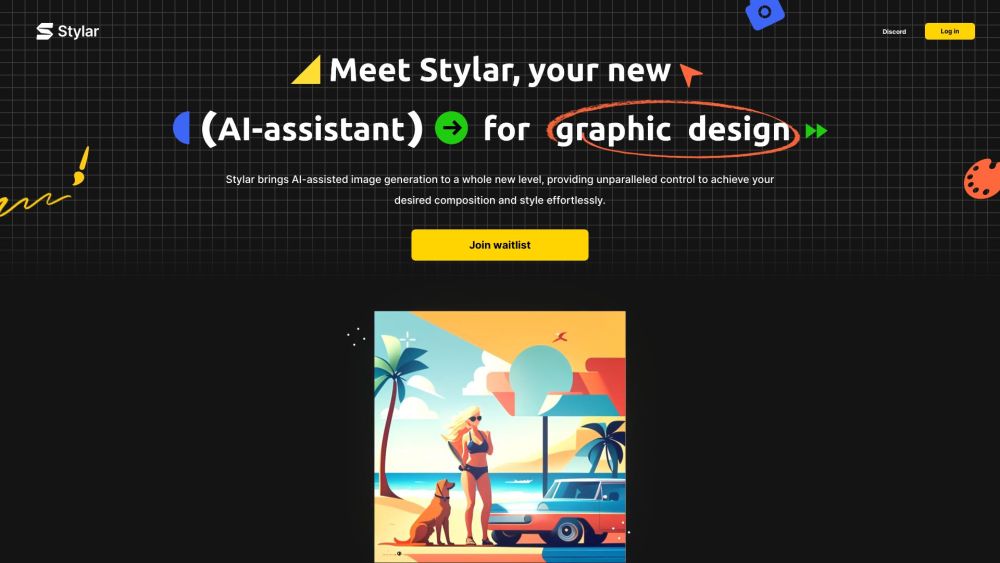
Dzine AI (formerly Stylar) is a comprehensive AI-powered design platform. It gives users superior control over image generation, editing, and style personalization.
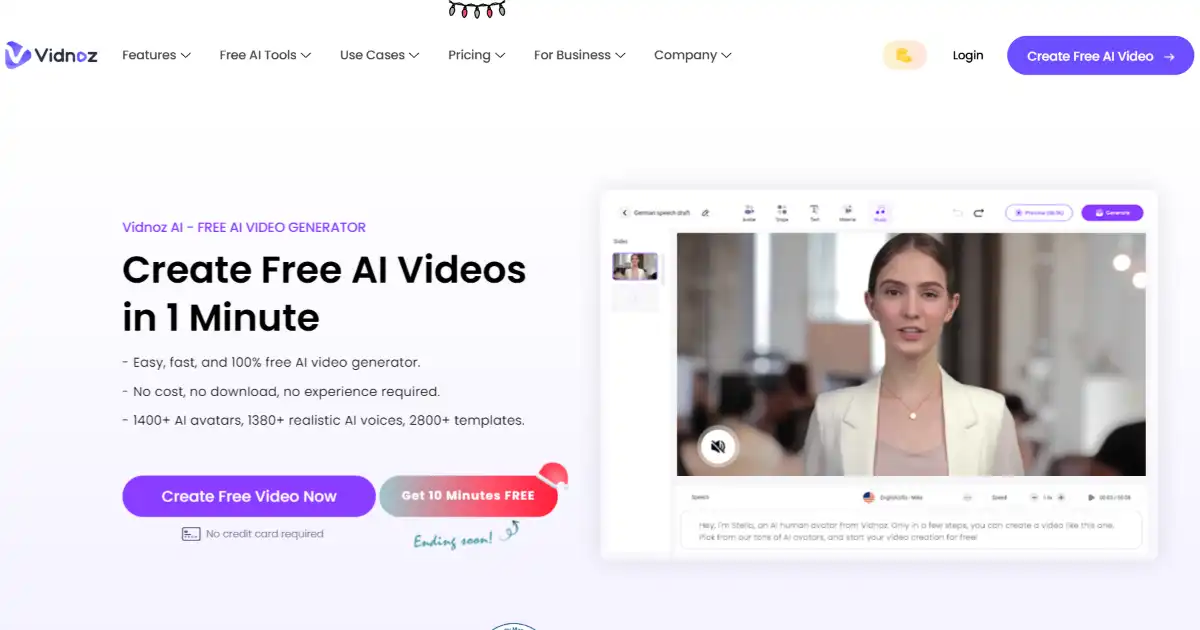
Vidnoz is an AI-powered video creation platform for quickly generating professional-quality videos. It uses lifelike avatars, natural voices, and customizable templates.