Sharly AI
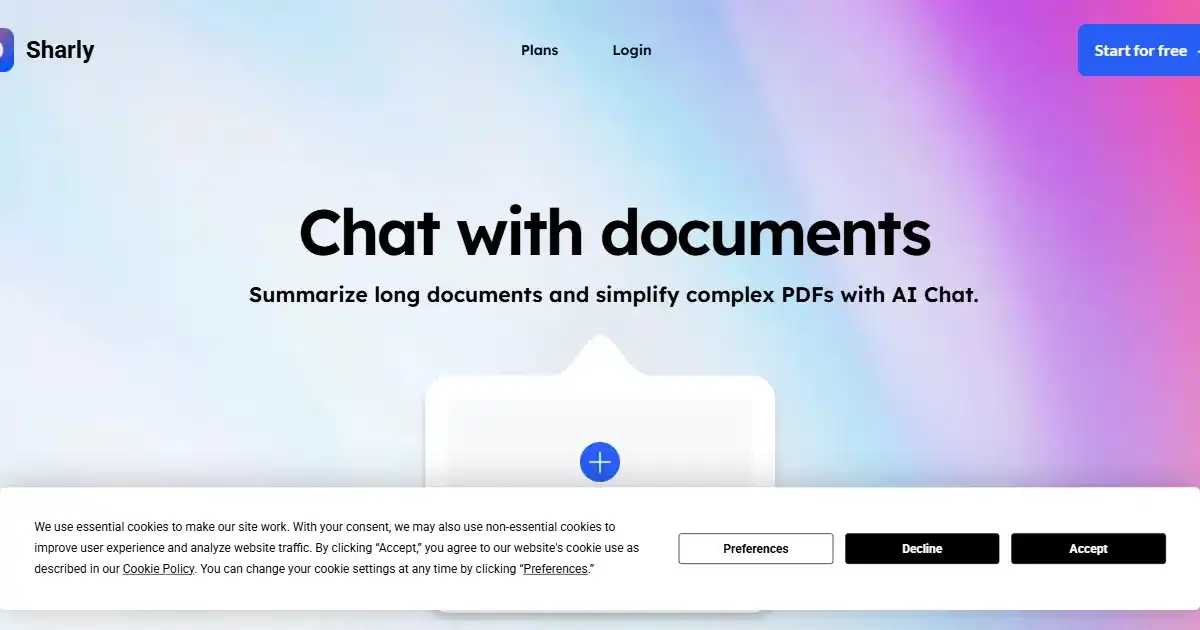
Sharly AI is a powerful AI assistant that streamlines how you work with text documents. It offers comprehensive summarization, question answering, and analysis to simplify research, accelerate decision-making, and optimize workflows.
One translation. Verified by 22 AI models.
Compare leading AI translations, preserve document layouts, and add human verification when accuracy matters.
From idea to 3D model in one browser workspace
Generate from text or images, inspect the result online, then export GLB or OBJ and continue toward an STL workflow.

Create more in one place
Generate images, make videos, edit photos and create audio with shared credits.
Explore MagicShotWhat is Sharly AI
Sharly AI is an advanced AI-powered tool designed to enhance productivity by simplifying how professionals interact with complex documents. By leveraging the latest language models, Sharly AI lets users quickly extract key information, perform cross-document analysis, and collaborate with peers, streamlining workflows and enabling informed decision-making.
Key Features of Sharly AI
Sharly AI's core functionality is focused on analyzing and simplifying document interactions. This includes summarization, insightful querying, and cross-document comparisons.
AI-Powered Summarization: Condenses long documents into concise, manageable summaries.
Conversational Interface: Lets you ask questions about your documents and receive direct, targeted answers.
Multi-Document Analysis: Enables comparative analysis across multiple documents.
Google Drive Integration: Seamlessly manages and processes documents stored in your Google Drive.
Broad File Compatibility: Supports numerous file types, including PDFs, Word docs, XML, and CSV.
Optical Character Recognition (OCR): Extracts text from scanned PDFs, enhancing usability.
Secure Data Handling: Utilizes robust encryption to ensure the confidentiality and security of your documents and data.
Use Cases of Sharly AI
Summarizing lengthy reports, research papers, or legal documents for quicker comprehension.
Extracting key information and insights from multiple documents efficiently.
Performing comparative analysis across various documents to identify connections or patterns.
Collaborating on document review and analysis with team members.
Managing research projects and literature reviews efficiently with smart features and easy integrations.
Using extracted summaries and facts in client or management presentations to support informed decision-making.
Training, supporting and managing employee tasks within team collaborations.
Sharly AI Pros and Cons
Pros
- Significantly reduces time spent reviewing and analyzing complex documents.
- Provides quick access to critical information within various documents, even within image-based PDFs thanks to OCR capabilities.
- Facilitates cross-document analysis to synthesize and extract insights from diverse document collections.
- Streamlines collaborative workflows with integrated sharing and collaboration features.
- Powerful algorithms using latest large language models improve accuracy in summarization and provide rich, nuanced answers from various sources.
- Advanced AI integrations deliver insights beyond typical keyword-based systems.
Cons
- Potential learning curve for new users getting acquainted with all the advanced features.
- Requires a consistent internet connection for full functionality due to its cloud-based infrastructure.
- Limited offline capabilities might restrict access to core functions in offline scenarios.
- Pricing model for premium features may present a financial barrier for individual or smaller team usage.
- Potential inaccuracies might occasionally arise, necessitating verification of critical insights obtained through Sharly's AI algorithms.
Sharly AI FAQs
How does Sharly AI actually understand and process my documents?
Sharly AI employs advanced natural language processing models, likely based on GPT technology, to understand the content of your documents. It can then answer your questions accurately and provide summaries, extract key information, and even help with analysis.
Is Sharly AI suitable for personal use, or just for professionals?
While Sharly AI is optimized for professional use, it can be beneficial for anyone dealing with large volumes of text or needing to quickly extract key information from documents like research papers, reports, or legal texts.
Can Sharly AI work with different types of files, such as PDFs and Word documents?
Yes, Sharly AI is designed to work with a range of document formats, including PDFs, Word documents, and more. It even uses OCR to extract text from scanned PDFs, allowing you to interact with them just as easily as digital text documents.
Interested in this product?
Take a look at their websiteUpdated 2026-09-06
Find More Tools
Easy Folders is a browser extension designed to organize ChatGPT and Claude interactions. It provides folders, a prompt library, and a search function to enhance productivity. It is ideal for managing multiple projects or extensive prompt usage.

Runway Gen-3 is a comprehensive AI-powered video generation and editing platform. It empowers creative professionals with tools to produce high-fidelity, controllable video content efficiently. The platform integrates advanced AI capabilities, collaborative tools, and a user-friendly interface.

Olly 2.0 is a free AI-powered Chrome extension designed to automate social media management. It offers personalized content creation, post scheduling, and virality checks across various platforms. Olly 2.0 simplifies workflows for individuals, influencers, and businesses looking to enhance their online presence.
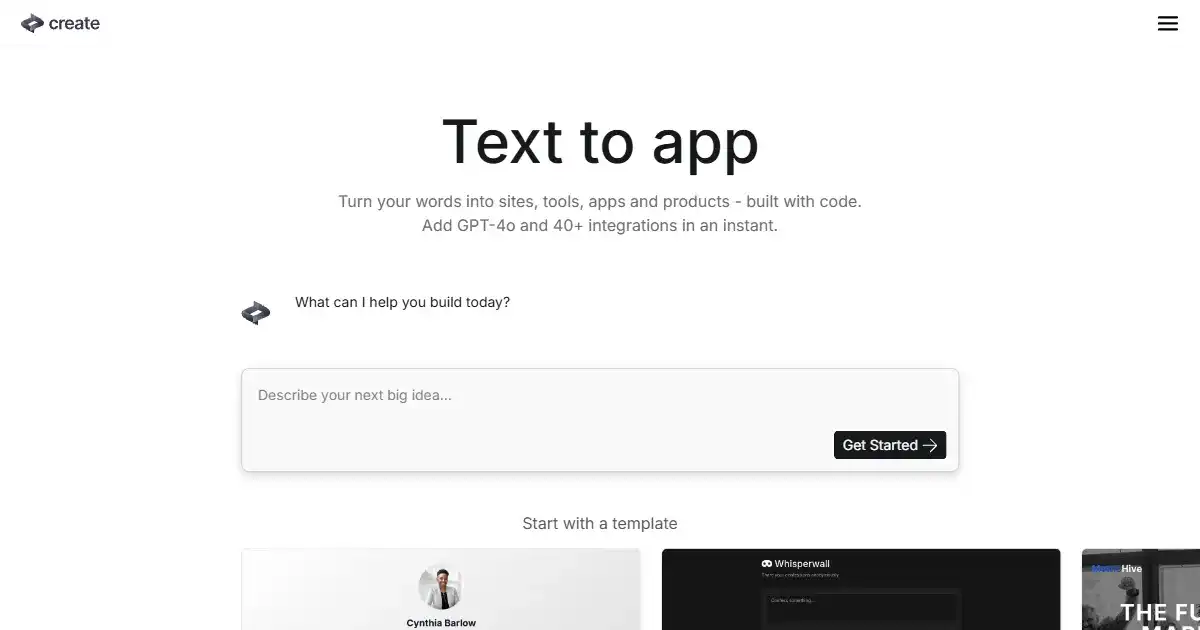
Create is an AI-powered app builder that allows users to design and develop applications using text and images, simplifying traditional coding. It is particularly useful for creating internal tools for businesses, enabling users to streamline workflows. Create empowers both seasoned developers and beginners to bring their app ideas to life quickly and efficiently.
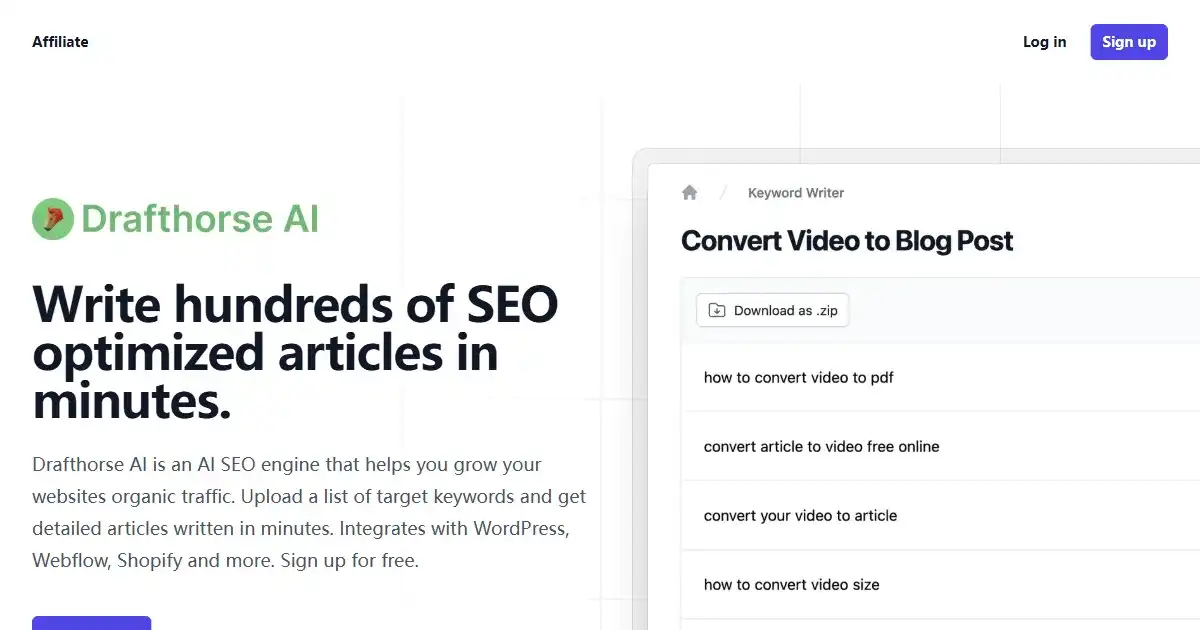
Drafthorse AI is an AI-powered SEO content platform designed to boost online presence with optimized, ready-to-publish articles. It integrates seamlessly with leading CMS platforms like WordPress and Webflow, allowing effortless publishing. Improve your content generation workflow from keyword to live articles in minutes.
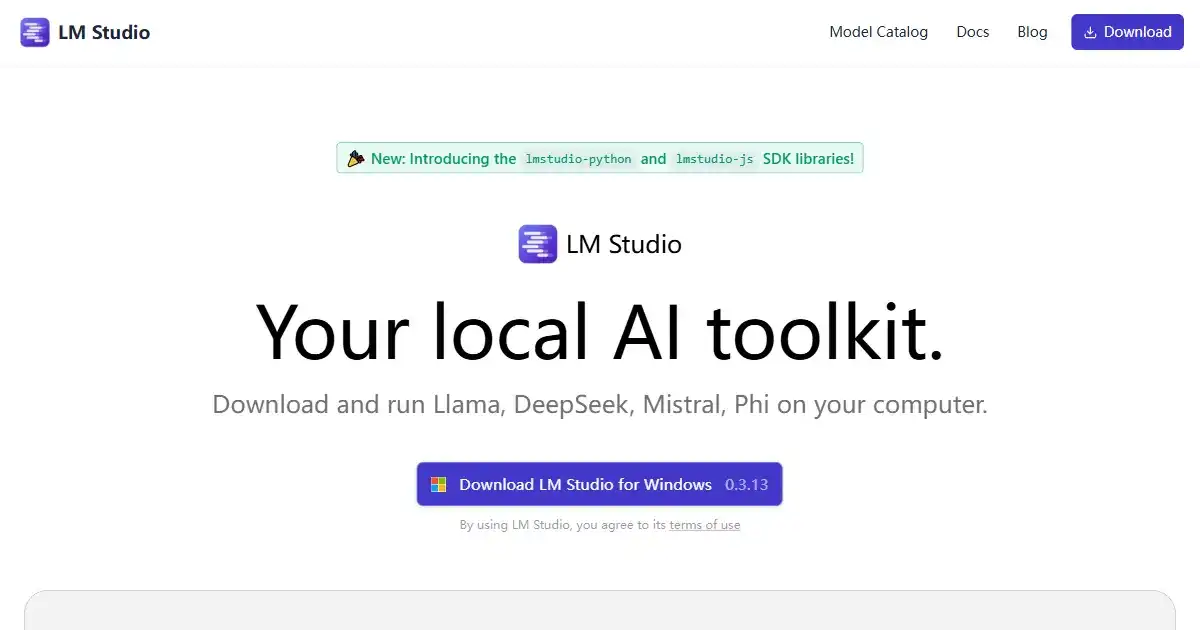
LM Studio is a desktop application designed for running large language models (LLMs) offline on your personal computer. It enhances privacy and data security, while offering compatibility with a variety of models from Hugging Face. Perfect for personal projects, research or development work involving sensitive data.