Unstuck AI
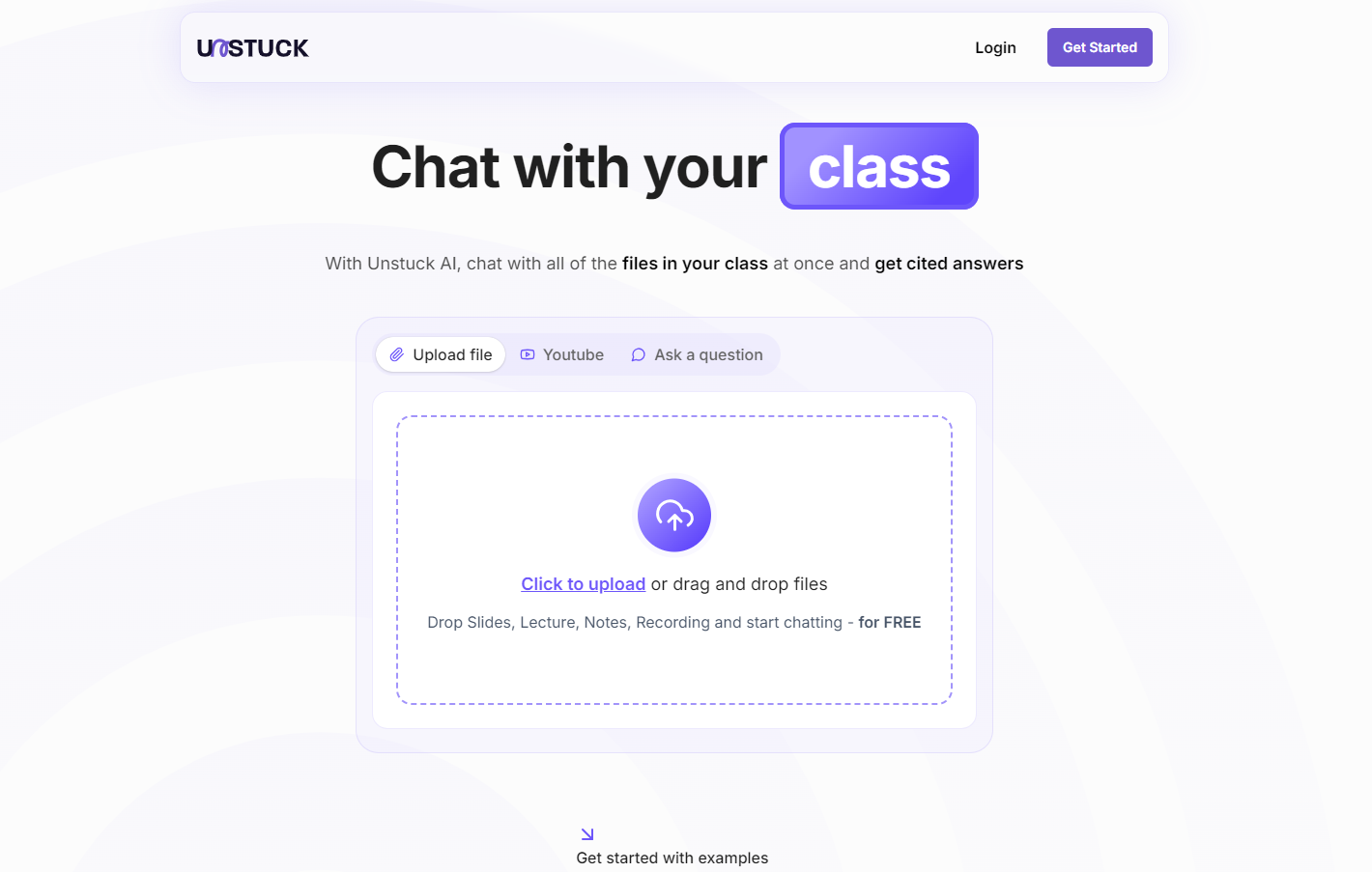
Unstuck AI is a free AI study tool for students. It lets students upload materials and get cited answers via chat.
One translation. Verified by 22 AI models.
Compare leading AI translations, preserve document layouts, and add human verification when accuracy matters.
From idea to 3D model in one browser workspace
Generate from text or images, inspect the result online, then export GLB or OBJ and continue toward an STL workflow.

Create more in one place
Generate images, make videos, edit photos and create audio with shared credits.
Explore MagicShotWhat is Unstuck AI
Unstuck AI, launched in January 2023, is an educational platform using AI to help students learn. Built by college students, it addresses traditional learning challenges. Students upload materials (PDFs, PowerPoints, videos, etc.), then chat with AI for study assistance.
Key Features of Unstuck AI
Unstuck AI is a free AI study tool. Students upload materials (PDFs, PowerPoints, videos, etc.) and chat with the AI to get cited answers. It uses advanced AI like GPT-4, keeping uploaded documents private.
Cited responses: Get answers with citations to uploaded materials
Wide file support: Supports PDFs, PowerPoints, Word docs, YouTube videos, and more
Multi-source chat: Chat with all uploaded materials simultaneously for complete answers
Advanced AI: Uses cutting-edge AI, including GPT-4, for accurate responses
Visual data analysis: AI interprets graphs, charts, and other visuals from uploaded materials
Use Cases of Unstuck AI
Research assistance: Efficiently analyze large document sets and extract key insights
Exam preparation: Quickly review and synthesize information from multiple sources for exams
Homework help: Get explanations and clarification on homework topics
Self-paced learning: Explore subjects deeply at your own pace
Unstuck AI Pros and Cons
Pros
- Free to use
- Maintains the privacy and security of uploaded documents
- Uses advanced AI for accurate answers
- Supports many file formats
Cons
- Effectiveness depends on the quality of uploaded materials
- Potential for misuse to avoid in-depth engagement with course content
- May raise concerns about AI's role in education
Unstuck AI FAQs
Is Unstuck AI free to use?
Yes, Unstuck AI is completely free to use.
What file types does Unstuck AI support?
Unstuck AI supports various formats: PDFs, PowerPoints, Word docs, YouTube videos, lecture recordings, textbooks, and notes. Contact support for specific file type inquiries.
Can Unstuck AI analyze graphs and visual data?
Yes, Unstuck AI can analyze and interpret graphs, charts, and other visual data from uploaded materials.
Will my documents be shared or published online?
No, your documents remain private and secure. Unstuck AI does not publish or share your materials.
What AI technology does Unstuck AI use?
Unstuck AI uses advanced AI technologies, including GPT-4, for accurate responses.
How does Unstuck AI work?
Upload materials, ask questions, and the AI will provide cited answers from your sources.
Is Unstuck AI accurate?
Unstuck AI aims for high accuracy by directly referencing your materials and using advanced AI models.
Is unstuckstudy.com a legitimate website?
While Unstuck AI claims helpful study tools, online trust scores for unstuckstudy.com are low. Conduct further research before use.
Interested in this product?
Take a look at their websiteUpdated 2026-09-06
Unstuck AI Alternatives
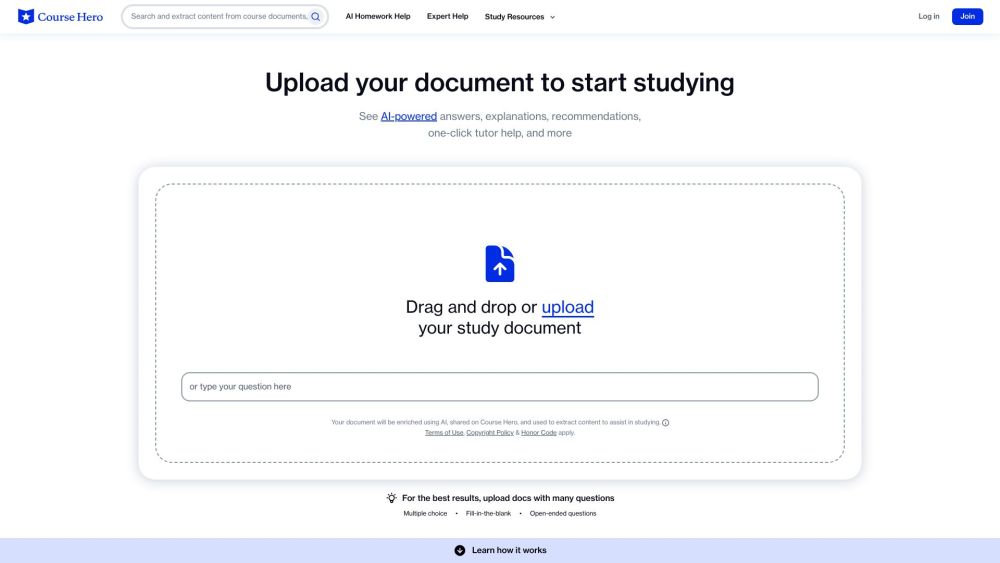
Course Hero is an online learning platform offering access to millions of study resources, tutoring services, and course-specific materials to support student academic success.
Editor's TakeNo review yet
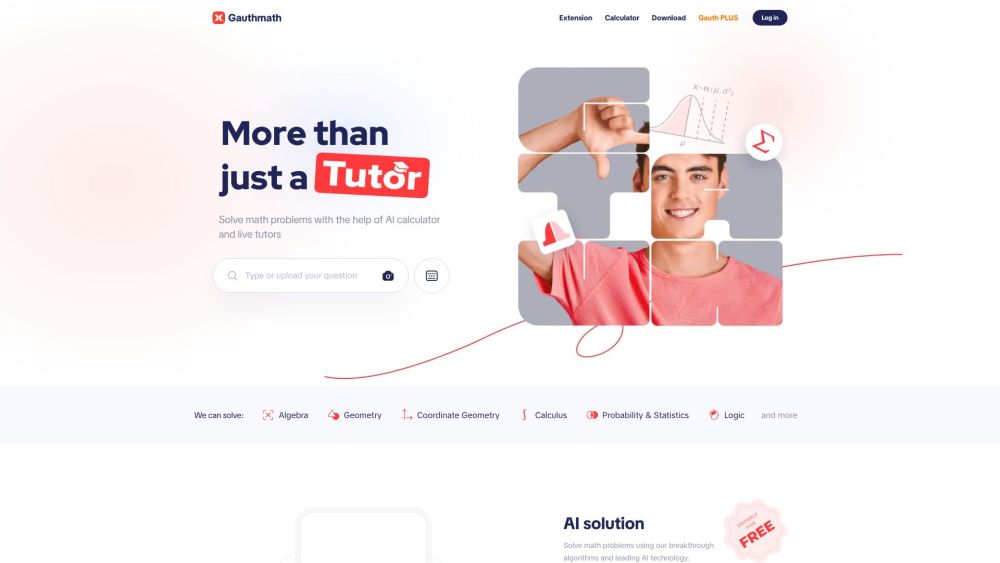
Gauth (formerly Gauthmath) is an AI-powered app offering instant solutions and explanations for math and other STEM subjects. It uses photo recognition, AI algorithms, and live expert tutors.
Editor's TakeNo review yet
Find More Tools
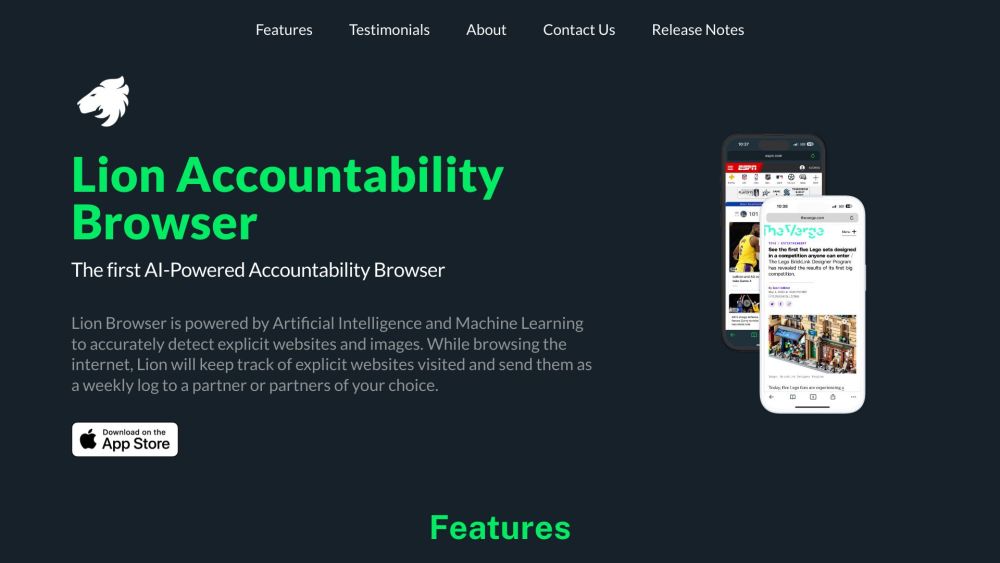
Lion Accountability Browser is an AI-powered web browser for iOS. It detects explicit content, provides accountability tools, and offers parental controls.
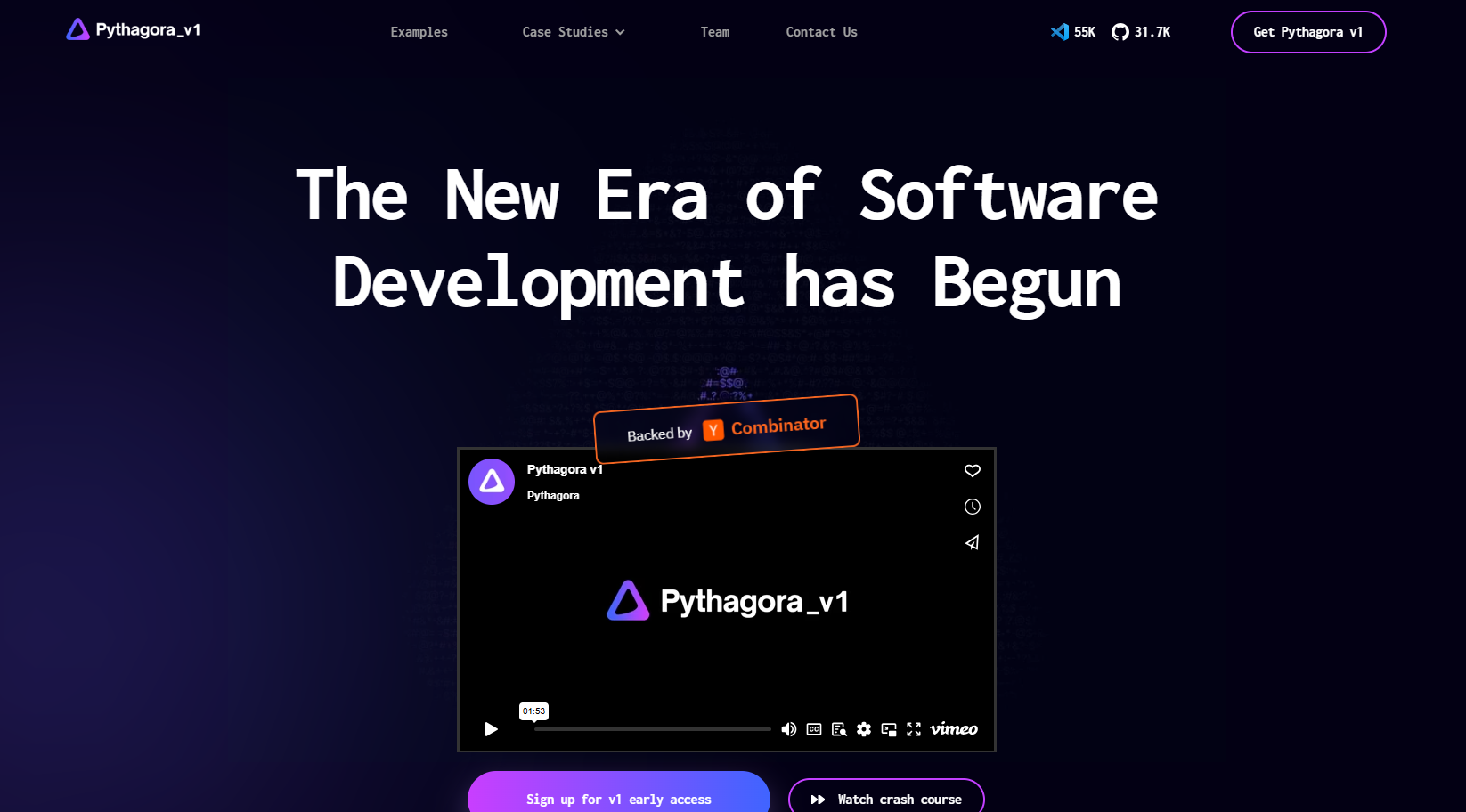
Pythagora AI is an AI-powered development tool that enables developers to build production-ready, full-stack web applications through natural language conversation, handling 95% of the development work while requiring minimal human oversight.
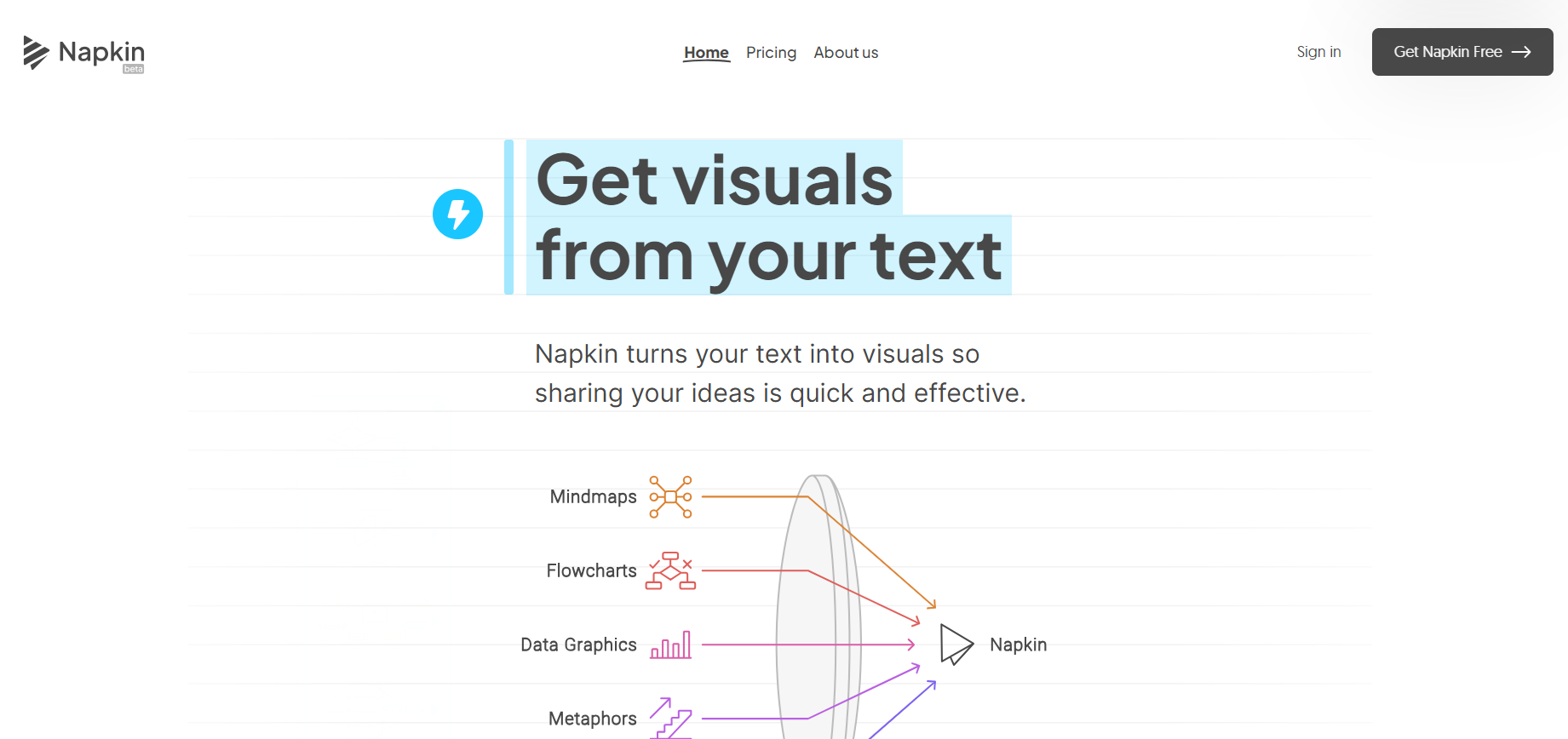
Napkin AI uses AI to transform text into appealing graphics, diagrams, and illustrations for better business communication.
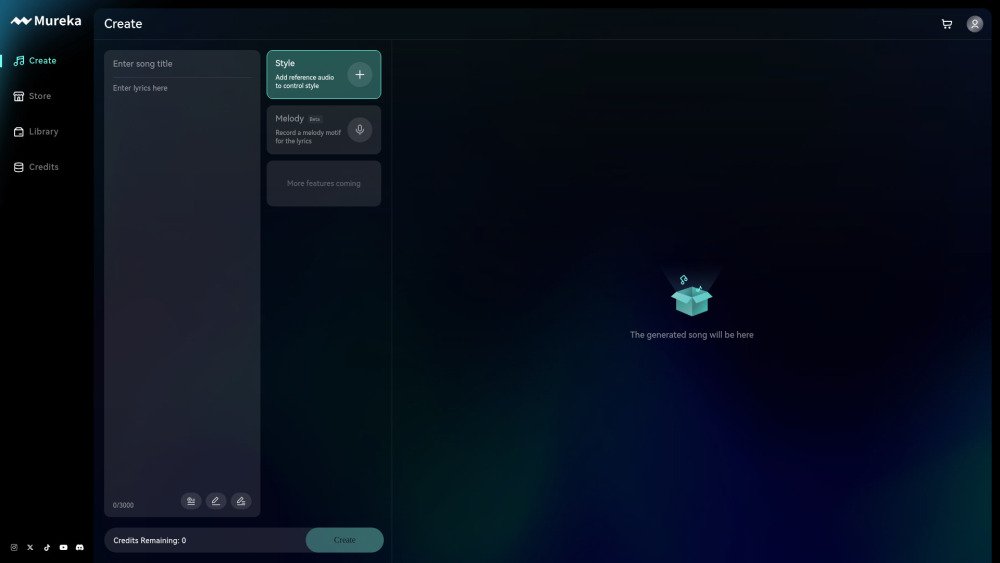
Mureka is an AI-powered platform that combines music generation, editing, and copyright trading, allowing creators to transform musical inspiration into high-quality songs.
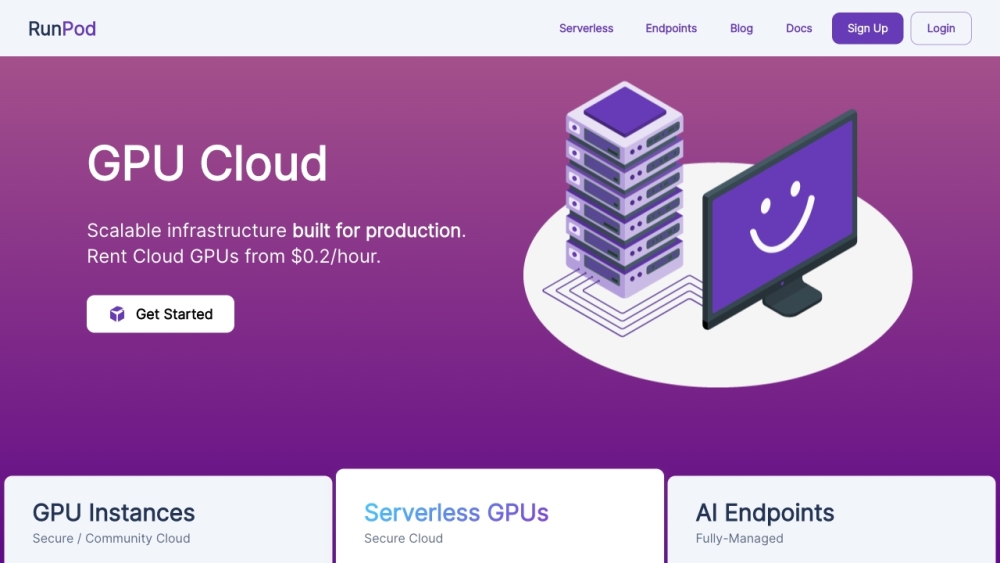
RunPod is an economical cloud computing platform designed for AI, providing GPU services for developing, training, and scaling machine learning models.
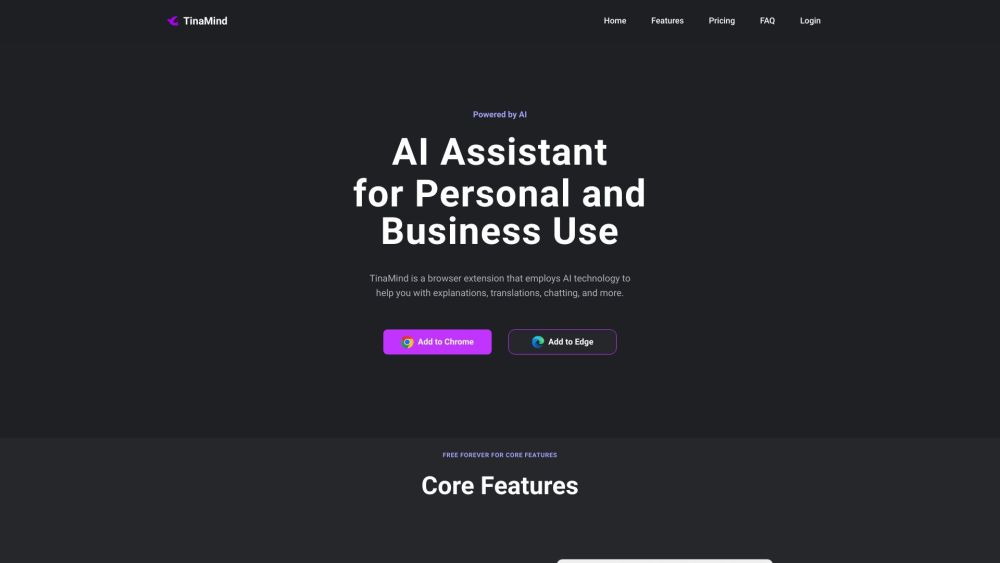
TinaMind is an AI-powered browser extension leveraging GPT-4 technology to provide diverse tools for chatting, searching, translating, writing, and summarizing.