Wasitai AI Image Detector
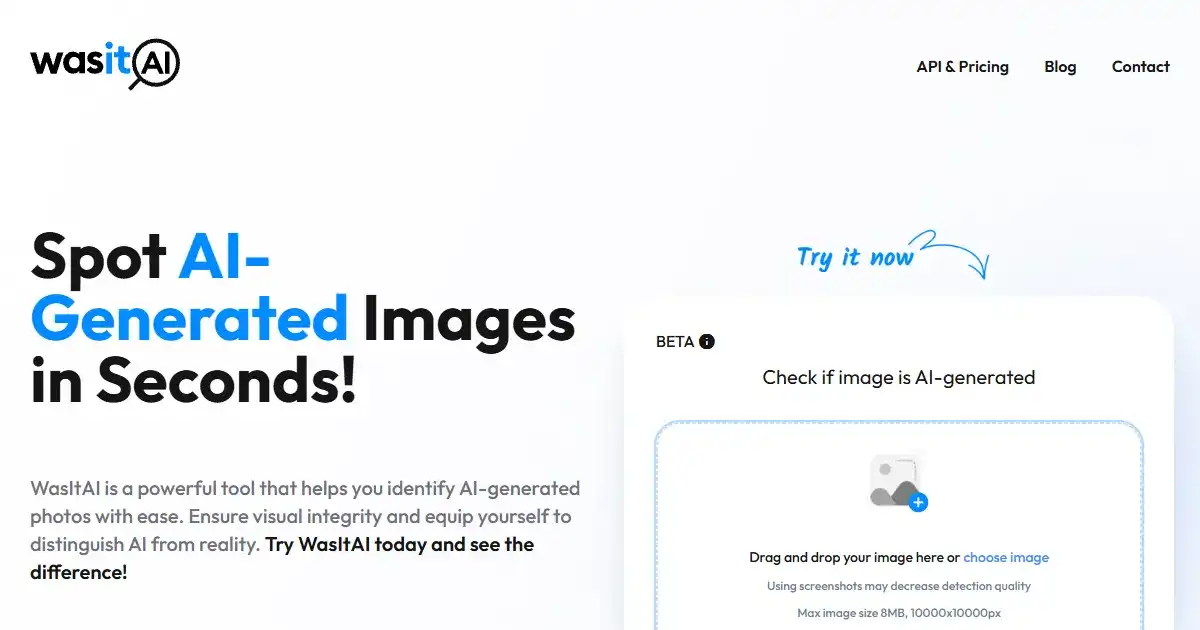
Wasitai is an AI image detection tool that helps users determine if an image was generated by a machine or a human. Simply upload or drag-and-drop your image onto the platform for analysis. Use Wasitai to quickly verify the origin of digital images.
One translation. Verified by 22 AI models.
Compare leading AI translations, preserve document layouts, and add human verification when accuracy matters.
From idea to 3D model in one browser workspace
Generate from text or images, inspect the result online, then export GLB or OBJ and continue toward an STL workflow.

Create more in one place
Generate images, make videos, edit photos and create audio with shared credits.
Explore MagicShotWhat is wasitai
Wasitai is a web-based utility designed to help users identify the origin of digital images, distinguishing between human-created and AI-generated visuals. The process is straightforward: users can upload an image directly from their device or use drag-and-drop functionality. Wasitai then analyzes the image to provide an assessment of its creation source, offering a simple way to check for AI-generated content.
Key Features of wasitai
Wasitai offers a straightforward interface for uploading images and performing AI vs. human detection.
Image Upload Interface: Provides a simple method for users to upload images either by dragging and dropping or selecting files from their device.
AI Detection Analysis: Processes the uploaded image to determine whether it was likely generated by AI or a human.
User-Friendly Design: Offers an intuitive and accessible interface for easy use.
Use Cases of wasitai
Content Verification: Checking the authenticity of images found online or shared.
Identifying Deepfakes and Synthetic Media: Helping spot potentially misleading AI-generated visuals.
Researching Image Origins: Investigating whether a specific image was produced by AI tools.
wasitai Pros and Cons
Pros
- Simple and Easy to Use: The interface allows for quick image uploads and analysis.
- Focused Functionality: Dedicated solely to AI image detection.
- Web-Based Access: No installation required, accessible from any browser.
Cons
- Accuracy Limitations: Like all AI detection tools, results may not always be 100% accurate.
- Limited Features: Primarily focused only on image detection, without additional tools.
- Dependence on Model Training: Performance relies on the underlying AI detection model's training data.
wasitai FAQs
What is wasitai?
Wasitai is a tool designed to help users determine if a digital image was created by artificial intelligence or a human.
How do I use wasitai to check an image?
You can use wasitai by simply uploading an image from your device or by dragging and dropping the image file directly onto the website interface.
How does wasitai detect if an image is AI-generated?
Wasitai analyzes the image using algorithms trained to identify patterns and characteristics often present in images generated by AI models. It then provides an assessment based on this analysis.
How accurate is wasitai's detection?
Like all AI detection tools, the accuracy can vary depending on various factors, including the complexity of the image and the AI model that might have created it. The results should be used as a helpful indicator rather than definitive proof.
Interested in this product?
Take a look at their websiteUpdated 2026-10-05
Find More Tools
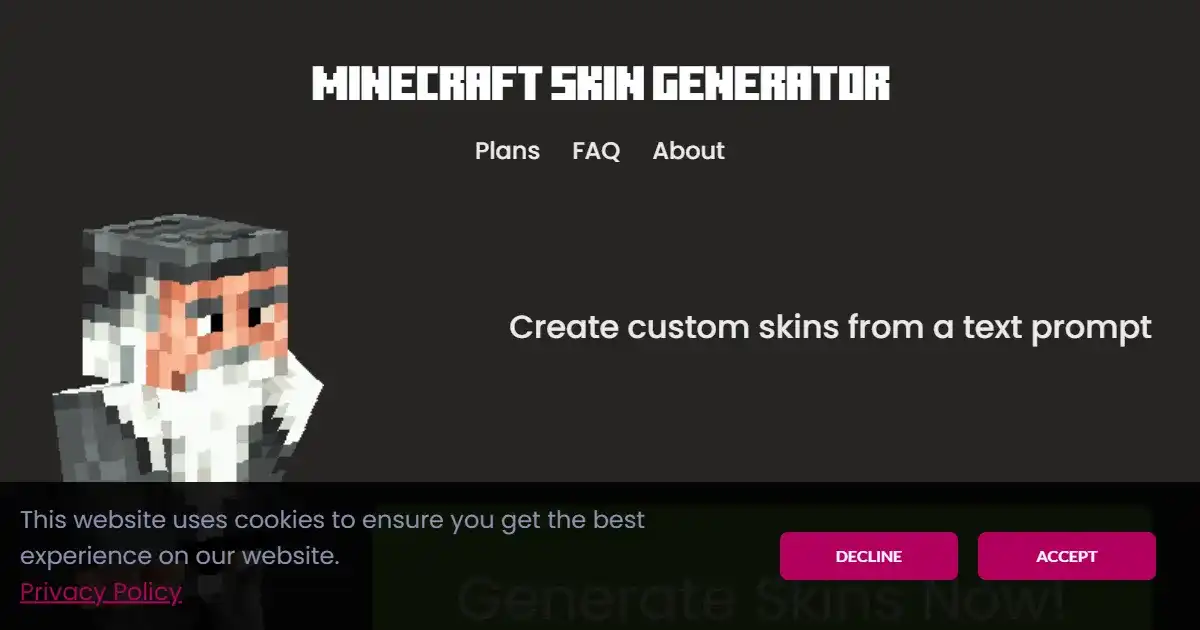
skingenerator.io is an AI tool for creating custom skins for video games. Users provide a text prompt, and the tool generates a skin based on the description. It offers different pricing plans for access to various generation models.
Narrative BI is a generative analytics platform designed to transform raw data into actionable narratives. It automates the analysis and reporting process, providing clear insights for teams. This platform helps users make data-driven decisions and improve performance.

PressPulse AI is a media monitoring and outreach tool for professionals and businesses. It identifies personalized media opportunities from platforms like HARO and Connectively. The platform provides AI-powered drafting assistance to help users secure features in top publications.
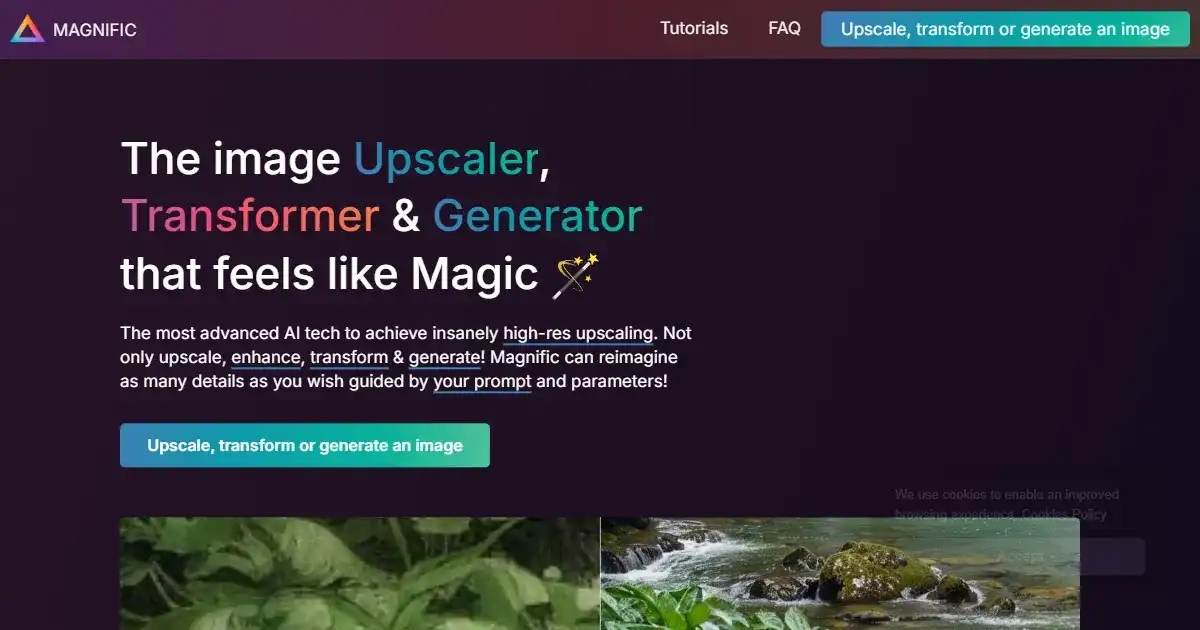
Magnific AI is an AI-powered image upscaler and enhancer. It specializes in increasing image resolution and adding intricate details through a 'Creativity' control. This tool is ideal for professionals and enthusiasts needing high-quality image enlargement.

Pikzels is a platform offering a subscription service for high-quality YouTube thumbnails. It provides unlimited design requests from expert designers for a fixed monthly price. This service aims to simplify and speed up the process of getting professional video thumbnails.
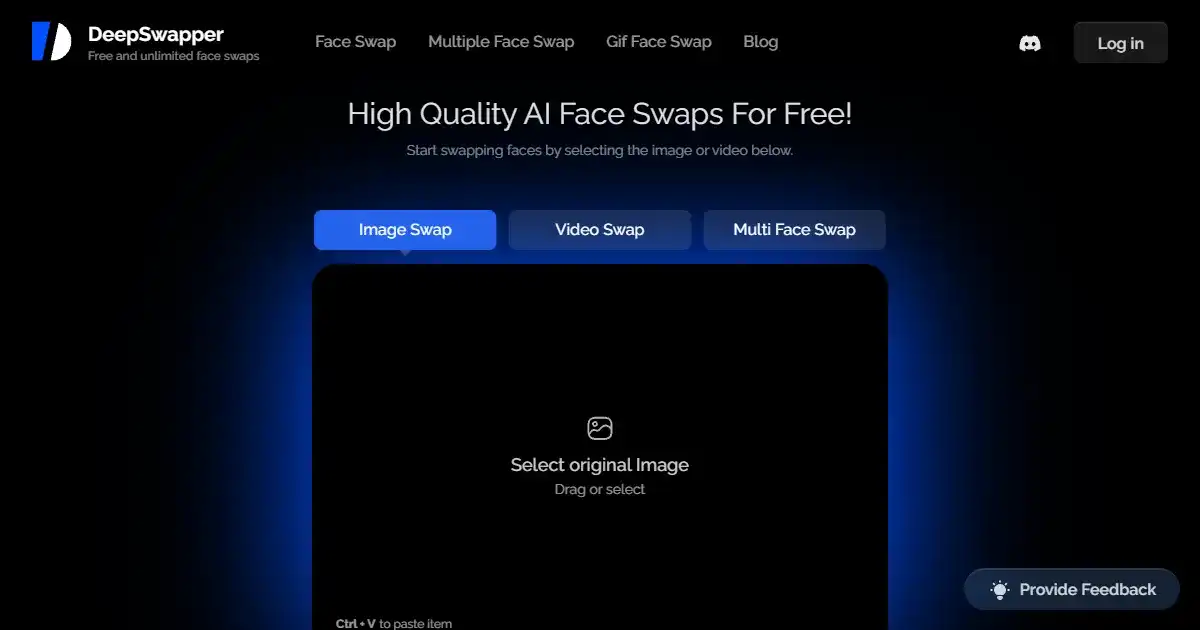
DeepSwapper AI is a free online tool that allows users to easily swap faces in images. It offers unlimited usage and produces high-quality, realistic results without watermarks or advertisements. The service is secure and does not store uploaded images.