ego (lite) Review: A Shared Browser for You and AI Agents
ego (lite) is a free Chromium browser designed to share real logged-in web sessions with coding agents such as Codex, Claude Code, and Cursor. Its ego-browser runtime, isolated Spaces, and compact semantic snapshots help agents automate interactive sites while the user keeps browsing in a separate workspace.
One translation. Verified by 22 AI models.
Compare leading AI translations, preserve document layouts, and add human verification when accuracy matters.
From idea to 3D model in one browser workspace
Generate from text or images, inspect the result online, then export GLB or OBJ and continue toward an STL workflow.

Create more in one place
Generate images, make videos, edit photos and create audio with shared credits.
Explore MagicShotWhat is ego (lite)?
ego (lite) is a desktop browser built for people and AI agents to use side by side. It can import familiar Chrome data and gives compatible coding agents a command-line runtime called ego-browser for opening pages, reading their structure, clicking, typing, uploading, downloading, and running JavaScript. Agent work happens inside Spaces that remain visible and reviewable without taking over the user's current tabs, mouse, or focus. The product is aimed at browser tasks that need a real login or interactive page, including back-office work, web testing, research, form filling, and data collection. The public download is currently offered for Mac, while the website provides an option to receive Windows availability updates.
Key Features of ego (lite)
ego (lite) combines a daily-use Chromium browser with an agent-oriented automation runtime and parallel workspaces.
Chromium-based daily browser: keeps familiar browsing behavior and can migrate Chrome tabs, bookmarks, passwords, extensions, cookies, login sessions, and profiles during onboarding.
ego-browser runtime: lets shell-capable agents such as Codex, Claude Code, Cursor, and custom agents drive the real browser through a JavaScript workflow and Chrome DevTools Protocol access.
Isolated Spaces: agent tasks run in separate workspaces with their own tabs and storage while the user continues browsing without losing mouse focus or control of active tabs.
Compact semantic snapshots: turns visible page structure and actionable elements into concise text with temporary refs, reducing the need to send raw HTML to the agent.
Parallel and composable automation: agents can run multiple tasks in separate Spaces and combine navigation, reading, clicking, form filling, waiting, extraction, and screenshots in one script.
Local-first browser data: the website states that browsing history, cookies, passwords, and page activity stay on the user's computer rather than being uploaded by ego (lite).
Best Uses for ego (lite)
Logged-in SaaS administration: let an agent read dashboards, update records, export reports, or work through tools such as CRM and analytics systems that do not expose every action through an API.
Web application testing: run visible end-to-end checks against authenticated staging or production flows while retaining tabs and evidence for later review.
Research and data collection: gather permitted information from social networks, marketplaces, search results, private documents, and other interactive pages into structured outputs.
Repetitive browser workflows: automate form entry, filtering, pagination, downloads, uploads, and data transfer across sites without maintaining a separate Playwright project.
Human-in-the-loop tasks: allow the agent to pause for captchas, login challenges, payments, publishing, or other sensitive steps and continue after the user takes control.
Parallel agent work: separate concurrent browsing tasks into named Spaces so different jobs do not collide with each other or with the user's own tabs.
ego (lite) Pros and Cons
Pros
- Reuses a real browser environment and existing login state instead of starting every task in a blank headless session.
- Keeps agent activity visible in dedicated Spaces without hijacking the user's active tab, mouse, or focus.
- Works with multiple shell-capable coding agents rather than locking automation to one assistant or model provider.
- Semantic snapshots can reduce noisy HTML context and provide actionable element references for browser tasks.
- Supports composed JavaScript workflows, direct DOM evaluation, screenshots, file operations, and lower-level CDP access.
- The current public offering is free and does not require a separate browser automation subscription.
Cons
- The public download is currently presented for Mac; the website only offers Windows availability notifications.
- It requires a compatible agent that can run shell commands and use the ego-browser skill or runtime.
- Semantic snapshots may not fully expose image text, complex canvases, off-screen content, or some sandboxed frames, so screenshots or manual checks can still be necessary.
- Giving an agent access to logged-in sessions is powerful and requires carefully defined permissions, stop points, and review for sensitive actions.
How to Use ego (lite)
- 1
Download the Mac installer from the official ego (lite) website, install the app, and complete onboarding.
- 2
Choose whether to migrate supported Chrome data such as profiles, extensions, bookmarks, cookies, and login sessions.
- 3
Confirm that onboarding installed the ego-browser skill for your coding agent, or install the skill separately if needed.
- 4
In Codex, Claude Code, Cursor, or another compatible agent, activate ego-browser and describe the target site, desired actions, boundaries, and output format.
- 5
Let the agent create or reuse a Space, open the relevant pages, read fresh snapshots, and perform the permitted browser actions.
- 6
Take over when authentication, captcha, payment, publishing, or another sensitive confirmation is required, then review the preserved Space and final result.
ego (lite) FAQs
Is ego (lite) free?
Yes. The official website currently describes ego (lite) as free, with no subscription required for the browser and its agent automation workflow.
Which operating systems does ego (lite) support?
The public website currently provides a Mac download. It also offers a sign-up option for Windows availability notifications, so Windows users should check the official site for updates.
Which AI agents work with ego (lite)?
The documentation lists Codex, Claude Code, Cursor, Continue, Gemini CLI, OpenCode, Hermes Agent, and other custom agents that can run shell commands.
Can ego (lite) use my existing browser logins?
Yes. During onboarding it can migrate supported Chrome data, including cookies and login sessions, so agents can work on sites where the selected profile is already authenticated.
How is ego (lite) different from Playwright or Puppeteer?
Playwright and Puppeteer are automation libraries embedded in code. ego (lite) combines a visible Chromium browser with ego-browser, an agent-oriented runtime that lets an AI agent compose actions against the user's real browser environment.
Does an agent take over my active browser while using ego (lite)?
No. Agent tasks run in Spaces, so the user can keep working in other tabs and can switch into the agent's Space to inspect progress or take control when needed.
Where is my browsing data stored?
The ego (lite) website states that bookmarks, browsing history, cookies, passwords, and loaded page data remain on the user's computer rather than being uploaded by the browser.
Interested in this product?
Take a look at their websiteUpdated 2026-09-06
Find More Tools
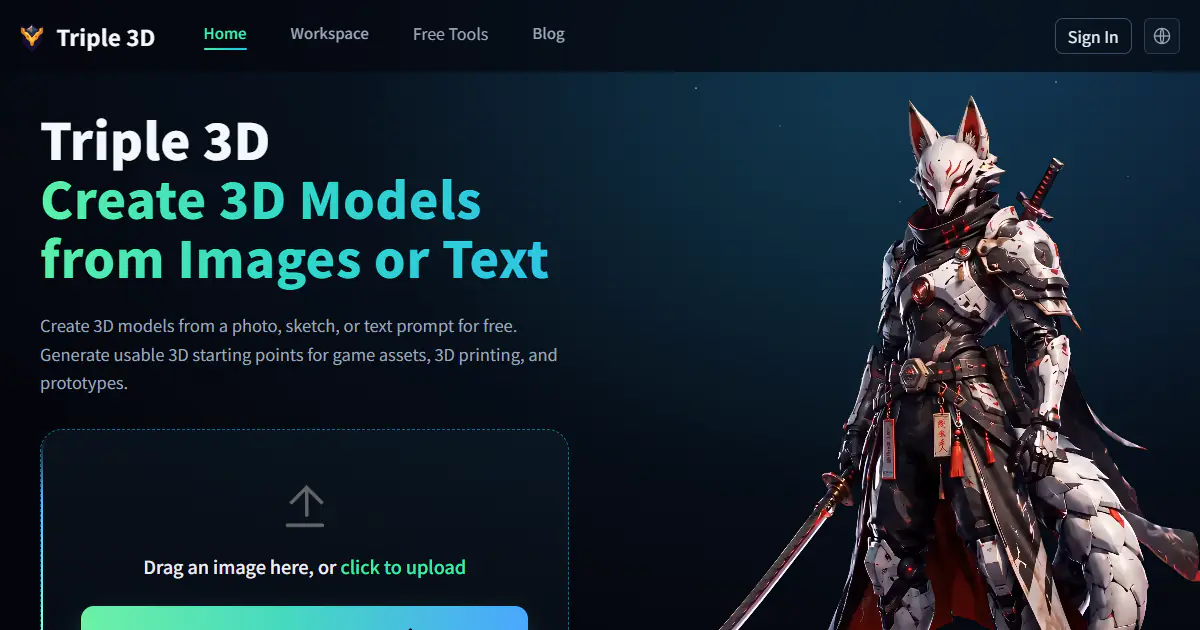
Triple 3D is a browser-based AI 3D workspace that turns images, photos, sketches, or text prompts into downloadable 3D starting points. It combines generation with online preview, model inspection, GLB and OBJ export, public examples, and free viewers and converters for common 3D formats.
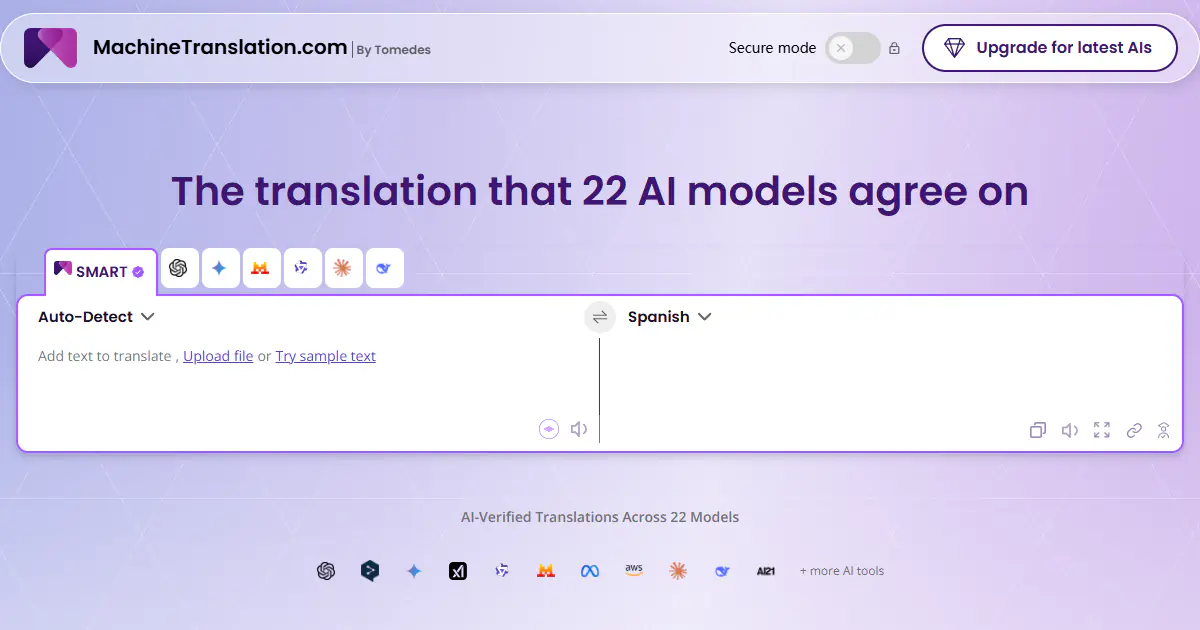
MachineTranslation.com is an AI translation platform that compares outputs from 22 AI models and uses cross-model agreement to recommend one result. It translates text, images and large documents, can preserve layouts for supported formats, and adds terminology controls, an AI Translation Agent, privacy options and on-demand human verification.

Bypass Engine is an AI-powered humanizer designed to transform robotic AI-generated text into natural, undetectable writing. It utilizes advanced algorithms trained on over a billion data points to restructure sentences and evade detection systems like Turnitin and Originality.ai. Use Bypass Engine to ensure your content remains plagiarism-free and retains its original meaning while passing as human-written.
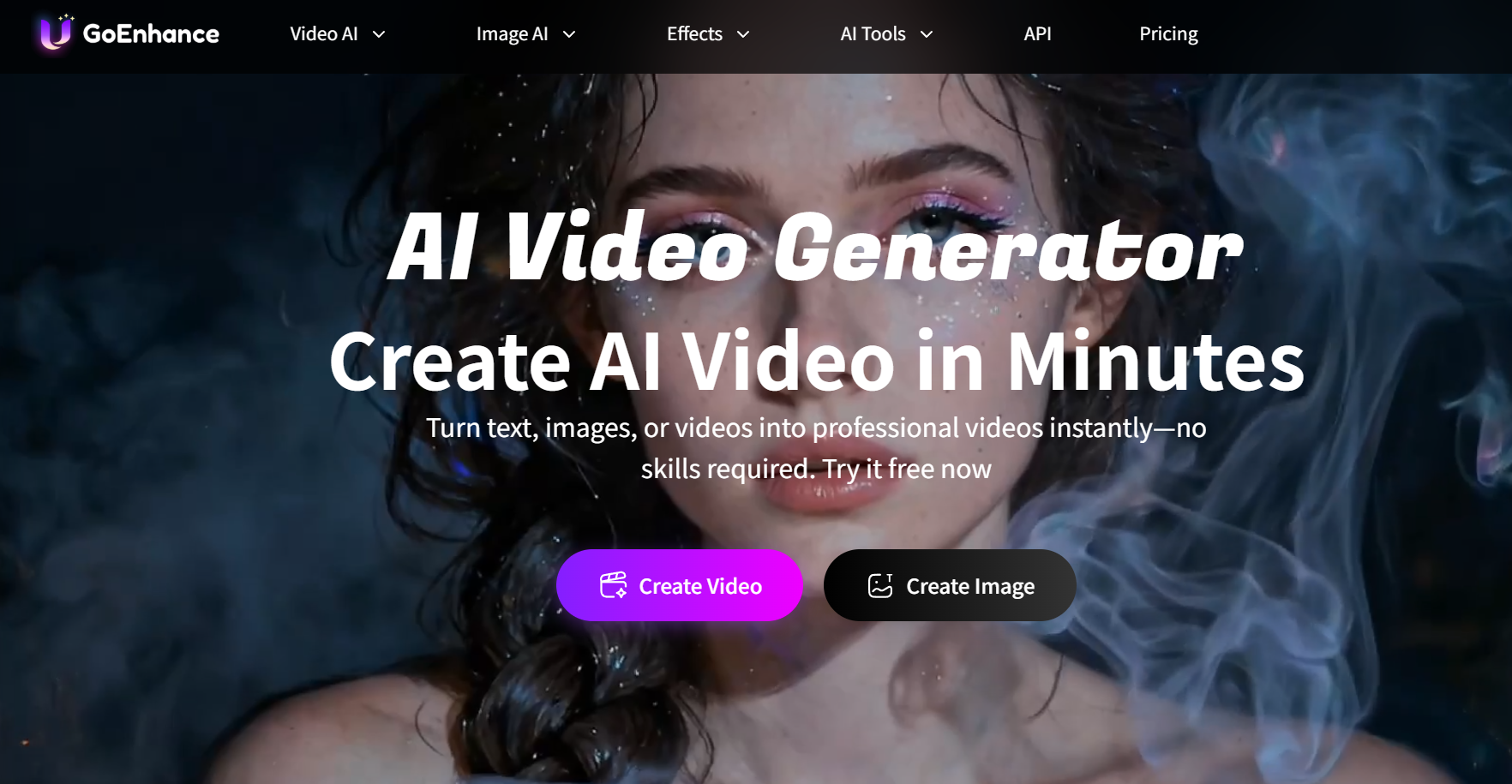
GoEnhance AI is a comprehensive AI video generation platform designed to simplify the creation of professional visual content from text, images, and existing video footage. It features a robust suite of tools including high-resolution video-to-anime conversion, realistic face swapping, and character animation capabilities. Accessible via web browsers on both PC and mobile, this platform empowers creators to produce high-quality short-form content efficiently without complex editing skills.
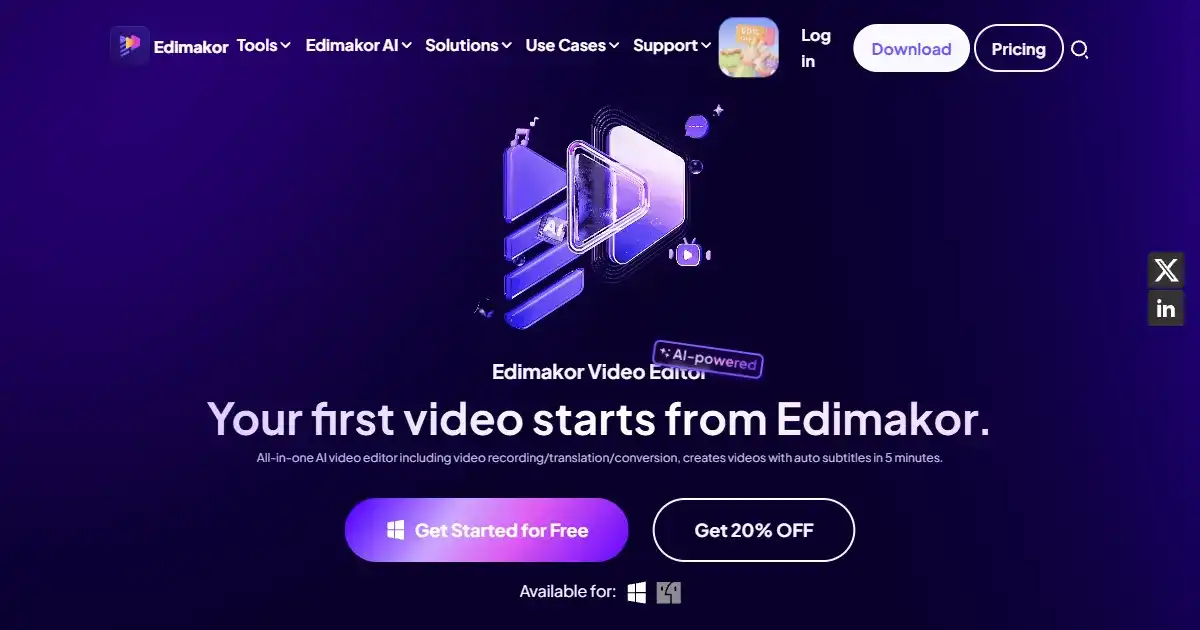
HitPaw Edimakor is an all-in-one AI video editor designed for creating professional content quickly. It simplifies video creation with features like automatic subtitling, text-to-video generation, and an integrated stock media library. This tool is ideal for both beginners and experienced creators on platforms like YouTube and TikTok.
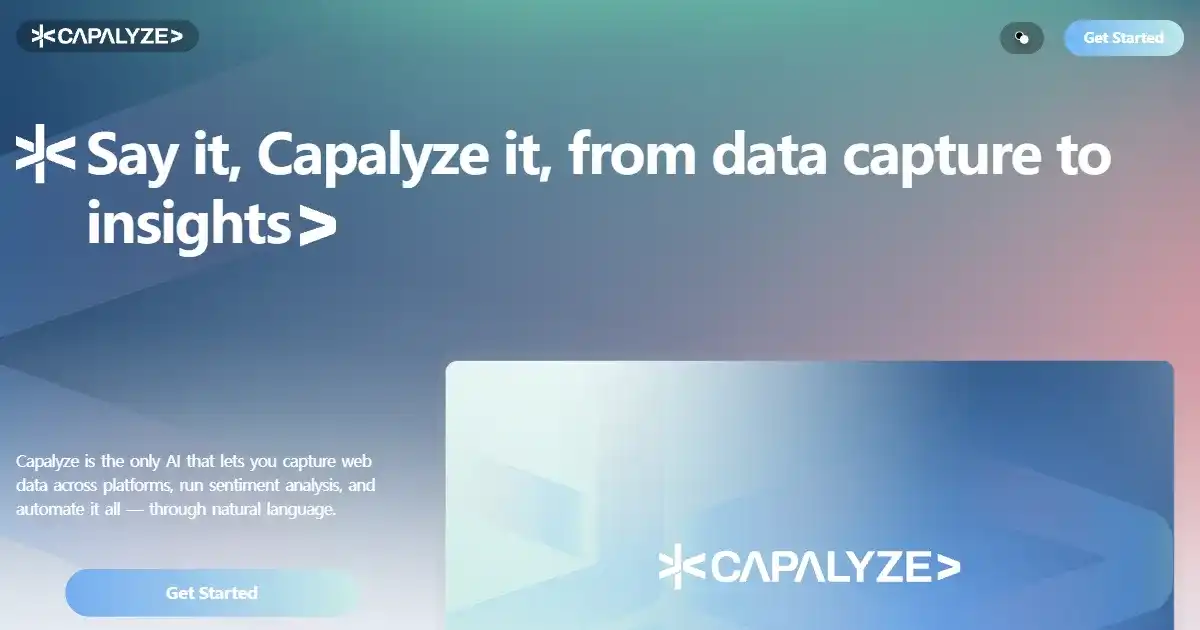
Capalyze is a data analytics agent that enables individuals and businesses to analyze data using natural language commands. It supports connecting multiple data sources and crawling web data to generate intelligent insights and interactive reports. Capalyze helps users in various fields, like e-commerce and real estate, to extract valuable information and empower business decisions.