Gamma App
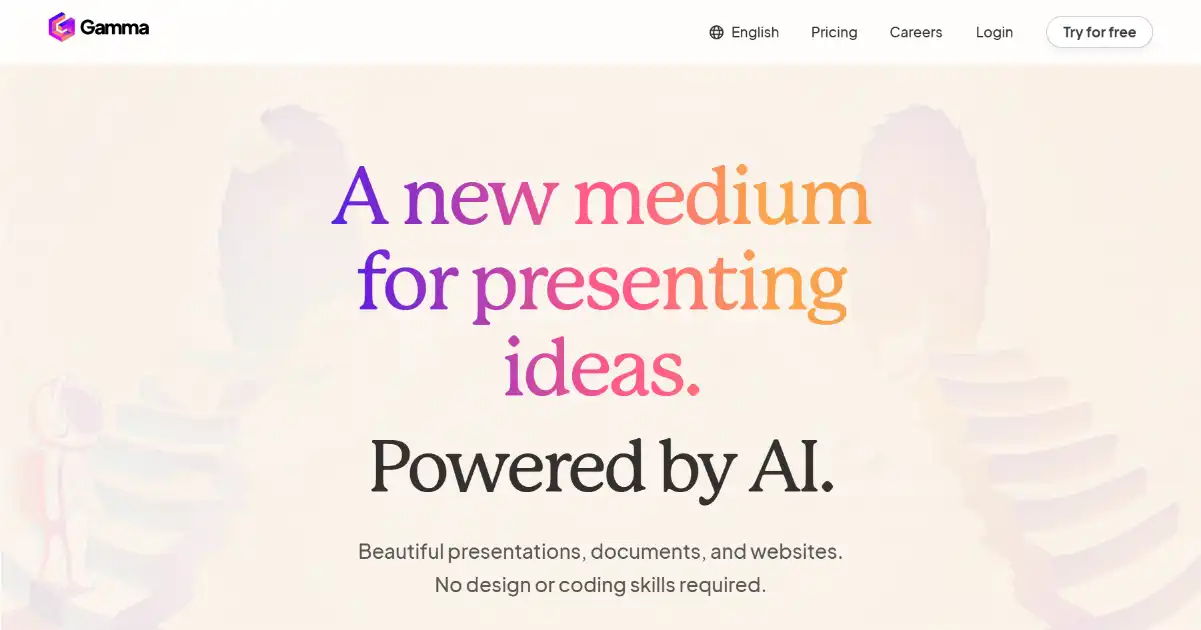
Gamma App is an AI-powered content creation tool that transforms your notes into engaging presentations, documents, and web pages. It leverages AI design tools to produce professional-quality results with easy-to-use templates and no-code editing. Gamma offers interactive features like embedding GIFs, videos, charts, and analytics tools while also promoting easy collaboration between team members and clients.
One translation. Verified by 22 AI models.
Compare leading AI translations, preserve document layouts, and add human verification when accuracy matters.
From idea to 3D model in one browser workspace
Generate from text or images, inspect the result online, then export GLB or OBJ and continue toward an STL workflow.

Create more in one place
Generate images, make videos, edit photos and create audio with shared credits.
Explore MagicShotWhat is Gamma App
Gamma App is a powerful AI-powered tool for creating visually stunning and interactive content. Whether you're working on presentations, documents, or web pages, Gamma simplifies the process from raw notes to polished product. By leveraging AI design capabilities, Gamma provides professional, on-brand results through user-friendly templates and no-code editing.
Key Features of Gamma App
Gamma App is an AI-powered content creation tool that transforms raw notes into visually appealing presentations, documents, and web pages. With a focus on streamlined, no-code creation, Gamma facilitates crafting attractive slides and web pages with integrated collaboration tools.
AI-Powered Design: Generate visually engaging slides, presentations, and other content formats from your notes.
One-Click Templates: Quickly start creating with professionally designed templates.
No-Code Editing: Easily customize your content without needing coding skills.
Interactive Content Creation: Create dynamic and engaging presentations by embedding media like GIFs, videos, and charts.
Collaboration Tools: Share your work with team members, colleagues, and clients to co-create presentations or gather feedback and analytics. Integrations: Enhance Gamma’s capabilities by connecting to Figma, Airtable, Microsoft Office, and other useful tools
Use Cases of Gamma App
Presentations: Create visually engaging slides with embedded multimedia and interactive elements.
Document Creation: Generate professional-looking reports, proposals, and other documents.
Web Page Design: Build simple yet elegant websites or landing pages quickly.
Marketing Materials: Produce impactful marketing collaterals with visual appeal.
Educational Content: Develop engaging presentations and learning resources for the interactive web page of an online course..
Collaborative Projects: Co-create and share projects within design teams for maximum engagement among the parties.
Fundraising & Nonprofits: Design high-quality presentations that bring statistics to life and are appropriate for both physical and virtual sharing of important messaging regarding donations..
Gamma App Pros and Cons
Pros
- Ease of use: Intuitive design facilitates content creation without complex formatting.
- AI-powered design: Smart tools simplify the creation process and aid consistency of design.
- Collaboration features: Real-time co-editing streamlines team projects and feedback.
- Versatility: Suitable for diverse content, from presentations to documents and web pages.
- Integrations: Compatibility with numerous platforms including those that foster collaboration and allow easy collection of data from other work spaces..
Cons
- Limited offline functionality: Heavy reliance on internet connectivity for optimal performance.
- Learning curve: Users may require time to acclimate to the software interface.
- Feature limitations: Functionality may differ depending on specific integrations (e.g., Figma, social media sites).
Gamma App FAQs
How does Gamma work?
Gamma uses AI to transform your raw notes into polished presentations, documents, or web pages. It offers a variety of templates and allows for customization to fit your brand.
What can Gamma be used for?
Gamma excels in various scenarios, including presentations, marketing materials, educational content, collaborative projects, fundraising efforts, real estate pitches, business reports, social media updates, website creation, data visualization, portfolio design, internal communications, project proposals, training materials, and creative writing projects.
Does Gamma offer integrations?
Gamma integrates with platforms such as Microsoft Office 365, Google Drive, Figma, Airtable, Miro, social media sites, various creative content sources, and several feedback tools.
Interested in this product?
Take a look at their websiteUpdated 2026-10-05
Find More Tools
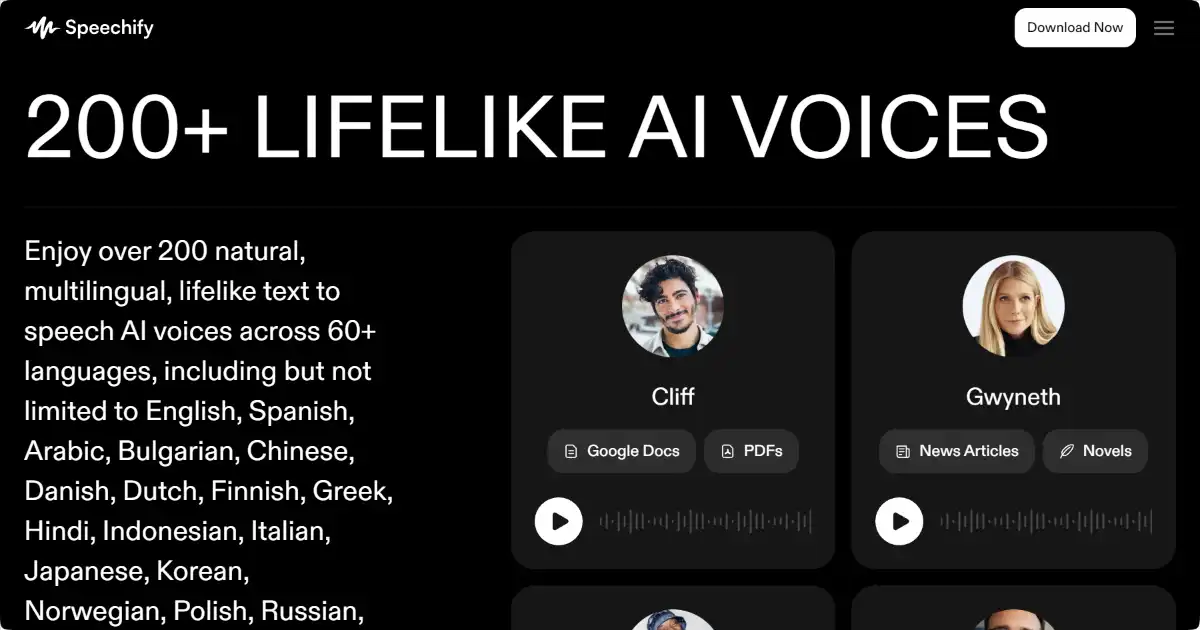
Speechify is a text-to-speech app that converts text into audio. Its AI-powered voices provide a natural listening experience, enabling users to absorb information through listening rather than traditional reading. Available on several platforms.
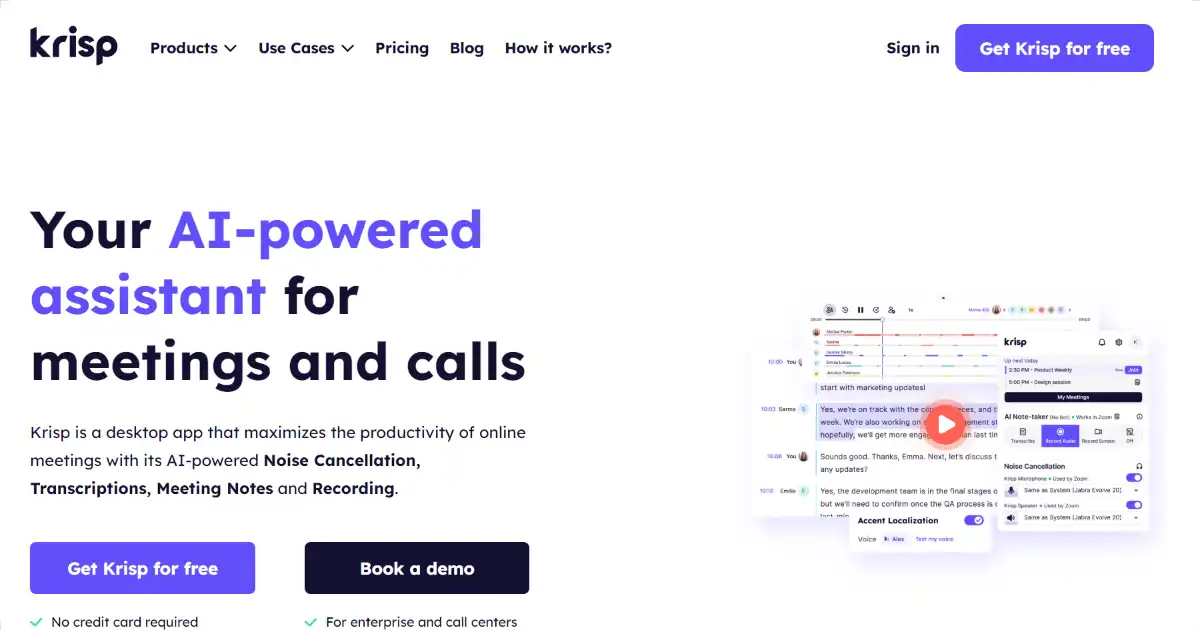
Krisp is an AI-powered noise cancellation tool that removes background noise, voices, and echo from calls. This boosts clarity, improves comprehension and helps remote workers achieve uninterrupted, quality conversations on several platforms
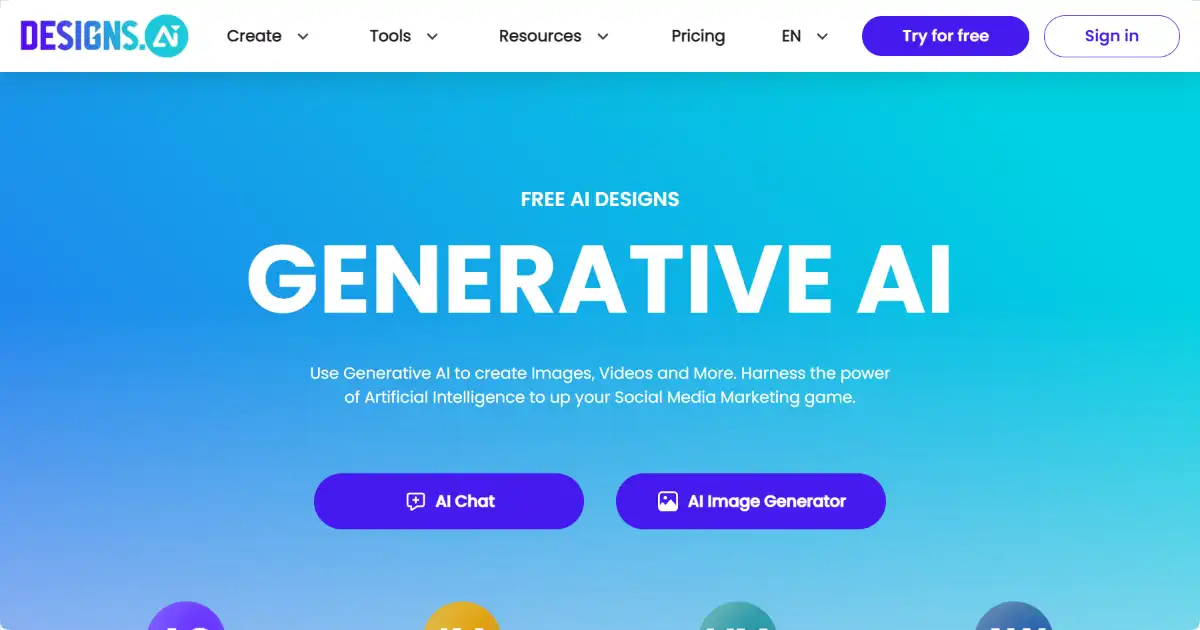
Designs.ai is an AI-powered design platform for creating various marketing and design materials. It offers a suite of tools to generate logos, videos, banners, and more, simplifying the creative process for users of all experience levels. This comprehensive platform helps both individuals and organizations.
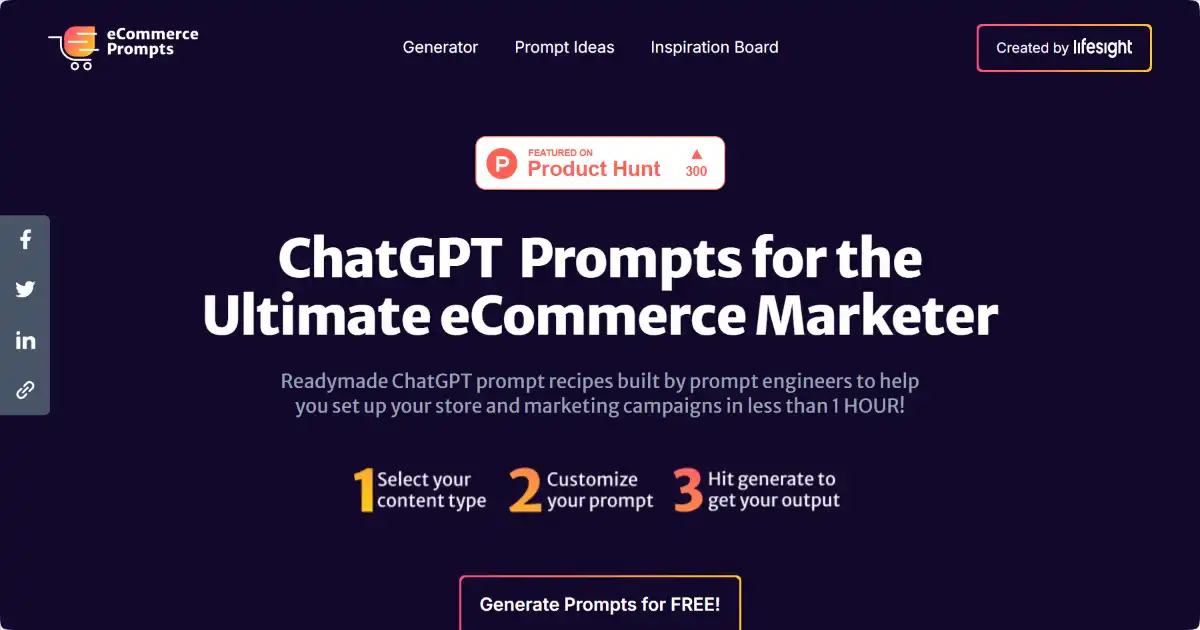
eCommerce ChatGPT Prompts is a content generation tool that leverages a vast library of pre-built and customizable prompts. It provides solutions for a wide range of eCommerce and marketing content needs, including product descriptions, ad copy, social media posts, and email marketing material. This empowers businesses to easily create effective and targeted marketing content.
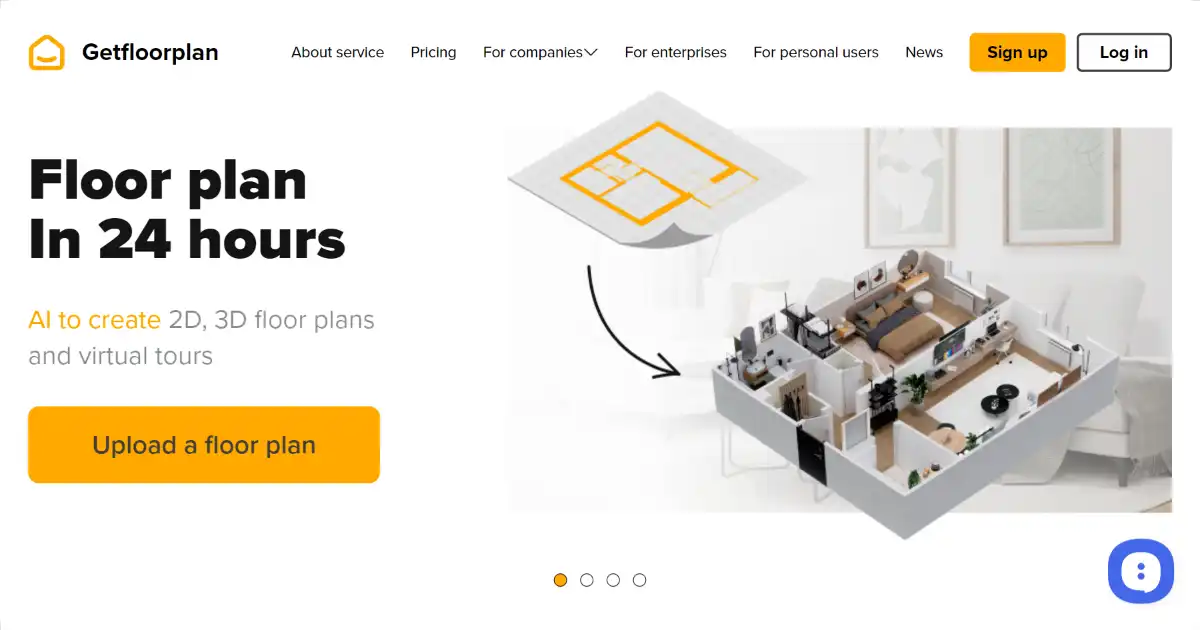
Get Floor Plan is an AI-powered tool that generates 2D and 3D floor plans from sketches. It's perfect for real estate, interior design, architecture, and even home renovation projects, simplifying design visualization with its user-friendly interface. The platform quickly produces interactive 3D virtual tours that improve customer experience which make for excellent sales or marketing presentation material suitable across professions including construction planning
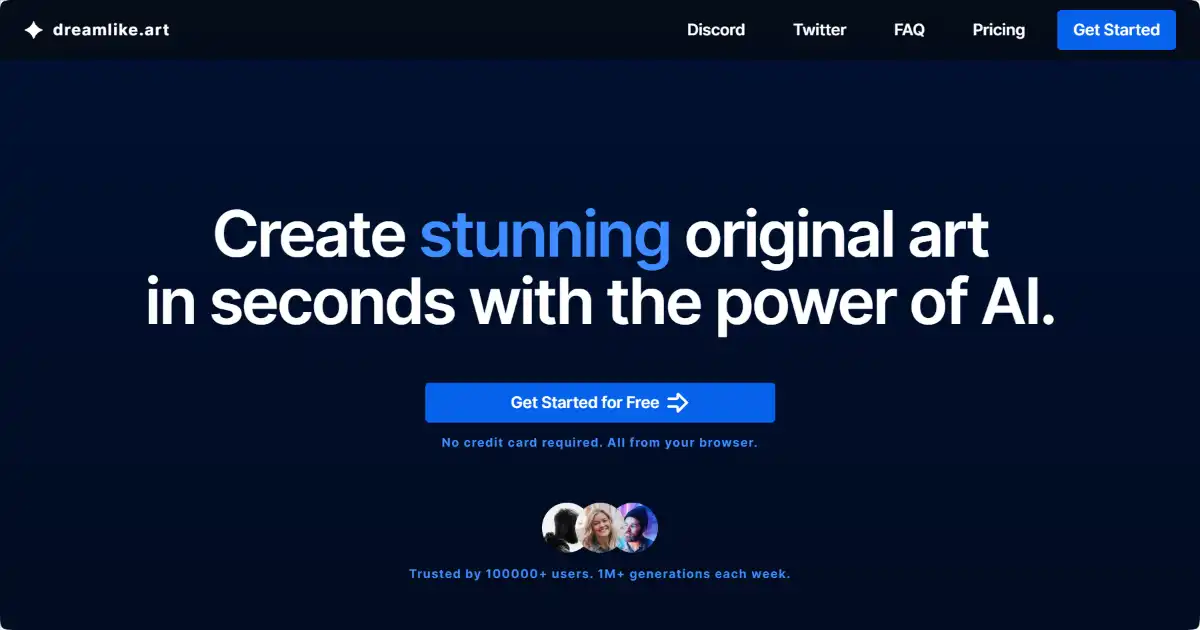
Dreamlike.art is an AI-powered platform that enables users to create and edit images using a range of innovative features. It leverages advanced algorithms to transform text prompts and existing visuals into new artwork with adjustable styles and enhanced quality. Its intuitive interface facilitates a rapid and iterative creative process.