SNAPVID AI Video Editor
SNAPVID is an AI video editing tool that specializes in transforming longer videos into engaging, shareable short-form content. It leverages artificial intelligence to streamline the editing process for creating viral shorts quickly and efficiently. The platform offers various features to customize and optimize videos for social media.
One translation. Verified by 22 AI models.
Compare leading AI translations, preserve document layouts, and add human verification when accuracy matters.
From idea to 3D model in one browser workspace
Generate from text or images, inspect the result online, then export GLB or OBJ and continue toward an STL workflow.

Create more in one place
Generate images, make videos, edit photos and create audio with shared credits.
Explore MagicShotWhat is SNAPVID
SNAPVID is an AI-driven video editing tool engineered to rapidly convert any video into a shareable short optimized for virality. Leveraging artificial intelligence, the platform automates key aspects of the editing process, enabling creators to quickly repurpose long-form content into captivating clips for social media. It is equipped with a range of features to enhance video quality and engagement, such as adding subtitles, animated emojis, and intelligently handling cuts and music.
Key Features of SNAPVID
SNAPVID offers a suite of AI-powered features designed to streamline the process of creating engaging short-form videos from longer content, including tools for visual enhancement, editing efficiency, and multi-platform readiness.
Customizable Subtitles: Add and style subtitles to enhance accessibility and viewer engagement.
Animated Emojis: Incorporate dynamic animated emojis to add visual flair and expression to your shorts.
Multi-Export Functionality: Prepare and export videos in various formats and aspect ratios suitable for different social media platforms.
Silence Removal: Automatically detect and eliminate silent segments within the video to create tighter, more dynamic cuts.
Face Tracking: AI automatically keeps faces centered and prominent in the frame, ideal for vertical video formats.
Smart Cutting: Intelligent AI analysis assists in identifying and making precise cuts to focus on the most impactful parts of the video.
Smart Music Selection: Utilize AI to help select or automatically add background music that complements the video's content and pacing.
Use Cases of SNAPVID
Social Media Content Creation: Rapidly produce attention-grabbing short videos for platforms like TikTok, Instagram Reels, and YouTube Shorts.
Content Repurposing: Convert long-form content, such as podcasts, webinars, interviews, or vlogs, into numerous short, engaging clips to maximize reach.
Enhancing Video Engagement: Utilize features like automatic subtitles, animated emojis, and dynamic cuts to make videos more captivating and shareable.
Boosting Online Presence: Consistently publish high-quality, optimized short videos across platforms to increase visibility and audience interaction.
SNAPVID Pros and Cons
Pros
- Significantly speeds up the process of creating social media shorts from long videos using AI.
- Includes features specifically tailored for optimizing content for short-form platforms (e.g., face tracking).
- Facilitates efficient repurposing of existing video content into multiple engaging clips.
- Offers various features like subtitles and emojis to enhance video engagement and appeal.
Cons
- Quality of AI-driven editing features like 'smart cut' may vary depending on video content.
- Specific limitations on usage or features might exist depending on the chosen pricing plan.
- May offer less granular manual control compared to traditional, non-AI video editors.
SNAPVID FAQs
How does SNAPVID help create short videos?
SNAPVID utilizes artificial intelligence to automatically analyze and edit longer video content, identifying key moments and transforming them into concise, engaging short clips optimized for social media sharing.
What are the main features of SNAPVID?
SNAPVID includes a range of AI-powered features such as customizable subtitles, animated emojis, multi-platform export capabilities, automatic silence removal, face tracking, intelligent cutting, and smart music selection.
What kind of videos can I transform with SNAPVID?
It is particularly well-suited for repurposing long-form videos like podcasts, interviews, webinars, or vlogs into multiple short, viral clips for platforms such as TikTok, Instagram Reels, and YouTube Shorts.
Does SNAPVID offer different plans?
Yes, SNAPVID offers different pricing plans designed to cater to various user needs, from individual creators to enterprise-level requirements.
Interested in this product?
Take a look at their websiteUpdated 2026-10-05
Find More Tools
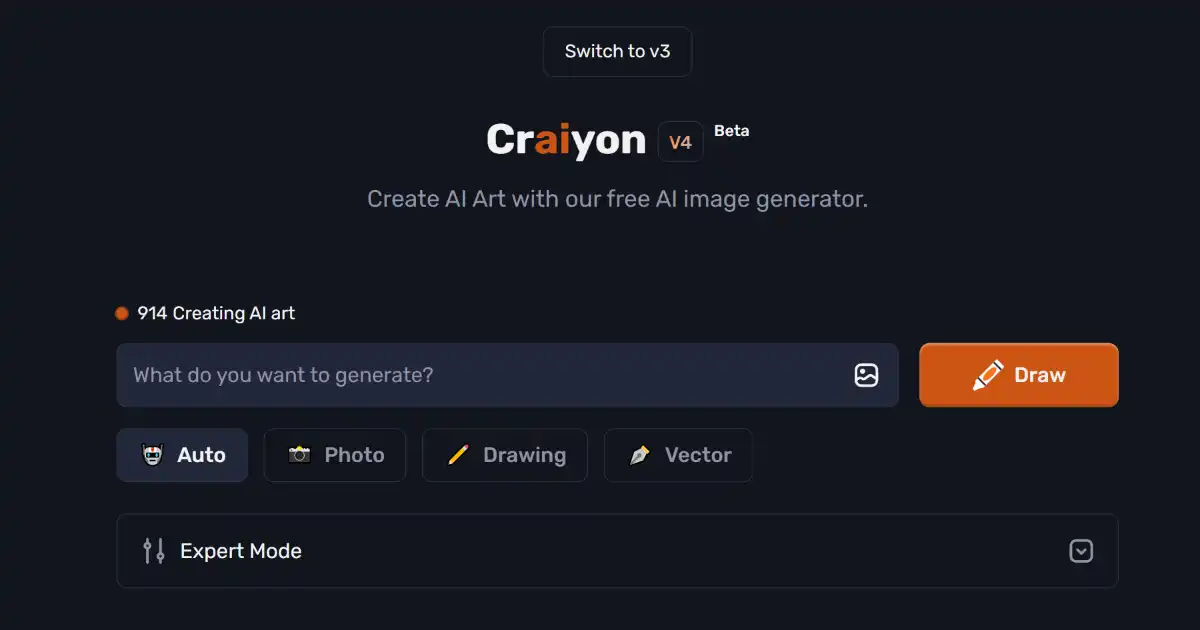
Craiyon is a free AI image generator that transforms text prompts into diverse visual art. Easily accessible through a user-friendly interface, it's ideal for content creators, educators, and anyone seeking creative inspiration.

Munch is an AI-powered video editing platform that repurposes long-form video content into engaging social media clips. It automates the process of creating optimized short videos, saving time and maximizing reach across various social media channels. Munch offers various pricing and subscription plans to match different users’ needs and usage cases.

Magic Studio is an AI-powered platform for creating and editing images. It offers a user-friendly interface with powerful AI capabilities for various image-related tasks. Streamline your visual content workflow with features like AI editing, background transformation, and text-to-image generation.
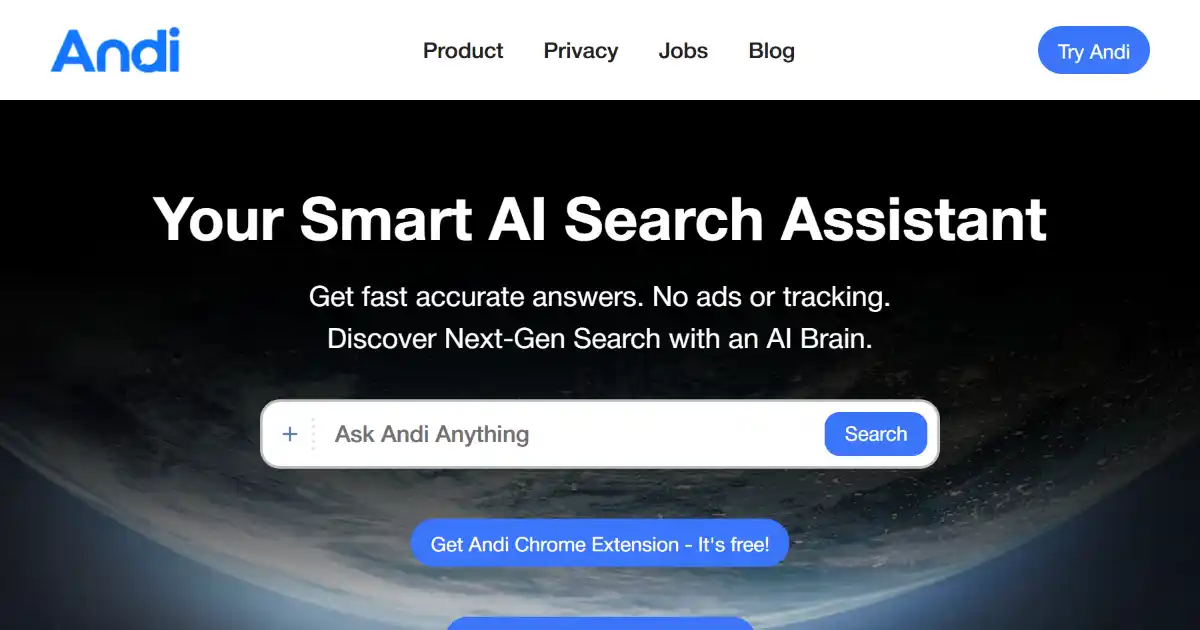
Andi AI Search is a generative AI search engine providing direct answers within a conversational interface. It synthesizes information from multiple sources, offering a private and ad-free alternative to traditional search.
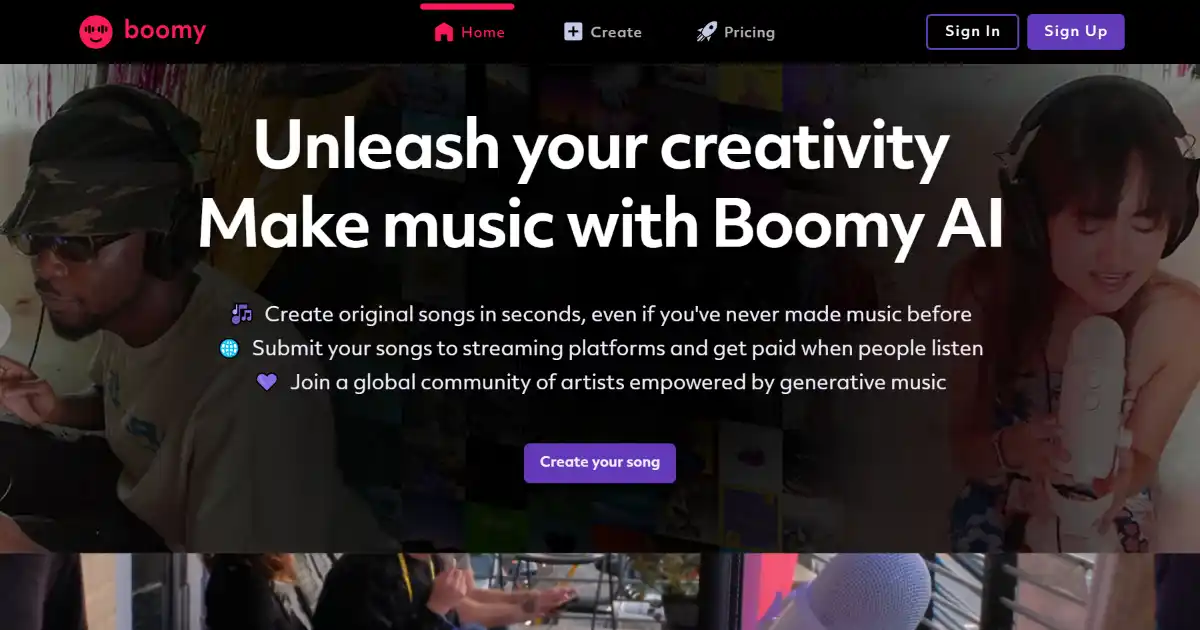
Boomy AI is an AI-powered music creation platform that allows users to create and share original songs in seconds. Users can customize their creations and distribute them to major streaming services, earning royalties on every play.
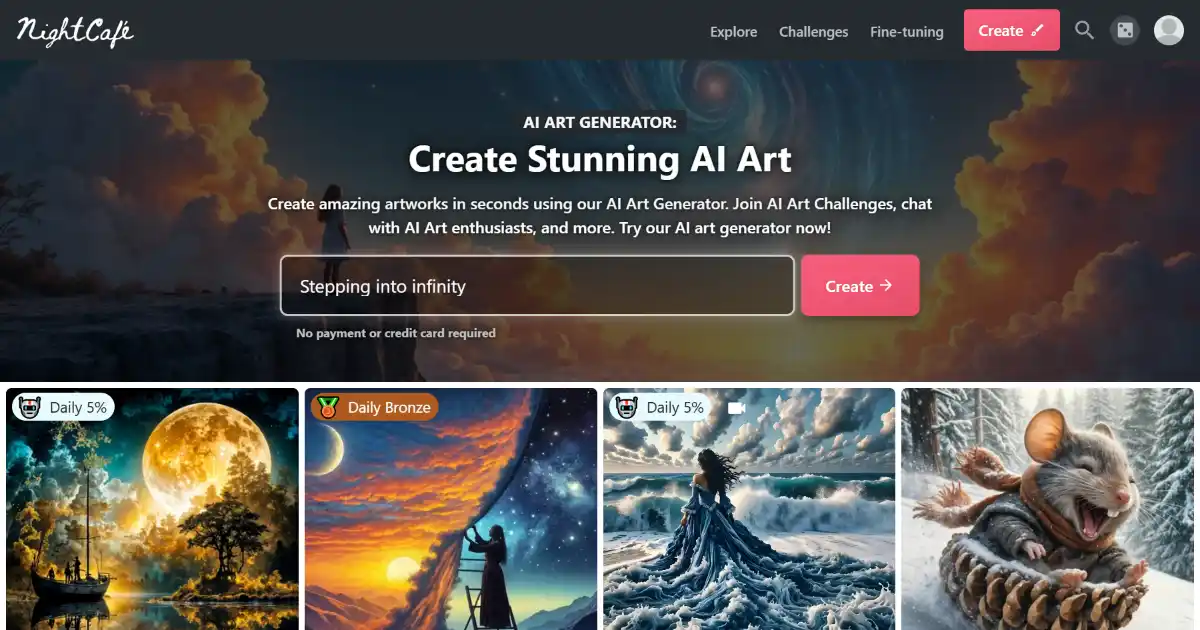
NightCafe AI Creator Studio is an online AI art generator platform. Its numerous AI algorithms enable creators of any experience level produce unique artworks based on multiple input parameters including image transformation, text or conceptual filters. Expanding capabilities from concept to merchandise with its artist social space and robust in platform digital print studio, users can readily monetize unique creations with little setup.