GitMind
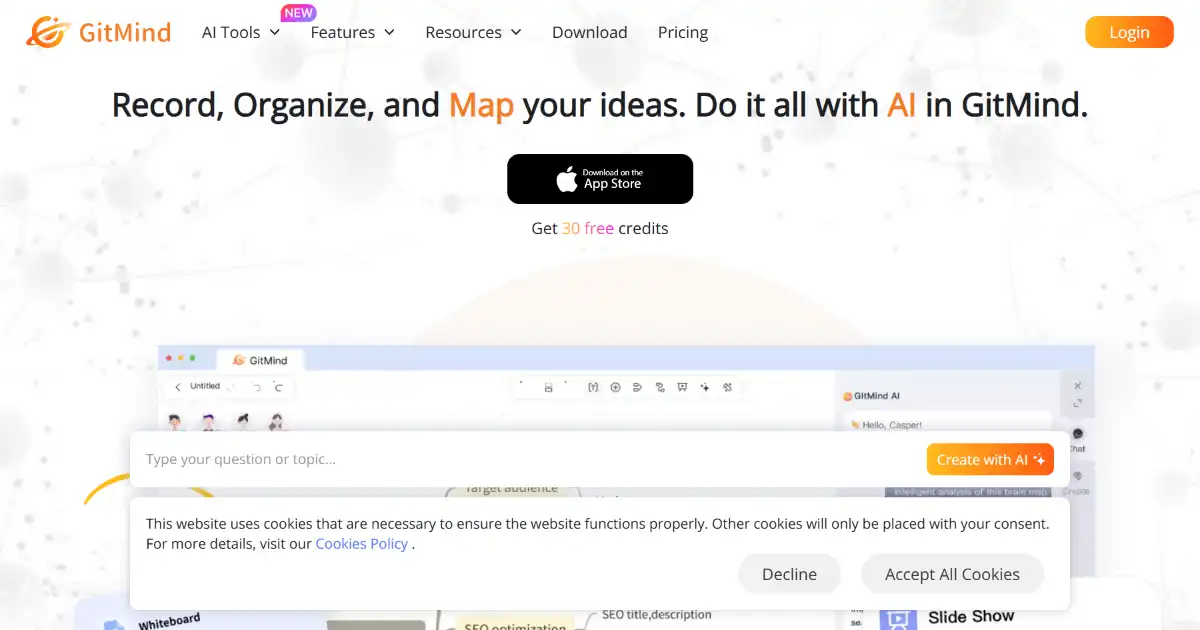
GitMind is a free online mind mapping tool that facilitates brainstorming and collaborative idea generation. It offers real-time collaboration features, allowing multiple users to work together on the same mind map simultaneously. Users can visualize and structure information, making it suitable for project planning, note-taking, and various creative processes.
One translation. Verified by 22 AI models.
Compare leading AI translations, preserve document layouts, and add human verification when accuracy matters.
From idea to 3D model in one browser workspace
Generate from text or images, inspect the result online, then export GLB or OBJ and continue toward an STL workflow.

Create more in one place
Generate images, make videos, edit photos and create audio with shared credits.
Explore MagicShotWhat is GitMind
GitMind is a free online mind-mapping software designed for collaborative brainstorming and project planning. With an intuitive interface and real-time collaboration features, teams can easily create, share, and refine their ideas. GitMind supports diverse diagram types, enabling users to visualize various projects, workflows, or strategies.
Key Features of GitMind
GitMind provides several key features such as Real-time Collaboration, support of different diagram types and platform compatibility.
Real-time Collaboration: Multiple users can work on the same mind map or diagram at the same time.
Diverse Diagram Types: Create mind maps, flowcharts, organizational charts, UML diagrams, and swimlanes.
User-Friendly Interface: Easy to navigate and use, suitable for both beginners and experienced users.
AI Chat Online: An integrated AI chat feature helps boost efficiency and assist with various tasks.
Cross-Platform Accessibility: Access GitMind from any device with an internet connection through any browser also mobile devices through iOS and Android app
Use Cases of GitMind
Brainstorming and Ideation: Capture, connect, and organize ideas efficiently with teams.
Project Planning and Management: Create project outlines, workflows, and task breakdowns collaboratively.
Note-Taking and Knowledge Management: Use mind maps to structure information, facilitating knowledge retention and insight generation.
Educational Purposes: Support teaching and learning processes by visualizing complex topics, outlining lesson plans, etc.
Creative and Design Thinking: Brainstorm visual layouts and user experience designs as a team, making it also an option for collaborative design projects
GitMind Pros and Cons
Pros
- Free Access: GitMind is a completely free, without paid or subscription tiers.
- Real-time Collaboration: Fosters team brainstorming sessions efficiently
- Versatility: Supports different diagrams that make it useful in diverse scenarios
- Ease of Use: Simple interface enables a comfortable using and creating diagrams and notes without technical difficulty.
- Cross-Platform Accessibility: Works on various platforms via web or through Android and IOS mobile apps
Cons
- Limited Offline Functionality: Being web-based, GitMind relies on internet connectivity.
- Feature limitations compared to dedicated diagram softwares.
- Reliance on GitMind server uptime for access and data persistence
GitMind FAQs
Is GitMind free to use?
GitMind is a free online mind-mapping tool that allows for real-time collaboration, making it suitable for brainstorming and project planning.
Does GitMind support real-time collaboration?
Yes, GitMind allows multiple users to collaborate on the same mind map simultaneously.
What types of diagrams can I create with GitMind?
GitMind offers a range of diagram types beyond mind maps, such as flowcharts, organizational charts, UML diagrams, and swimlanes.
Interested in this product?
Take a look at their websiteUpdated 2026-10-05
Find More Tools
MockFlow is a collaborative platform to create and test prototypes of software and web interfaces, allowing you to generate mock-ups using built-in component libraries for quick building. It facilitates enhanced communication amongst project teams.
Shadow is an AI-powered meeting assistant that automates post-meeting tasks. It transcribes meetings, generates summaries, and can even perform specific follow-up actions, enhancing productivity and streamlining workflows. Your recordings are stored locally for increased security and privacy.

Legal Brief AI is a tool designed to help create, edit, and analyze legal briefs. Its purpose is to assist legal professionals and improve workflow through automation. The automated system can also help check compliance with legal requirements and other protocols.
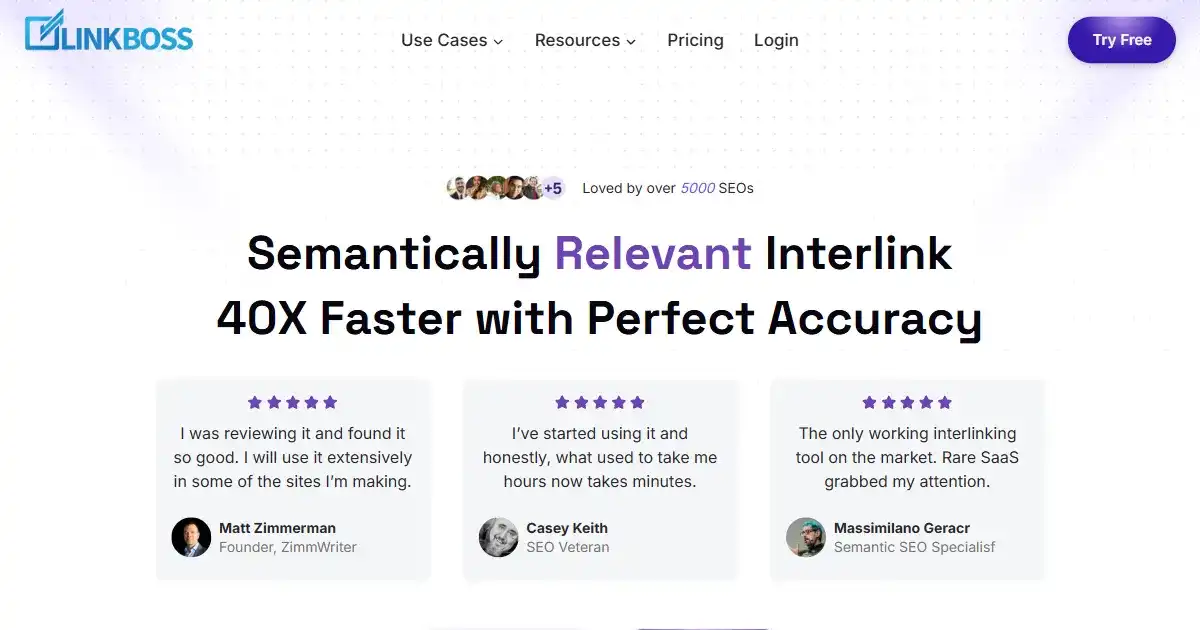
LinkBoss.io is an AI-powered internal linking tool for WordPress. It analyzes website content and helps guide website managers make educated decisions about which pages should and shouldn't link together in bulk while creating proper topic clusters based around current website structure to also automatically manage, monitor, and enhance website setup. Its aim is to save time, improve SEO, and create a better user experience.
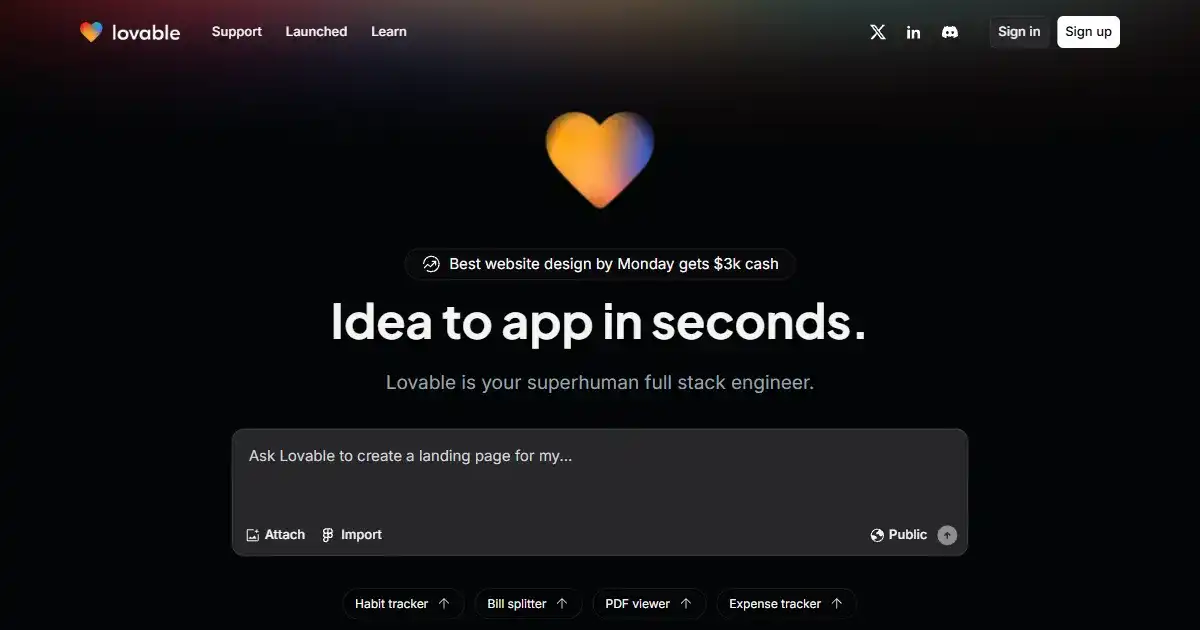
Lovable is an AI web development tool that accelerates building web applications. It uses natural language processing to generate UI elements and supports full-stack development. Lovable is useful for both developers and those with less technical skills to improve the web building workflow.
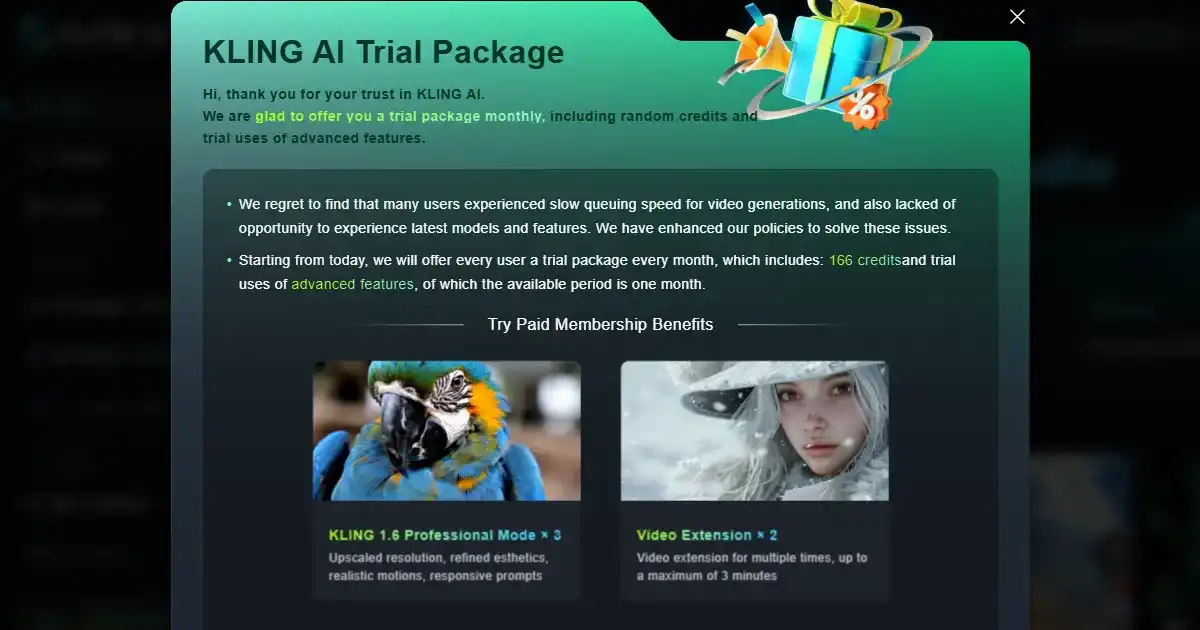
Kling AI is a versatile AI tool that generates high-quality videos and images from text descriptions. It streamlines content creation with its creative flexibility and AI capabilities that automate tasks for various applications, offering dynamic image-to-video conversion, 3D body and face reconstruction from still images and other innovative image/video creation workflows.