MockFlow
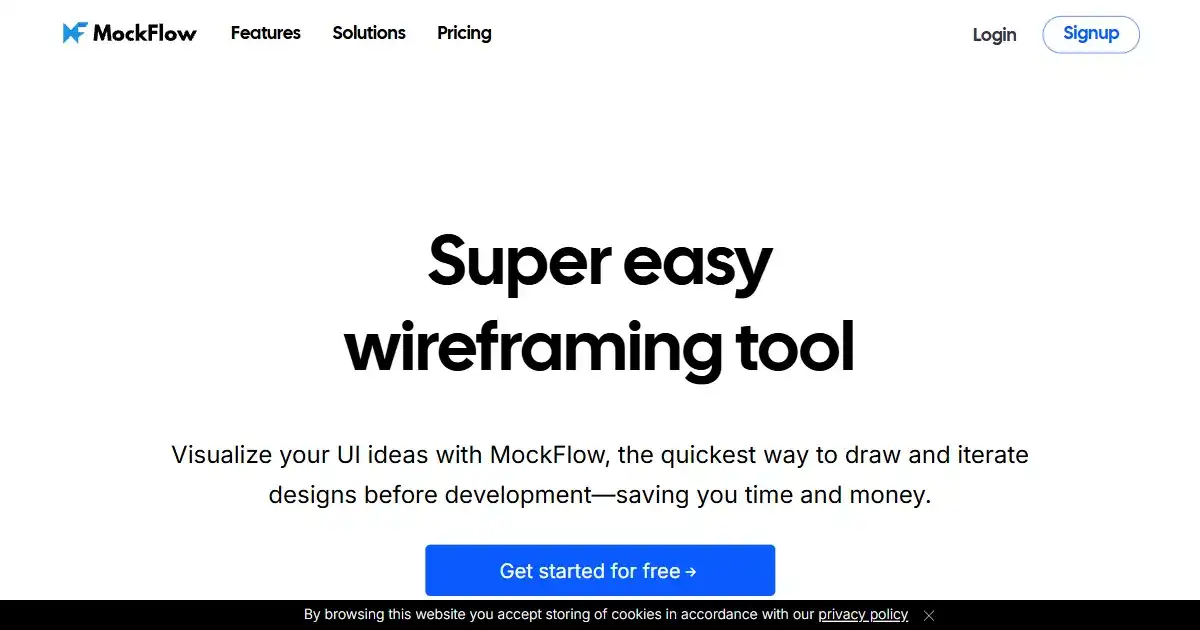
MockFlow is a collaborative platform to create and test prototypes of software and web interfaces, allowing you to generate mock-ups using built-in component libraries for quick building. It facilitates enhanced communication amongst project teams.
One translation. Verified by 22 AI models.
Compare leading AI translations, preserve document layouts, and add human verification when accuracy matters.
From idea to 3D model in one browser workspace
Generate from text or images, inspect the result online, then export GLB or OBJ and continue toward an STL workflow.

Create more in one place
Generate images, make videos, edit photos and create audio with shared credits.
Explore MagicShotWhat is MockFlow
MockFlow is an online wireframing and design tool that simplifies the process of building interactive mockups for various applications such as websites, desktop software, and mobile applications. Combining prototyping tools with built-in collaborative features makes MockFlow a suitable design suite for organizations ranging from individuals and startups to large corporations.
Key Features of MockFlow
Key Features of Mockflow in more detail.
Wireframing Tools: Create interactive prototypes for various platforms.
Component Libraries: Pre-built design elements and UI widgets to drag and drop for increased productivity.
Collaboration Tools: Enable teams to communicate with feedback options and revisions.
Integrations: Connectivity to other relevant platforms in a streamlined workflow.
Exporting Options: Outputs your mock-ups in several different popular file formats.
Use Cases of MockFlow
Web Design: Streamlining webpage layout and content with drag-and-drop interactive design elements
Application Design: Developing blueprints and simulations for mobile and desktop user interface layouts
User Experience Design: Enhance product interface efficiency by rapidly visualizing screen prototypes, interactive page flows, and component functions
Collaboration Projects: Leveraging a platform for synchronized collaboration during various development stages
MockFlow Pros and Cons
Pros
- Easy-to-use and beginner friendly
- Real-time collaboration feature is well-integrated
- Excellent built-in templates
Cons
- Limited customization in free version
- Steep learning curve
- Not suitable for high fidelity prototypes
MockFlow FAQs
What are the system requirements for MockFlow?
MockFlow is a web-based application, so it's accessible via most standard browsers with a stable internet connection.
What are the various pricing plans for MockFlow subscriptions?
The pricing for MockFlow scales based on the user tier. The free tier offers basic functionalities, while the paid subscriptions provide more features and capacity depending upon your chosen plan and specific requirements.
Which software platforms does MockFlow integrate with?
MockFlow supports integrations with several other project management and design tools, enabling enhanced collaborative work.
Interested in this product?
Take a look at their websiteUpdated 2026-10-05
Find More Tools

Drafthorse AI is an AI-powered SEO content platform designed to boost online presence with optimized, ready-to-publish articles. It integrates seamlessly with leading CMS platforms like WordPress and Webflow, allowing effortless publishing. Improve your content generation workflow from keyword to live articles in minutes.
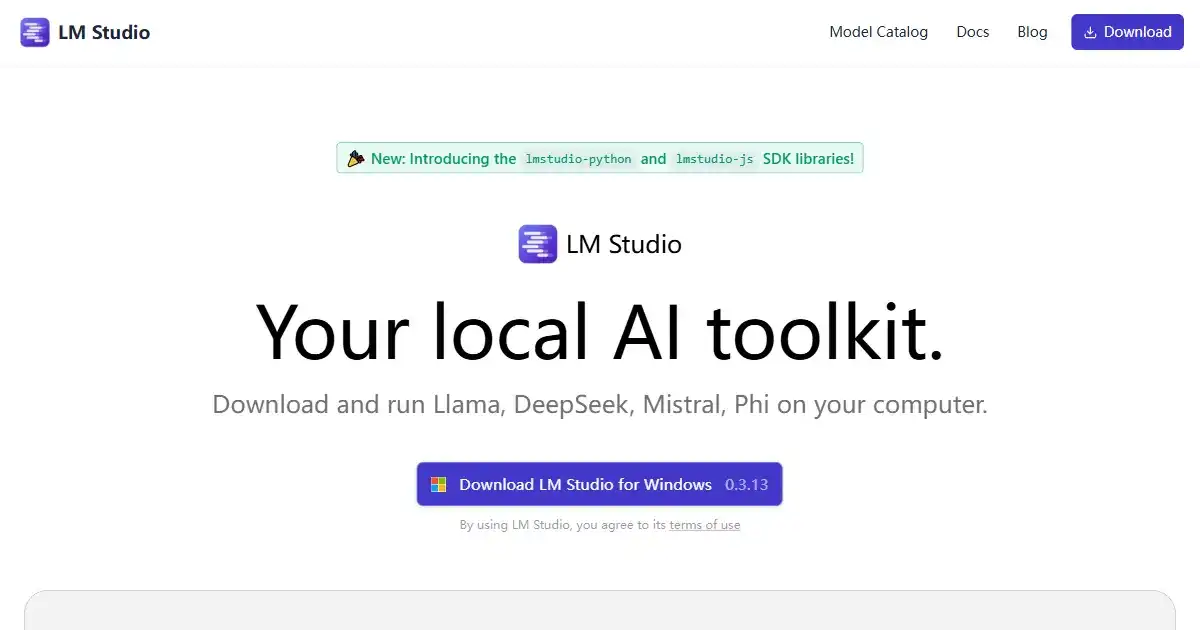
LM Studio is a desktop application designed for running large language models (LLMs) offline on your personal computer. It enhances privacy and data security, while offering compatibility with a variety of models from Hugging Face. Perfect for personal projects, research or development work involving sensitive data.
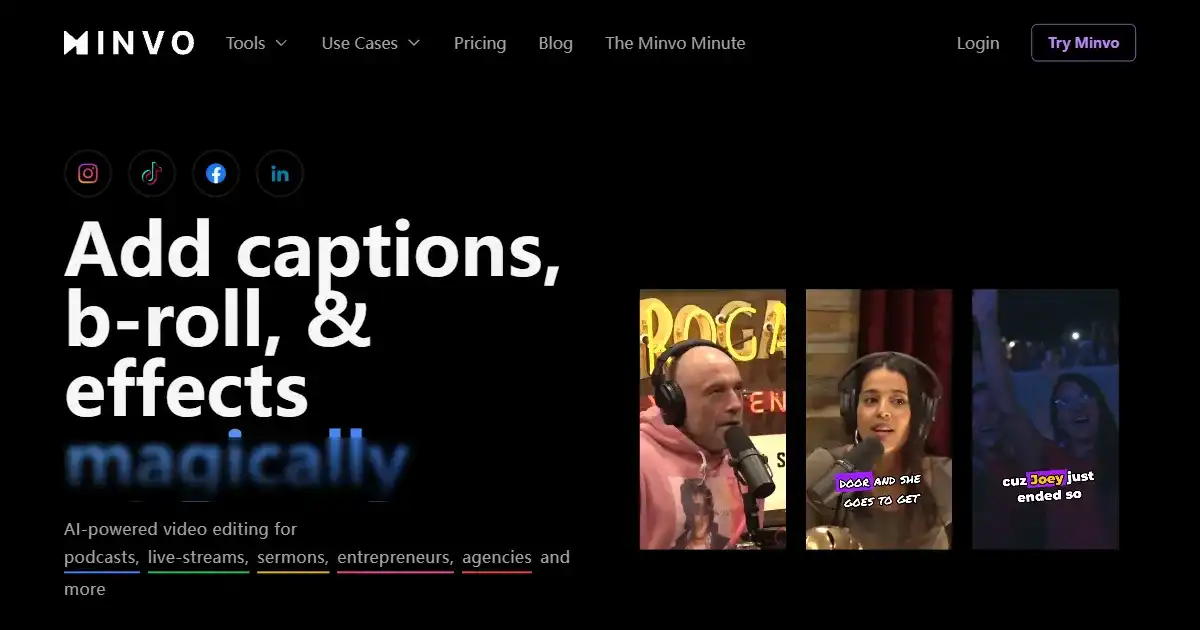
Minvo is an AI-powered video editing platform that transforms long videos into engaging social media clips. Designed for content creators, marketers, and businesses, Minvo automates the editing process and offers tools for subtitle translation, branding customization, scheduling, and performance analytics.

Hotshot is an AI-powered GIF generator that transforms text prompts into animated images. It simplifies GIF creation with a user-friendly platform. Hotshot empowers users to enhance content with dynamic visuals.
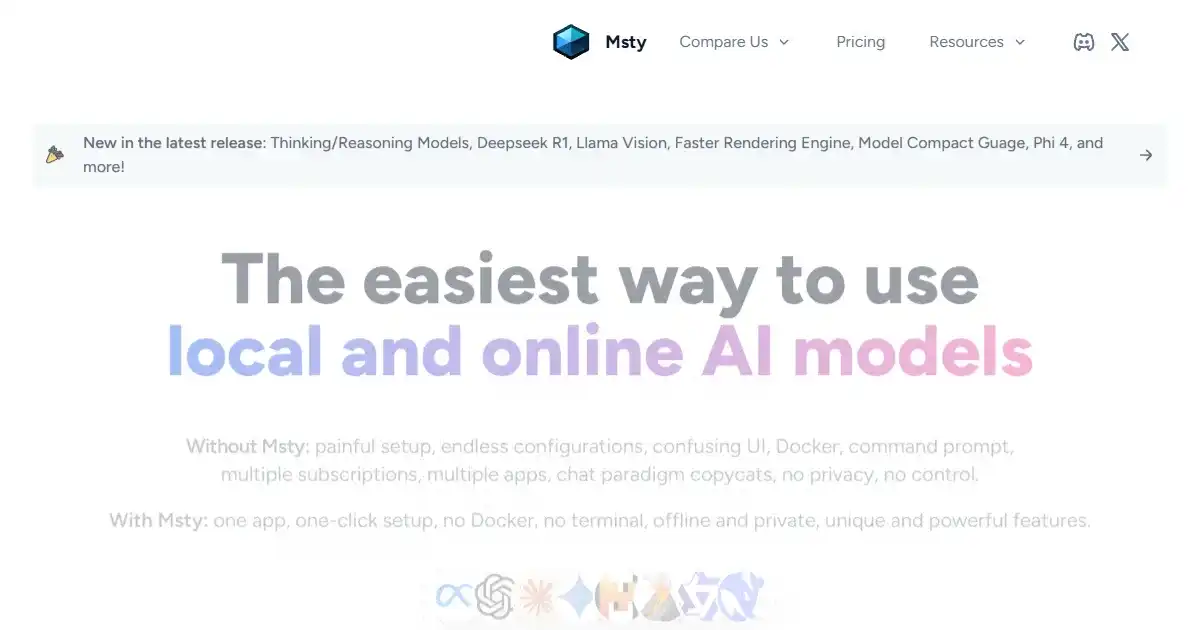
Msty is an AI application simplifying interaction with diverse AI models. It connects with both local and online models offering privacy and flexibility for users of any technical skill level.
QuickMagic is an AI-powered motion capture tool that streamlines animation creation. By uploading videos directly, it eliminates the need for cameras or motion capture suits, generating animation data automatically. It boosts productivity by up to 30%.