MachineTranslation.com AI Translator Review
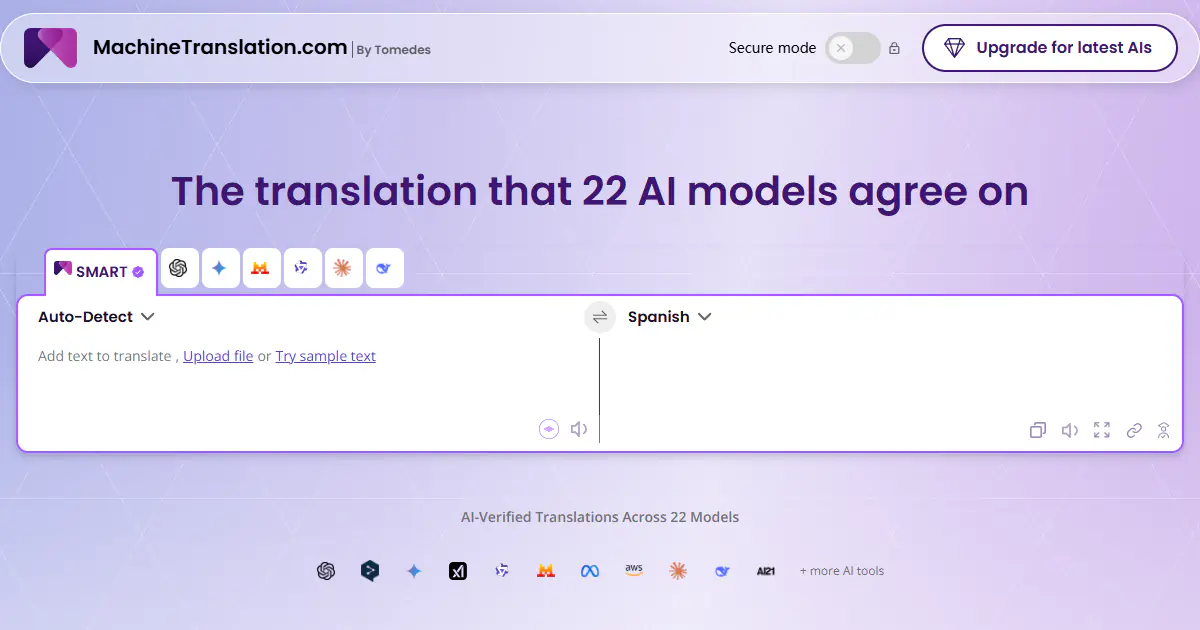
MachineTranslation.com is an AI translation platform that compares outputs from 22 AI models and uses cross-model agreement to recommend one result. It translates text, images and large documents, can preserve layouts for supported formats, and adds terminology controls, an AI Translation Agent, privacy options and on-demand human verification.
One translation. Verified by 22 AI models.
Compare leading AI translations, preserve document layouts, and add human verification when accuracy matters.
From idea to 3D model in one browser workspace
Generate from text or images, inspect the result online, then export GLB or OBJ and continue toward an STL workflow.

Create more in one place
Generate images, make videos, edit photos and create audio with shared credits.
Explore MagicShotWhat is MachineTranslation.com?
MachineTranslation.com is a web-based AI translator built by Tomedes. Instead of asking users to trust a single engine, it gathers translations from multiple machine-translation systems and large language models, compares their outputs and uses its SMART consensus approach to recommend the wording with the strongest model agreement. Users can still inspect alternatives side by side, review terminology differences and edit the result. The platform supports quick text translation as well as documents and images, with layout preservation for supported files. Glossaries, style instructions, an AI Translation Agent, developer API access and optional professional human verification make it useful for both everyday translation and business workflows where consistency and review matter.
Key Features of MachineTranslation.com
The platform combines multi-model comparison, document workflows and optional expert review in one translation workspace.
22-model comparison and SMART consensus: compares independent AI outputs and recommends the translation with the strongest cross-model agreement.
Comparative view and quality insights: shows alternative wording, quality scores and terminology differences instead of hiding every decision behind one result.
Document and image translation: accepts common formats such as PDF, DOCX, TXT, CSV, XLSX, JPG, PNG and SRT, with uploads of up to 70 MB according to the current FAQ.
Layout preservation for supported documents: translated Word files and open PDFs can retain their original structure and formatting.
AI Translation Agent and terminology controls: refine tone and wording, reuse preferences, and upload glossaries or style guides for more consistent output.
Privacy and escalation options: includes Secure Mode and data anonymization features, states that translation content is not used for model training, and offers human verification for high-stakes material.
Best Uses for MachineTranslation.com
Business communication: compare multiple AI outputs before sending proposals, reports, emails or client-facing documents.
Document localization: translate PDFs, Word files, spreadsheets, images and subtitles while reducing manual reformatting.
Marketing and brand content: use glossaries and style guidance to keep product names, preferred terminology and tone consistent.
Research and education: compare translations when reading multilingual sources instead of relying on one engine’s interpretation.
Legal, medical and compliance drafts: create a fast AI translation, then request qualified human verification when mistakes could carry real consequences.
Application integration: use the available API to add translation workflows to products and internal systems.
MachineTranslation.com Pros and Cons
Pros
- Cross-checks translations across 22 AI models rather than relying on a single source.
- Lets users inspect competing translations and terminology differences.
- Supports both quick text translation and sizeable document workflows.
- Can preserve formatting for supported Word and open PDF files.
- Offers glossaries, style guidance, an AI agent, API access and optional human verification.
- A free entry point makes it easy to test the workflow before paying.
Cons
- Free use is subject to changing daily and lifetime fair-use limits.
- Advanced models, unrestricted document downloads and some security features require a paid plan.
- Large documents can take longer to process, a limitation also mentioned in user-review summaries.
- AI consensus reduces single-model blind spots but does not replace qualified human review for critical content.
How to Use MachineTranslation.com
- 1
Paste text or upload a supported document or image.
- 2
Confirm the detected source language and select the target language.
- 3
Review the SMART recommendation, quality information and alternative model outputs.
- 4
Refine tone and terminology with instructions, glossary entries or the AI Translation Agent.
- 5
Download the result or request professional human verification when the content is high-stakes.
MachineTranslation.com FAQs
How is MachineTranslation.com different from a single AI translator?
It compares outputs from 22 AI models and translation engines, then uses cross-model agreement to recommend one result. Users can also inspect alternative translations and terminology differences.
What is SMART translation?
SMART is MachineTranslation.com’s consensus workflow. It compares independent translations and selects the wording with the strongest agreement across participating models, helping expose outlier answers from any one system.
Is MachineTranslation.com free?
A free option is available without a credit card, subject to fair-use limits that can change. One-time access, Pro and tailored plans provide higher limits, advanced models and additional workflow features.
Can it translate documents without breaking the layout?
For supported Word documents and open PDFs, the platform can retain the original layout and formatting. It also accepts spreadsheets, images, plain text and subtitle files, though capabilities vary by format and plan.
Does MachineTranslation.com use submitted text to train AI models?
Its current Trust Center states that submitted translation content is not used to train models by MachineTranslation.com or its third-party engine providers. Users handling sensitive material should still review the active plan and retention settings.
Should AI translations be human reviewed?
Yes when legal, medical, official, safety-critical or otherwise high-impact content is involved. MachineTranslation.com offers optional professional human verification directly in the workflow.
Does MachineTranslation.com offer an API?
Yes. API access is available on paid plans for developers and organizations that want to integrate translation into applications or internal workflows.
Interested in this product?
Take a look at their websiteUpdated 2026-10-05
Find More Tools
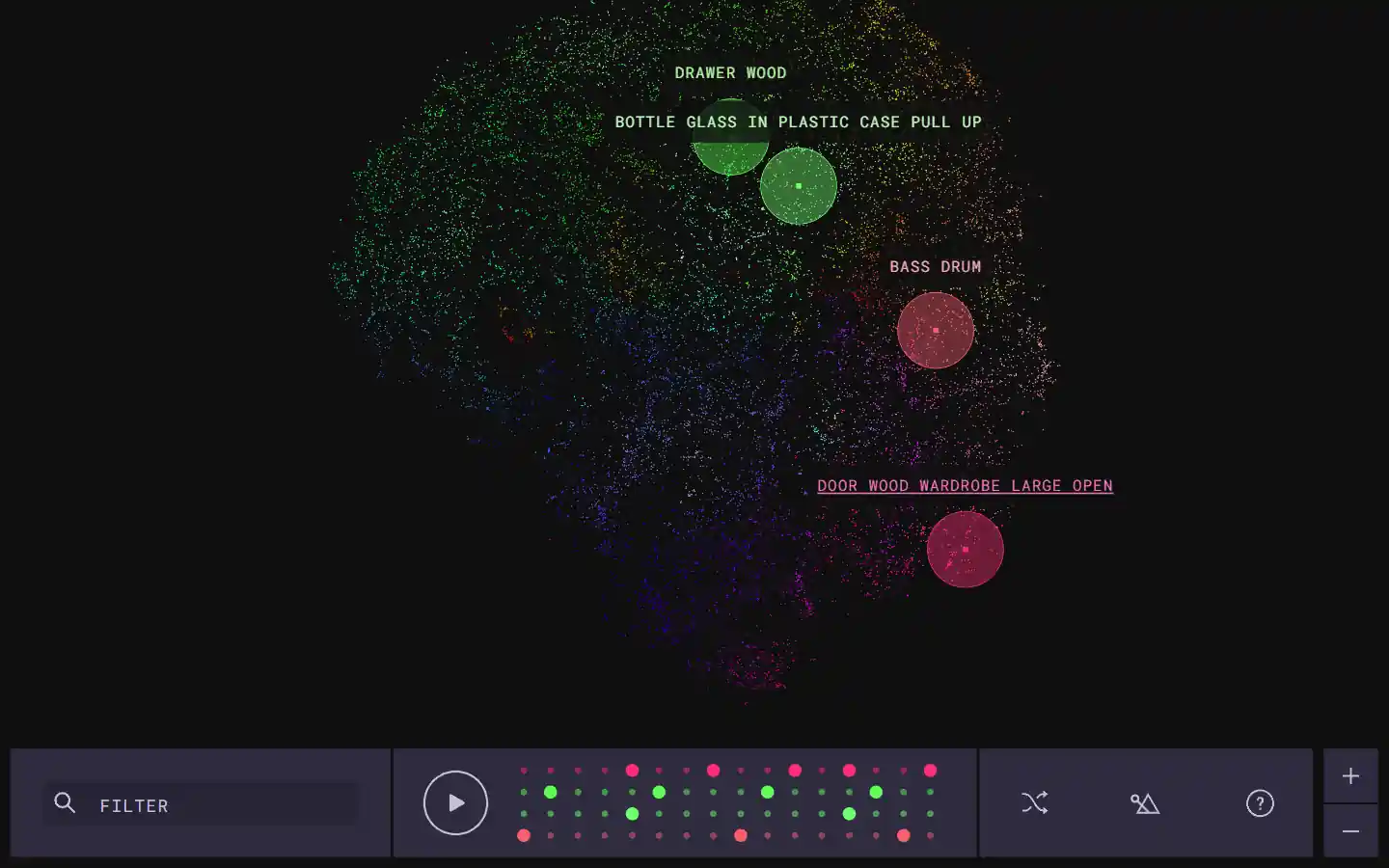
The Infinite Drum Machine is an AI-powered tool created by Google Creative Lab that allows users to create unique beats using sounds from everyday life. This innovative tool utilizes machine learning to organize a vast library of over 6,330 sounds, including contributions from the London Philharmonia Orchestra. With its intuitive interface, users can explore these sounds, discover similar audio elements, and craft their own custom beats.
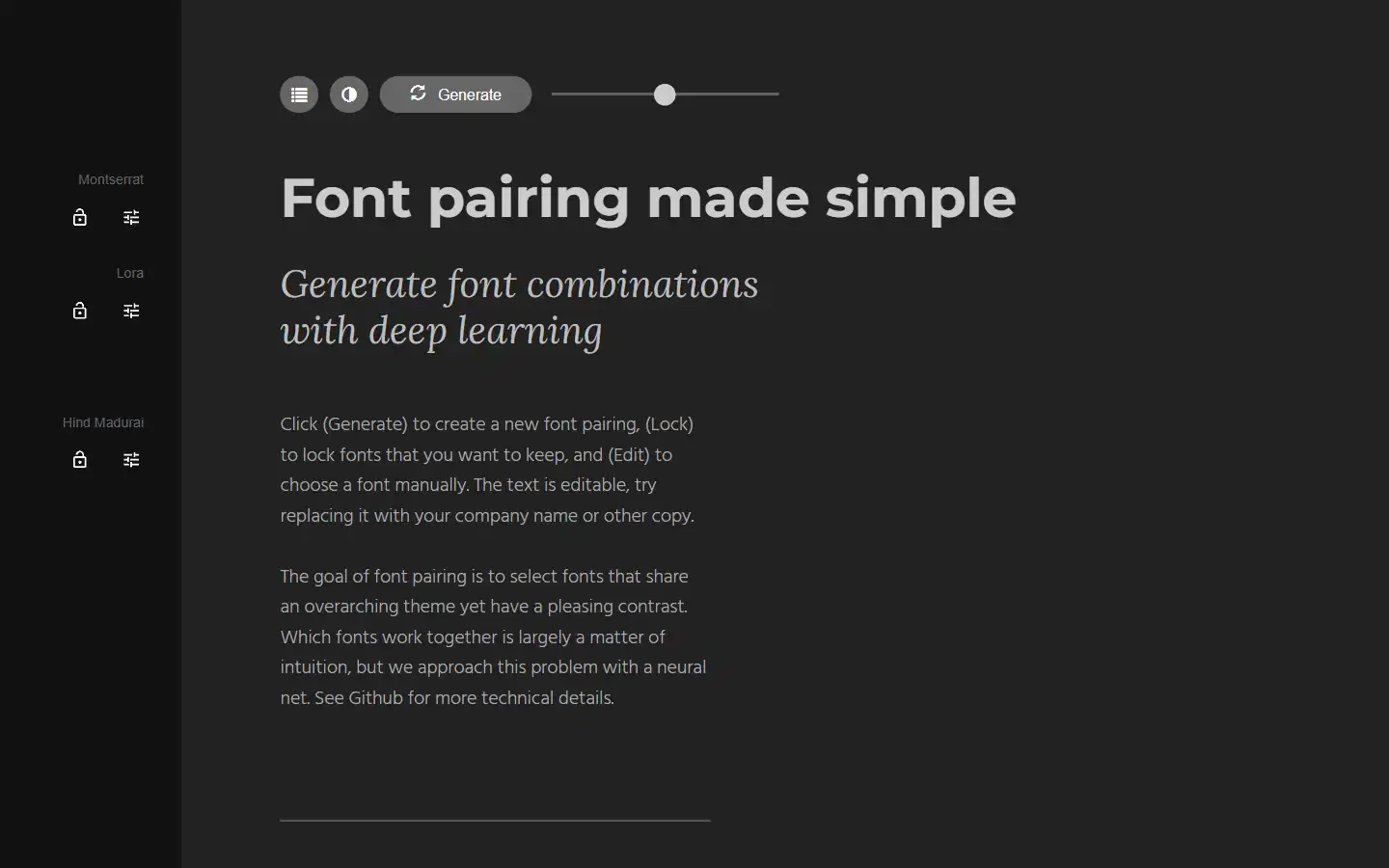
Tired of spending hours agonizing over the perfect font combination? Fontjoy, an innovative website powered by machine learning, simplifies font pairing for designers and typography enthusiasts alike. With its user-friendly interface and powerful deep learning engine, Fontjoy analyzes font characteristics and generates visually harmonious pairings in just a few clicks, helping you create impactful designs that truly resonate.
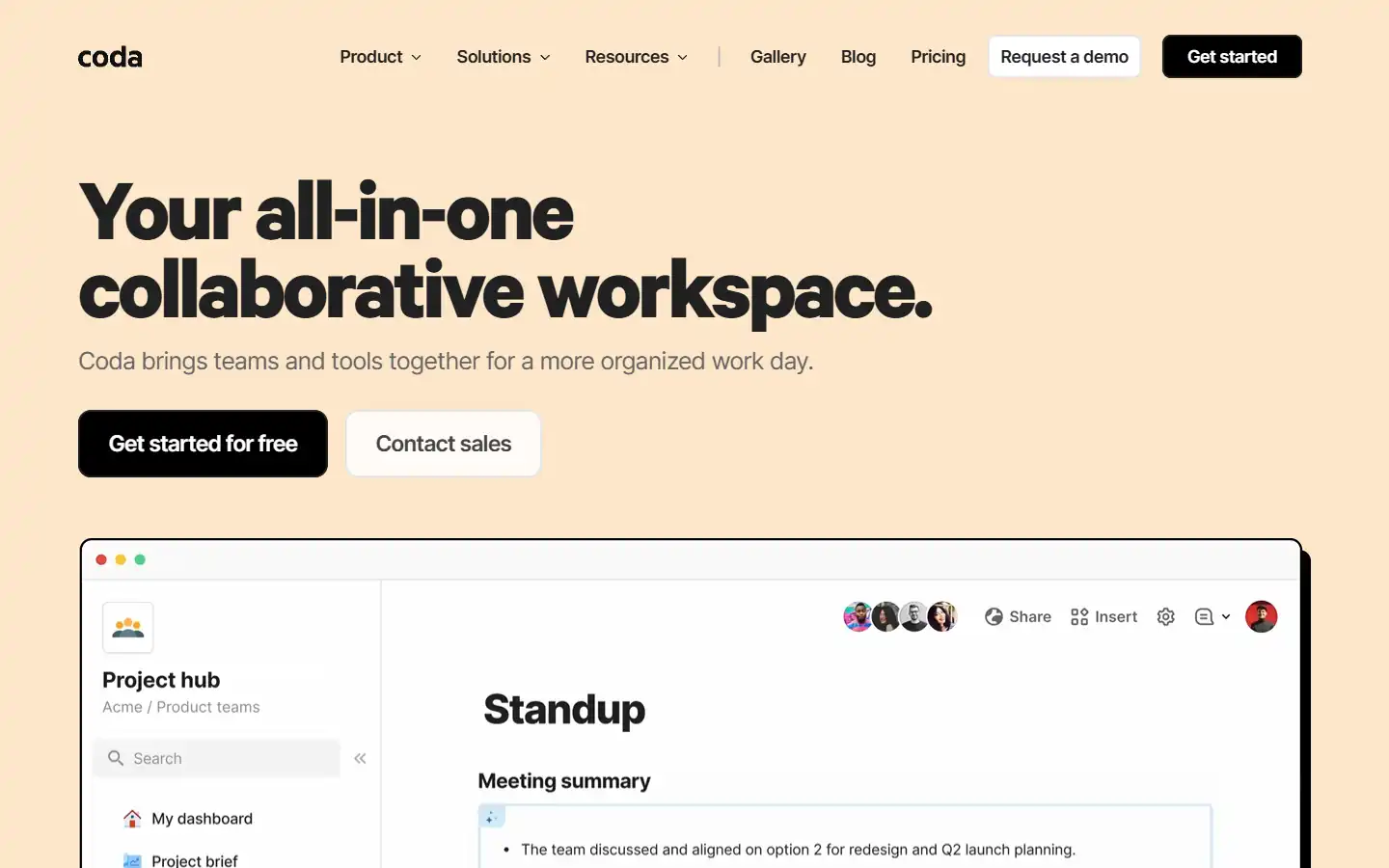
Coda AI is an AI-powered work assistant that integrates seamlessly with the Coda platform, a collaborative workspace that blends the best features of docs, spreadsheets, and applications. This intelligent tool can help you automate tasks, generate insights, and create better content within your Coda workspace, streamlining your workflow and boosting productivity.
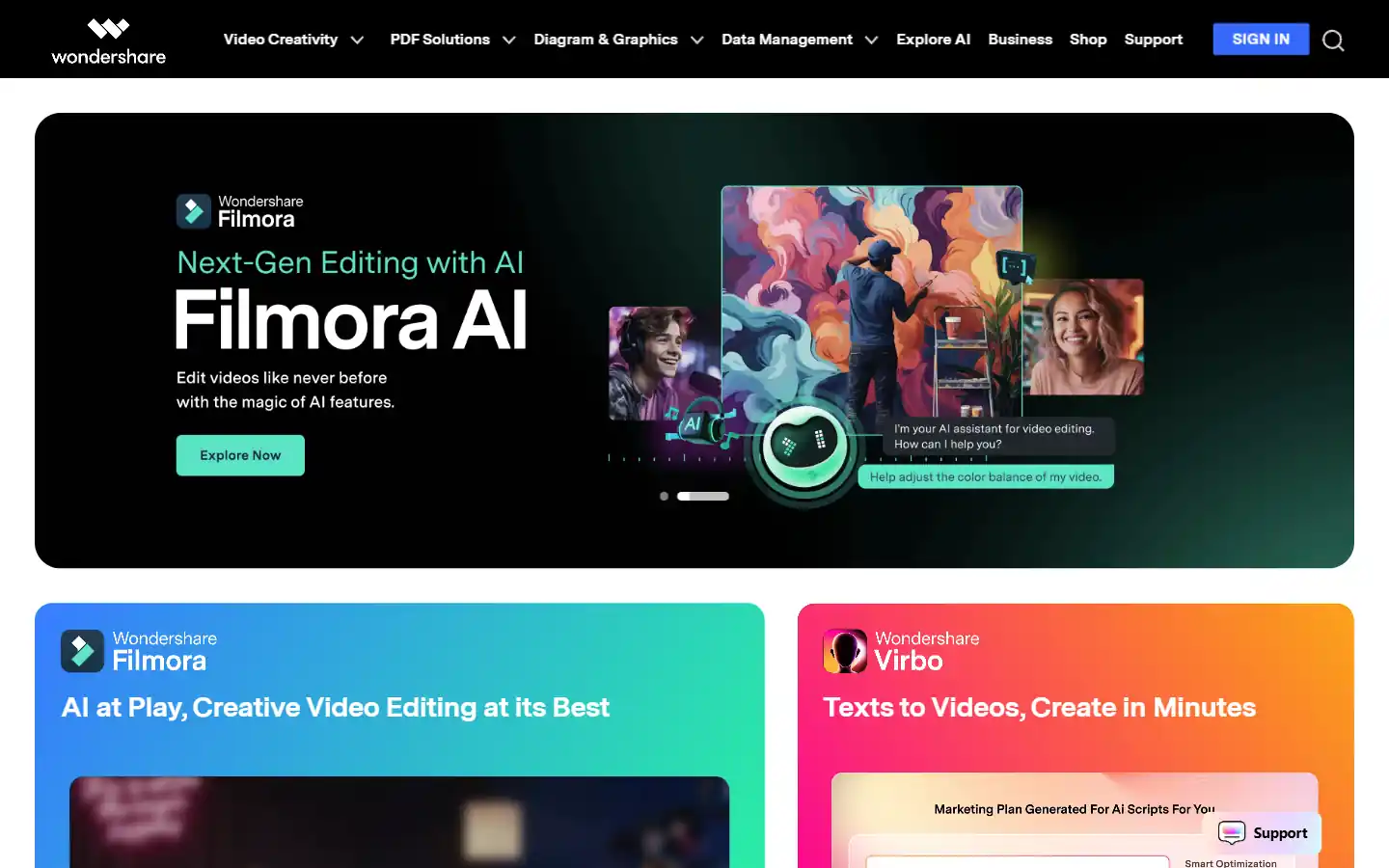
Wondershare.net offers a comprehensive suite of AI-powered tools designed to enhance creativity and productivity across various content formats. From video editing and image generation to audio manipulation and text-to-speech functionalities, Wondershare empowers individuals and businesses to create professional-grade content with ease. Whether you're a content creator, marketer, educator, or simply looking to explore new creative possibilities, Wondershare's AI tools provide the resources you need to elevate your projects to the next level.
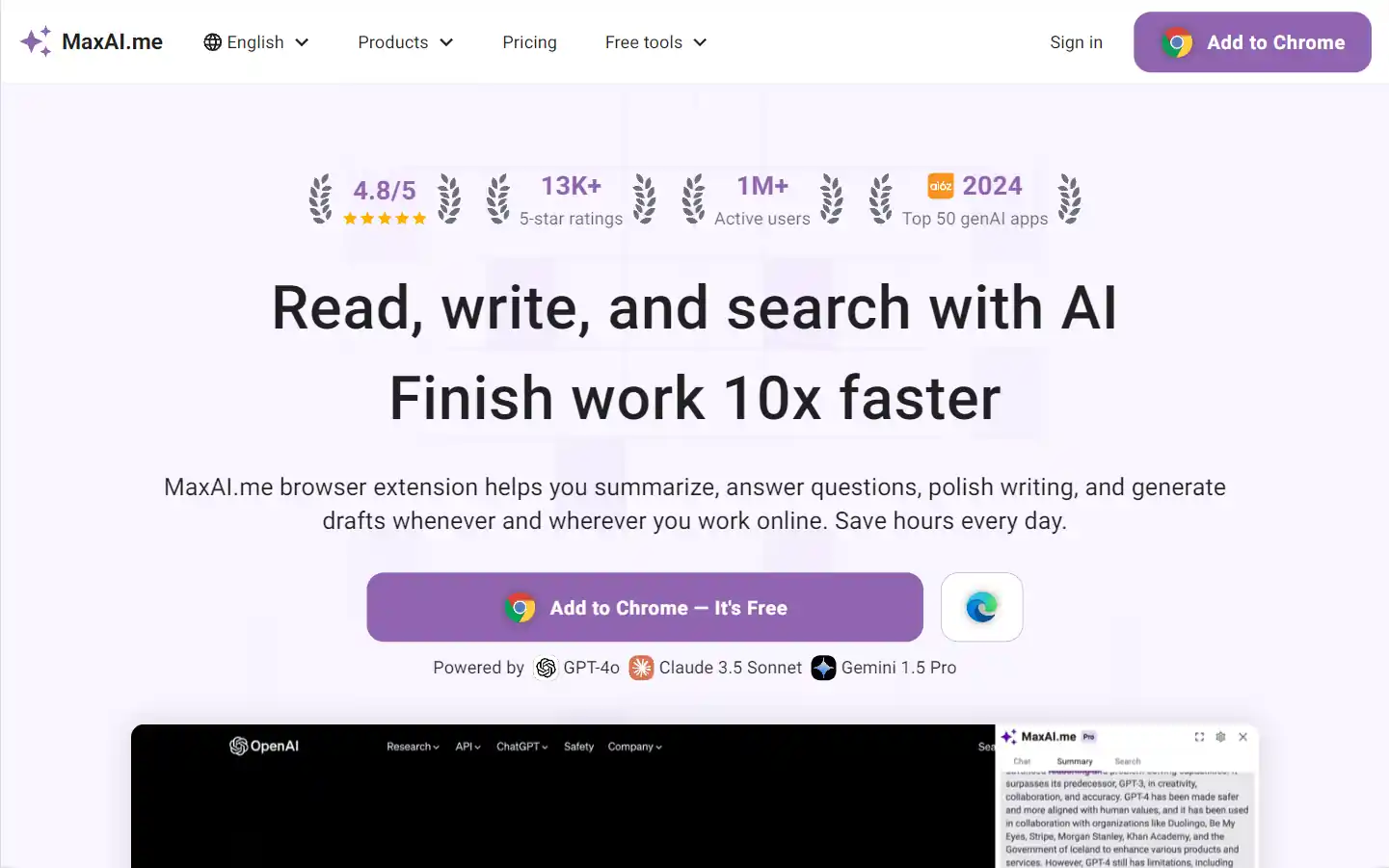
MaxAI.me is a powerful browser extension that provides one-click access to advanced AI models like ChatGPT, Claude, Gemini, and more. It enhances productivity by offering features such as writing improvement, grammar check, summarization, AI chat, and search optimization, all directly on any webpage.
Google Gemini is an advanced AI model designed to enhance various applications by integrating natural language processing and image understanding capabilities. It aims to improve user interactions across Google's platforms, providing more intuitive and context-aware responses.