Rewind
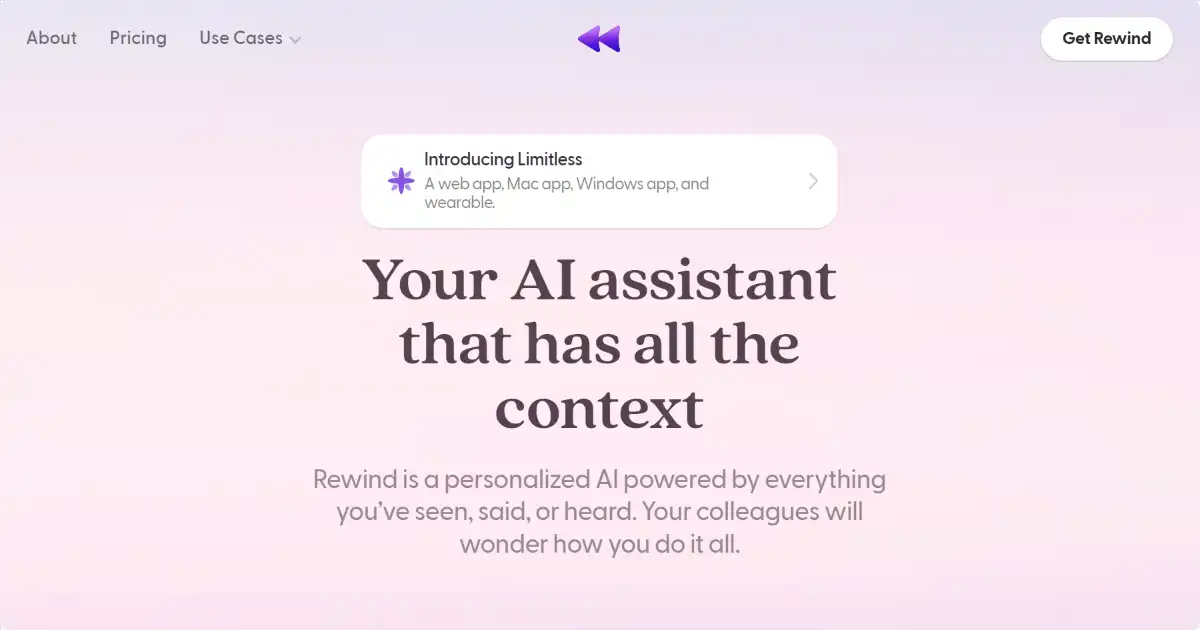
Rewind is a personal search engine that records everything you've seen, said, or heard, making your life instantly searchable. Designed for Mac with local storage, it puts you in control of your digital memory. Boost your recall, save time searching and focus on doing your best work.
One translation. Verified by 22 AI models.
Compare leading AI translations, preserve document layouts, and add human verification when accuracy matters.
From idea to 3D model in one browser workspace
Generate from text or images, inspect the result online, then export GLB or OBJ and continue toward an STL workflow.

Create more in one place
Generate images, make videos, edit photos and create audio with shared credits.
Explore MagicShotWhat is Rewind
Rewind is a personal search engine for your life, storing and indexing your digital experiences locally on your Mac. It captures everything you've seen, said, or heard, transforming fleeting moments and information into easily searchable content within your computer.
Key Features of Rewind
Rewind’s AI technology creates a searchable record of your digital interactions allowing for seamless recall and efficient management. Data stays local.
Search Across Your Life: Instantly find any information you've encountered in your digital interactions - seen, said, or heard. Rewind allows you to search your past using words, spoken phrases or even screenshots as cues. Everything is easily retrievable from your personal digital archive.
Privacy-Focused Local Storage: Your recorded data remains private, stored exclusively on your local Mac with no cloud uploads involved. This ensures sensitive information is only accessible to you.
Apple Silicon Optimization: Specifically designed for Apple Silicon Macs to harness full hardware capability, providing efficient performance with minimal impact on your workflow.
Comprehensive Capture Capabilities: Capture everything you see and do online such as screens shared in online meetings, videos you've watched and your daily digital work. Capture and remember those lightbulb moments. Capture everything you hear offline as Rewind can pick up sound in your surroundings and turn it into searchable text
Use Cases of Rewind
Recalling Past Information: Instantly find specific details from past conversations, meetings, or online browsing.
Content Creation: Quickly access reference material and inspiration from past digital experiences.
Research and Analysis: Easily search through large volumes of past interactions to identify patterns.
Personal Productivity: Effectively manage your time by easily rediscovering essential information
Rewind Pros and Cons
Pros
- Enhanced Recall: Access any information from past digital interactions efficiently.
- Time Savings: Quickly locate information instead of retracing steps.
- Privacy Control: Data remains local and under your management.
- Productivity Boost: Streamlines workflows by enabling seamless access to past content. No more scrambling to take perfect notes. No more combing through countless recordings. Find exactly what you're looking for
Cons
- MacOS only: Limited to the Apple ecosystem, excluding Windows and other operating systems.
- Resource Intensive: Significant CPU usage might affect performance on less powerful Macs.
- Storage Capacity: Local storage, while privacy-focused, may fill up depending on usage.
- Privacy Considerations: While focused on local storage, ethical considerations around comprehensive data logging exist to be acknowledged for various situations in a variety of usage environments around minors and general populations including private meetings which include children
Rewind FAQs
How does Rewind work?
Rewind works by continuously recording your digital interactions, including anything you've seen, said, or heard on your computer. It then uses advanced algorithms to index this information, making it searchable and readily accessible whenever you need it.
What operating systems does Rewind support?
Rewind primarily focuses on macOS for now, with Apple Silicon optimization for best performance. A Windows version is planned for the future.
Where is my data stored with Rewind?
Rewind prioritizes user privacy by keeping all recordings locally stored on your device. This eliminates the need for cloud uploads and provides greater control over personal information.
Interested in this product?
Take a look at their websiteUpdated 2026-10-05
Find More Tools
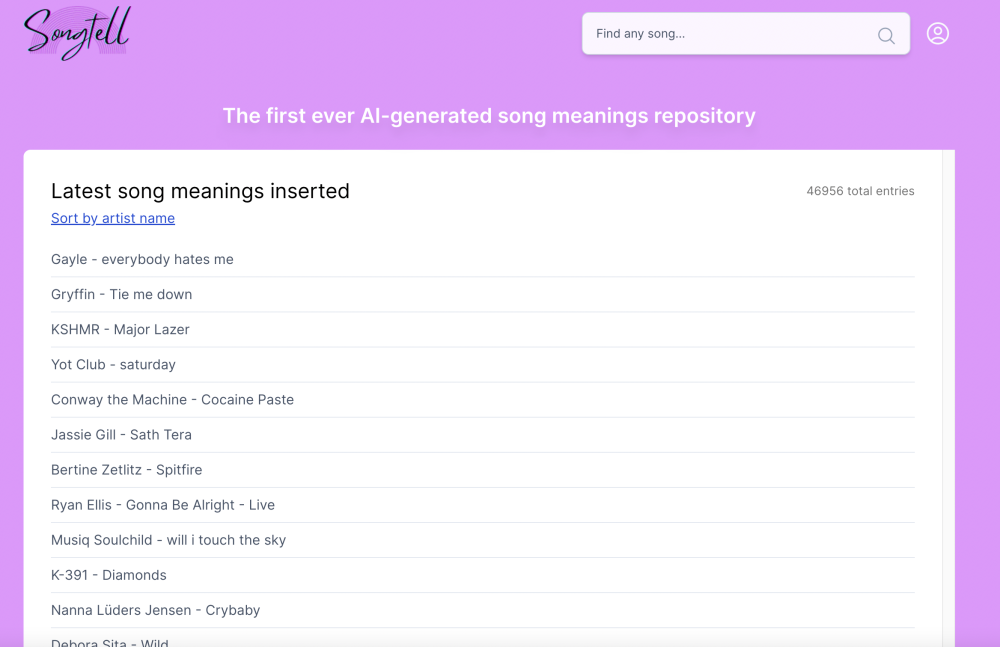
Songtell uses AI to uncover the hidden meanings and stories within song lyrics.

TopMediai® is an AI-powered online platform offering a comprehensive suite of tools for audio, photo, and video editing, including text-to-speech, voice cloning, AI music generation, and more.
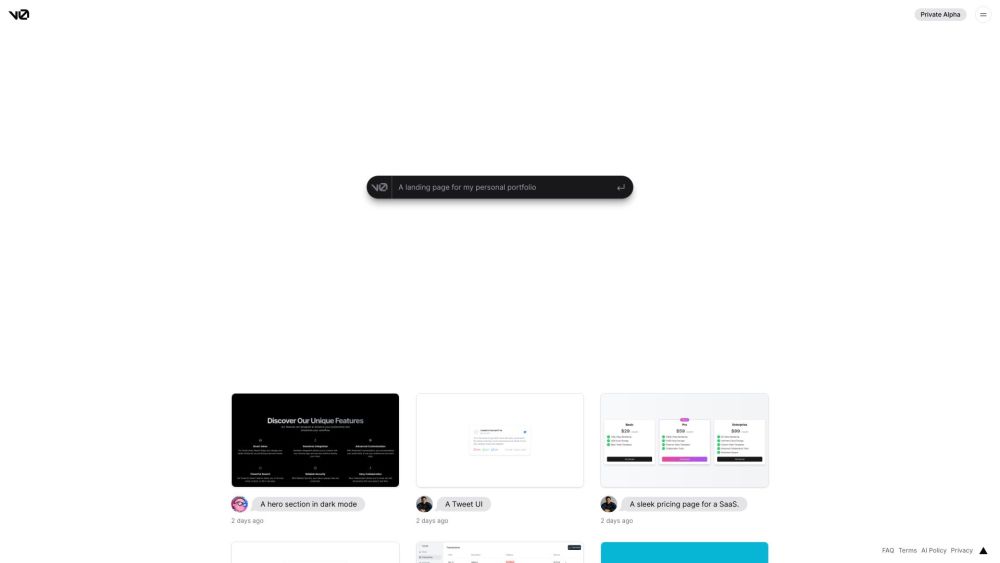
v0.dev, created by Vercel, is an AI tool generating React code from text prompts and images for UI development.

Spline is a free, web-based 3D design tool with real-time collaboration that allows users to create interactive 3D experiences for the web directly in the browser.
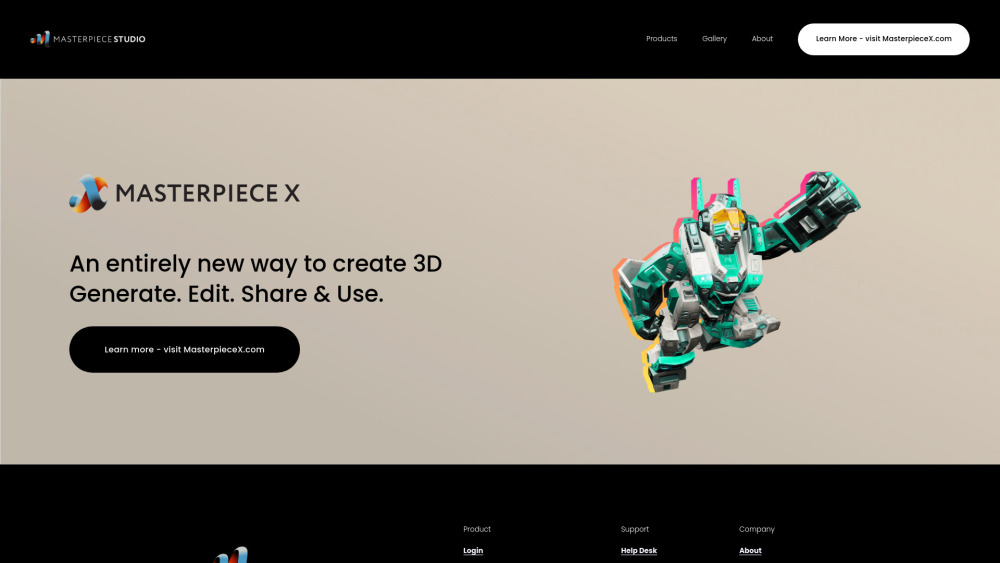
Masterpiece Studio is an AI-powered 3D creative suite that enables indie creators to easily generate, edit, and deploy 3D content using virtual reality and machine learning technologies.
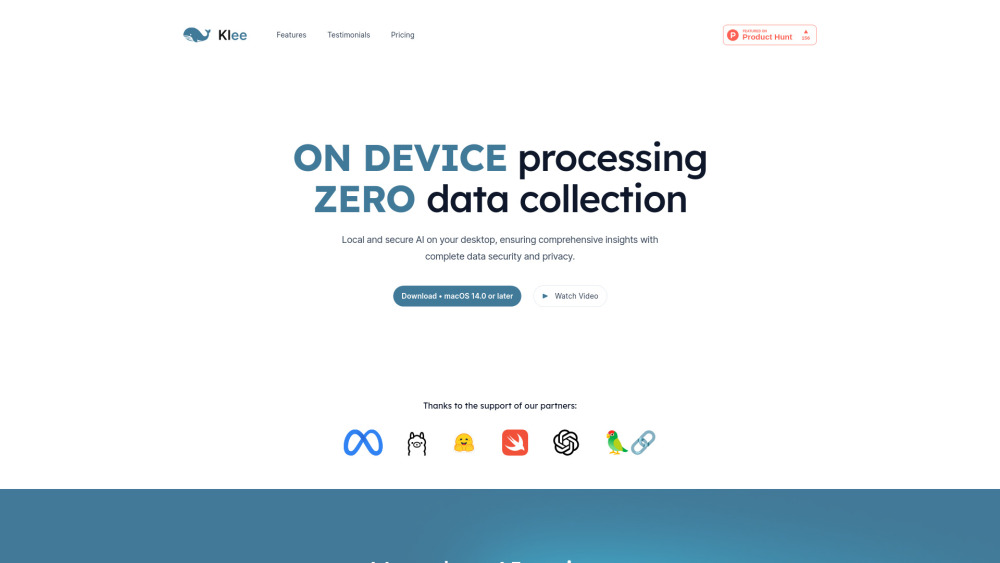
Klee is a secure, local AI-powered desktop application that helps manage files, notes, and tasks using open-source AI models, all while protecting your data privacy.