Spline AI 3D Design
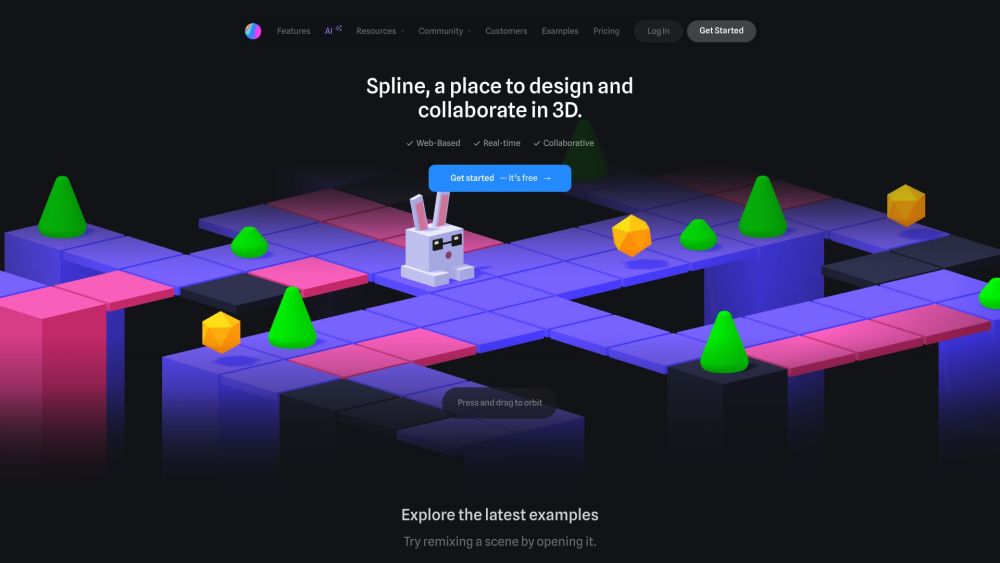
Spline is a free, web-based 3D design tool with real-time collaboration that allows users to create interactive 3D experiences for the web directly in the browser.
One translation. Verified by 22 AI models.
Compare leading AI translations, preserve document layouts, and add human verification when accuracy matters.
From idea to 3D model in one browser workspace
Generate from text or images, inspect the result online, then export GLB or OBJ and continue toward an STL workflow.

Create more in one place
Generate images, make videos, edit photos and create audio with shared credits.
Explore MagicShotWhat is Spline
Spline is a user-friendly 3D design software. Designers and developers can create, animate, and export 3D content for websites, games, and other applications. Its browser-based interface and real-time collaboration features make it accessible to users of all skill levels. Spline simplifies 3D design while offering powerful tools for creating visually engaging and interactive 3D experiences.
Key Features of Spline
Spline, a web-based 3D design tool, offers real-time collaboration, intuitive modeling, animation capabilities, and interactive experiences. Users can create, edit, and export 3D content directly in the browser, focusing on ease of use and web technology integration. It supports team collaboration, offers a library of templates and assets, and enables export to various formats, including web-ready 3D scenes.
3D Modeling and Animation: Create and animate 3D objects using parametric modeling, polygonal editing, and intuitive animation tools.
Interactive Experiences: Add interactivity to 3D objects, create physics simulations, and implement game-like controls for immersive web experiences.
Real-time Collaboration: Work with team members simultaneously on 3D projects, with the ability to set individual permissions and organize designs in shared folders.
Web Integration: Easily export and embed 3D designs into web projects, with support for various export formats and code snippets for integration.
Use Cases of Spline
Product Visualization: Design and showcase 3D product models for e-commerce or marketing purposes.
Web Design and Development: Create interactive 3D elements and experiences for websites and web applications.
Architectural Visualization: Create and present 3D architectural designs and walkthroughs in a web-based format.
Educational Content: Develop interactive 3D learning materials and simulations for online education platforms.
Spline Pros and Cons
Pros
- User-friendly, especially for designers with limited 3D experience
- Web-based platform simplifies collaboration and sharing
- Integrates seamlessly with web technologies and workflows
Cons
- May lack advanced features found in professional 3D modeling software
- Performance of complex 3D scenes depends on the web browser
Spline FAQs
What is Spline?
Spline is a free, web-based 3D design software that lets users create interactive 3D experiences in the browser. It offers real-time collaboration, and tools for easy 3D modeling, animation, texturing, and more.
What types of content can I export with Spline?
Spline allows exports of public URLs (hosted on Spline servers), Spline files (.spline format), images (JPG/PNG), videos (MP4/GIF), 3D models (GLTF/USDZ), and code for integration with React projects.
Is Spline free to use?
Yes, Spline offers a free version. Paid subscription options (Super and Super Team) provide additional features like removing the Spline logo from exports.
Can Spline be integrated with other tools?
Yes, Spline integrates into web projects using simple embed code/snippets. It also offers code export for React projects and generates native 3D apps for iOS, iPadOS, and macOS.
What are the technical requirements to run Spline?
Spline recommends using the latest operating system version. As a browser-based 3D tool, it demands more CPU/GPU processing than traditional 2D design tools.
Does Spline offer real-time collaboration?
Yes, Spline features real-time collaboration, enabling teams to work together on 3D designs simultaneously.
Interested in this product?
Take a look at their websiteUpdated 2026-10-05
Find More Tools
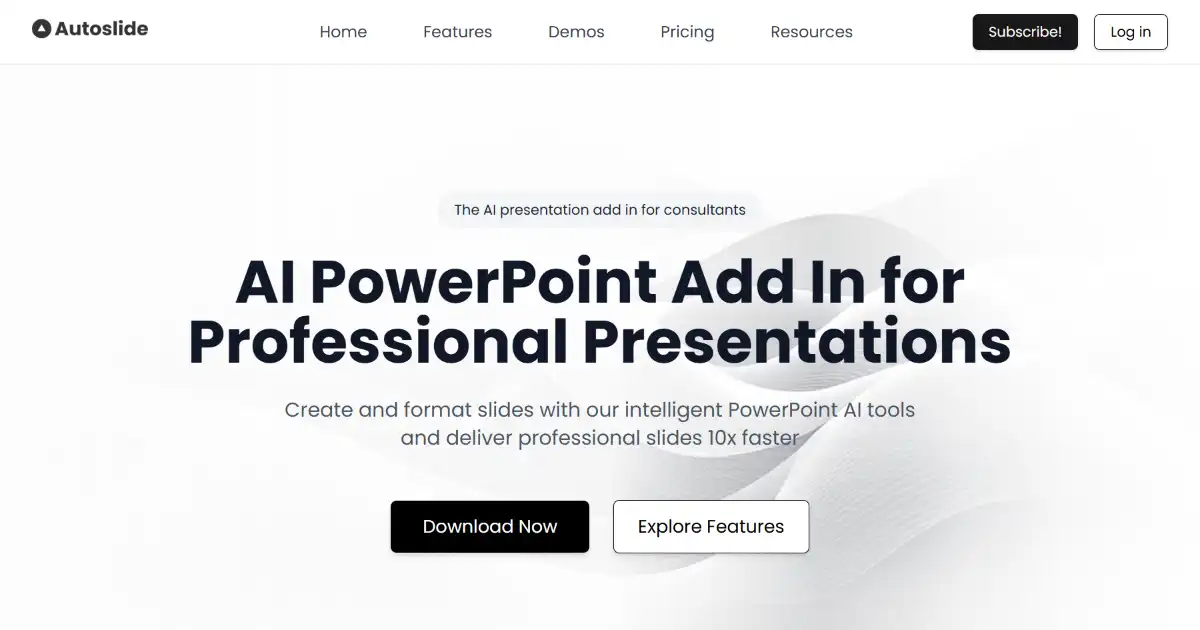
Autoslide AI PowerPoint Add In is an AI-powered tool for Microsoft PowerPoint designed to help professionals create high-quality presentations more efficiently. It integrates directly into PowerPoint, offering AI-driven design, content generation, and an extensive resource library. Professionals can significantly speed up their slide creation process with Autoslide.

To Teach AI is an artificial intelligence tool specifically designed for educators. It helps teachers quickly create personalized materials, exercises, and lesson plans tailored to student needs and interests. This platform streamlines content creation, offering diverse formats and compatibility options.

Voxify is an AI voice generator that creates realistic voice-overs from text. It supports over 140 languages and accents with customizable emotional tones and pacing. Use Voxify for professional, high-quality audio content production.
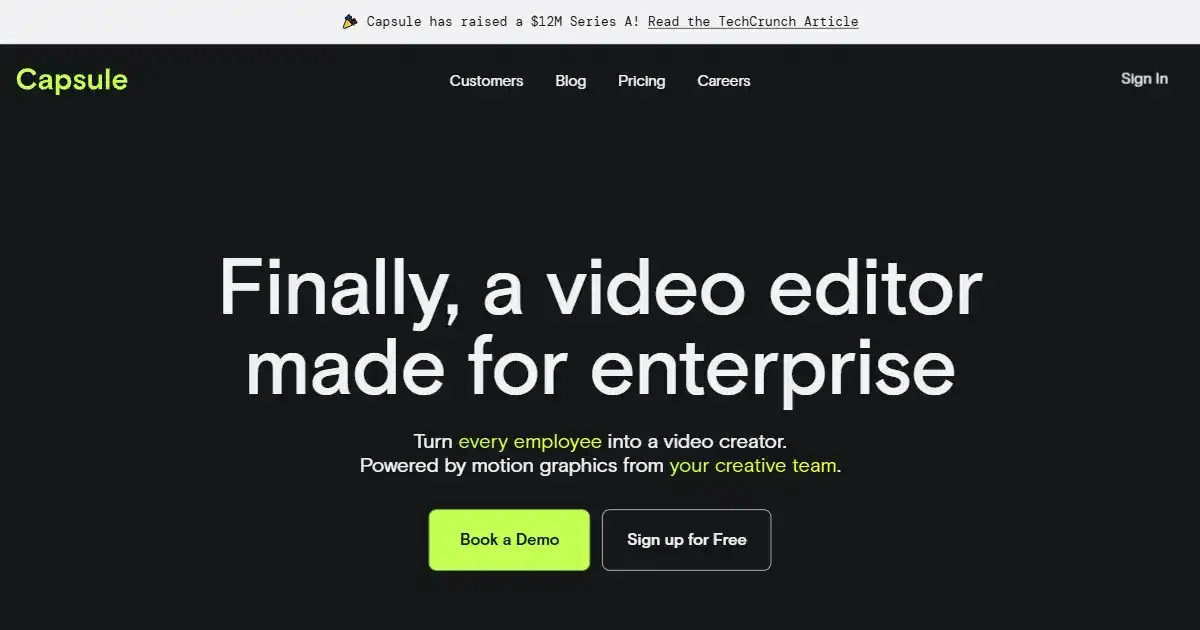
Capsule is an AI-powered video editing platform built for enterprise teams. It streamlines the video creation process by integrating a unified workspace with advanced motion design systems and AI automation. This allows businesses to efficiently produce professional, on-brand videos with studio-quality graphics and captions.

StockInsights AI is an AI-powered platform designed for investment research and insights. It simplifies the process by providing AI summaries, real-time alerts, and a collaborative workspace. The platform also offers APIs for data enrichment and customization.

LimeWire AI Studio is a platform for creating, publishing, and monetizing AI-generated content. It allows users to generate images, music, and audio using AI. Content creators can publish their work on LimeWire and potentially earn revenue.