Teachable Machine
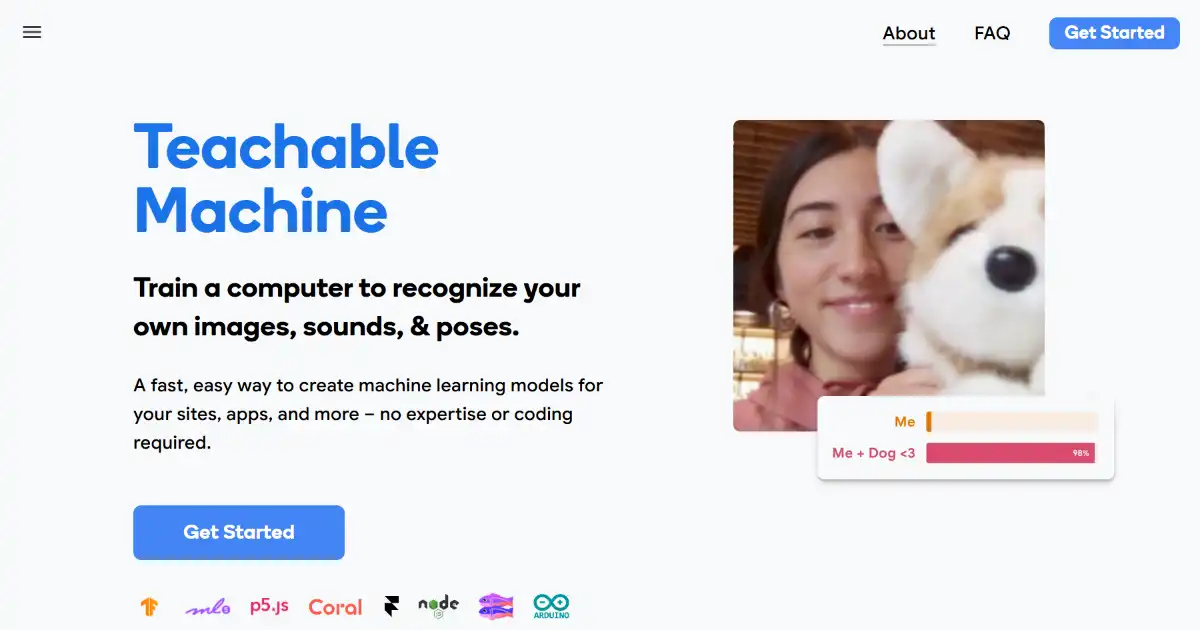
Teachable Machine is a web-based tool that makes creating machine learning models accessible to everyone. It requires no coding and provides immediate feedback as you experiment with image, sound, and pose recognition models. Use your custom AI model for a variety of personal or commercial purposes by integrating it into apps or deploying them on your website.
One translation. Verified by 22 AI models.
Compare leading AI translations, preserve document layouts, and add human verification when accuracy matters.
From idea to 3D model in one browser workspace
Generate from text or images, inspect the result online, then export GLB or OBJ and continue toward an STL workflow.

Create more in one place
Generate images, make videos, edit photos and create audio with shared credits.
Explore MagicShotWhat is Teachable Machine
Teachable Machine is a user-friendly, web-based tool that lets anyone create basic machine learning models for recognizing images, sounds, and body poses, all without writing a single line of code. Using an intuitive interface, individuals provide sample images, audio clips, or pose examples via live webcam recordings or uploaded files. The training process offers immediate feedback, enabling rapid experimentation. Once your model is created, you can easily integrate and deploy your Teachable Machine model in apps and on websites or explore and fine-tune the projects even further using platforms like TensorFlow.js and TensorFlow Lite.
Key Features of Teachable Machine
Teachable Machine simplifies machine learning by letting users train models to recognize images, sounds, and poses without requiring coding. Users provide the examples via files or live recordings, and get real-time feedback as they adjust settings.
No-Code Training: Create machine learning models without any coding experience.
Diverse Data Input: Train your models with images, sounds, or poses.
Real-Time Feedback: Observe immediate responses to adjustments and new data.
Flexible Export Options: Use your creations on websites, in apps, and other projects.
Multiple Project Types: Classify images, sounds, and poses with specialized models
Use Cases of Teachable Machine
Educational Purposes: Engage students in interactive learning experiences and explore fundamental concepts of AI.
Creative Projects: Create interactive art installations, games, and prototypes using simple pose detection and image/sound classification.
Basic Assistive Technology Applications: Train recognition systems for audio cues or simple poses that can integrate with accessible software tools and custom interfaces.
Accessibility Integrations: Use the intuitive classification features as building blocks in wider, more intricate accessibility systems and other assistive software for image recognition or auditory triggers.
Rapid Prototyping and Experimentation: Explore ideas for larger, more complex machine-learning projects for web applications or locally-installed utilities.
Teachable Machine Pros and Cons
Pros
- Accessible to Everyone: Democratizes access to creating basic AI tools without requiring code.
- Effective Teaching Aid: Ideal for demonstrating and experimenting with core AI/ML concepts.
- Quick Prototyping: Experiment with AI applications and see results immediately.
- Active Community: Learners and educators comprise a lively network and vibrant online culture.
Cons
- Limited Model Complexity: Not suitable for very advanced or niche machine learning applications.
- Data Privacy Considerations: Responsible handling of user data is essential.
- Internet Dependence: Requires online access for usage.
Teachable Machine FAQs
What devices can I use Teachable Machine on?
Teachable Machine is a web-based tool, so you can access it from any device with a web browser and an internet connection.
Do I need to be able to code to use it?
Teachable Machine is designed to be very easy to use, even if you've never done any coding or machine learning before. There are tutorials and sample projects on the website to help you get started, and you can find plenty of tips and information in various forums and community platforms devoted to using this AI-driven educational application.
Is it designed for educators or students in any way?
Yes, Teachable Machine is designed with educators, hobbyists, and learners in mind and provides tutorials and example projects specifically for classroom use and home study.
Interested in this product?
Take a look at their websiteUpdated 2026-09-06
Find More Tools

Flint AI is a community platform for chatting with hundreds of specialized AI agents and creating custom no-code chatbots called Meta Agents. Users can shape an agent’s personality, instructions, memory focus, knowledge bases, voice and sharing settings.
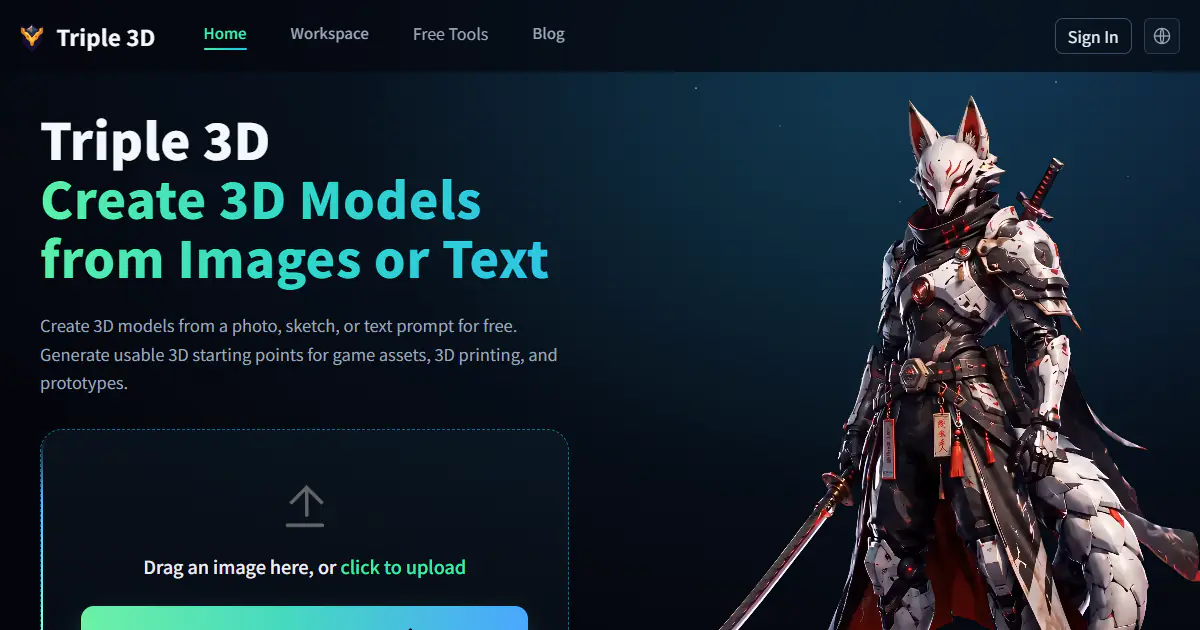
Triple 3D is a browser-based AI 3D workspace that turns images, photos, sketches, or text prompts into downloadable 3D starting points. It combines generation with online preview, model inspection, GLB and OBJ export, public examples, and free viewers and converters for common 3D formats.
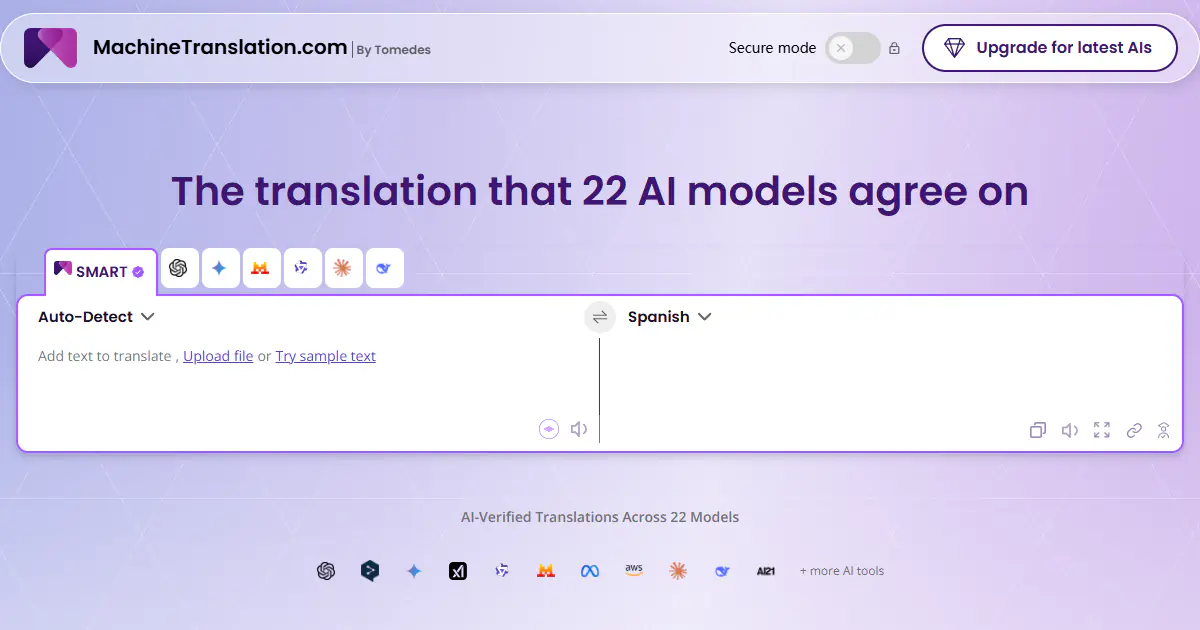
MachineTranslation.com is an AI translation platform that compares outputs from 22 AI models and uses cross-model agreement to recommend one result. It translates text, images and large documents, can preserve layouts for supported formats, and adds terminology controls, an AI Translation Agent, privacy options and on-demand human verification.
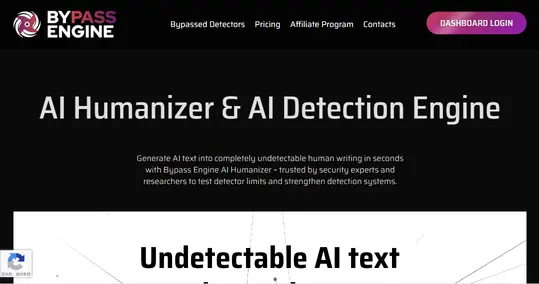
Bypass Engine is an AI-powered humanizer designed to transform robotic AI-generated text into natural, undetectable writing. It utilizes advanced algorithms trained on over a billion data points to restructure sentences and evade detection systems like Turnitin and Originality.ai. Use Bypass Engine to ensure your content remains plagiarism-free and retains its original meaning while passing as human-written.
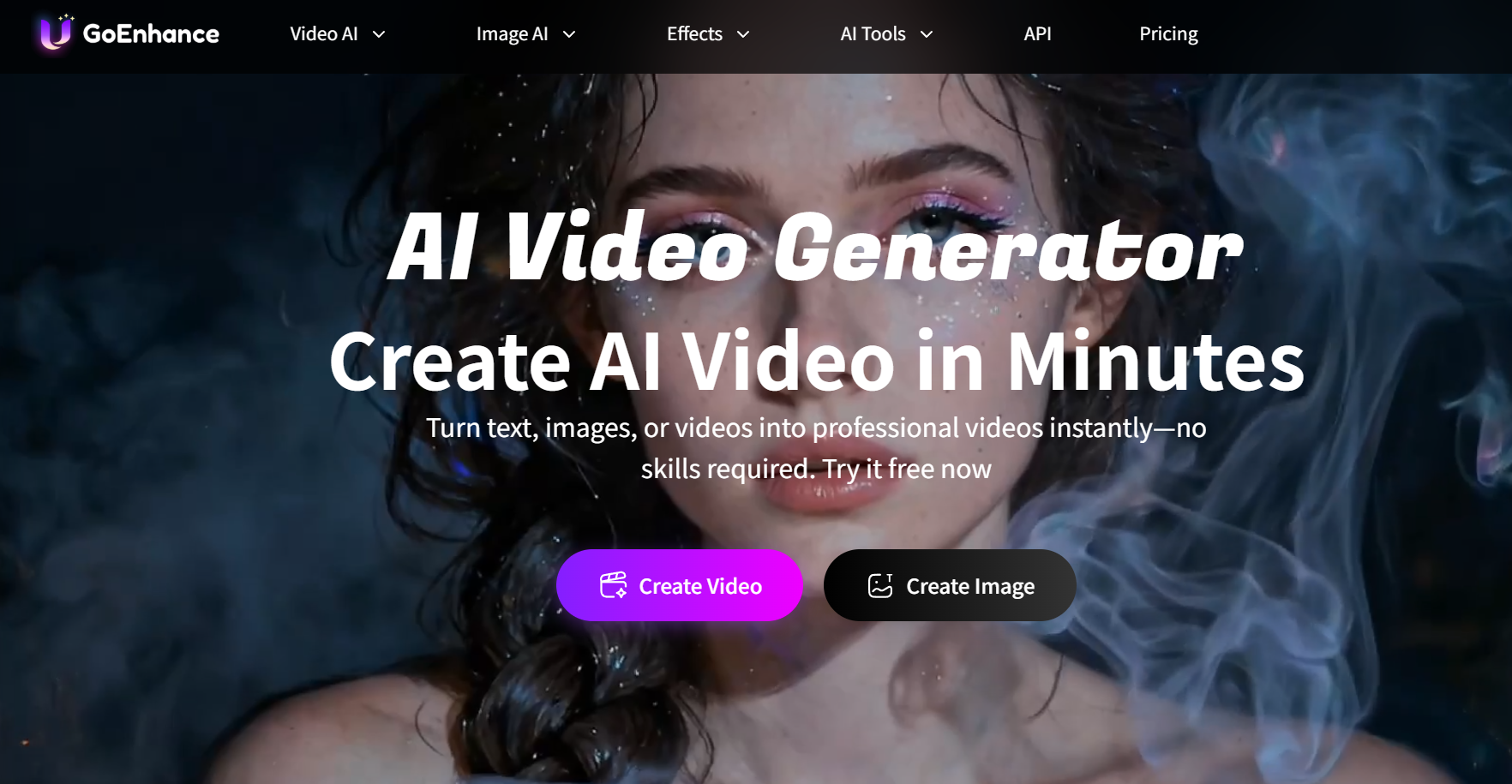
GoEnhance AI is a comprehensive AI video generation platform designed to simplify the creation of professional visual content from text, images, and existing video footage. It features a robust suite of tools including high-resolution video-to-anime conversion, realistic face swapping, and character animation capabilities. Accessible via web browsers on both PC and mobile, this platform empowers creators to produce high-quality short-form content efficiently without complex editing skills.
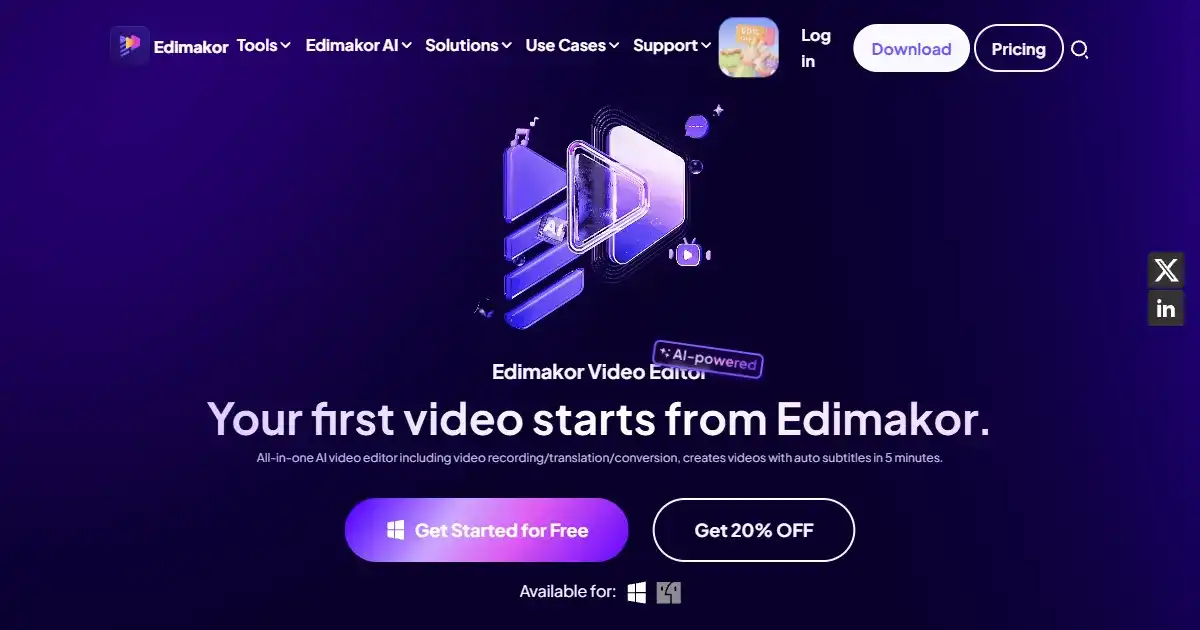
HitPaw Edimakor is an all-in-one AI video editor designed for creating professional content quickly. It simplifies video creation with features like automatic subtitling, text-to-video generation, and an integrated stock media library. This tool is ideal for both beginners and experienced creators on platforms like YouTube and TikTok.