Vsub
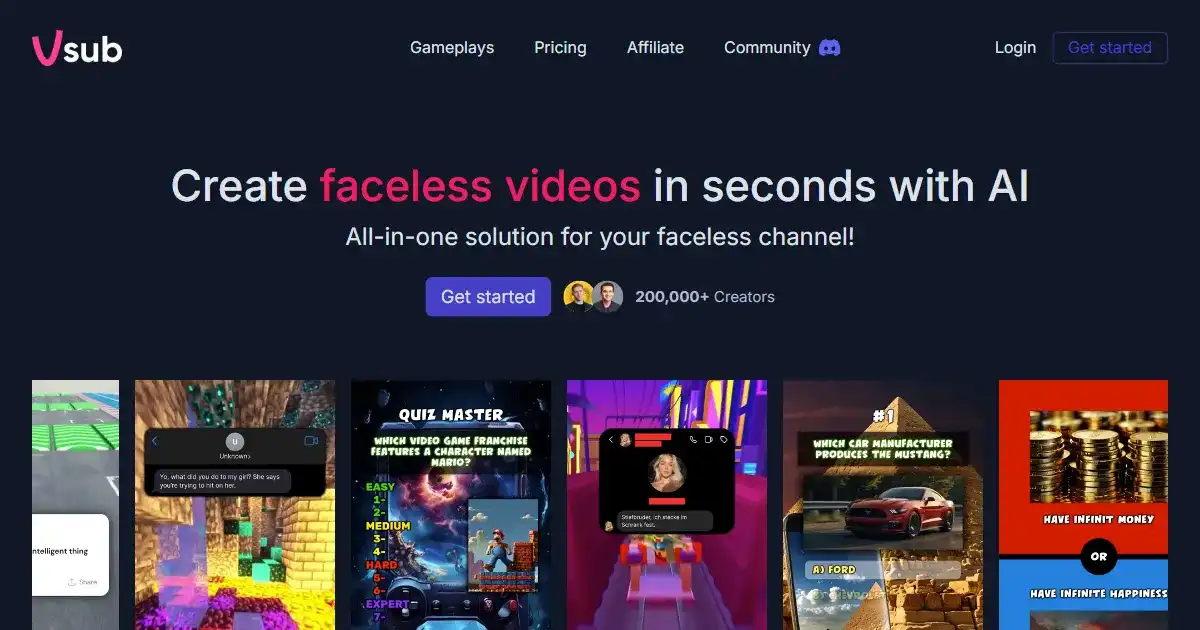
Vsub is an AI-powered video captioning tool that simplifies and accelerates the creation of engaging video content. It offers automated caption generation, AI voiceovers, and animated emojis, especially catering to creators focused on platforms like Reddit and other social media where narrative content thrives. Use Vsub to boost your video creation workflow and improve viewer engagement.
One translation. Verified by 22 AI models.
Compare leading AI translations, preserve document layouts, and add human verification when accuracy matters.
From idea to 3D model in one browser workspace
Generate from text or images, inspect the result online, then export GLB or OBJ and continue toward an STL workflow.

Create more in one place
Generate images, make videos, edit photos and create audio with shared credits.
Explore MagicShotWhat is Vsub
Vsub is an AI-powered video captioning tool designed to help content creators, especially those on platforms like Reddit, produce engaging videos quickly and easily. It offers auto-generated captions with high accuracy, animated emojis, AI voice generation, and keyword highlighting. With its automated caption generation, animated emojis, and AI voice generation, it caters specifically to trends in content creation by simplifying and speeding up the process. Whether you are creating story videos or posting marketing materials, Vsub helps improve video engagement.
Key Features of Vsub
Quickly and easily create engaging captions with trendy templates and automated caption generation, emoji integration, and keyword highlighting.
Auto Captioning: Generates captions for videos automatically with a high level of accuracy.
Animated Emojis: Adds animated emojis to captions to increase viewer engagement.
AI Voice Generation: Creates AI voiceovers for videos in various styles.
Keyword Highlighting: Automatically highlights important keywords in captions.
Trendy Templates: Provides pre-designed caption templates to save time and effort.
Cross-Platform Sharing: Facilitates easy sharing of captioned videos across multiple platforms (not restricted to social media).
Use Cases of Vsub
Creating engaging content for social media platforms.
Producing story-based videos for Reddit and similar communities.
Generating marketing and promotional videos with automated captions.
Adding AI voiceovers to educational or training videos.
Enhancing video accessibility with accurate and engaging captions. Podcast Video, Sales Videos for businesses, Training Content, Interviews and AMAs, etc
Vsub Pros and Cons
Pros
- Time-Saving Automation: Streamlines video caption creation and other automated tools drastically reducing editing time.
- Unlimited Video Creation Potential: Offers the possibility of unlimited video outputs if access rights are secured, which makes this a worthwhile product to look at over time and not per use.
- User-Friendly Interface: Simplifies video production with easy-to-use tools and intuitive design.
- High Accuracy Captioning and Support
Cons
- Limited Customization Options: Customization for AI voices and animations may be restricted.
- Platform Specificity: Primarily tailored for specific video formats like narrative or storytelling videos.
- Learning Curve for Advanced Automation: It might take time for some users to learn the platform.
- No Realtime Translation of Generated Caption Feature
Vsub FAQs
How does Vsub generate captions?
Vsub uses AI to automatically generate captions for your videos with high accuracy. It also offers features like animated emojis and keyword highlighting to make your captions more engaging.
Can I use AI voices with Vsub?
Yes, Vsub offers a variety of AI-generated voices to choose from, allowing you to match the voiceover to your video's tone and style.
What platforms does Vsub work with?
Vsub is designed to be compatible with multiple platforms. While it's particularly useful for platforms like Reddit and social media, you can export captions and videos for use on many different sites.
Interested in this product?
Take a look at their websiteUpdated 2026-10-05
Find More Tools
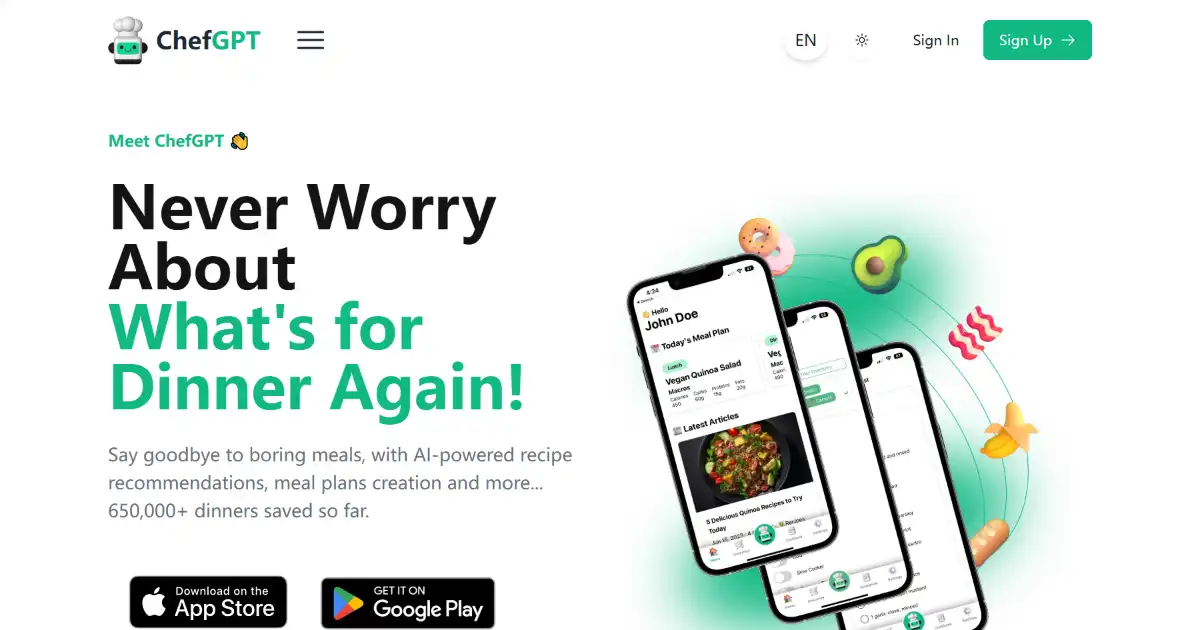
ChefGPT is an AI-powered recipe tool that simplifies meal planning. It provides customized recipe recommendations based on user preferences and dietary restrictions. Using its diverse 'Chef Modes,' ChefGPT ensures mealtime satisfaction.
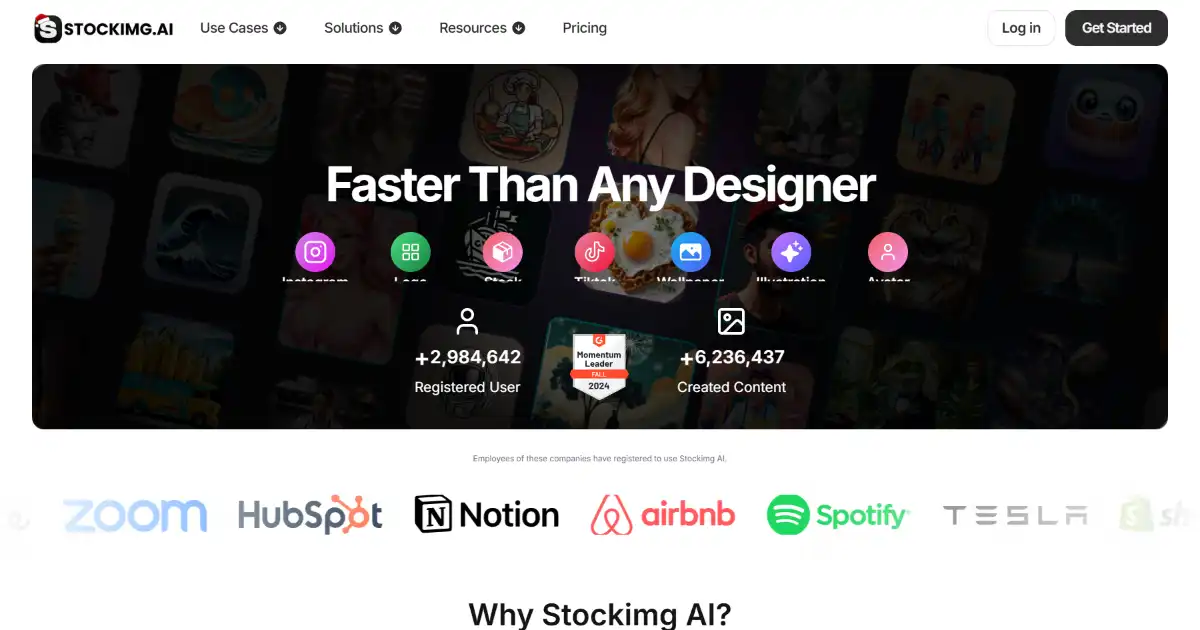
StockImg AI is an AI-powered image generation platform for creating various visual content, including logos, book covers, and stock photos. This user-friendly platform helps both professionals and individuals easily produce high-quality images.
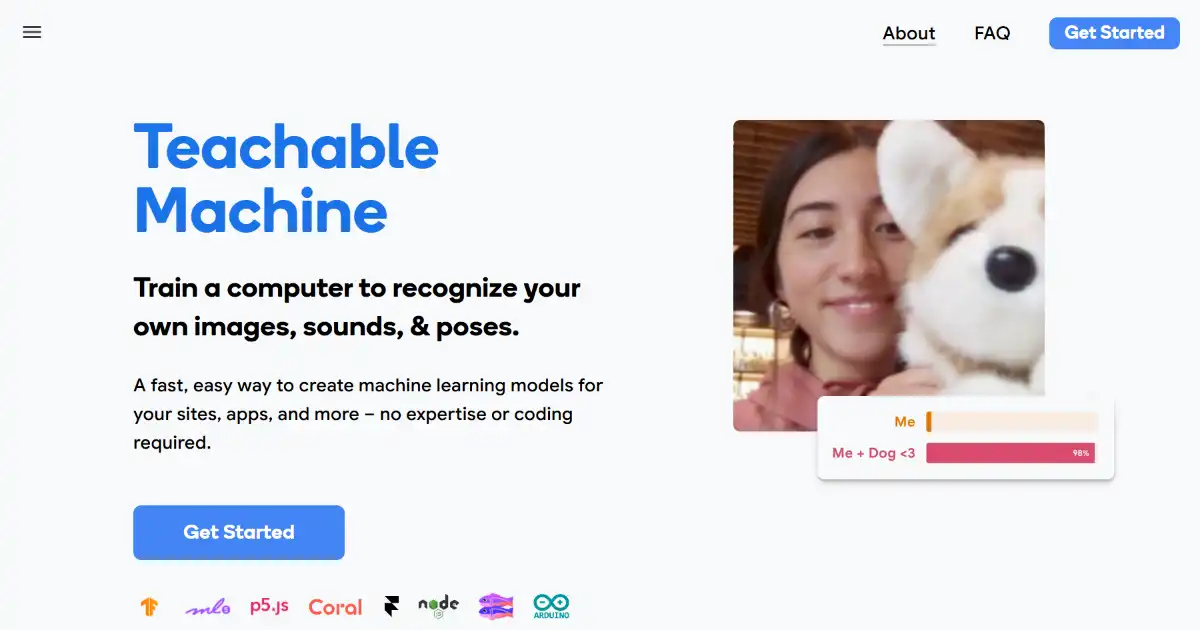
Teachable Machine is a web-based tool that makes creating machine learning models accessible to everyone. It requires no coding and provides immediate feedback as you experiment with image, sound, and pose recognition models. Use your custom AI model for a variety of personal or commercial purposes by integrating it into apps or deploying them on your website.
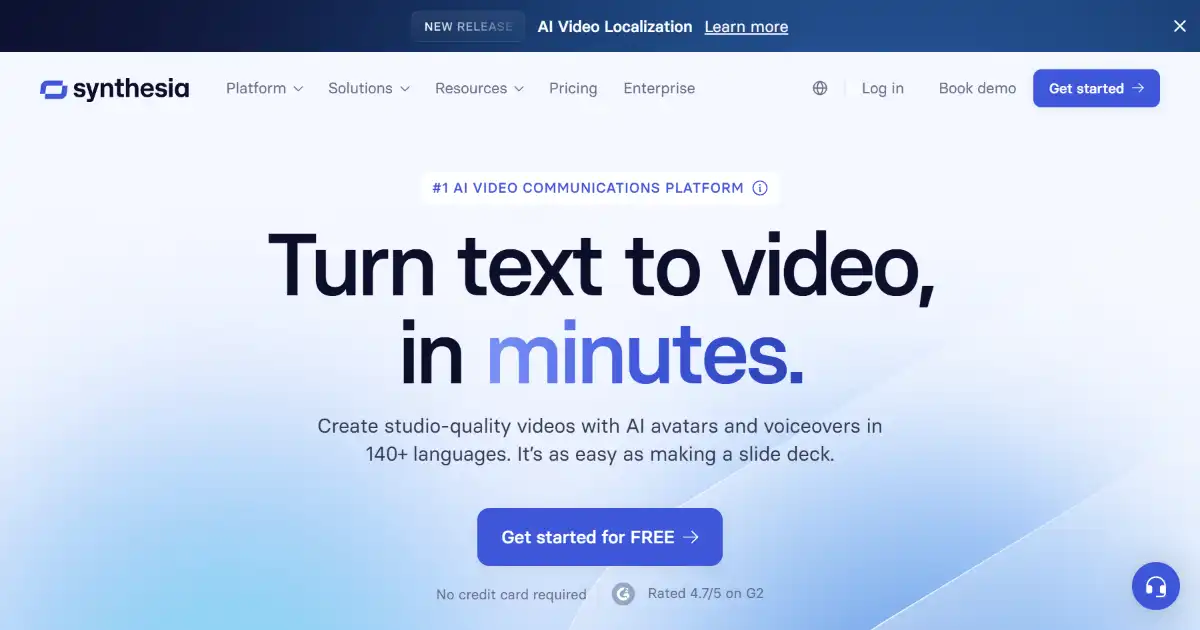
Synthesia is an AI video generation platform for creating videos from text. Choose from a variety of AI avatars and voiceovers in over 120 languages. Create professional videos without the need for cameras or actors.
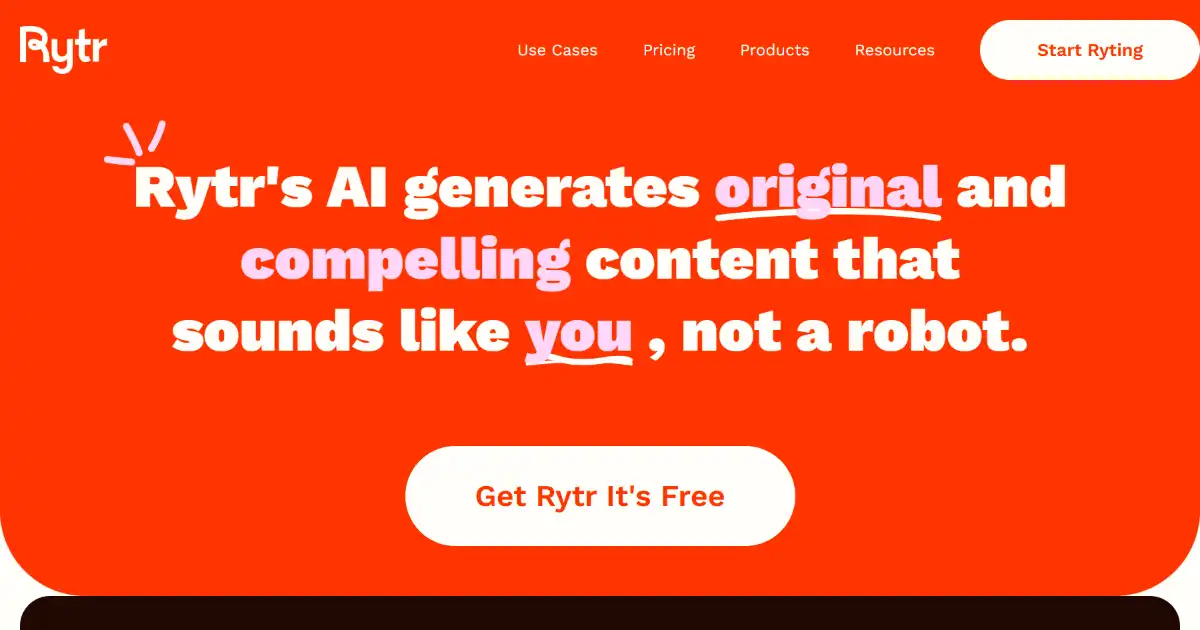
Rytr is an AI writing assistant that creates high-quality content quickly and efficiently. It offers various use cases and supports multiple languages and tones. Rytr streamlines your writing process from emails to blog posts.
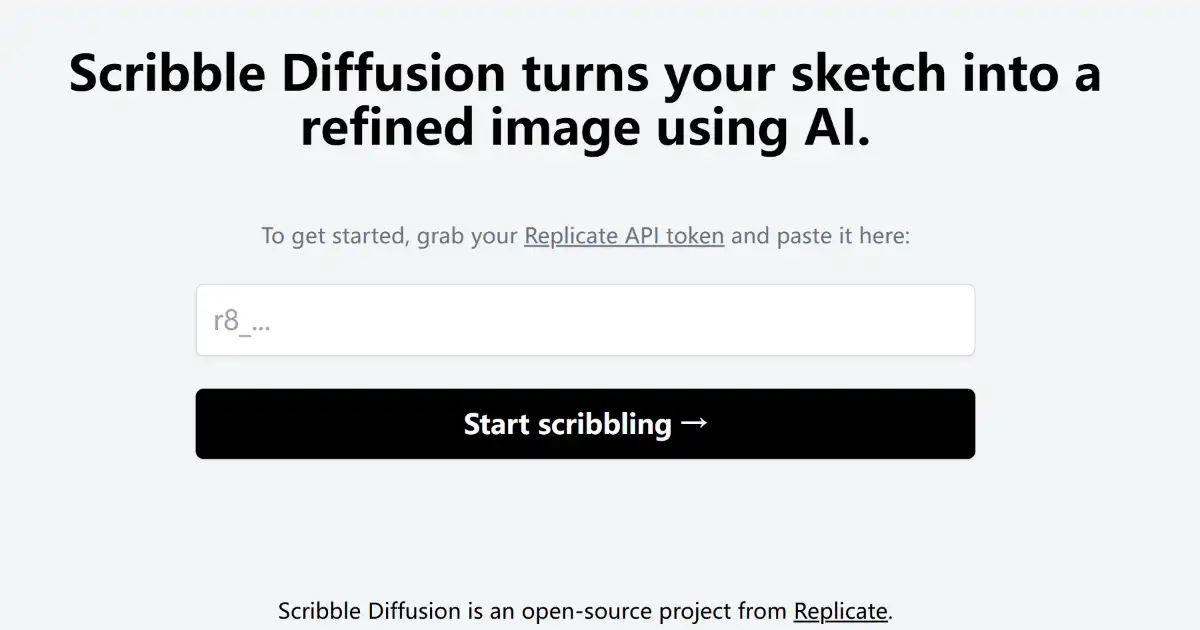
Scribble Diffusion is an AI-powered tool that turns your sketches into refined digital images. By adding a text prompt to your sketch, you can guide the AI’s interpretation and generation of the final image. This accessible online tool is perfect for both beginners and seasoned artists alike.