AI Color Wheel - Brandmark
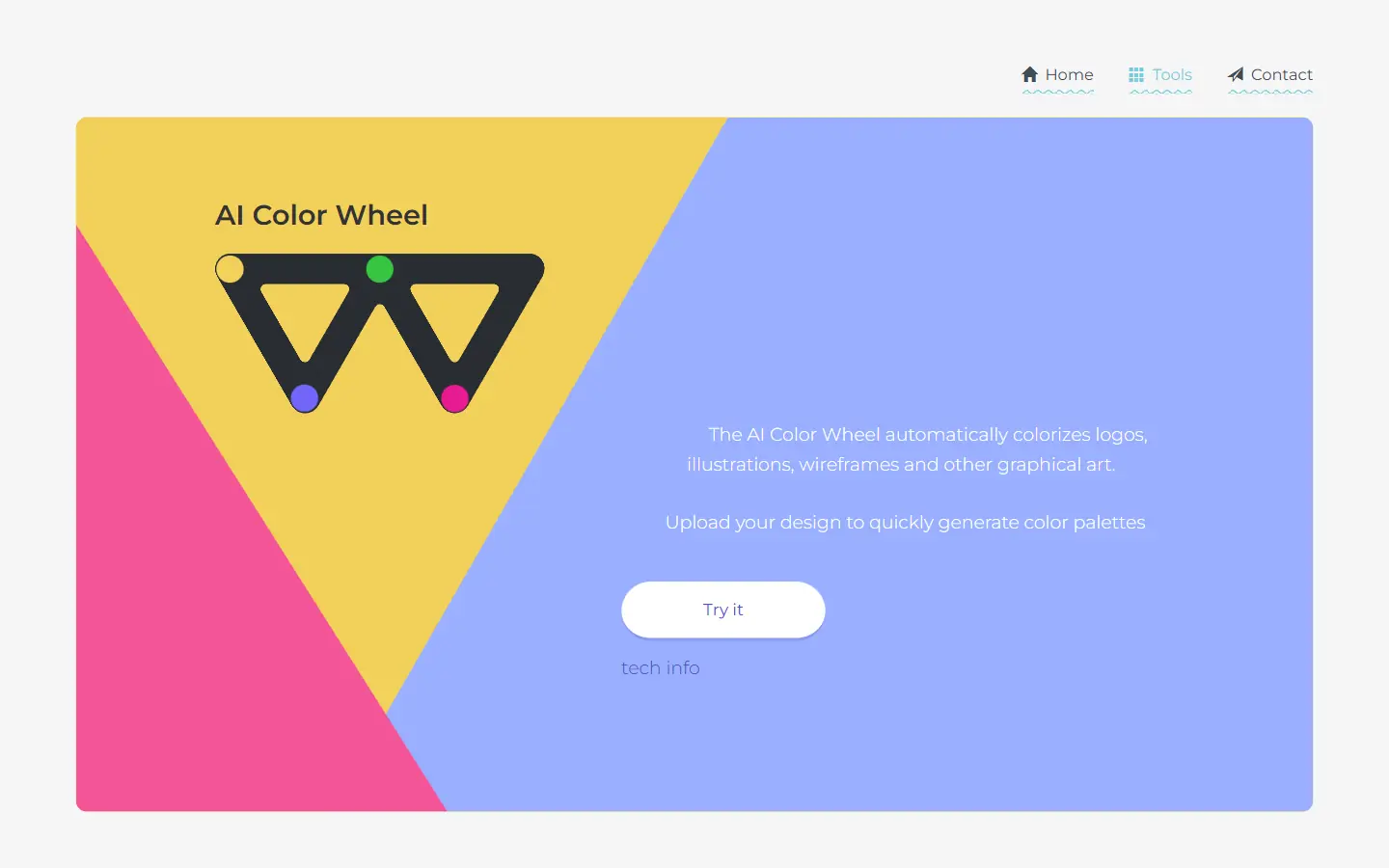
AI Color Wheel is an AI-powered tool designed to help you find the perfect color palette for your logos, illustrations, wireframes, and other graphic designs. By uploading your flat design, the tool automatically generates thousands of unique color variations based on classical and modern art movements. It's like having a team of color experts at your fingertips, ready to provide inspiration and guidance for your next creative project.
One translation. Verified by 22 AI models.
Compare leading AI translations, preserve document layouts, and add human verification when accuracy matters.
From idea to 3D model in one browser workspace
Generate from text or images, inspect the result online, then export GLB or OBJ and continue toward an STL workflow.

Create more in one place
Generate images, make videos, edit photos and create audio with shared credits.
Explore MagicShotWhat is AI Color Wheel?
AI Color Wheel is an online tool that leverages the power of AI to automatically generate color palettes for your designs. It takes your flat designs, such as logos, illustrations, or wireframes, and instantly provides you with a multitude of unique color variations. These color palettes are inspired by various art movements, from classic styles to modern trends. This means you can quickly experiment with different color schemes and explore various aesthetics to find the perfect fit for your design. AI Color Wheel is a user-friendly tool that can save you hours of time and effort in searching for the perfect color combination.
AI Color Wheel Key Features
AI Color Wheel offers a range of features designed to simplify and enhance the color selection process for your design projects. Key features include instant color palette generation from uploaded designs, inspiration from diverse art movements, customizable color schemes, and free access for non-commercial use. It also boasts an available API for integration into other applications.
Instant color palette generation: Upload a design, and AI Color Wheel will instantly generate a vast array of color variations.
Art movement inspiration: Explore different art movements like NES Games, Soviet Realism, and Dribbble for unique color palettes.
Customizable color schemes: Tweak the color wheels to explore analogous, complementary, and other color schemes.
Free for non-commercial use: Use the tool for personal and non-commercial projects.
API available: Integrate the AI Color Wheel into your own applications using the publicly available API.
Browser-based tool: No need for downloads or registration. Your designs are saved locally in your browser.
AI Color Wheel Use Cases
Logo design: Generate vibrant and captivating color palettes for your brand logo.
Illustration: Experiment with different color schemes to enhance the visual impact of your illustrations.
Wireframing: Quickly visualize your ideas with different color variations during the wireframing process.
Web design: Find inspiring color palettes for your website designs.
AI Color Wheel Pros and Cons
Pros
- AI-powered for fast and efficient palette generation
- Free for non-commercial use
- Variety of artistic styles for inspiration
- User-friendly and browser-based
Cons
- Limited to flat designs
- Free version may lack advanced features
- Reliance on internet connection
AI Color Wheel FAQs
What types of designs can I upload to AI Color Wheel?
You can upload flat designs, such as logos, illustrations, wireframes, and vector graphics. It's recommended to use grayscale designs for optimal results.
Can I customize the color schemes?
Yes, you can tweak the color wheels to explore analogous, complementary, and other color schemes.
Is AI Color Wheel free to use?
Yes, AI Color Wheel is free for non-commercial use. You can use the tool for personal and non-commercial projects without any cost.
How do I access the API?
The API is available on Github. You can access it through the provided link and integrate it into your own applications.
How do I get notified about new design tools?
You can subscribe to notifications to be informed about new design tools that are added to the deep learning toolbox.
Interested in this product?
Take a look at their websiteUpdated 2026-09-06
Find More Tools
Speech To Note is a real-time transcription tool converting spoken words into written text. It offers a convenient alternative to manual typing for various applications. Users can efficiently capture lectures, meetings, and personal thoughts.
Jamie is an AI-powered note-taking application that streamlines meeting workflows. It provides high-quality minutes, transcriptions, and action items across various platforms, supporting over 20 languages and prioritizing data security in Germany.
AI Logo Maker is an AI-powered logo design tool that helps users create custom logos within minutes. It provides various design and customization features including color palettes, font changes and more, making professional logo design accessible to anyone.
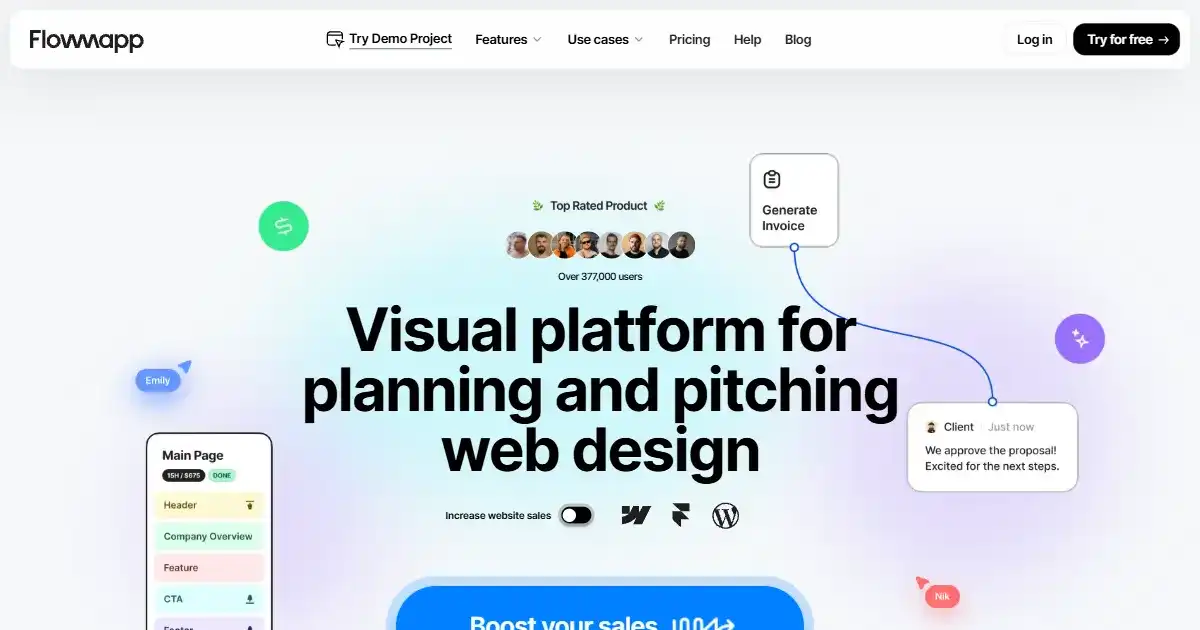
FlowMapp is a planning platform for web professionals to create visual sitemaps, user flows, and wireframes. It streamlines website design and enhances collaboration among teams, agencies, freelancers, and clients. This results in better client presentations and user experiences, helping improve overall engagement and conversions.
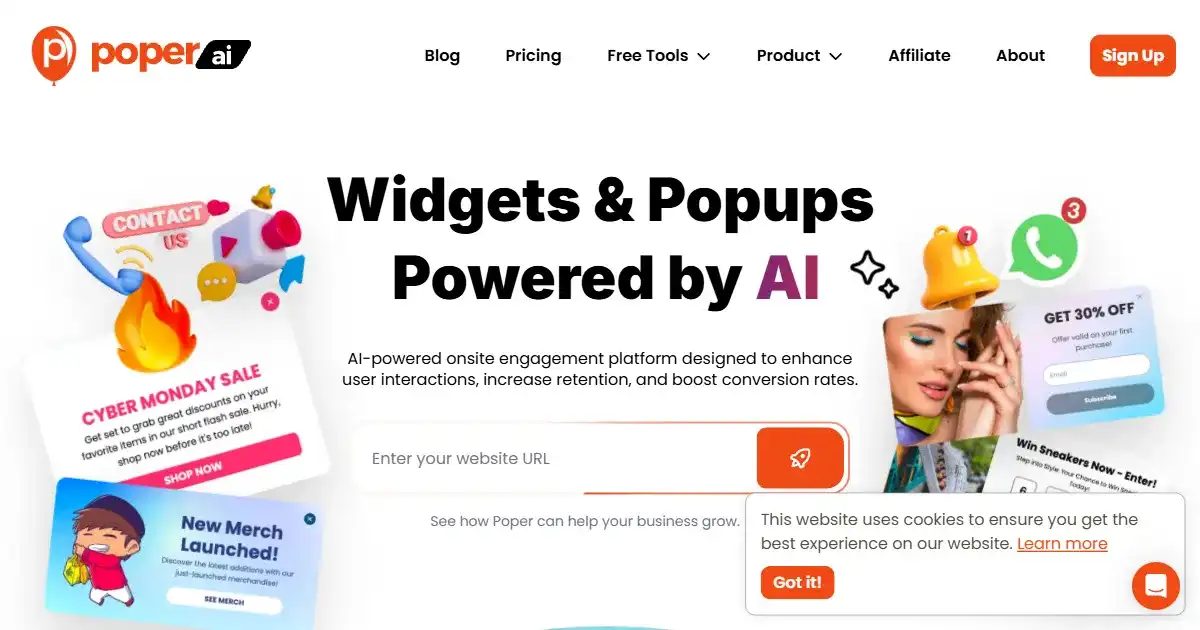
Poper is an AI-powered popup builder for engaging website visitors and driving conversions. It creates targeted popups to grow email lists, make announcements, and promote special offers, increasing sales. Its versatile design and AI capabilities personalize visitor interactions, improving conversion rate.

Easy Folders is a browser extension designed to organize ChatGPT and Claude interactions. It provides folders, a prompt library, and a search function to enhance productivity. It is ideal for managing multiple projects or extensive prompt usage.