Build AI
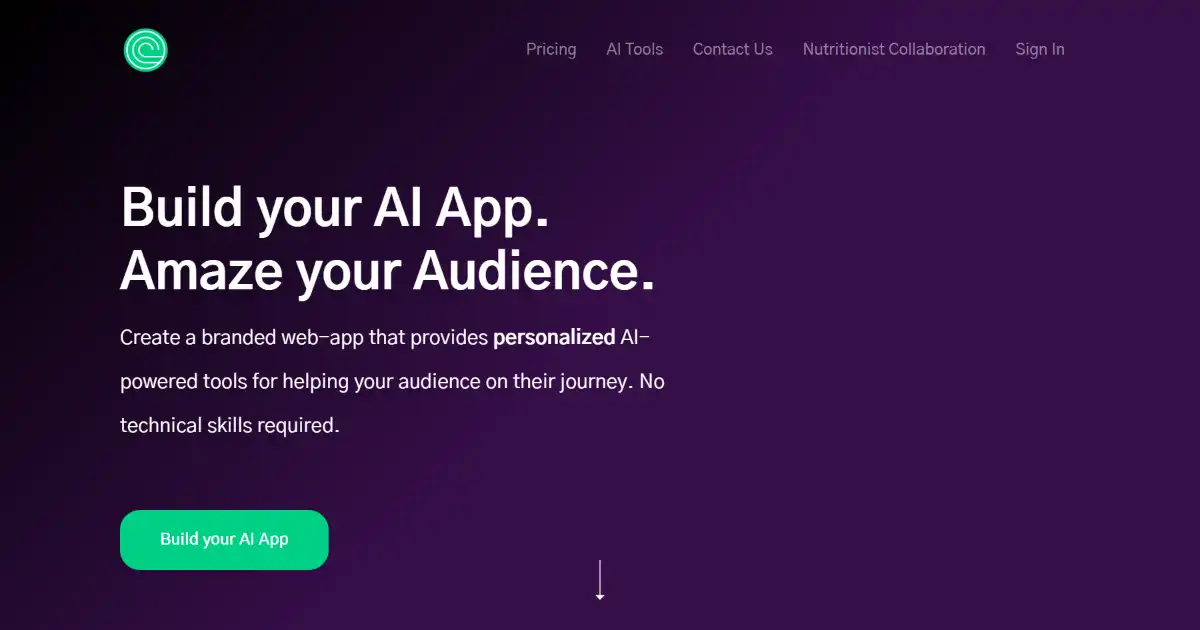
Build AI is a no-code platform that allows you to create custom AI-powered web applications. Create, test and deploy interactive tools for several aspects of a business without any coding skill required.
One translation. Verified by 22 AI models.
Compare leading AI translations, preserve document layouts, and add human verification when accuracy matters.
From idea to 3D model in one browser workspace
Generate from text or images, inspect the result online, then export GLB or OBJ and continue toward an STL workflow.

Create more in one place
Generate images, make videos, edit photos and create audio with shared credits.
Explore MagicShotWhat is Build AI
Build AI is a no-code platform enabling you to create custom, AI-driven web applications regardless of your technical skills. These apps process text input and provide text output, leveraging knowledge up to 2021. Build AI is suitable for improving customer experiences, engaging leads, and optimizing internal workflows by utilizing no-code AI app creation through clear natural language instruction.
Key Features of Build AI
No coding required web app interface. Customize features using simple inputs, not difficult-to-write scripts. Easily add it right into your site; no copy-pasting of messy script.
No-Code App Development: Create AI apps using natural language descriptions.
Customization Options: Tailor your AI web apps appearance and functionality with no code interface.
Website Integration: Easily embed created apps directly into your existing websites.
Text-Based Applications: Create apps to handle a variety of text-based inputs and outputs.
Trial and Refinement: Test, tweak and refine your text-based apps for optimal performance easily using natural instructions without coding.
Use Cases of Build AI
Customer Experience: Enhance customer service with expert-level AI assistance.
Lead Generation: Captivate leads with innovative and interactive web apps using AI generation.
Internal Tools: Build no-code tools to streamline tasks, leverage company expertise, and boost team productivity.
Marketing and Engagement: Craft no-code AI-powered apps which improve brand appeal and offer value to users thus engaging customers.
Process improvement/Workflow tasks automation: Automating repetitive text-based or NLP-reliant processes (eg automated messaging applications, quick information tools and quick Q&A apps from textual database).
Build AI Pros and Cons
Pros
- Easy AI app development without coding experience.
- Fast deployment of applications.
- Versatile applications for diverse business needs.
- High customization options available within interface.
Cons
- Limited to text-based applications and knowledge up to 2021.
- No code export functionality.
- Usage limitations based on chosen plan may restrict scalability.
- Deployment options limited, mainly targeted for embedding into sites, not other options yet, e.g. native deployment on cloud hosted bare machine environment such as aws droplet for custom uses which offer better processing options.
Build AI FAQs
How does Build AI work?
Build AI empowers users to create AI-powered web applications without coding. You describe the app's functionality, and the platform generates the application based on your instructions.
Is there a free trial for Build AI and how much does it cost?
Build AI offers various subscription tiers. Some offer free trials with limited app generation and runs. Check their site for updated pricing options.
What are the limitations of exporting a finished AI project?
While Build AI excels at text-based applications and boasts integrations with various platforms for web deployment, there may be some restrictions when exporting outside its main deployment.
Interested in this product?
Take a look at their websiteUpdated 2026-10-05
Find More Tools
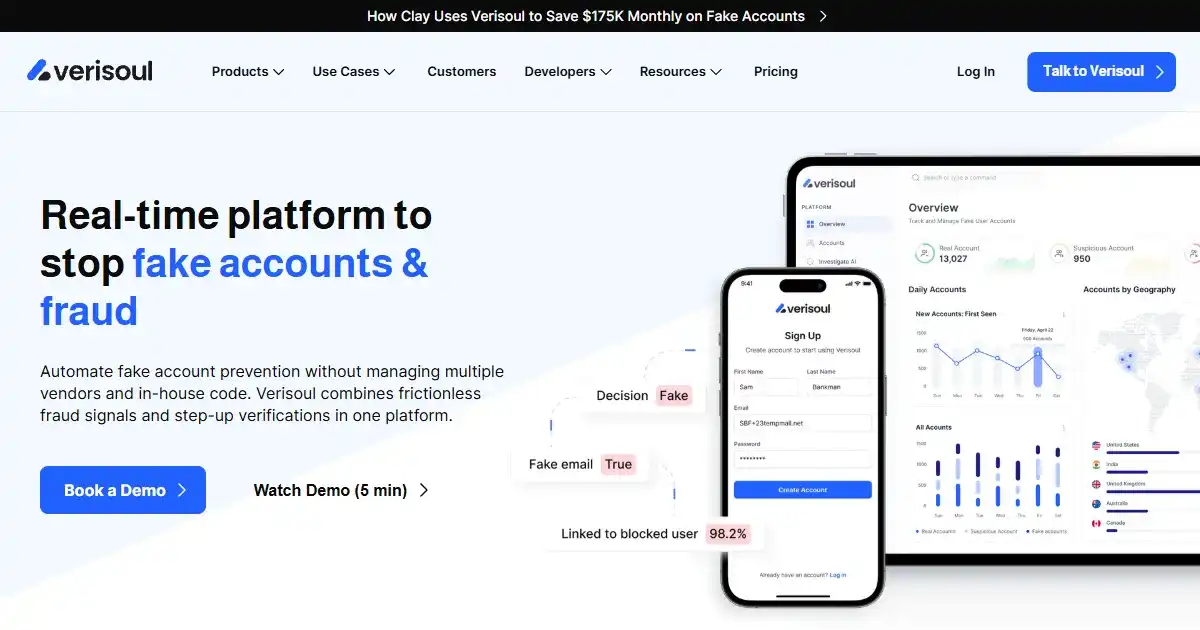
Verisoul is a digital security platform that protects websites and mobile apps from fake users, bots, and fraud. It uses AI to analyze user behavior and provides customizable workflows to manage security responses.

Dewatermark.AI is an AI-powered tool that removes watermarks from images. It preserves image quality and offers manual editing for precision. Remove various types of watermarks quickly and easily.
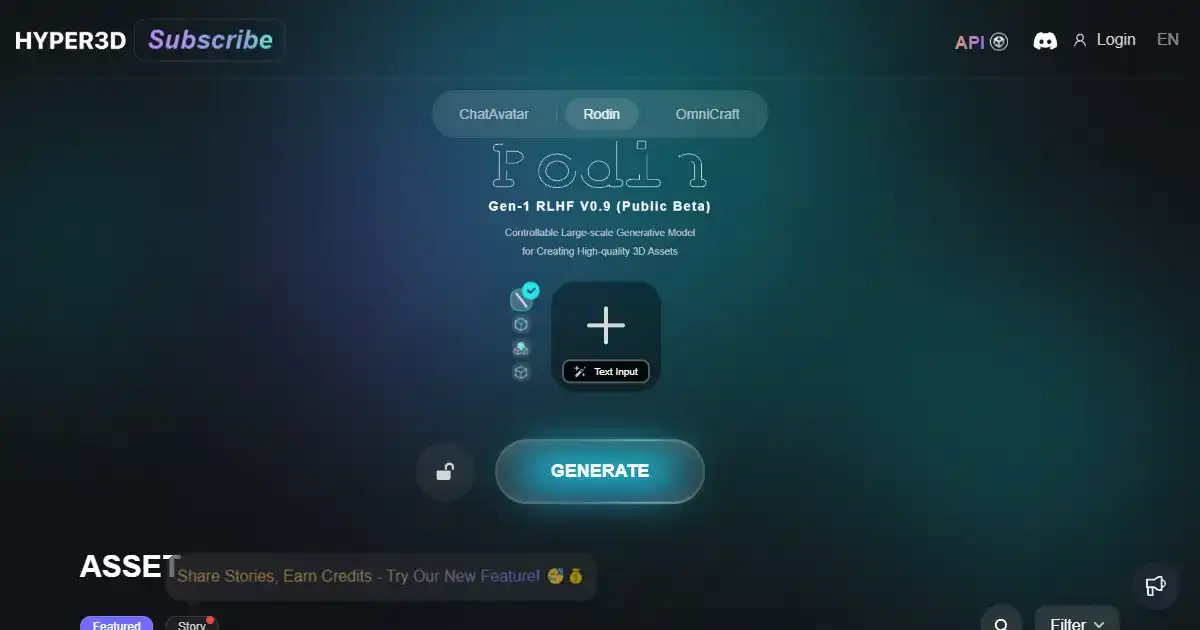
HyperHuman is an advanced AI-powered 3D face generator. Designed for animators and game developers, it creates realistic, animatable faces from text prompts. This tool integrates with industry-standard software for seamless workflow integration.
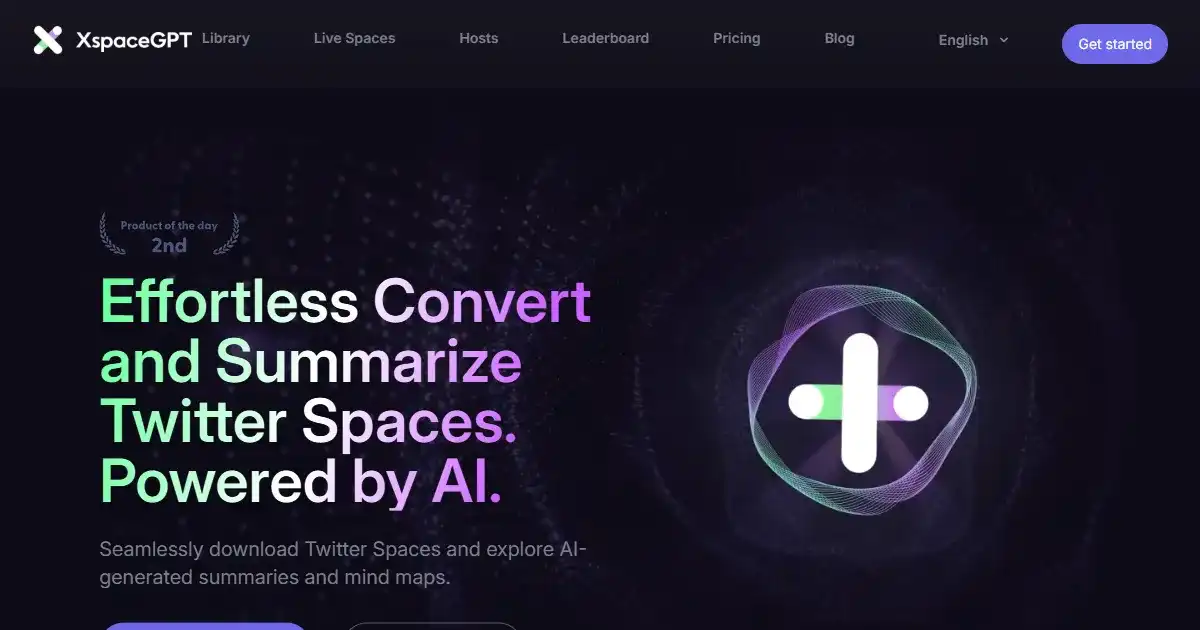
XspaceGPT is a tool that converts Twitter Spaces into accessible formats such as MP3, text, summaries, and mind maps. Using AI, it facilitates content consumption, repurposing, and accessibility. It helps users save time by providing efficient access to key information shared within these online discussions.
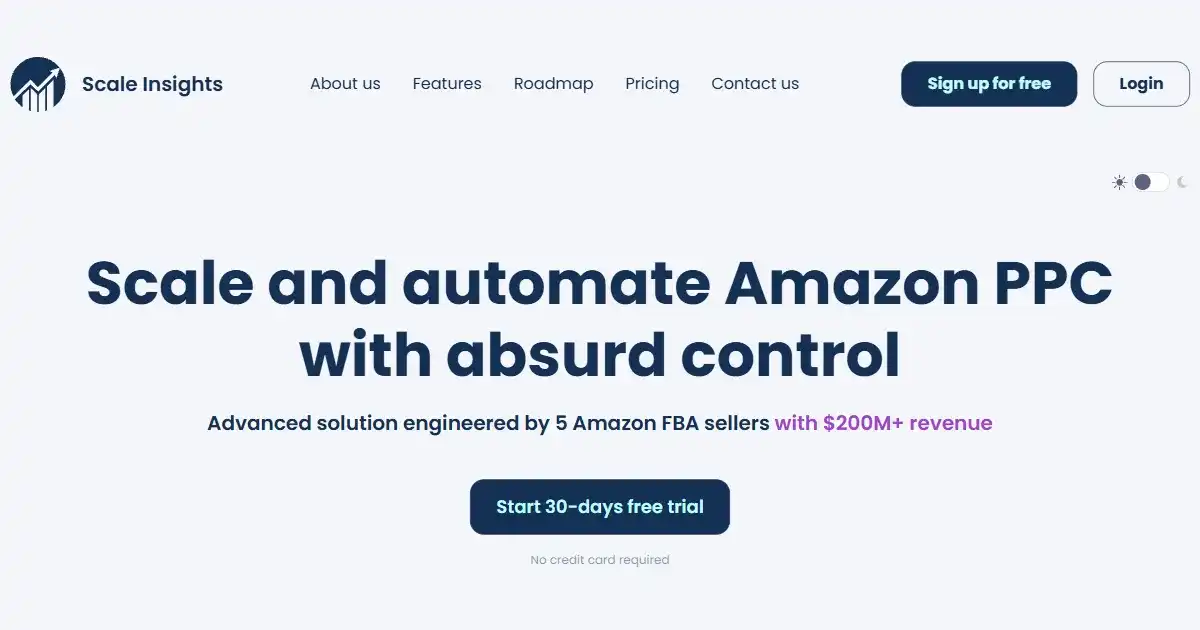
Scale Insights is an AI-driven Amazon PPC automation software for FBA sellers. It automates bidding and campaign management to reduce ACOS and boost ROI. This tool empowers sellers to optimize ad spend and enhance campaign effectiveness with advanced AI and data analytics.
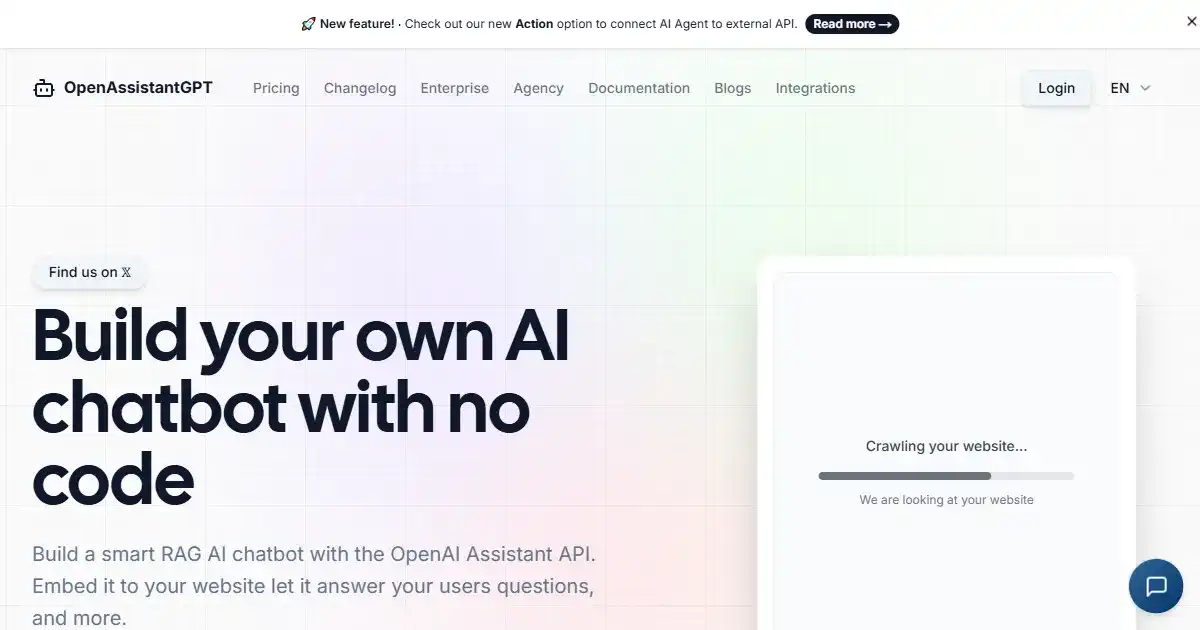
OpenAssistantGPT is an open-source platform for building and integrating AI chatbots into websites using OpenAI's GPT models. This platform simplifies adding conversational AI to your site, offering customization options and direct billing through OpenAI.