FlowMapp
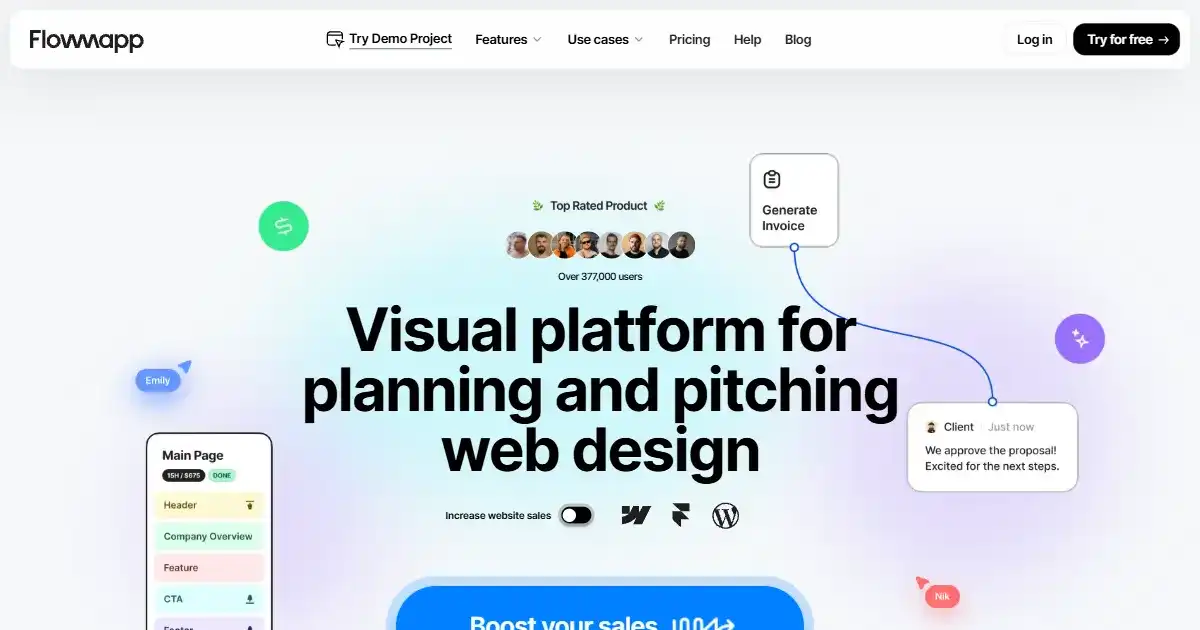
FlowMapp is a planning platform for web professionals to create visual sitemaps, user flows, and wireframes. It streamlines website design and enhances collaboration among teams, agencies, freelancers, and clients. This results in better client presentations and user experiences, helping improve overall engagement and conversions.
One translation. Verified by 22 AI models.
Compare leading AI translations, preserve document layouts, and add human verification when accuracy matters.
From idea to 3D model in one browser workspace
Generate from text or images, inspect the result online, then export GLB or OBJ and continue toward an STL workflow.

Create more in one place
Generate images, make videos, edit photos and create audio with shared credits.
Explore MagicShotWhat is FlowMapp
FlowMapp is a planning platform designed for web professionals, enabling the creation of visual sitemaps, user flows, and wireframes. This comprehensive tool facilitates collaboration, enhances client presentations, and aids in content planning. Whether you're a freelancer or part of an agency or in-house team, FlowMapp can enhance efficiency, boost website sales, and drive user engagement. With features like AI-powered generation and interactive sitemaps, this versatile platform simplifies and optimizes the complex process of website development from concept to execution. Improve communication, clarify user experiences, and manage all planning aspects for your online presence with this collaborative, user-friendly software.
Key Features of FlowMapp
Key Features of Flowmapp help to streamline the web design planning and execution process using its functional tools.
Visual Sitemaps: Create clear and interactive sitemaps to structure your website effectively.
User Flows: Design intuitive user journeys to optimize the user experience.
Wireframes: Build website prototypes with pre-designed templates and components.
Content Planning: Organize and structure your content within the platform.
AI-powered Generators: Speed up your workflow with AI assistance
Use Cases of FlowMapp
Planning website structure and navigation with visual sitemaps.
Designing effective and engaging user journeys with user flows.
Creating detailed wireframes to simulate page elements.
Content strategizing to provide a well-structured outline for your content development.
Planning and documenting various elements including users, pages, site content and design and others related to web projects.
FlowMapp Pros and Cons
Pros
- Streamlines the entire web design planning process.
- Facilitates seamless collaboration between team members and clients.
- Provides a centralized platform to manage various planning elements.
- Clear, interactive interface simplifies design presentation and feedback.
- Integration of AI-powered generators simplifies complex design decisions
Cons
- Pricing might be a barrier for smaller projects or individuals.
- Learning curve might be present initially for mastering the software.
- Feature-richness may cause unnecessary complexity for less demanding projects.
FlowMapp FAQs
Who is the target audience for FlowMapp?
FlowMapp primarily caters to web professionals involved in the design and planning stages of website development. This includes UX/UI designers, developers, freelancers, and agencies.
What are the key features of FlowMapp?
FlowMapp offers features such as visual sitemap creation, user flow design, wireframing, content planning, and AI-powered generation tools, all aimed at streamlining the web design process.
How does FlowMapp improve collaboration and boost sales?
FlowMapp helps improve collaboration amongst team members, enhances client presentations with detailed visual proposals, and ultimately aims to boost client engagement and website sales.
Interested in this product?
Take a look at their websiteUpdated 2026-09-06
Find More Tools
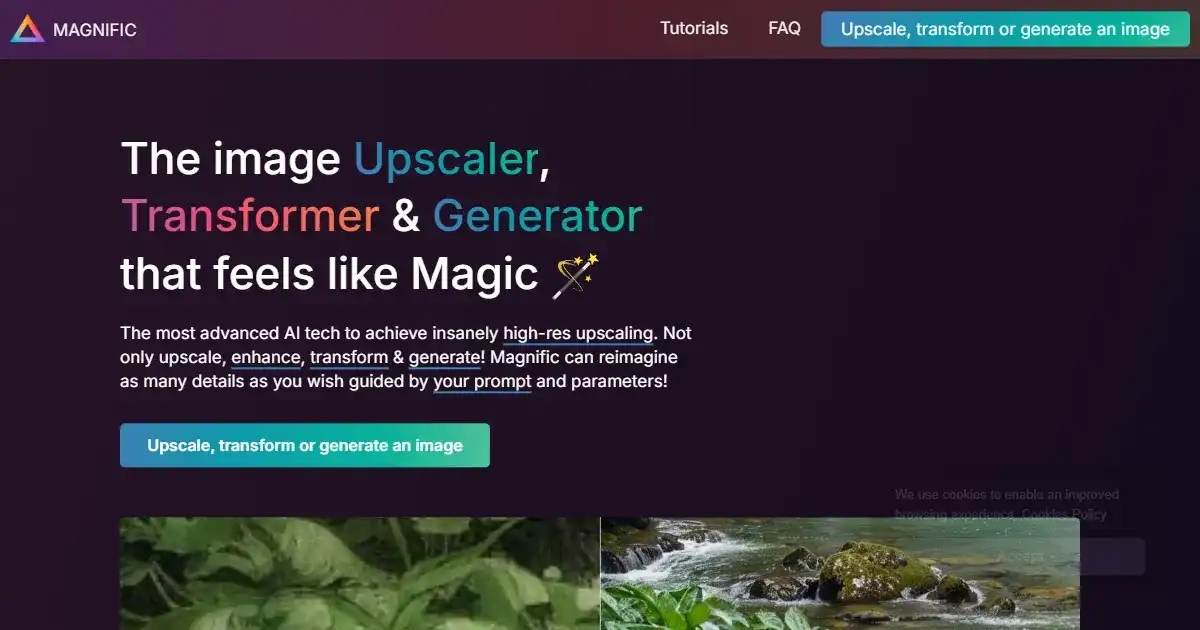
Magnific AI is an AI-powered image upscaler and enhancer. It specializes in increasing image resolution and adding intricate details through a 'Creativity' control. This tool is ideal for professionals and enthusiasts needing high-quality image enlargement.
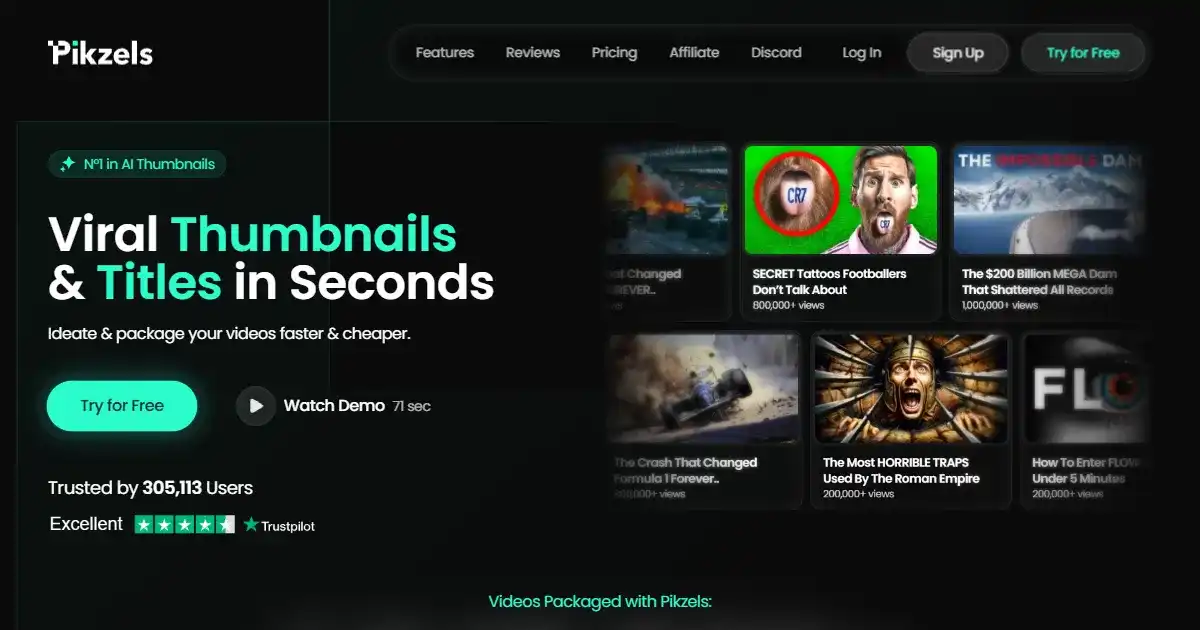
Pikzels is a platform offering a subscription service for high-quality YouTube thumbnails. It provides unlimited design requests from expert designers for a fixed monthly price. This service aims to simplify and speed up the process of getting professional video thumbnails.
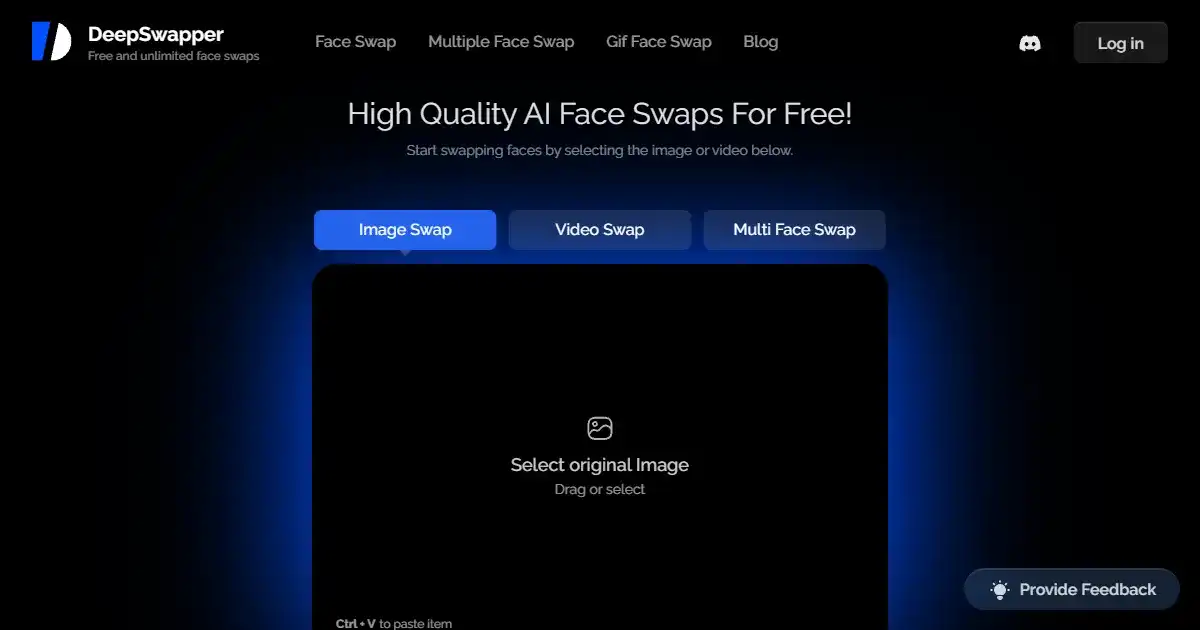
DeepSwapper AI is a free online tool that allows users to easily swap faces in images. It offers unlimited usage and produces high-quality, realistic results without watermarks or advertisements. The service is secure and does not store uploaded images.
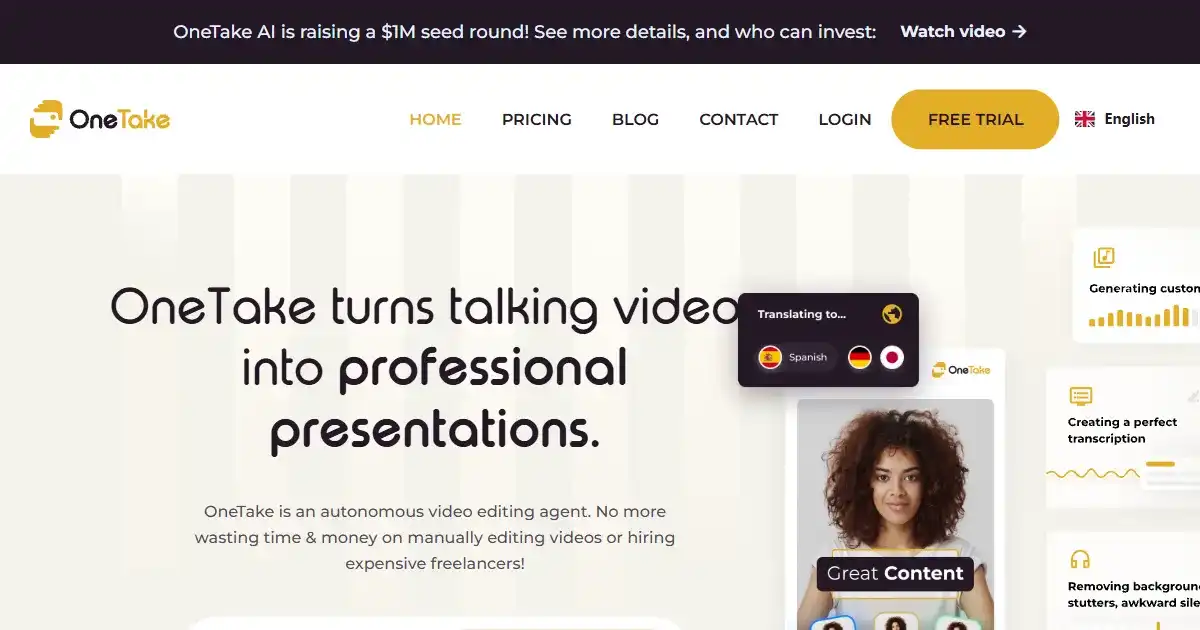
OneTake AI is an AI video editor designed to automate the production of video presentations. It transforms raw footage into polished videos complete with titles, transitions, and animations using a simple process. Utilize OneTake AI to quickly create professional video content for various platforms.
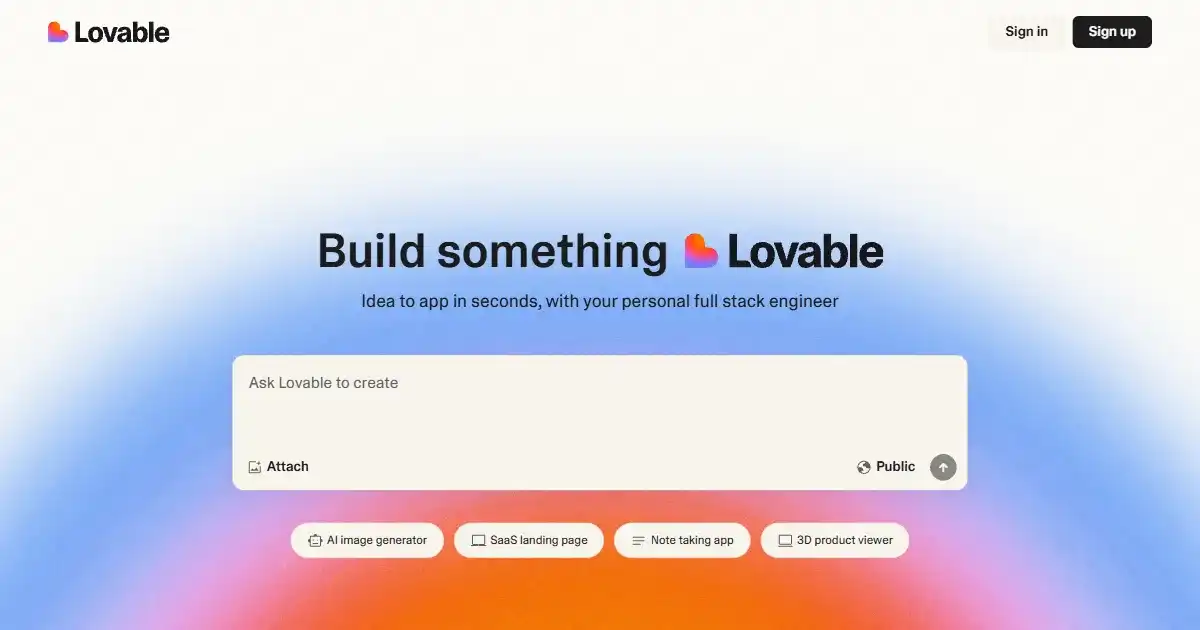
GPTEngineer is a tool that enables users to build interactive web applications using natural language descriptions. It supports rapid prototyping and includes integrated version control. Users retain full ownership of the generated code, facilitating collaboration with human developers.
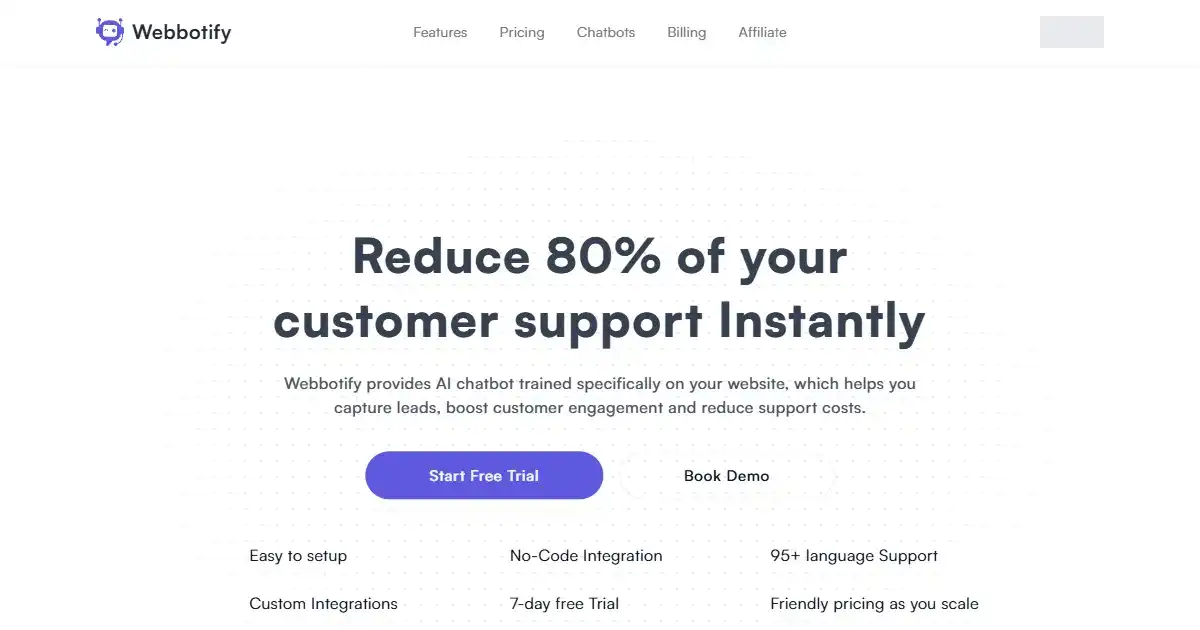
Webbotify is an AI-powered tool that enables the creation of customized chatbots for websites. It uses AI trained on your specific site content to provide tailored visitor interaction and support. Implement Webbotify to enhance user experience and automate customer service.