KREA
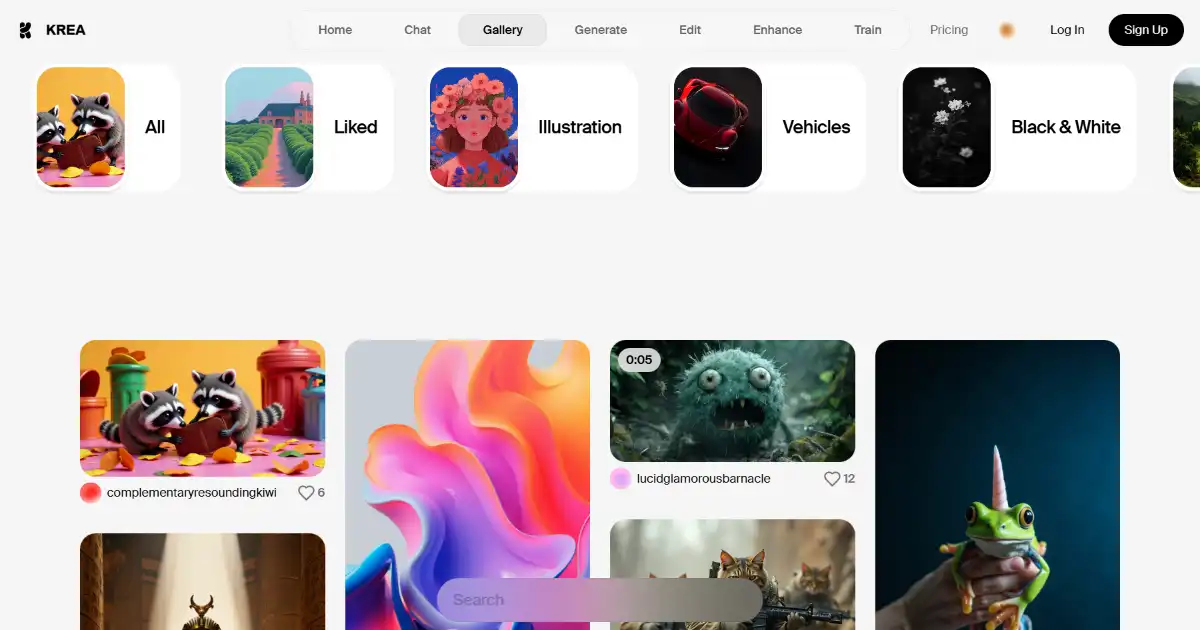
KREA is an AI-powered design platform for creating and editing high-quality images and videos. It offers a vast library of over 2,500 AI models, enabling users to achieve various styles and explore endless creative possibilities. KREA also includes innovative features such as custom AI model training and smart object removal.
One translation. Verified by 22 AI models.
Compare leading AI translations, preserve document layouts, and add human verification when accuracy matters.
From idea to 3D model in one browser workspace
Generate from text or images, inspect the result online, then export GLB or OBJ and continue toward an STL workflow.

Create more in one place
Generate images, make videos, edit photos and create audio with shared credits.
Explore MagicShotWhat is KREA
KREA is an AI-powered design tool empowering users to effortlessly generate and customize images and videos. Utilizing advanced AI research, this platform unlocks endless creative possibilities with user-friendly features, including over 2,500 diverse AI models that let you refine every creative projects towards unique custom styles.
Key Features of KREA
KREA is an AI-powered design platform that makes creating and editing high-quality images and videos easier than ever before.
AI-Powered Image and Video Generation: Create stunning visuals from scratch with the help of advanced AI algorithms.
Extensive AI Model Library: Access a diverse collection of over 2,500 AI models to refine your creations and achieve your desired style and quality.
AI Training: Develop your own custom AI models to personalize your image generation process.
Smart Object Removal: Easily remove unwanted objects from your images without complex editing software or any skill.
Stable Diffusion XL: Enhanced outputs through Google's improved stable diffusion with XL canvas generation and full-screen editing in light mode or dark mode. Access enhanced prompt injection as well, allowing you to create advanced image and video prompts.
Community AI Trainings and Model Mixing: Tap into the power of the KREA community to harness shared AI training expertise and mix models and presets.
Pattern Tool: Discover, apply, or create repeating patterns easily to enhance creativity across different image patterns.
Inpainting: Efficiently edit parts of images without affecting the original image's feel using AI enhancement and reconstruction
Mobile Support: Use and enjoy a consistent KREA experience using your smart phone.
Real-Time AI Training: Experience seamless creation without interruption using real-time editing
AI Image Editor: A variety of tools that can help the user edit their photos more effectively. This includes editing and customizing a new AI photo or adding final touches to already generated ones
Use Cases of KREA
Content Creation: Generate engaging visuals for social media, blogs, websites, and marketing materials.
Marketing and Advertising: Design compelling visuals for advertisements, promotional materials, and brand campaigns.
Visual Arts: Explore new artistic avenues and create unique digital artworks. Edit existing and newly generated images further for enhanced quality, or use image prompts and enhanced AI-creation using integrated text descriptions with stable diffusion XL canvas and multiple editing toolsets including light/dark modes.
Education: Introduce students to AI-powered design tools and foster creativity. Enhance education courses related to image generation such as in computer science courses.
AI-Image Training and Sharing: Create new models of community interest, upload AI created visuals into their personalized Krea feeds, share outputs and models through the use of the cloud
KREA Pros and Cons
Pros
- Versatile AI Models: A vast collection to achieve any styles desired
- User-Friendly Interface: Enables effective use from amateurs and veterans alike.
- AI Training and Customization: Unique way of creating personalized images and videos
- Real-time editing with stability: Easy-to-use format of generating new work without long lag times
Cons
- Limited free usage: Certain features may require paid subscriptions or credit purchases
- Learning Curve: Effectively using specific tools for AI customization may have some complexities
- Internet Requirement: Online-based only
KREA FAQs
How does KREA achieve such diverse and high-quality image and video outputs?
KREA leverages the power of over 2,500 AI models, allowing you to fine-tune your creations to match your desired style and achieve the quality you envision.
Who is KREA designed for?
KREA caters to a wide range of users, from content creators and marketers seeking to enhance their visual materials to visual artists exploring new creative avenues, and even educators incorporating AI tools into their curriculum.
Can I train my own AI models in KREA?
While KREA offers a multitude of pre-trained AI models, it also provides exciting AI training capabilities, empowering you to create custom models that are perfectly aligned with your creative vision. Further enhance these creations using real-time AI image editing with integrated stable diffusion.
Interested in this product?
Take a look at their websiteUpdated 2026-09-06
Find More Tools
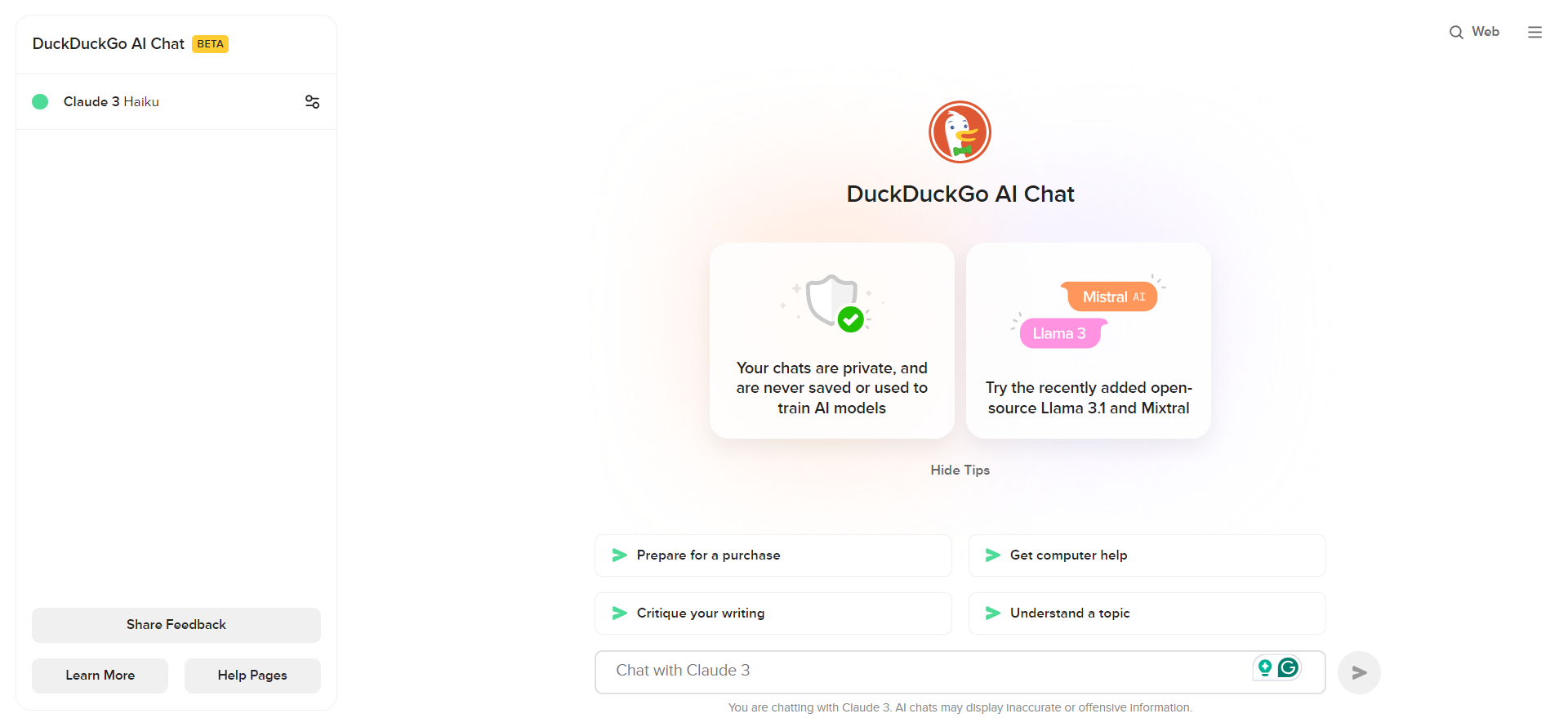
Access popular AI chatbots like GPT-3.5, Claude, and others anonymously and for free, while maintaining your privacy, through DuckDuckGo AI Chat.
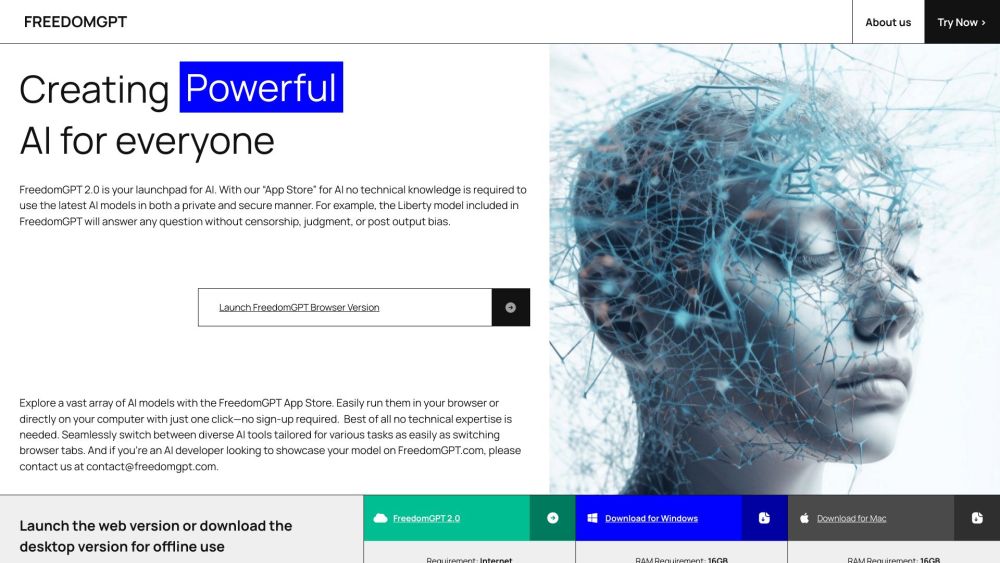
FreedomGPT is an AI chatbot providing freedom from censorship, privacy, and offline access to various AI models, without needing technical skills.
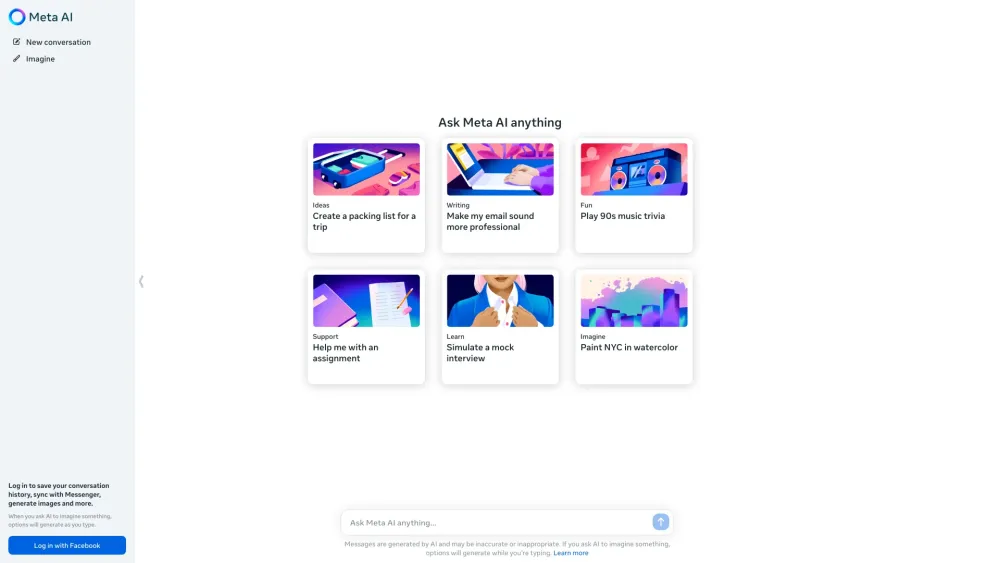
Meta AI is an advanced AI assistant from Meta, enabling conversations, answering questions, generating images, and performing various tasks across its platforms.
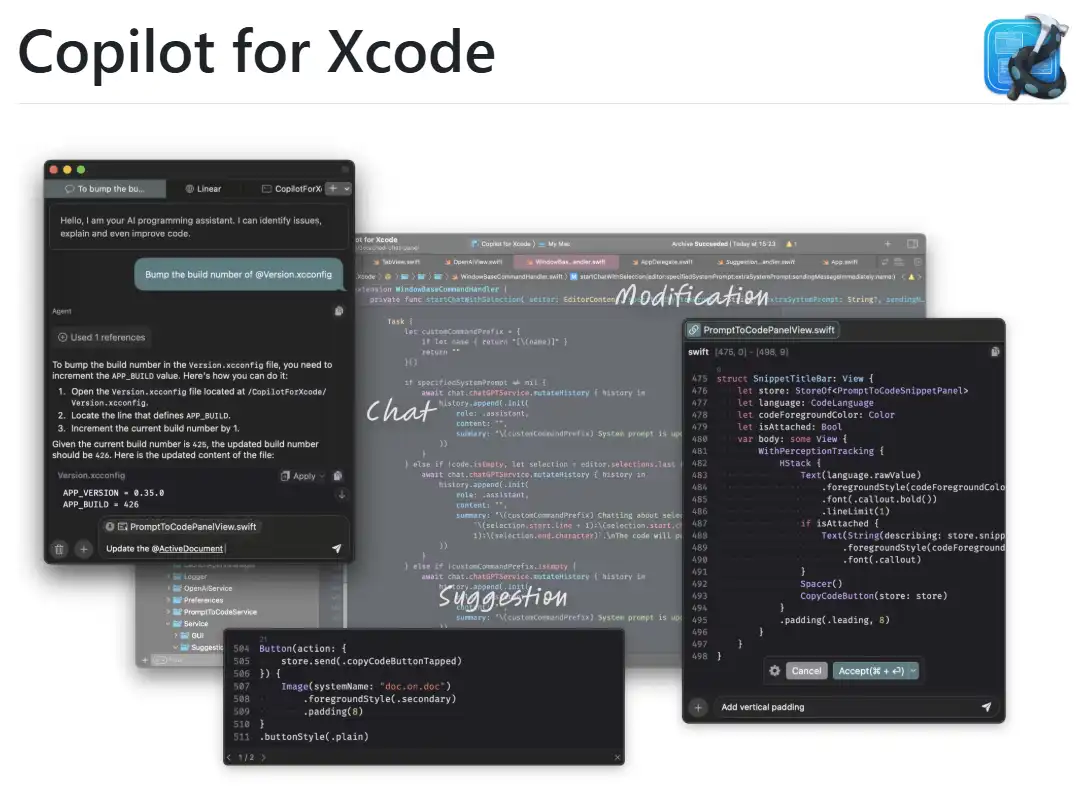
CopilotForXcode is an Xcode Source Editor Extension offering AI-powered code suggestions, chat assistance, and prompt-to-code features using GitHub Copilot, Codeium, and ChatGPT within Xcode.
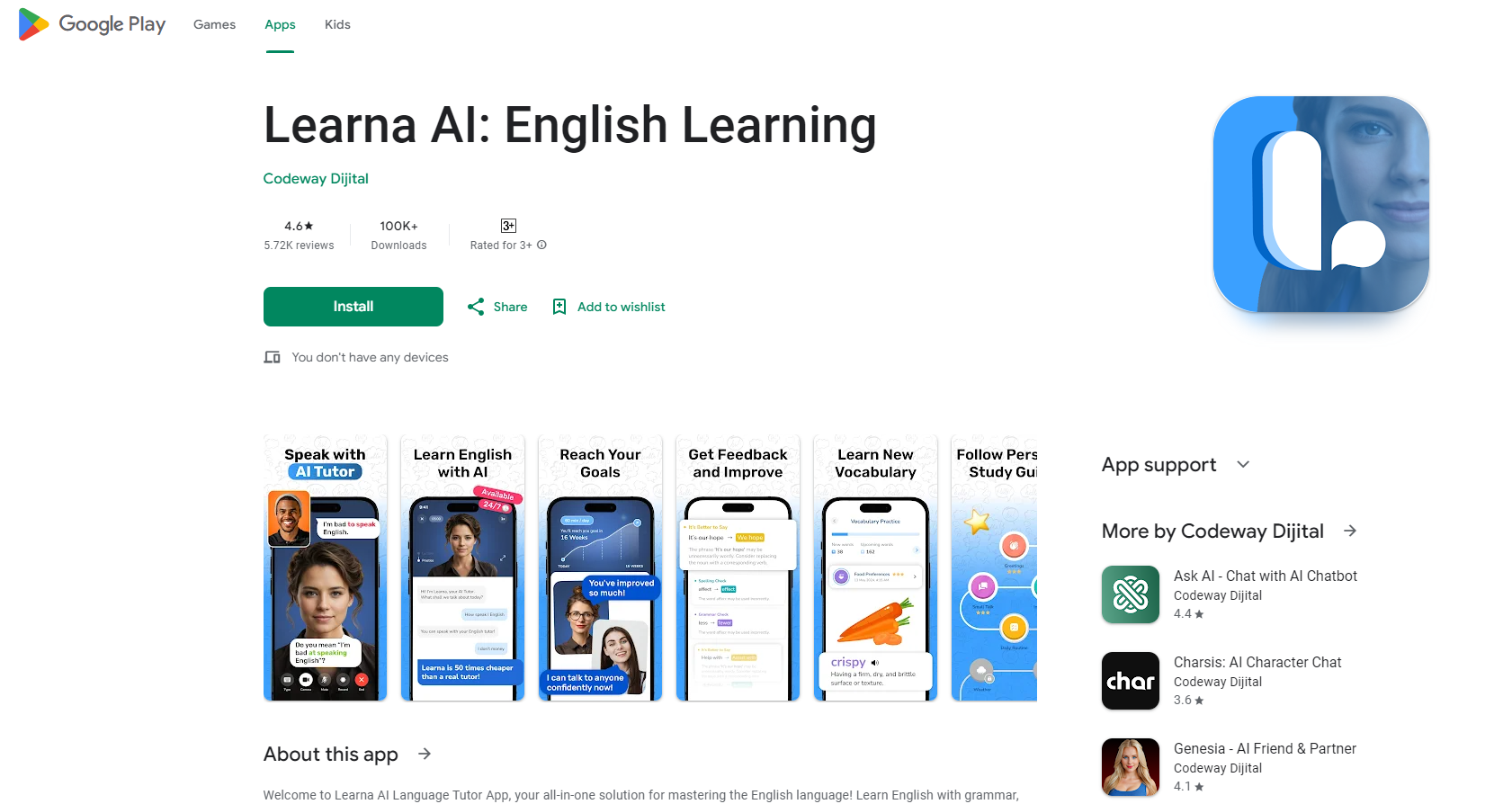
Learna AI is a comprehensive English learning app using AI for grammar, speaking, reading, pronunciation, and vocabulary, and includes personalized virtual tutoring.
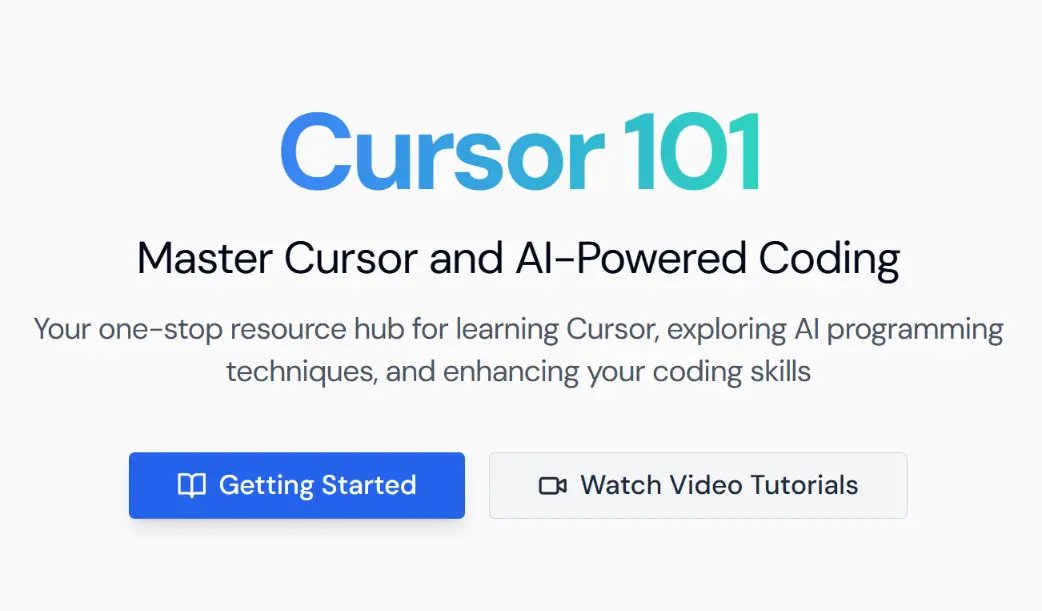
Cursor101 is a dedicated learning hub offering tutorials, insights, and guides for developers looking to enhance their workflows with Cursor, an AI-assisted code editor built on VSCode.