Tolgee
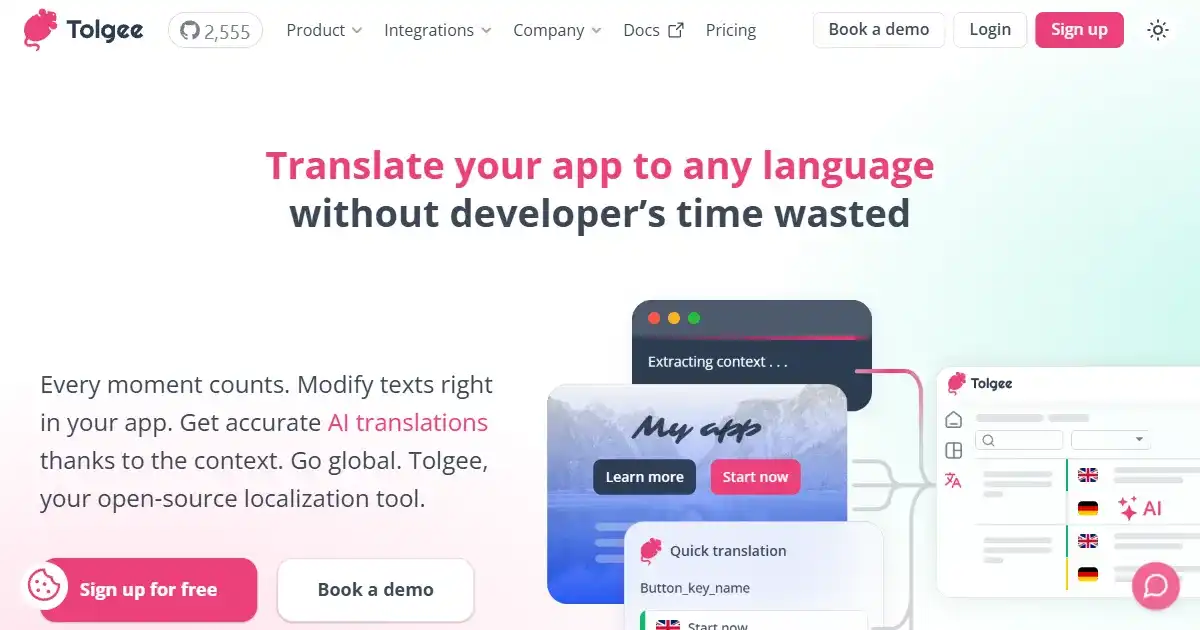
Tolgee is an open-source localization platform that streamlines translating software applications. It offers in-context translating, translation memory, and supports various file formats for seamless localization.
One translation. Verified by 22 AI models.
Compare leading AI translations, preserve document layouts, and add human verification when accuracy matters.
From idea to 3D model in one browser workspace
Generate from text or images, inspect the result online, then export GLB or OBJ and continue toward an STL workflow.

Create more in one place
Generate images, make videos, edit photos and create audio with shared credits.
Explore MagicShotWhat is Tolgee?
Tolgee is an open-source localization platform designed to streamline the translation of software applications. With features like in-context translating, translation memory, and machine translation suggestions, Tolgee empowers developers and localization teams to efficiently manage multilingual projects. Its user-friendly interface, collaborative workspaces, and integration with popular development tools greatly simplify translation efforts. Tolgee adapts to various project sizes and complexities, eliminating manual work associated with software application translation. Whether a small startup or a large corporation, Tolgee simplifies the process of taking applications global and engaging audiences worldwide. Its flexibility ensures streamlined management of current projects and adaptation for potential future expansion.
Key Features of Tolgee
Key features include in-context translating, automated translation suggestions, multiple file formats support, collaboration tools, and an open-source nature, all focused on making localization simpler and more effective for all.
In-Context Translation: Edit translations directly within your application for a seamless workflow.
Translation Memory: Leverage existing translations to maintain consistency and speed up the process.
Machine Translations: Utilize automated translation suggestions for improved efficiency.
Multiple File Format Support: Work with diverse file types, ensuring broad compatibility with your project resources.
Open-Source Platform: Benefit from community contributions and transparent development practices.
Collaboration Tools: Streamlined workflows and team collaboration options for collaborative and productive workflows and better communication during all phases of localization workflow.
Use Cases of Tolgee
Web Application Localization: Translate website content to reach global audiences.
Mobile App Translation: Adapt mobile apps for different languages and regions.
Game Localization: Translate game text and UI elements to engage broader global gamers.
Software Localization: Offer software in multiple languages by adjusting content and design preferences of targeted audience segments
Desktop App Localization: Make desktop apps accessible to diverse language-based preferences users
Tolgee Pros and Cons
Pros
- Simplified Localization: Easy configuration and integration with diverse applications greatly reduces workflow complexities
- Cost-Effective: Open-source, with options like self-hosting reduce costs and increase control of translation budgets. The affordable hosted solution suits all.
- Streamlined Workflow: Intuitive tools with diverse supported formats optimize the translation process.
- Collaborative Approach: Centralized platform promotes streamlined collaborative localization between members involved in the project.
Cons
- Limited Customization: The platform's standardization can be challenging for niche uses
- Open-Source Complexity: Though adaptable, community-driven development and code sharing aspects add complexity.
- Integration Requirements: Smooth project incorporation can sometimes pose integration challenges requiring technical solutions.
- Scalability Bottlenecks: Scaling for extensive and demanding tasks requires consideration and advanced setup.
Tolgee FAQs
What pricing plans does Tolgee have?
Tolgee offers a free tier suitable for small projects and experimentation. Paid tiers provide additional features and resources, allowing scaling based on your needs.
Does Tolgee integrate with version control systems?
Yes, the platform seamlessly integrates with version control systems such as Git and code hosting platforms such as GitHub and GitLab. The translation process synchronizes effortlessly within the projects codebase, which greatly reduces issues caused by manual processes
What types of projects can Tolgee be used with?
Tolgee simplifies localization for various projects, ranging from web and mobile applications to games and desktop software. Its adaptability to different project sizes and types makes it a versatile choice for various needs.
Interested in this product?
Take a look at their websiteUpdated 2026-10-05
Find More Tools
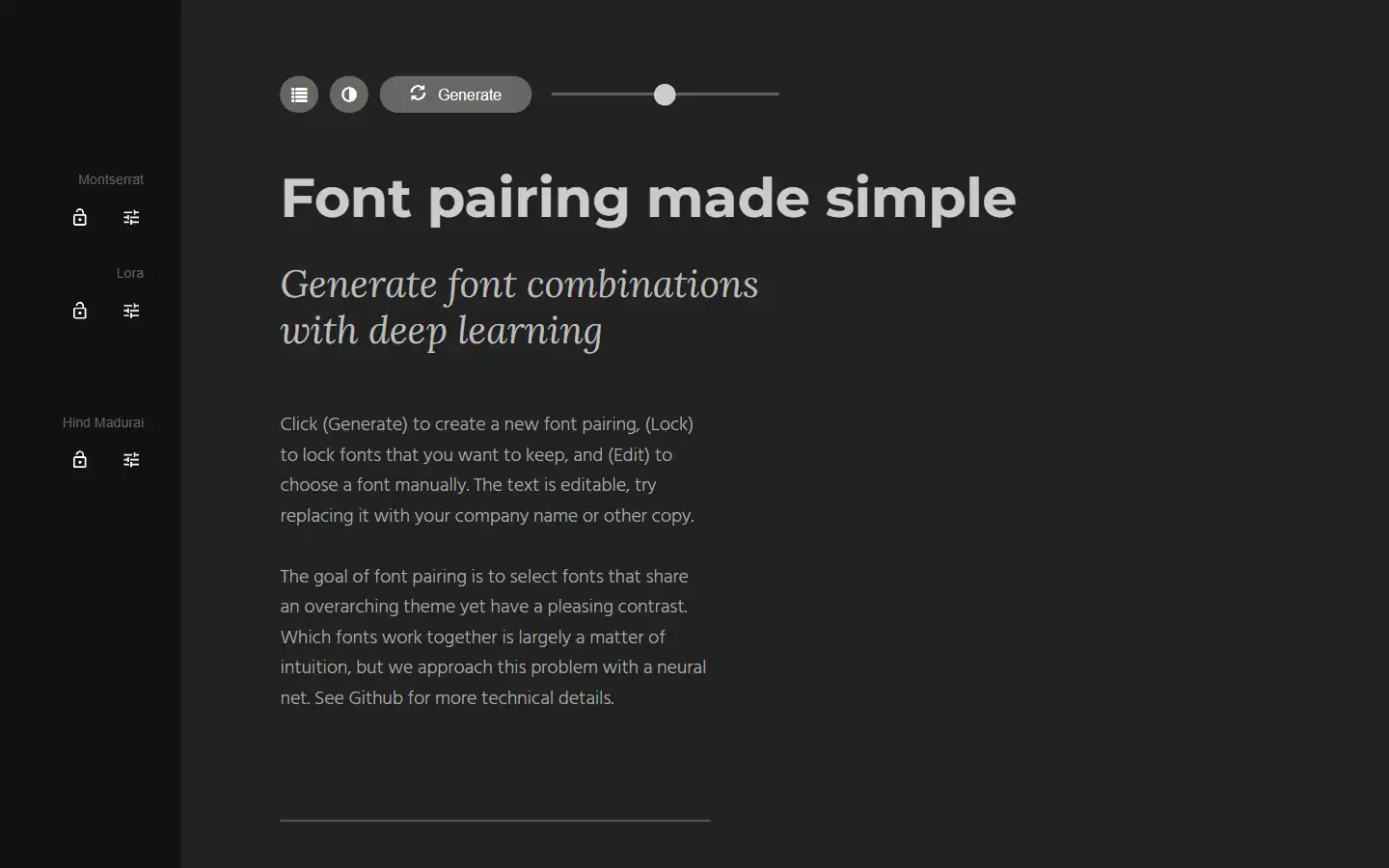
Tired of spending hours agonizing over the perfect font combination? Fontjoy, an innovative website powered by machine learning, simplifies font pairing for designers and typography enthusiasts alike. With its user-friendly interface and powerful deep learning engine, Fontjoy analyzes font characteristics and generates visually harmonious pairings in just a few clicks, helping you create impactful designs that truly resonate.
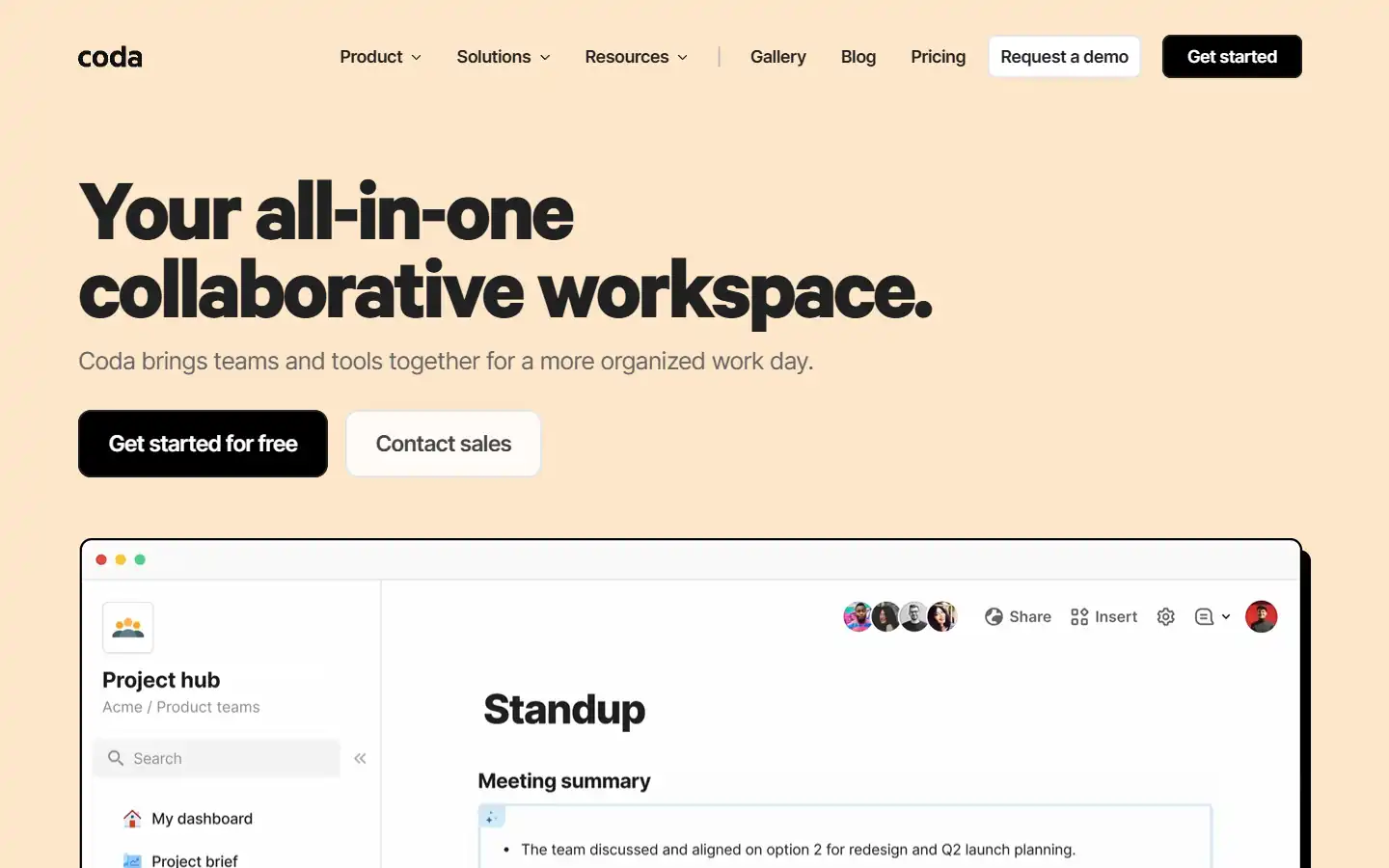
Coda AI is an AI-powered work assistant that integrates seamlessly with the Coda platform, a collaborative workspace that blends the best features of docs, spreadsheets, and applications. This intelligent tool can help you automate tasks, generate insights, and create better content within your Coda workspace, streamlining your workflow and boosting productivity.
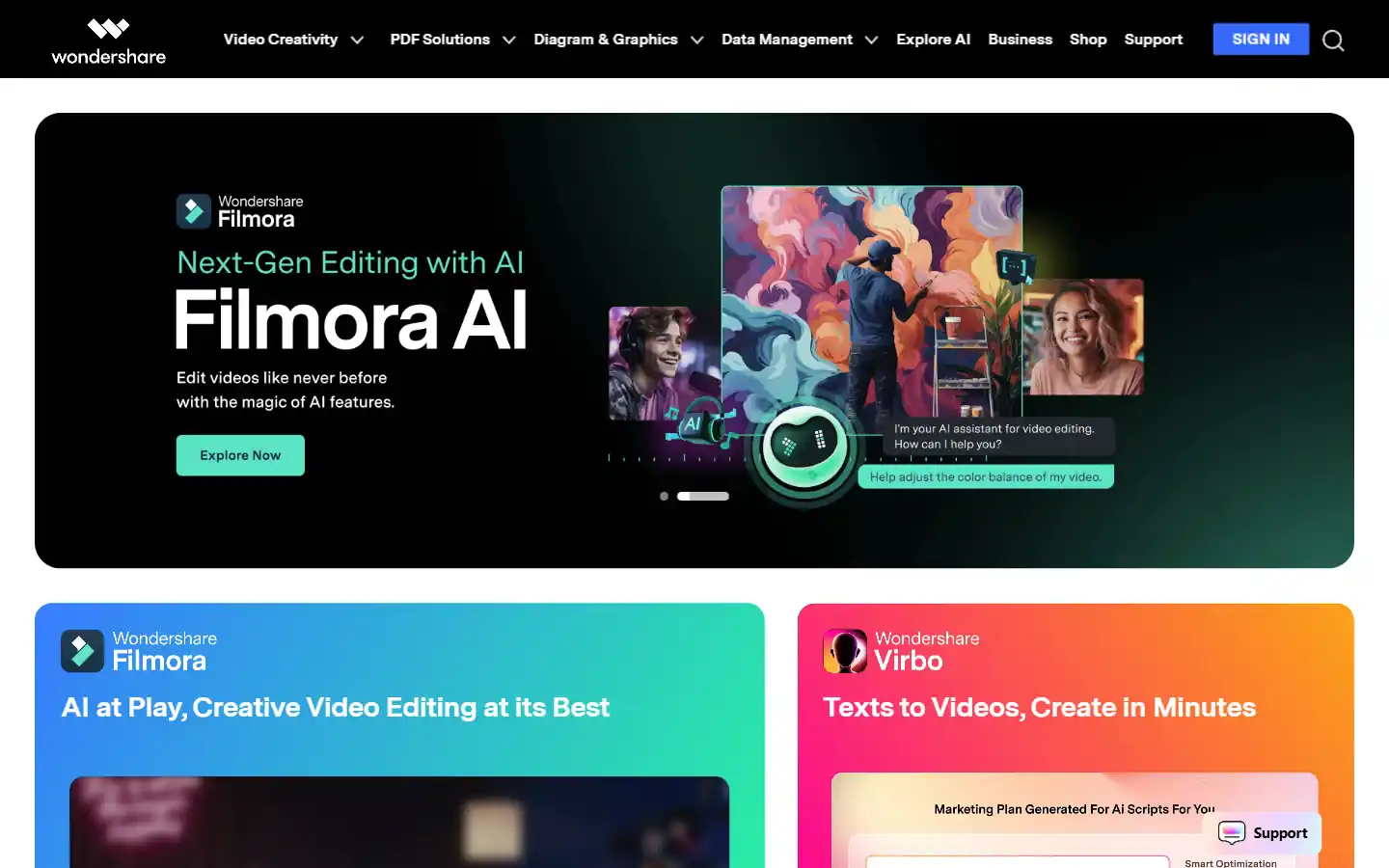
Wondershare.net offers a comprehensive suite of AI-powered tools designed to enhance creativity and productivity across various content formats. From video editing and image generation to audio manipulation and text-to-speech functionalities, Wondershare empowers individuals and businesses to create professional-grade content with ease. Whether you're a content creator, marketer, educator, or simply looking to explore new creative possibilities, Wondershare's AI tools provide the resources you need to elevate your projects to the next level.
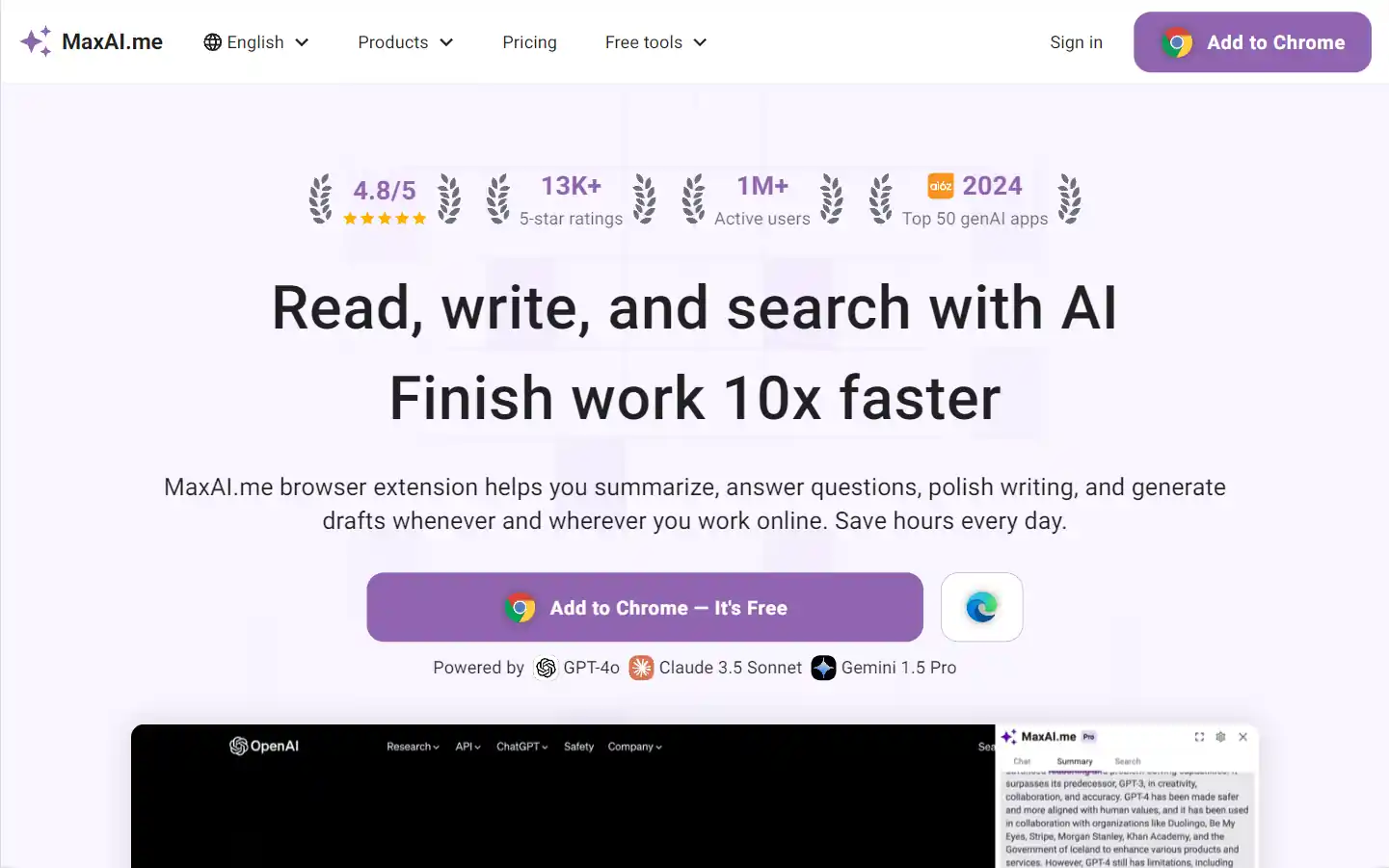
MaxAI.me is a powerful browser extension that provides one-click access to advanced AI models like ChatGPT, Claude, Gemini, and more. It enhances productivity by offering features such as writing improvement, grammar check, summarization, AI chat, and search optimization, all directly on any webpage.
Google Gemini is an advanced AI model designed to enhance various applications by integrating natural language processing and image understanding capabilities. It aims to improve user interactions across Google's platforms, providing more intuitive and context-aware responses.
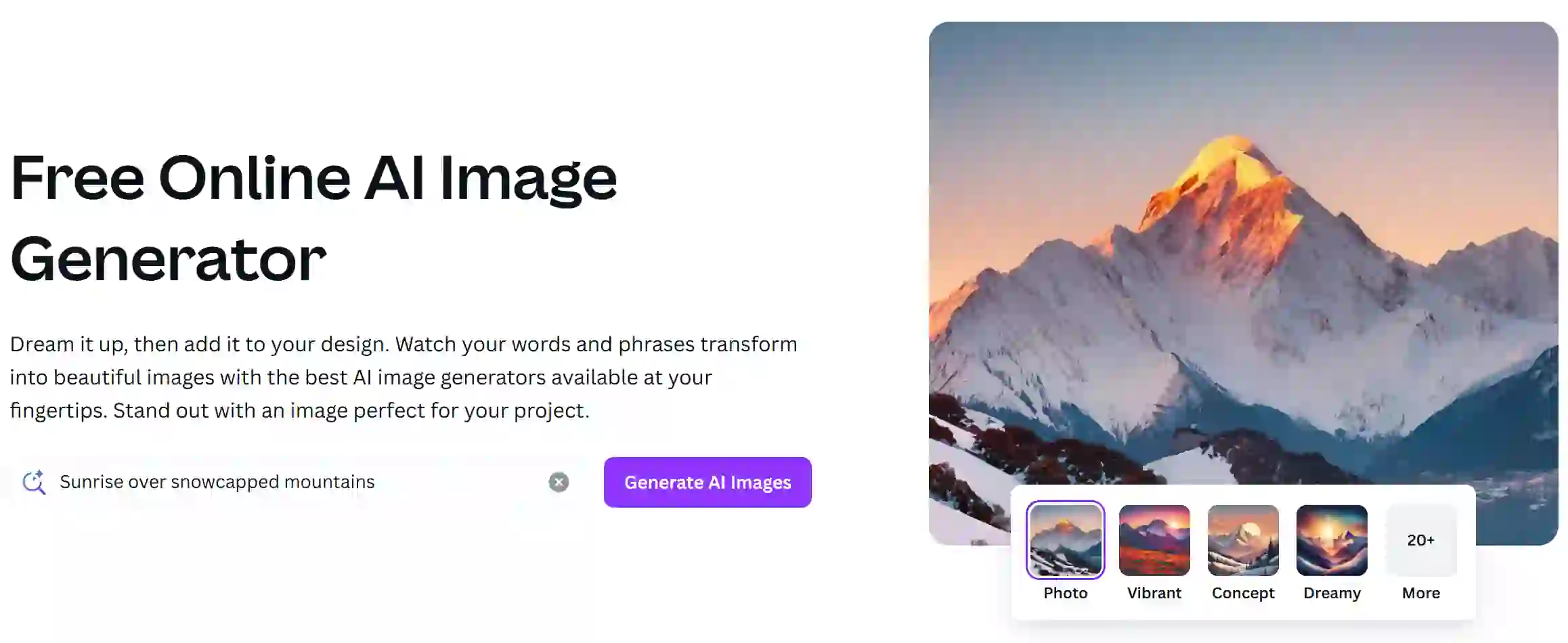
Canva AI Image Generator is a feature within the Canva design platform that enables users to create images using artificial intelligence based on textual prompts. This tool streamlines the design process, allowing users to generate unique visuals quickly and easily for various projects.