W-Okada AI Voice Changer
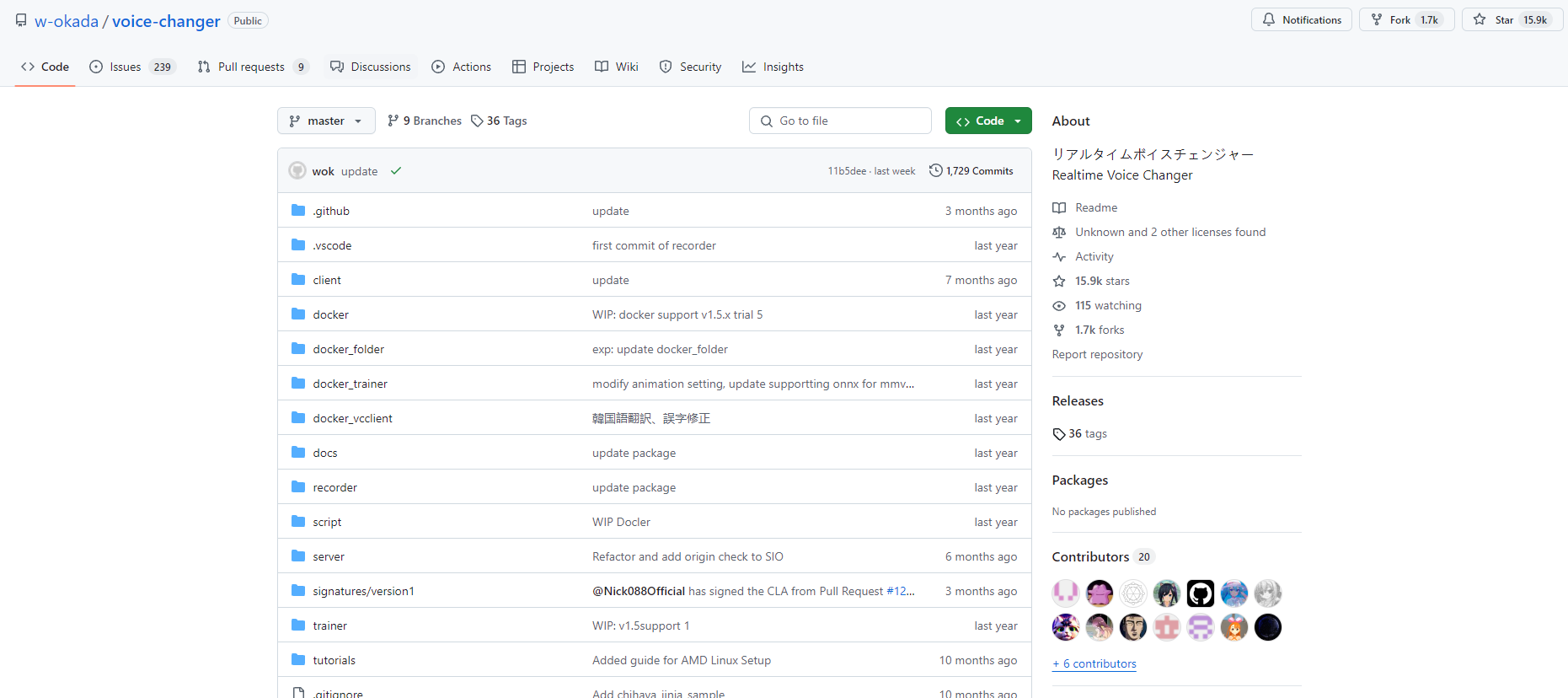
W-Okada Voice Changer is an open-source real-time voice conversion software using AI to transform voices with high quality and low latency.
One translation. Verified by 22 AI models.
Compare leading AI translations, preserve document layouts, and add human verification when accuracy matters.
From idea to 3D model in one browser workspace
Generate from text or images, inspect the result online, then export GLB or OBJ and continue toward an STL workflow.

Create more in one place
Generate images, make videos, edit photos and create audio with shared credits.
Explore MagicShotWhat is W-Okada Voice Changer
W-Okada Voice Changer is client software for real-time voice conversion using various AI voice conversion models. Created by Watanabe Okada, it enables real-time voice transformation for streaming, gaming, and content creation on Windows and Mac, offering CPU or GPU acceleration.
Key Features of W-Okada Voice Changer
W-Okada Voice Changer is a free, open-source, real-time voice conversion software utilizing AI for voice transformation. It supports numerous voice conversion models, enables voice setting customization, and integrates with various applications for streaming, gaming, and more, on Windows, Mac, and Linux, with CPU and GPU processing options.
Multiple voice models: Supports various AI voice conversion models like RVC, DDSP-SVC, and So-VITS-SVC
Real-time voice conversion: Converts voices in real-time using AI models for immediate output
Customizable voice settings: Allows adjustment of pitch, quality, and other parameters to fine-tune the output voice
GPU acceleration: Supports GPU processing for faster performance on compatible systems
Cross-platform compatibility: Works on Windows, Mac, and Linux operating systems
Use Cases of W-Okada Voice Changer
Voice acting: Voice actors can experiment with different voice styles for characters or demos
Game streaming: Streamers can use it to alter their voice for entertainment or anonymity while broadcasting gameplay
Content creation: YouTubers and podcasters can create varied voice content for their channels
Language learning: Students can practice pronunciation by comparing their voice to native speaker models
W-Okada Voice Changer Pros and Cons
Pros
- Free and open-source
- Supports multiple AI voice conversion models
- Cross-platform compatibility
Cons
- Can be complex to set up for beginners
- Requires powerful hardware for optimal real-time performance
- Limited documentation and support compared to commercial alternatives
W-Okada Voice Changer FAQs
How can I load custom audio models into the W-Okada Voice Changer?
Click the 'Edit' button in the list of models to access the menu. Select 'Upload' and choose the .pth/.onnx file of the desired model. After uploading, set an image representing it by clicking on the 'no image' text on the left.
What are the advantages of using ONNX files over PTH files in this Voice Changer?
Using ONNX versions of RVC audio models may offer improved speed for real-time voice conversion compared to PTH files. You can convert PTH files to ONNX by selecting the model and clicking 'Export to .onnx'. Experimentation is recommended to determine which option works best for your needs.
How can I optimize audiodg.exe for better performance?
Open Task Manager, go to the 'Details' tab, right-click on audiodg.exe and set its priority to 'High'. Then right-click again, select 'Set affinity', and choose only CPU 2.
Are there any usage restrictions for the voice models?
Yes, there are usage restrictions for some voice models. For example, the Amitaro and Kikoto Mahiro voice changers prohibit certain uses according to their respective terms of use. Always check the specific terms for each voice model before use.
How can I fix issues with the Voice Changer?
Before reporting bugs, try these steps: Go to your Windows %AppData% folder (press Win + R, type %appdata%, and press Enter), then delete the 'voice-changer-native-client' folder. This can resolve some common issues.
Can I run the Voice Changer on a separate PC to distribute the load?
Yes, the real-time voice changer works on a server-client configuration, allowing you to run it on a different PC to distribute the processing load.
Interested in this product?
Take a look at their websiteUpdated 2026-10-05
W-Okada AI Voice Changer Alternatives
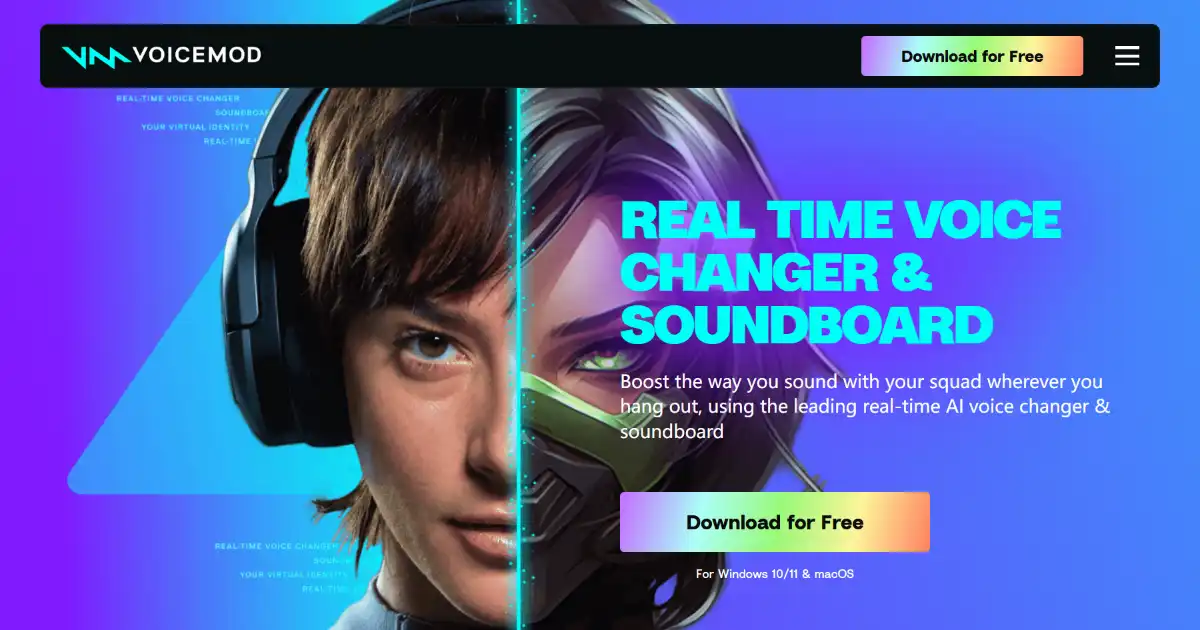
Voicemod is a real-time voice changer and soundboard software. It offers a library of voice effects, a soundboard, and integration with various communication and streaming platforms. Use Voicemod to personalize and enrich online interactions.
Editor's TakeNo review yet
Find More Tools

Windsurf IDE by Codeium is an innovative AI-powered integrated development environment (IDE) designed to enhance the coding experience for developers. It combines advanced AI tools with traditional coding practices to create a more efficient and intuitive workflow. With features like AI flows, real-time contextual assistance, and a user-friendly interface, Windsurf aims to streamline the development process and empower programmers to work more efficiently.
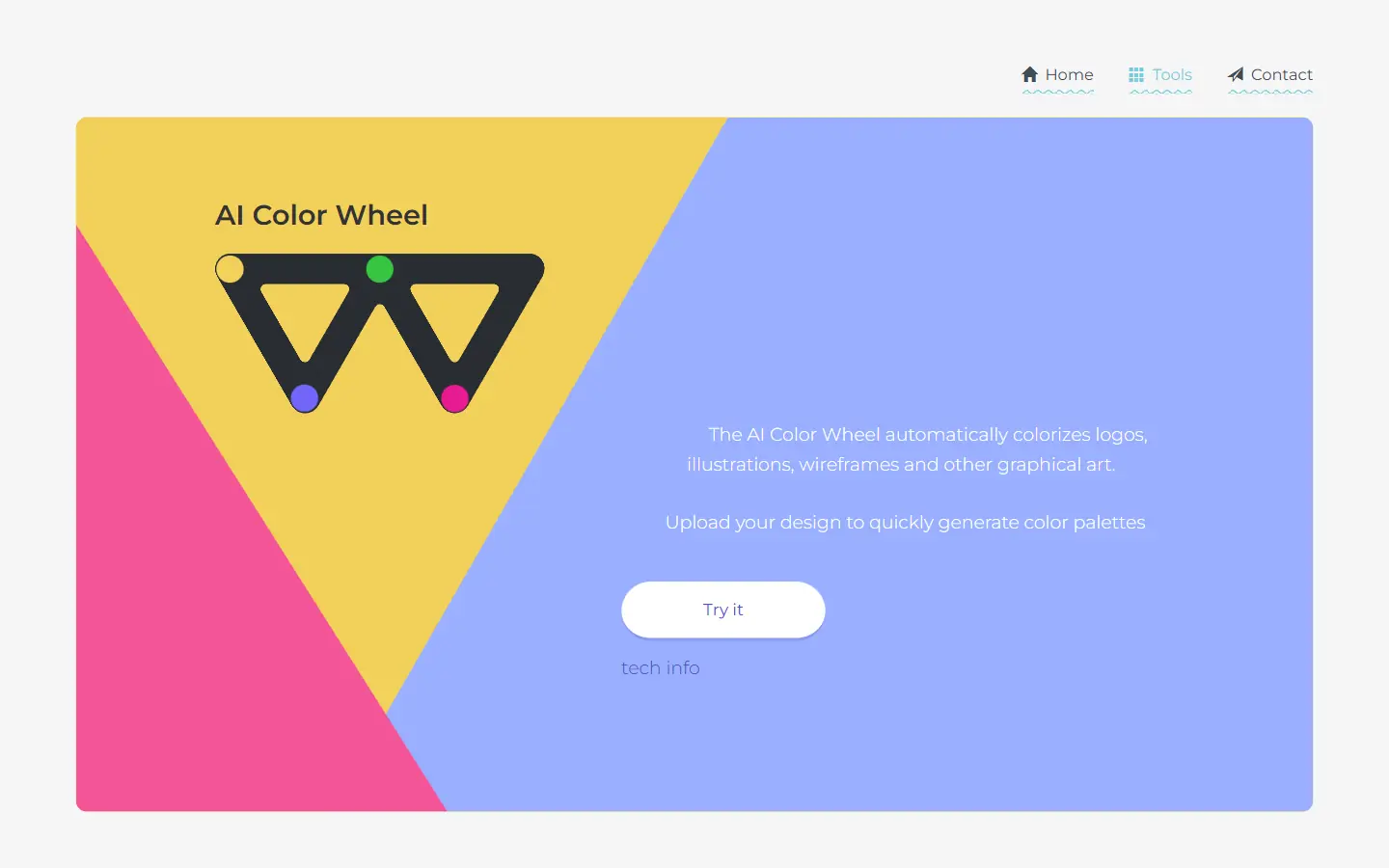
AI Color Wheel is an AI-powered tool designed to help you find the perfect color palette for your logos, illustrations, wireframes, and other graphic designs. By uploading your flat design, the tool automatically generates thousands of unique color variations based on classical and modern art movements. It's like having a team of color experts at your fingertips, ready to provide inspiration and guidance for your next creative project.
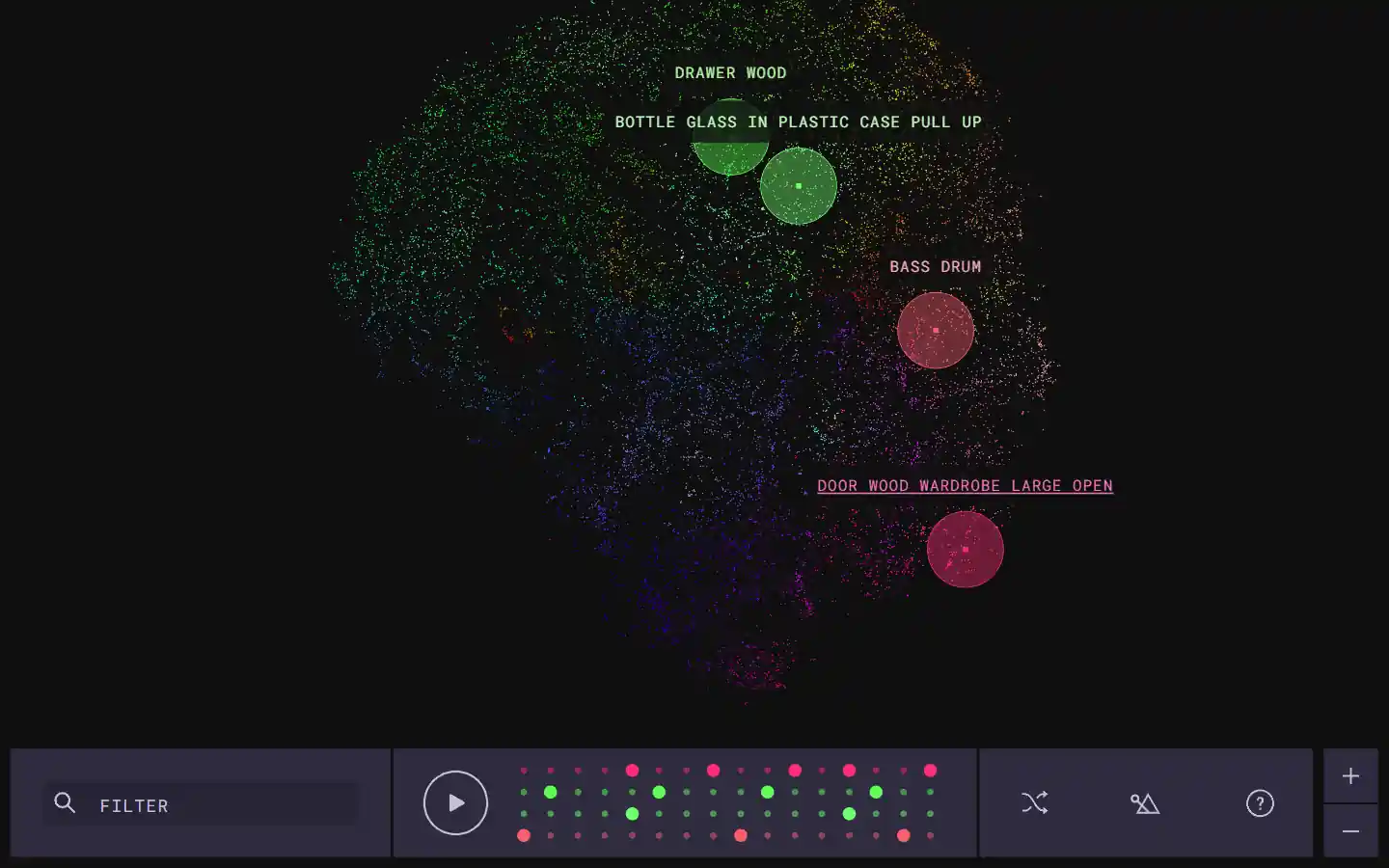
The Infinite Drum Machine is an AI-powered tool created by Google Creative Lab that allows users to create unique beats using sounds from everyday life. This innovative tool utilizes machine learning to organize a vast library of over 6,330 sounds, including contributions from the London Philharmonia Orchestra. With its intuitive interface, users can explore these sounds, discover similar audio elements, and craft their own custom beats.
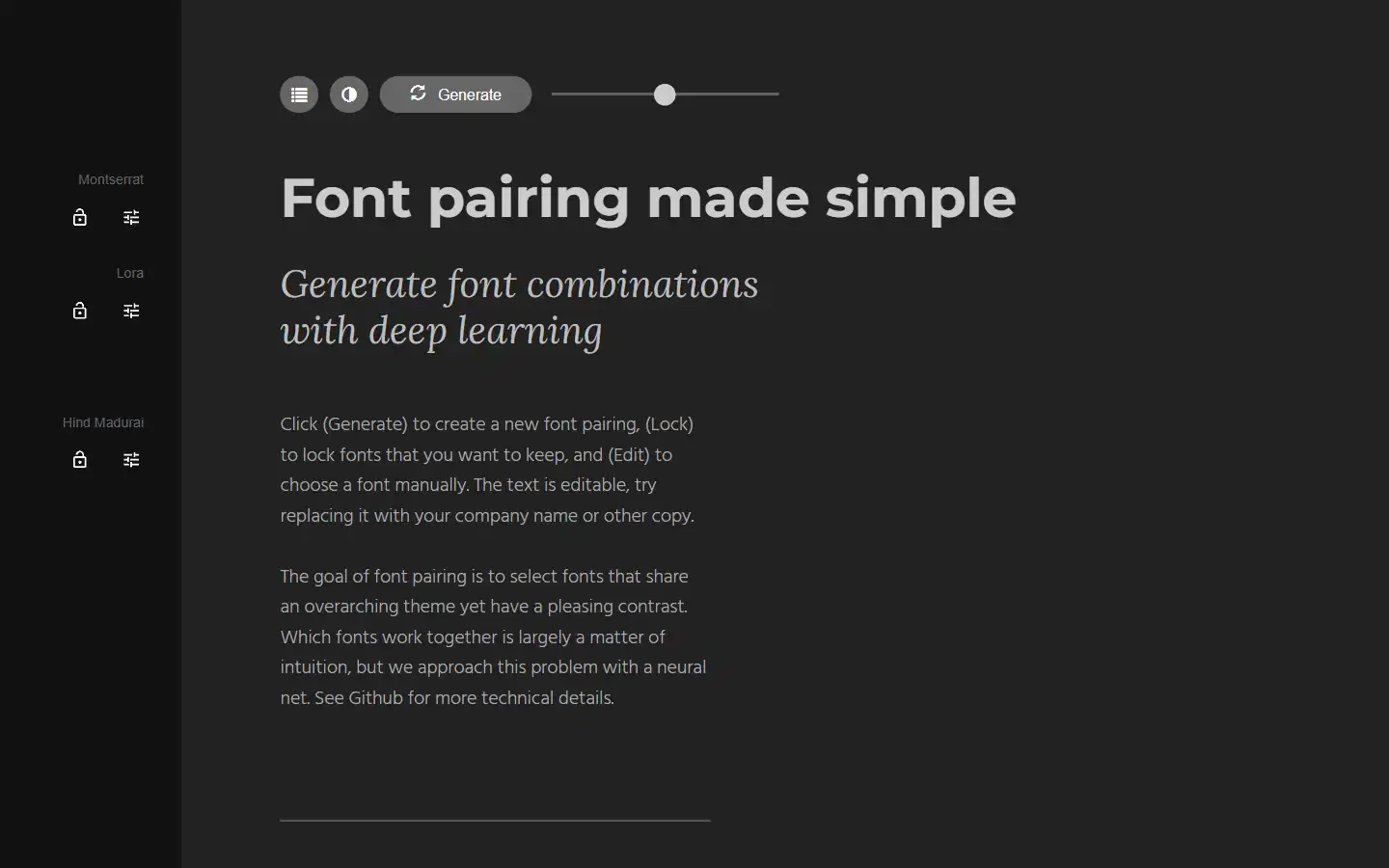
Tired of spending hours agonizing over the perfect font combination? Fontjoy, an innovative website powered by machine learning, simplifies font pairing for designers and typography enthusiasts alike. With its user-friendly interface and powerful deep learning engine, Fontjoy analyzes font characteristics and generates visually harmonious pairings in just a few clicks, helping you create impactful designs that truly resonate.
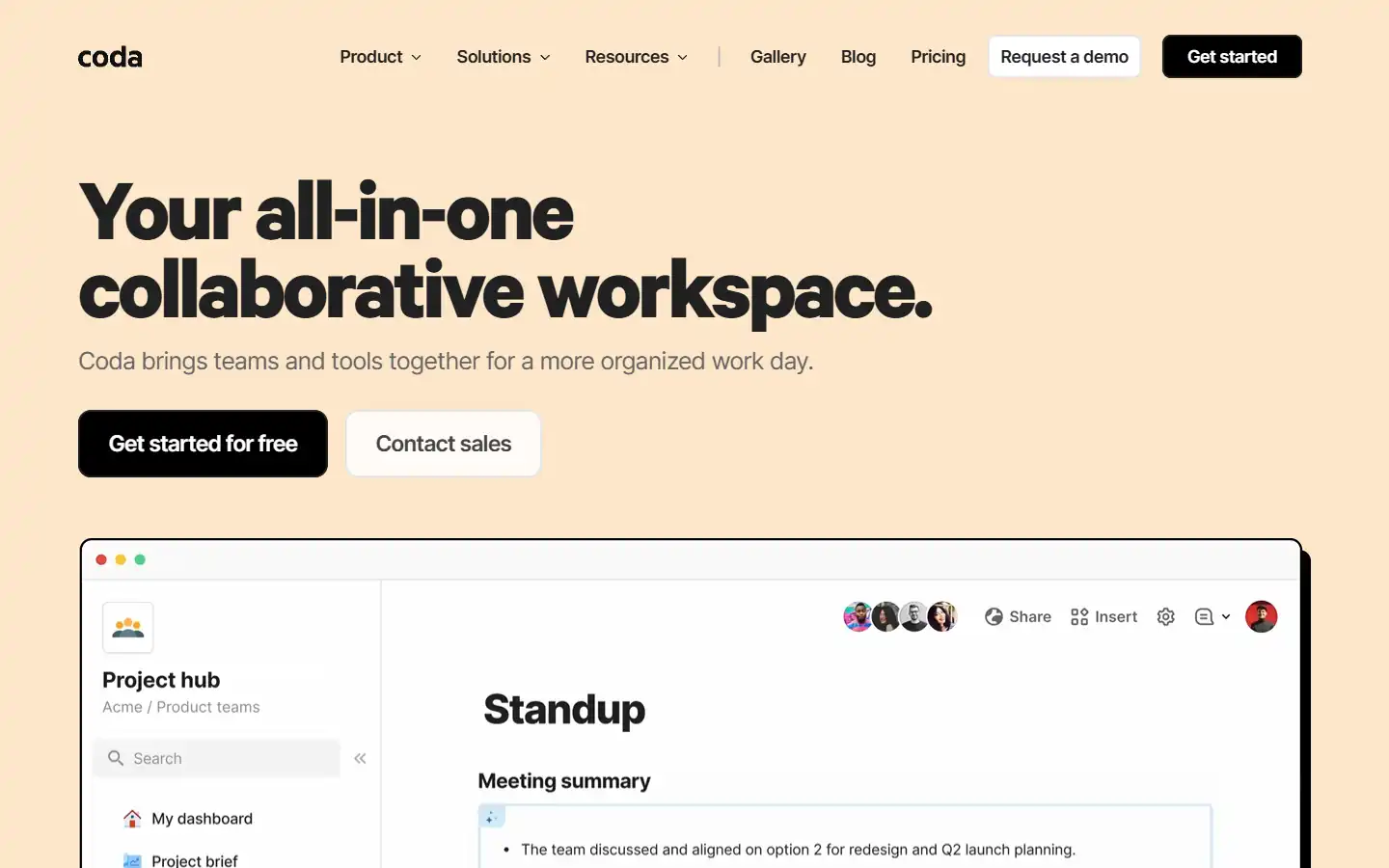
Coda AI is an AI-powered work assistant that integrates seamlessly with the Coda platform, a collaborative workspace that blends the best features of docs, spreadsheets, and applications. This intelligent tool can help you automate tasks, generate insights, and create better content within your Coda workspace, streamlining your workflow and boosting productivity.
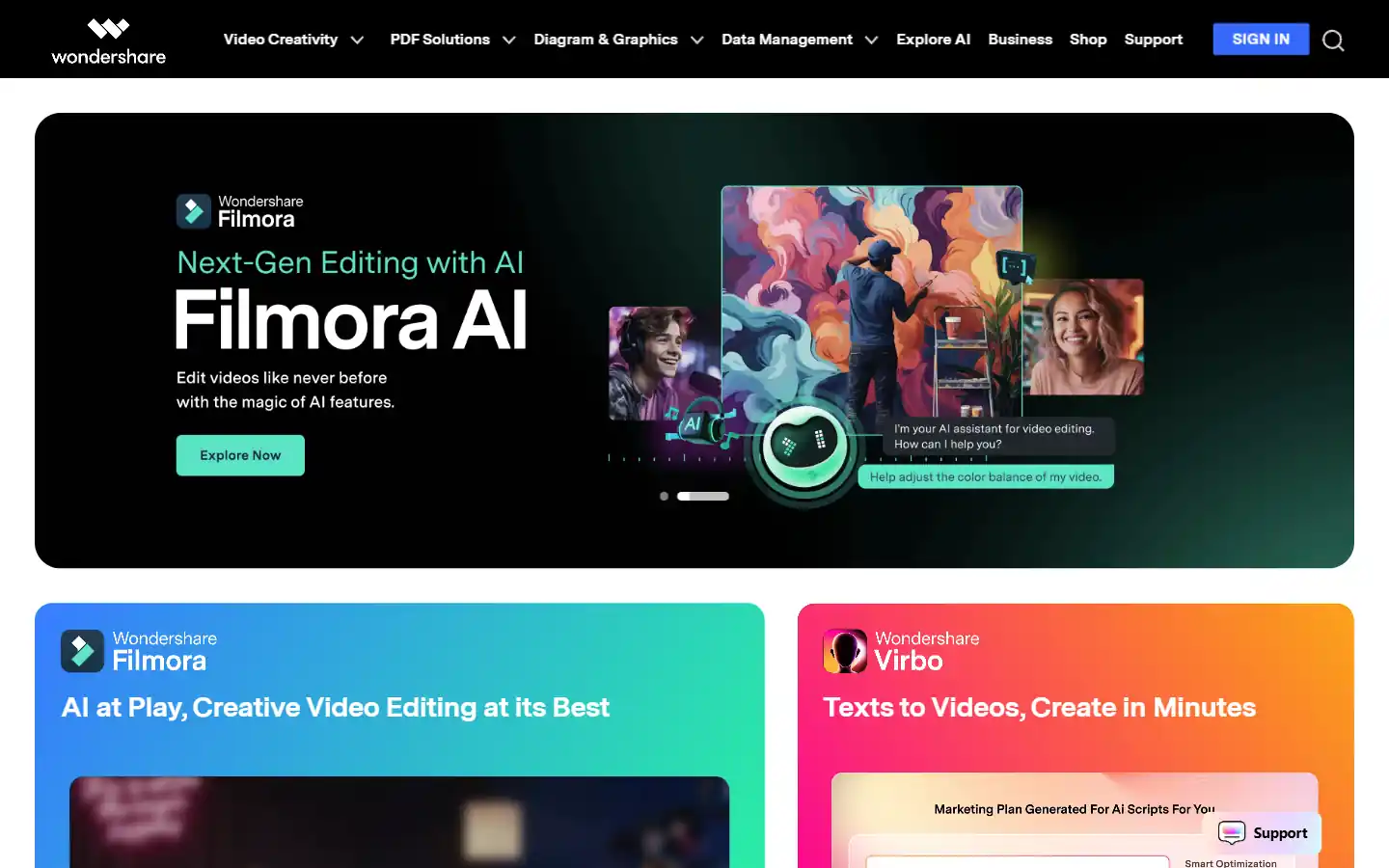
Wondershare.net offers a comprehensive suite of AI-powered tools designed to enhance creativity and productivity across various content formats. From video editing and image generation to audio manipulation and text-to-speech functionalities, Wondershare empowers individuals and businesses to create professional-grade content with ease. Whether you're a content creator, marketer, educator, or simply looking to explore new creative possibilities, Wondershare's AI tools provide the resources you need to elevate your projects to the next level.