Dify
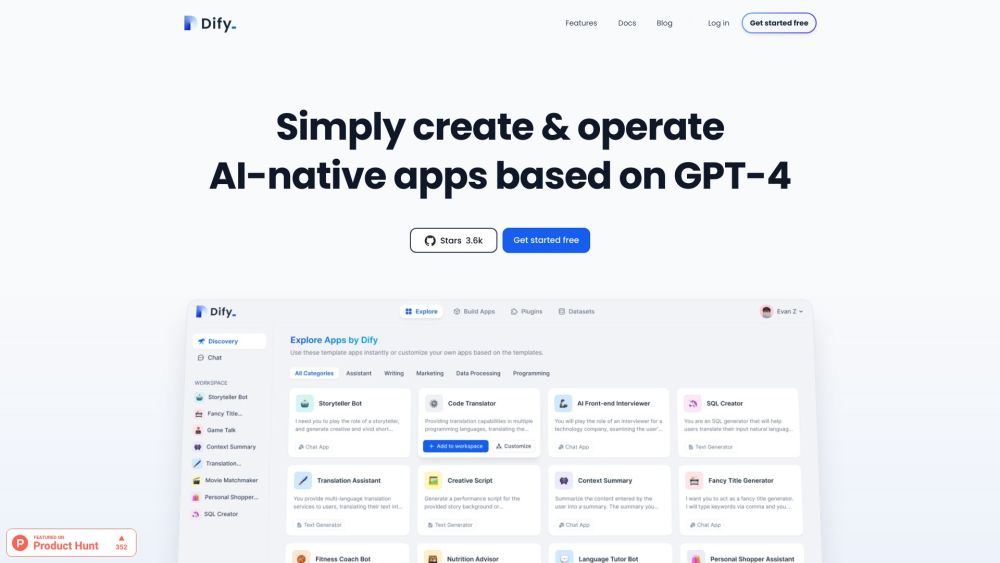
Dify is an open-source platform to build and run generative AI applications.
One translation. Verified by 22 AI models.
Compare leading AI translations, preserve document layouts, and add human verification when accuracy matters.
From idea to 3D model in one browser workspace
Generate from text or images, inspect the result online, then export GLB or OBJ and continue toward an STL workflow.

Create more in one place
Generate images, make videos, edit photos and create audio with shared credits.
Explore MagicShotWhat is Dify
Dify is an innovative platform for building and deploying generative AI applications. It offers a comprehensive set of tools to create, manage, and integrate AI models efficiently. Users can develop smart assistants, automate processes, and utilize the capabilities of LLMs to achieve business goals.
Key Features of Dify
Dify provides many features for building, deploying, and integrating AI applications.
Modular DSL: Use a modular DSL to create and manage AI applications.
Live-editing Node Debugging: Debug and refine AI applications in real-time.
Visual Workflow Orchestration: Design and deploy AI applications using a visual interface.
Native Code Runtime: Run AI applications natively for optimal performance.
First-party Tools: Integrate pre-built tools like Google Search and DALL-E Drawing into AI applications.
Custom Tools: Import custom tools using OpenAPI and Swagger specifications.
Use Cases of Dify
Automated Data Analysis: Leverage Dify to automate data analysis and generate insights using LLMs.
Content Generation: Use Dify to build AI applications that can generate high-quality content, such as articles, blog posts, and social media updates.
Intelligent Customer Service: Use Dify to build AI-powered customer service applications that can handle complex queries and provide personalized support.
Dify Pros and Cons
Pros
- Supports various LLMs
- Streamlined AI application development
- Flexible and scalable platform
- Improves workflow efficiency
Cons
- Requires some technical knowledge
- Steep learning curve for beginners
Dify FAQs
What is Dify?
Dify is an open-source LLM app development platform that enables users to build and operate generative AI applications.
What are the key features of Dify?
Dify offers a range of features, including visual workflow orchestration, live-editing node debugging, modular DSL, and native code runtime.
What are the benefits of using Dify?
Using Dify offers several benefits, including streamlined AI application development, enhanced workflow efficiency, and the ability to leverage the power of LLMs to drive business value.
Can I use custom tools with Dify?
Yes, Dify supports the importation of custom tools using OpenAPI and Swagger specifications.
Interested in this product?
Take a look at their websiteUpdated 2026-09-06
Find More Tools
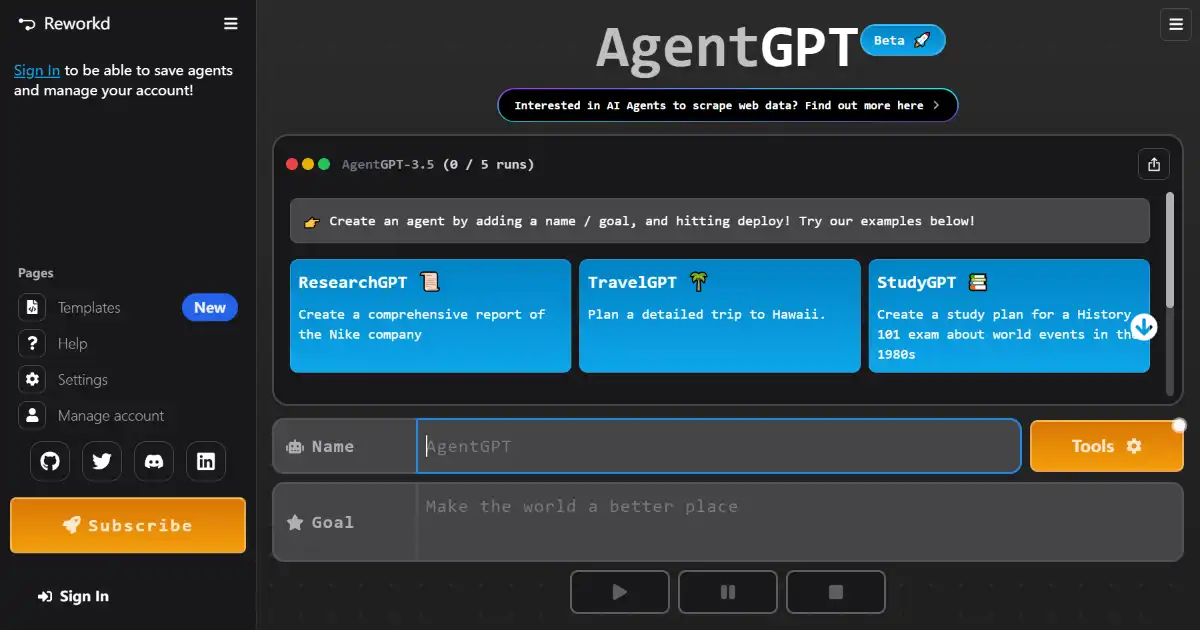
AgentGPT is a platform that enables users to build and deploy autonomous AI agents directly within their web browser. It simplifies AI agent creation by only requiring a name and goal, then automating the work towards achievement. Leverage your OpenAI API key for enhanced performance.
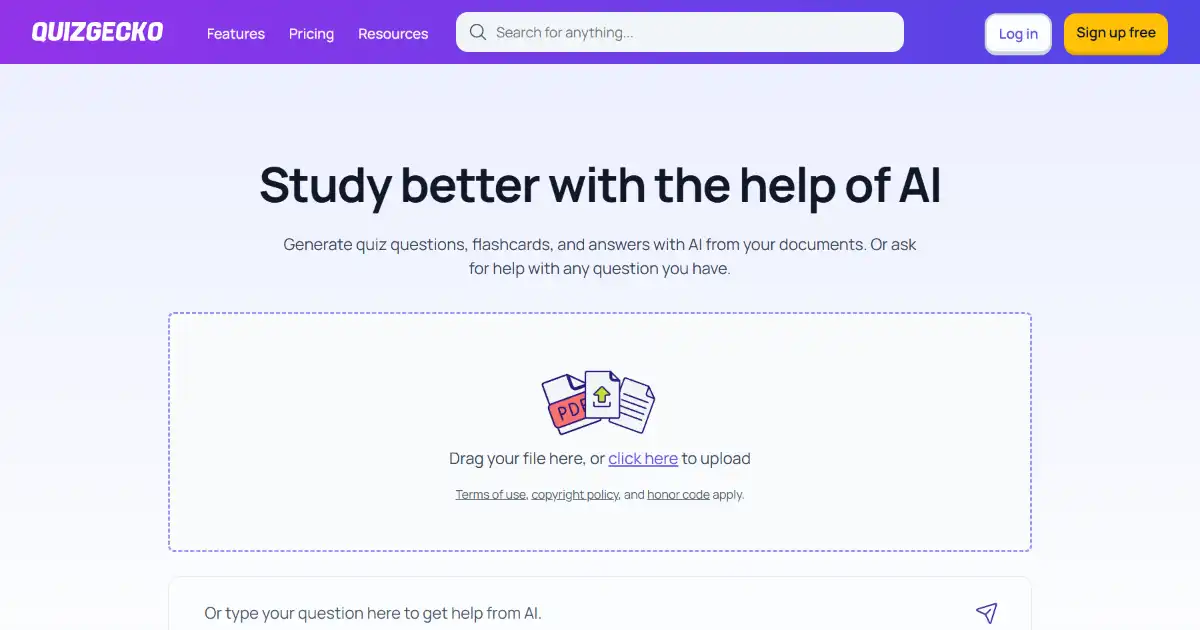
Quizgecko is an AI quiz generator transforming text, files, or URLs into interactive assessments. It features diverse question types, reporting, and sharing across various platforms. Enhance engagement and streamline evaluation processes with this versatile tool.

Chromox is an AI-powered visual storytelling tool. It simplifies the process of creating engaging visuals for various applications. Its user-friendly design makes it accessible to a broad audience.

Klap is an AI-powered video editing tool that helps you create short videos from YouTube content ten times faster. Turn your long-form videos into engaging TikToks, Reels, and Shorts effortlessly. Klap simplifies video repurposing with automated topic detection, face focus, multi-lingual captions, and smart editing tools.

DoNotPay is an AI-powered legal assistant designed to help individuals fight corporations, beat bureaucracy and protect their rights. It offers a range of automated tools for various legal tasks, from creating demand letters and appealing fines to handling subscriptions and more.
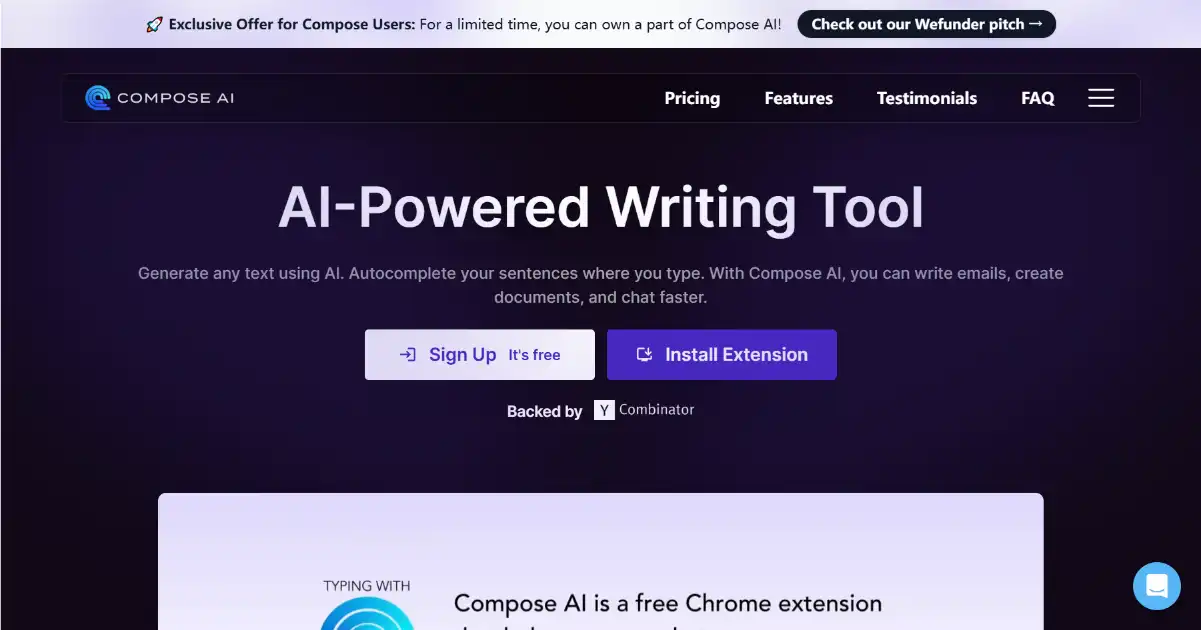
Compose AI is a Chrome extension designed to boost your writing productivity. This AI-powered tool helps you save time with its autocomplete, text generation, and rephrasing capabilities. Whether you're writing emails, articles or reports, Compose AI allows you to complete your task more efficiently.