Google Whisk
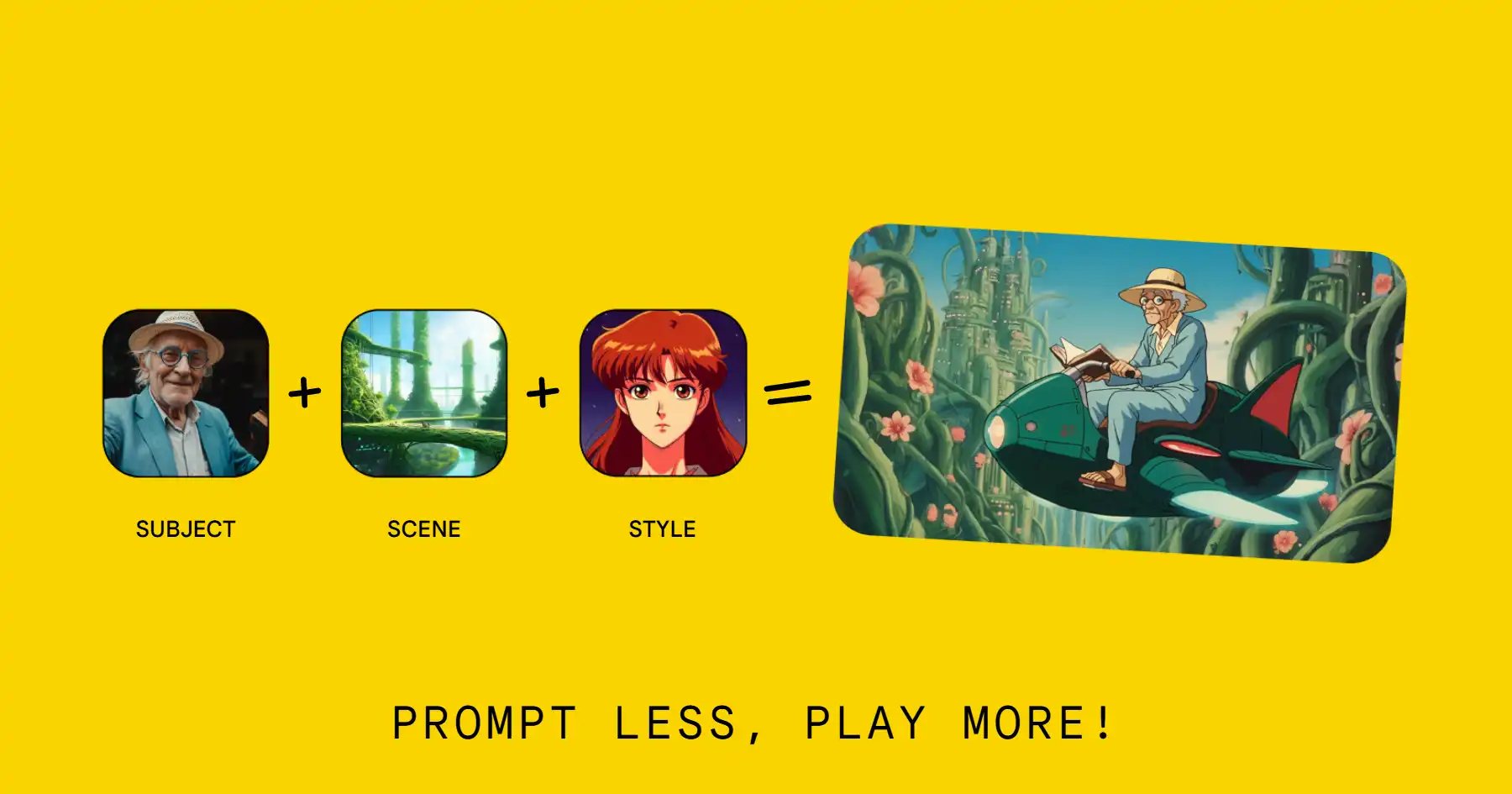
Whisk is Google Labs' innovative AI image generation tool that allows users to create new images using existing images as prompts rather than relying on text descriptions.
One translation. Verified by 22 AI models.
Compare leading AI translations, preserve document layouts, and add human verification when accuracy matters.
From idea to 3D model in one browser workspace
Generate from text or images, inspect the result online, then export GLB or OBJ and continue toward an STL workflow.

Create more in one place
Generate images, make videos, edit photos and create audio with shared credits.
Explore MagicShotWhat is Google Whisk
Google Labs created Whisk for exploring visualizations rapidly and driving new creativity ideas. It is an AI tool available through labs.google/whisk in the United States. This tool veers from regular photo software by putting more focus on visual based exploring of ideas instead of high pixel-perfect adjustment. As a result of Google's updated AI ventures, Whisk combines with Veo 2 and Imagen 3 giving users distinct approaches to image generation by utilizing aspects from diverse source visuals.
Key Features of Google Whisk
Google Labs' innovative AI picture creation tool, Whisk, lets users generate graphics through image prompts rather than text. It incorporates Google's Gemini model for recognizing pictures, and Imagen 3 for the generating stage to focus on prompt visualization and not high detailed perfection. The platform allows multi-image inputs to modify a subject, its background scene, and styling which is then reflected in creating images. Users can further refine with text prompts.
Three-Part Input System: Allowing for individual image uploads for the subject, environment, and artistic style, enabling varied and controlled creative production.
Image-Based Prompting: The platform facilitates generating images by using visual uploads as the base rather than textual prompts which enhances user interface and creativity.
Editable Text Prompts: The system grants users the opportunity to see and edit the prompts made by the AI thus permitting adjustments in the final generated product.
Quick Iteration: The system allows for immediate visual experimentation, letting users create diverse alternatives quickly.
Use Cases of Google Whisk
Create imagery for use in marketing, social content and story telling.
Use it as a style transfer tool which enables converting existing photos into varying aesthetics such as pins or stickers.
Artists and creators have a unique way to experiment visually while exploring different creative options with this system.
Google Whisk Pros and Cons
Pros
- Quick creative exploration and design.
- Text based prompt modifications allows flexible editing.
- An easily accessible user-friendly visual system for input.
Cons
- Not suitable for detailed pixel-perfect work
- It may not accurately capture every aspect from the original pictures
- Currently limited to the US region
Google Whisk FAQs
What is Whisk?
Whisk represents Google's newest attempt at generative imagery. It allows for rapid visual concepting without requiring expertise in prompting, leveraging both the Imagen 3 and Gemini models.
What can I create with Whisk?
Whisk is designed for various creative purposes such as transforming drawings into 3D objects or designing special holiday cards. It also allows you to develop visual narratives by combining aspects from different images.
How does Whisk work?
The system makes use of Gemini to comprehend uploaded pictures and produces associated captions. Following this step, the generated descriptions get fed into Google's Imagen 3 for new image generation. Moreover, users can employ natural language to specify added information.
Where is Whisk available?
Google is actively striving to launch in additional countries shortly, though, for the moment, Whisk is exclusively accessible in the United States, and it exclusively takes inputs in English.
Can I save and share images created with Whisk?
Indeed, individuals have the ability to save and share images. The feature is made accessible through the provided download icon. Moreover, sharing creations on Google’s Discord channel is an encouraged practice.
Interested in this product?
Take a look at their websiteUpdated 2026-10-05
Google Whisk Alternatives
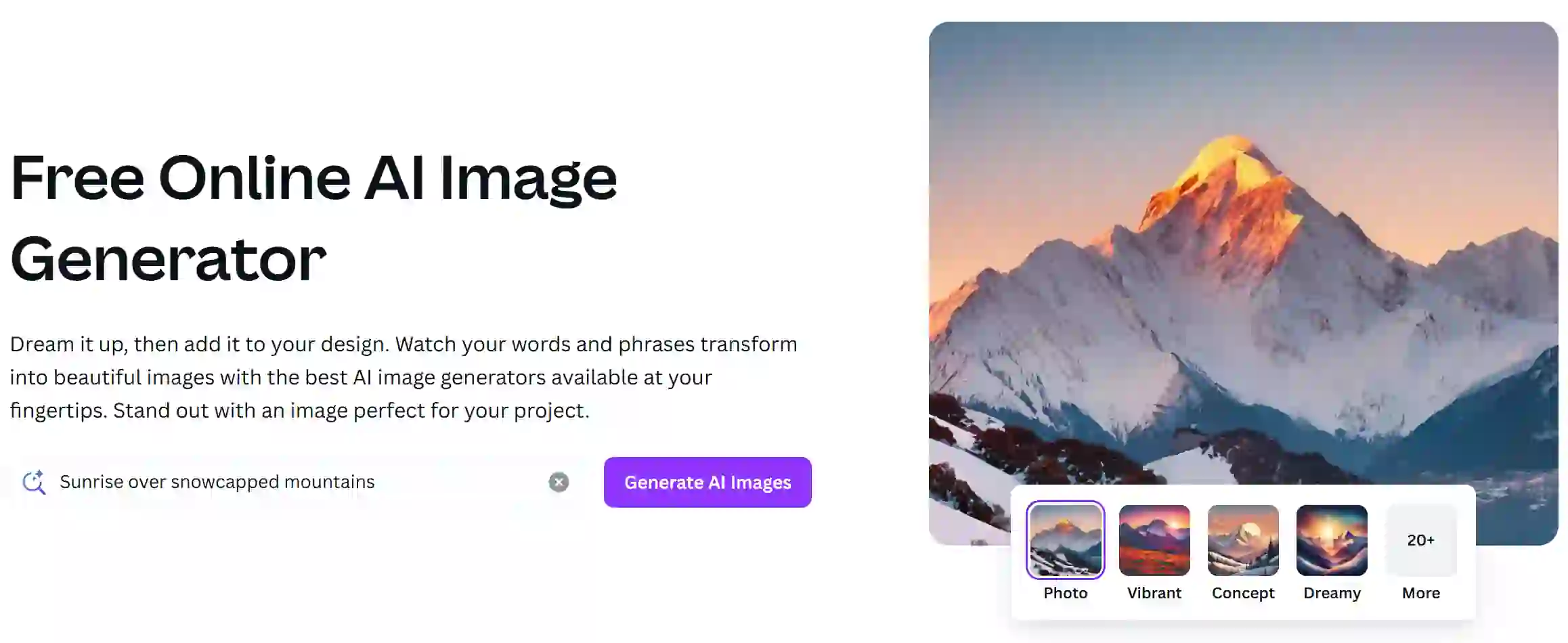
Canva AI Image Generator is a feature within the Canva design platform that enables users to create images using artificial intelligence based on textual prompts. This tool streamlines the design process, allowing users to generate unique visuals quickly and easily for various projects.
Editor's TakeNo review yet
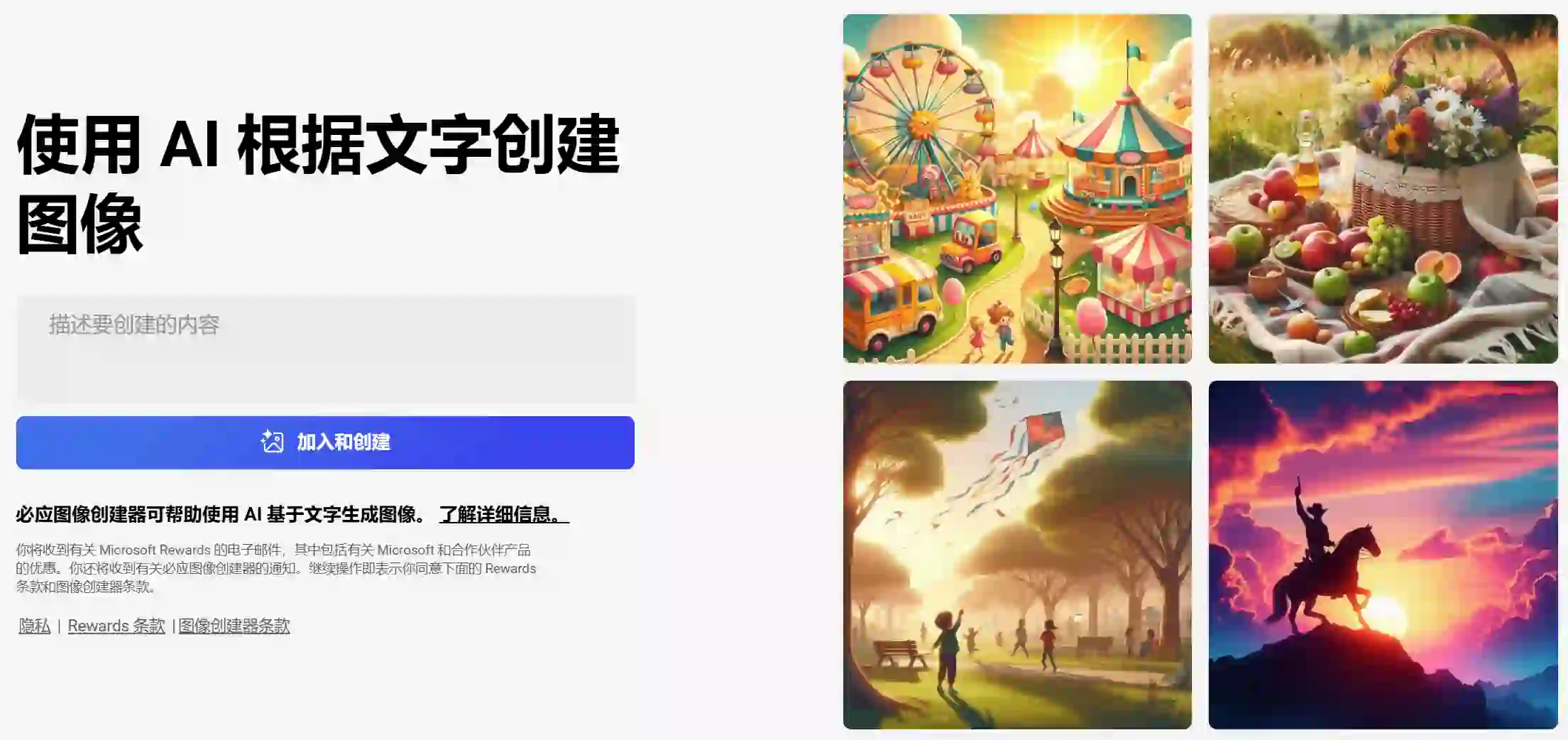
Bing Image Creator is an AI-powered tool that generates images based on textual prompts provided by users. Leveraging advanced machine learning algorithms, it allows users to create unique and custom visuals for various applications, from social media to marketing materials.
Editor's TakeNo review yet
Midjourney is an AI-based image generation platform that allows users to create stunning visuals from textual descriptions. It utilizes advanced machine learning algorithms to interpret prompts and produce high-quality artwork, catering to artists, designers, and creative enthusiasts.
Editor's TakeNo review yet
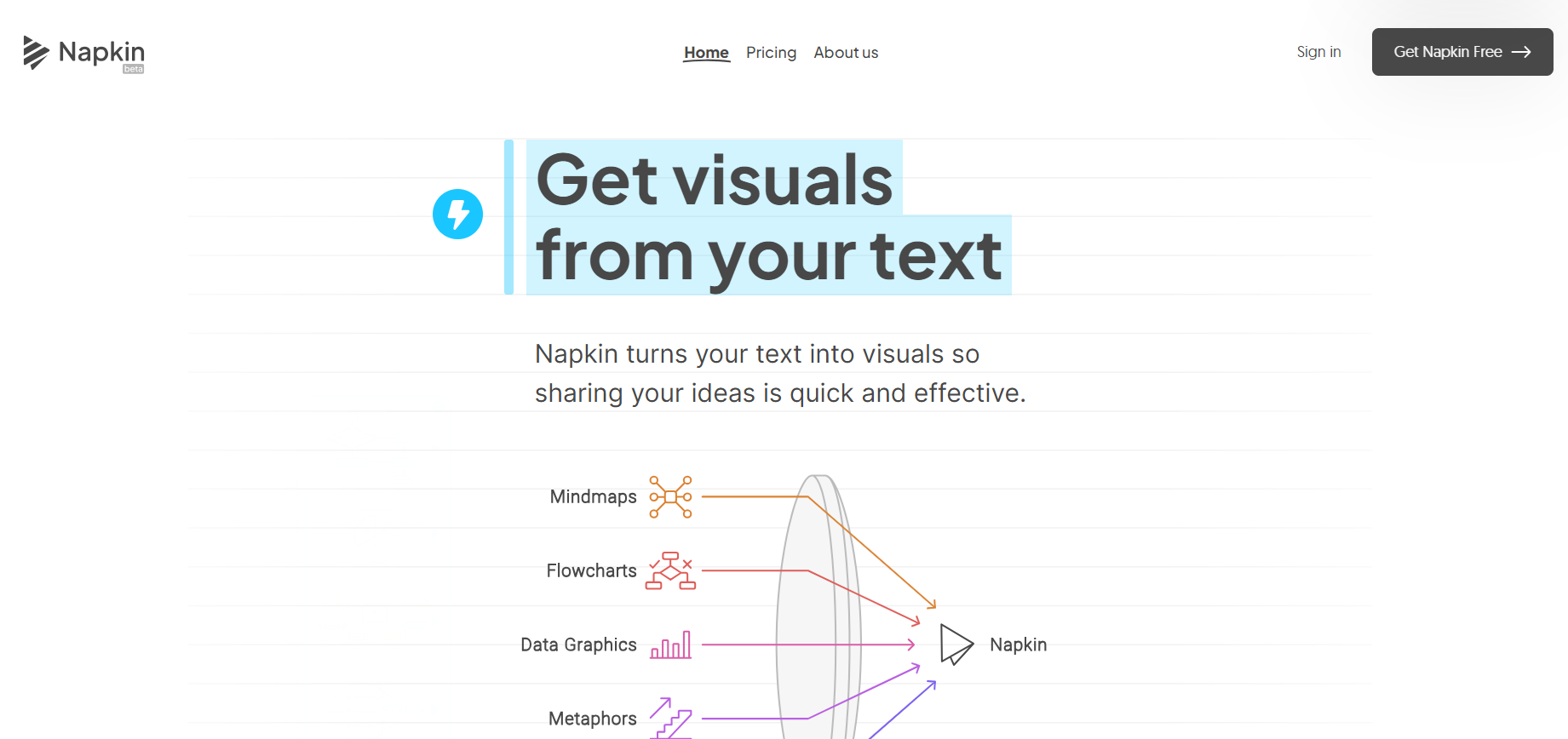
Napkin AI uses AI to transform text into appealing graphics, diagrams, and illustrations for better business communication.
Editor's TakeNo review yet
Find More Tools
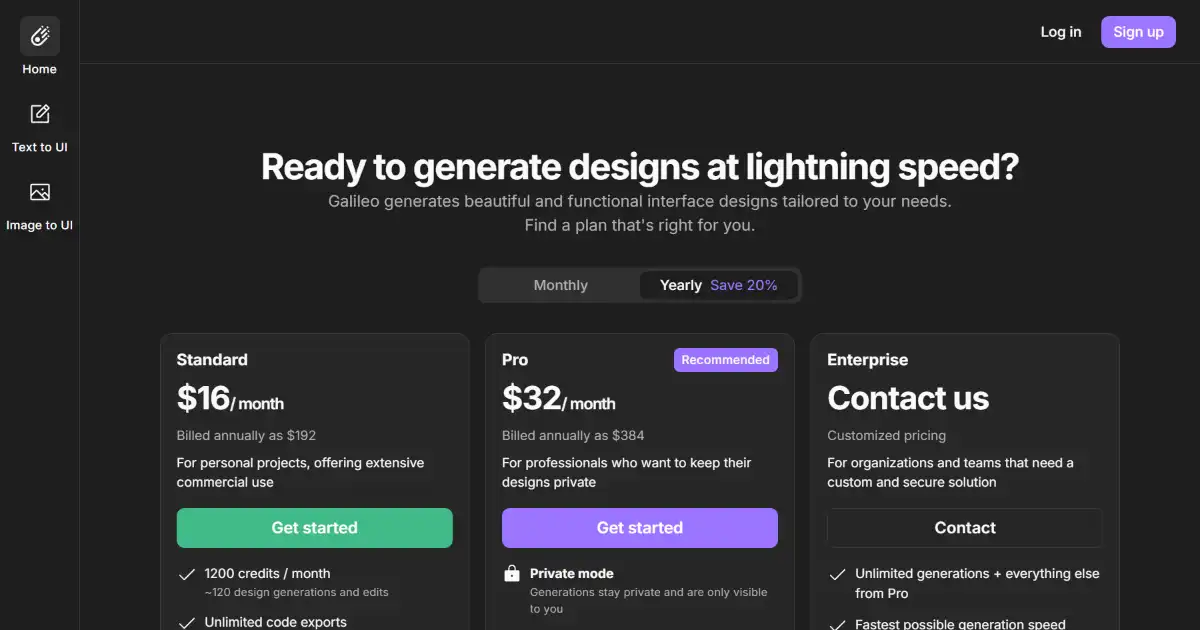
Galileo AI is an AI-powered design tool that creates editable UI designs from text descriptions and images. It generates complete UIs quickly, saving designers significant time. This efficient workflow allows a focus on high-impact design decisions rather than manual work.
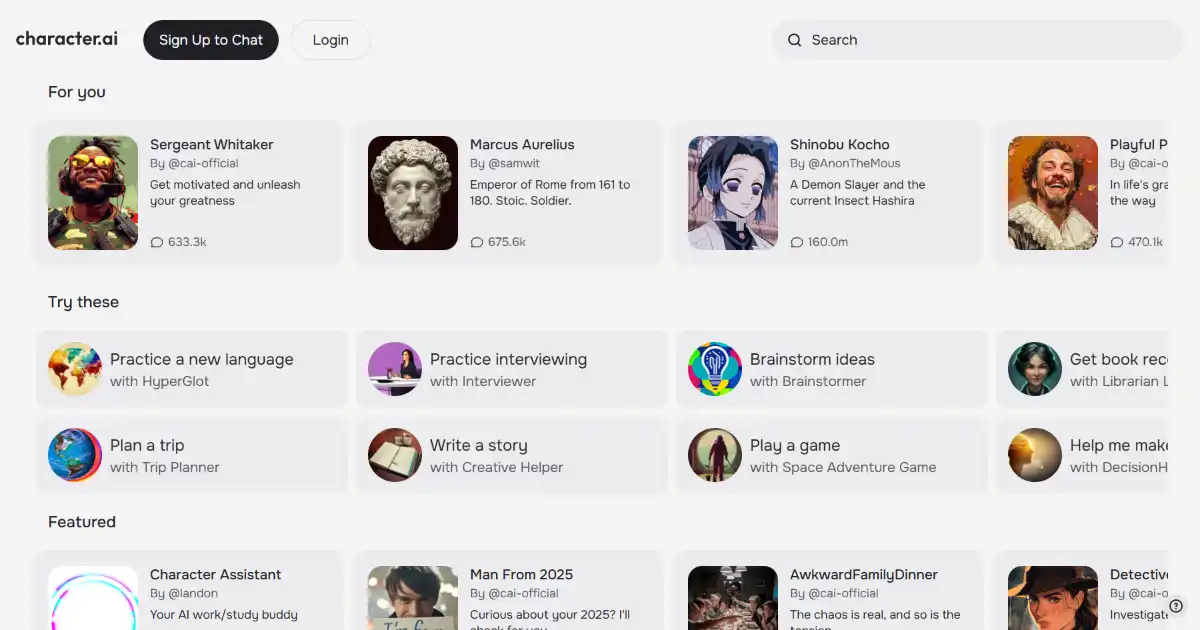
Character.AI is a platform for creating and interacting with AI characters. It enables users to have engaging conversations, collaborate on creative projects, and explore different scenarios. Explore Character.AI to have realistic conversations, or use it to help practice another language or as an educational, assistive or business-based tool.
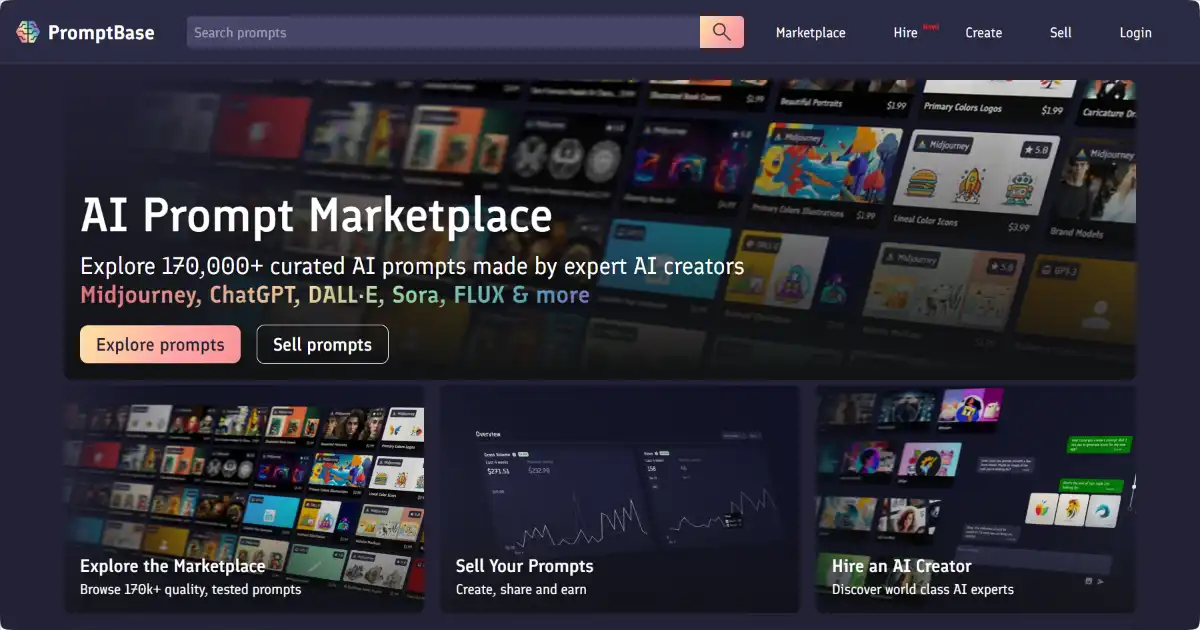
PromptBase is an online marketplace for buying and selling prompts for AI models. It connects creators and users of AI prompts, providing a platform to discover, purchase, and sell prompts optimized for different creative purposes. This streamlines the prompt creation process, and saves you hours or even days of experimentation.
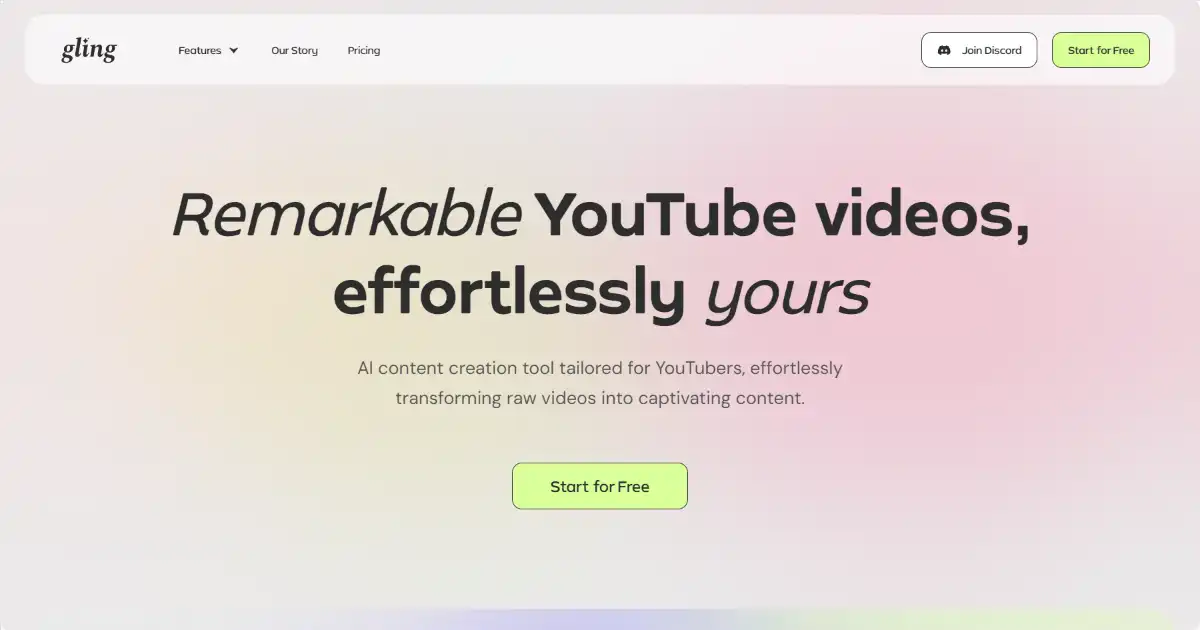
Gling is an AI-powered video editing tool for content creators. It automatically removes silences and disfluencies ("um," "uh") from videos, primarily targeting "talking head" content. This streamlines the editing process and creates more engaging content.
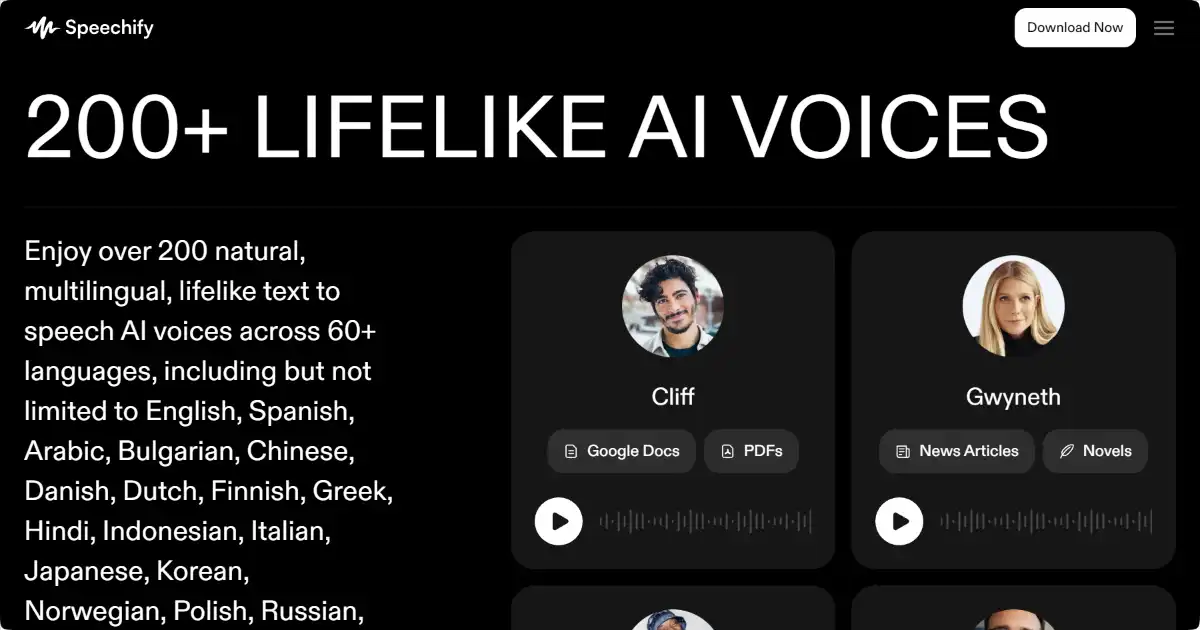
Speechify is a text-to-speech app that converts text into audio. Its AI-powered voices provide a natural listening experience, enabling users to absorb information through listening rather than traditional reading. Available on several platforms.
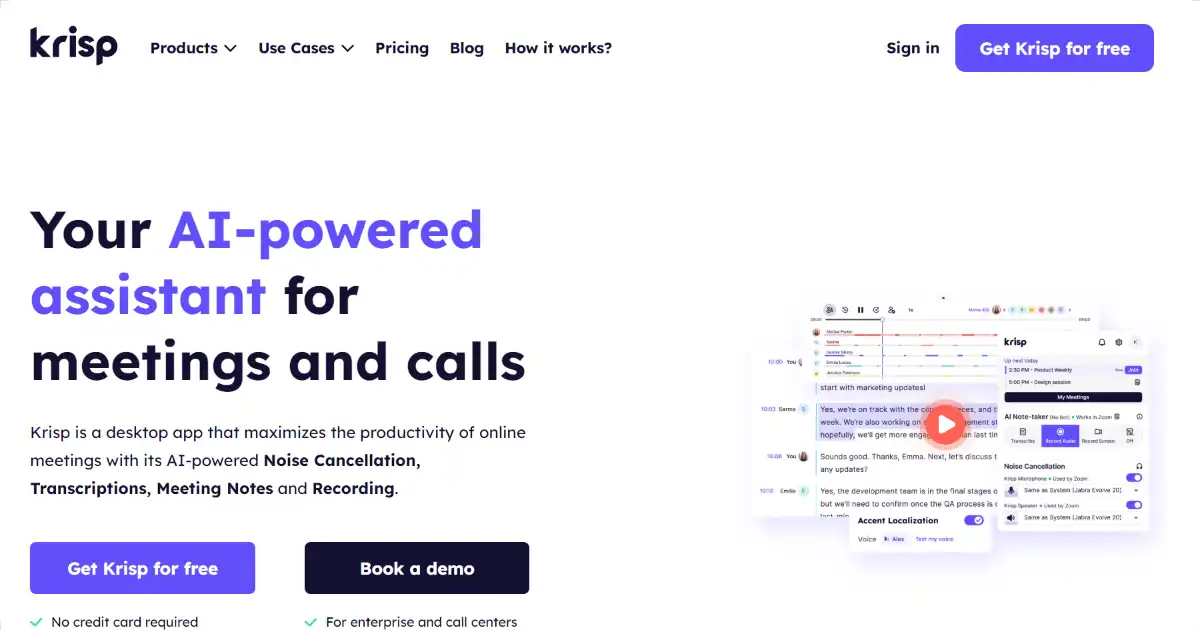
Krisp is an AI-powered noise cancellation tool that removes background noise, voices, and echo from calls. This boosts clarity, improves comprehension and helps remote workers achieve uninterrupted, quality conversations on several platforms