Turn everyday inspiration into a song with MELO

MELO is an AI music creation platform that turns text, images, and moods into songs, with conversational creation and access on web, mobile, and WeChat.
One translation. Verified by 22 AI models.
Compare leading AI translations, preserve document layouts, and add human verification when accuracy matters.
From idea to 3D model in one browser workspace
Generate from text or images, inspect the result online, then export GLB or OBJ and continue toward an STL workflow.

Create more in one place
Generate images, make videos, edit photos and create audio with shared credits.
Explore MagicShotMake music from a moment
MELO helps people turn an idea, a mood, or a photo into a song. Its website presents a guided, conversational workflow for music creation, a gallery for exploring community tracks, and apps for several platforms.
AI music creation, from idea to song
Start with a simple prompt, shape the direction through conversation, and explore songs made with MELO.
Create music from text prompts, images, or a description of a mood.
Use a conversational workflow to describe the song you want.
Generate a complete song with vocals and arrangement, according to the official site.
Explore the site's voice-cloning and cover-song features; their availability and limits are not detailed on the homepage.
Browse a gallery of AI-created tracks and listen to examples.
Use MELO on the web, iOS, Android, or through its WeChat mini program.
Ways to use MELO
Turn a personal memory, message, or mood into a song idea.
Create a starting point for lyrics and music without first learning music theory.
Explore community tracks for inspiration, then create and share your own work.
MELO at a glance
Pros
- Designed for beginners and does not require prior music-theory knowledge.
- Accepts text, images, and mood descriptions as creative prompts.
- Offers web, iOS, Android, and WeChat access.
Cons
- The public website is primarily in Chinese, which may make the workflow harder to follow for some international users.
- The homepage does not list detailed plan prices or usage limits; check the service for current terms.
How to create with MELO
- 1
Open the web app or choose the iOS, Android, or WeChat option from the official site.
- 2
Describe an idea or mood in text, or start with an image.
- 3
Use the guided conversation to clarify the musical direction.
- 4
Generate a track and listen to the result.
- 5
Save it to your collection or share it using the options available in MELO.
Frequently asked questions
What can I create with MELO?
MELO is presented as an AI music tool for creating complete songs from a prompt, including lyrics, vocals, and arrangement.
Do I need music-production experience?
The official site says that users do not need music-theory knowledge. It uses a guided, conversational creation flow.
What can I use as a prompt?
The homepage highlights text, images, and mood descriptions. Other input options may depend on the current app and account.
Which platforms does MELO support?
The official site links to a web app, an iOS app, an Android download, and a WeChat mini program.
Can MELO songs be used commercially?
The official FAQ describes usage rights in relation to membership and notarization options. Check MELO's current user agreement and account terms before commercial release.
Interested in this product?
Take a look at their websiteUpdated 2026-10-10
Find More Tools
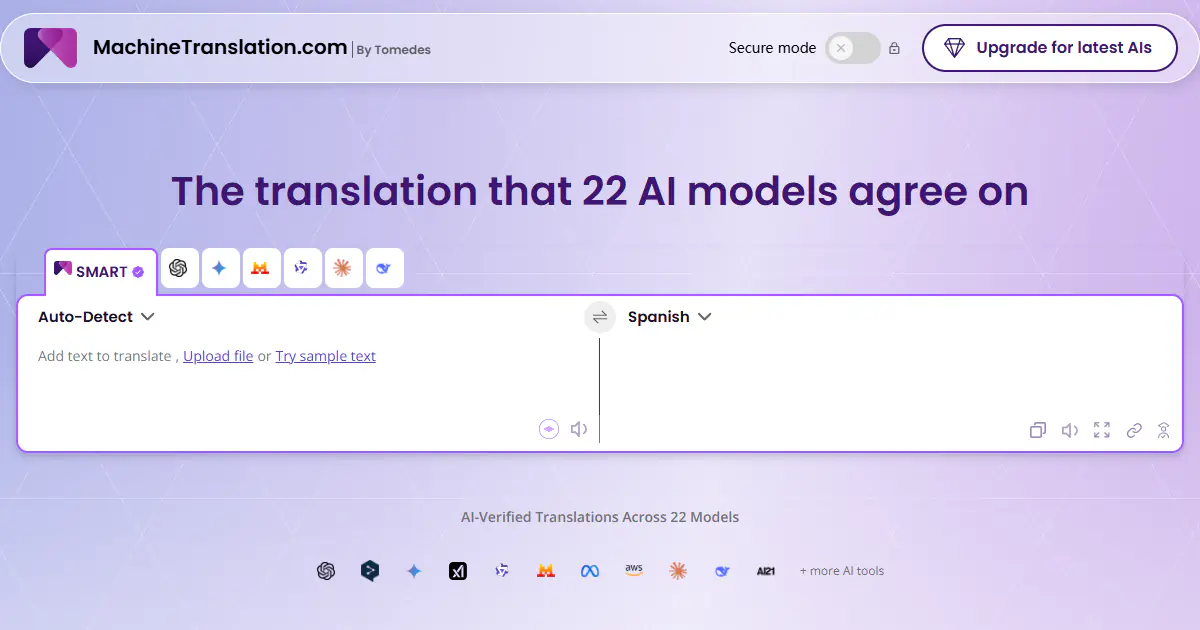
MachineTranslation.com is an AI translation platform that compares outputs from 22 AI models and uses cross-model agreement to recommend one result. It translates text, images and large documents, can preserve layouts for supported formats, and adds terminology controls, an AI Translation Agent, privacy options and on-demand human verification.
Bypass Engine is an AI-powered humanizer designed to transform robotic AI-generated text into natural, undetectable writing. It utilizes advanced algorithms trained on over a billion data points to restructure sentences and evade detection systems like Turnitin and Originality.ai. Use Bypass Engine to ensure your content remains plagiarism-free and retains its original meaning while passing as human-written.
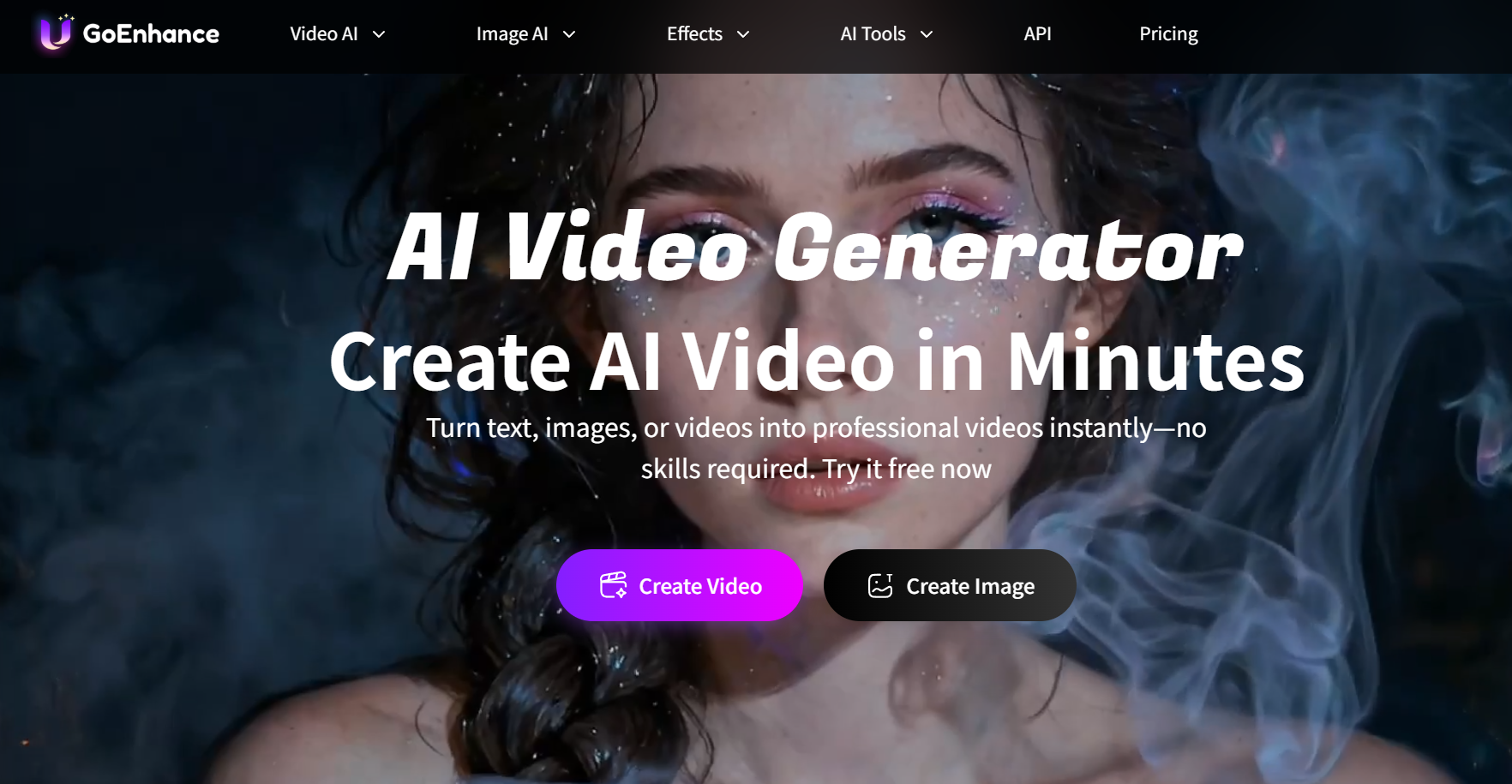
GoEnhance AI is a comprehensive AI video generation platform designed to simplify the creation of professional visual content from text, images, and existing video footage. It features a robust suite of tools including high-resolution video-to-anime conversion, realistic face swapping, and character animation capabilities. Accessible via web browsers on both PC and mobile, this platform empowers creators to produce high-quality short-form content efficiently without complex editing skills.

HitPaw Edimakor is an all-in-one AI video editor designed for creating professional content quickly. It simplifies video creation with features like automatic subtitling, text-to-video generation, and an integrated stock media library. This tool is ideal for both beginners and experienced creators on platforms like YouTube and TikTok.
Capalyze is a data analytics agent that enables individuals and businesses to analyze data using natural language commands. It supports connecting multiple data sources and crawling web data to generate intelligent insights and interactive reports. Capalyze helps users in various fields, like e-commerce and real estate, to extract valuable information and empower business decisions.
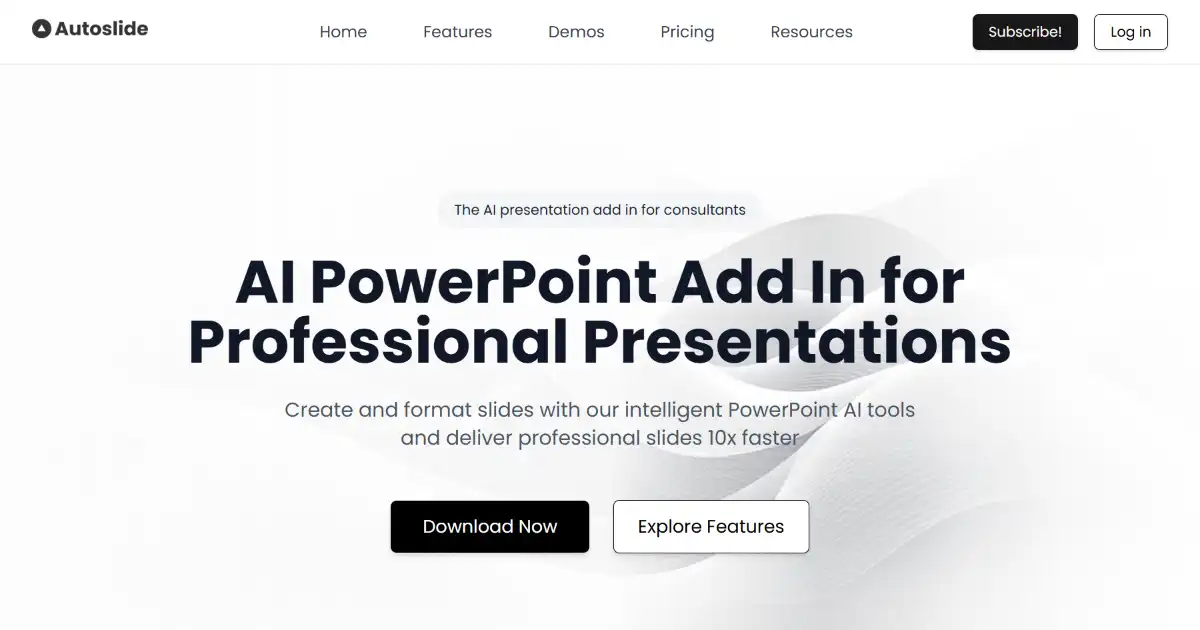
Autoslide AI PowerPoint Add In is an AI-powered tool for Microsoft PowerPoint designed to help professionals create high-quality presentations more efficiently. It integrates directly into PowerPoint, offering AI-driven design, content generation, and an extensive resource library. Professionals can significantly speed up their slide creation process with Autoslide.