Morph Studio
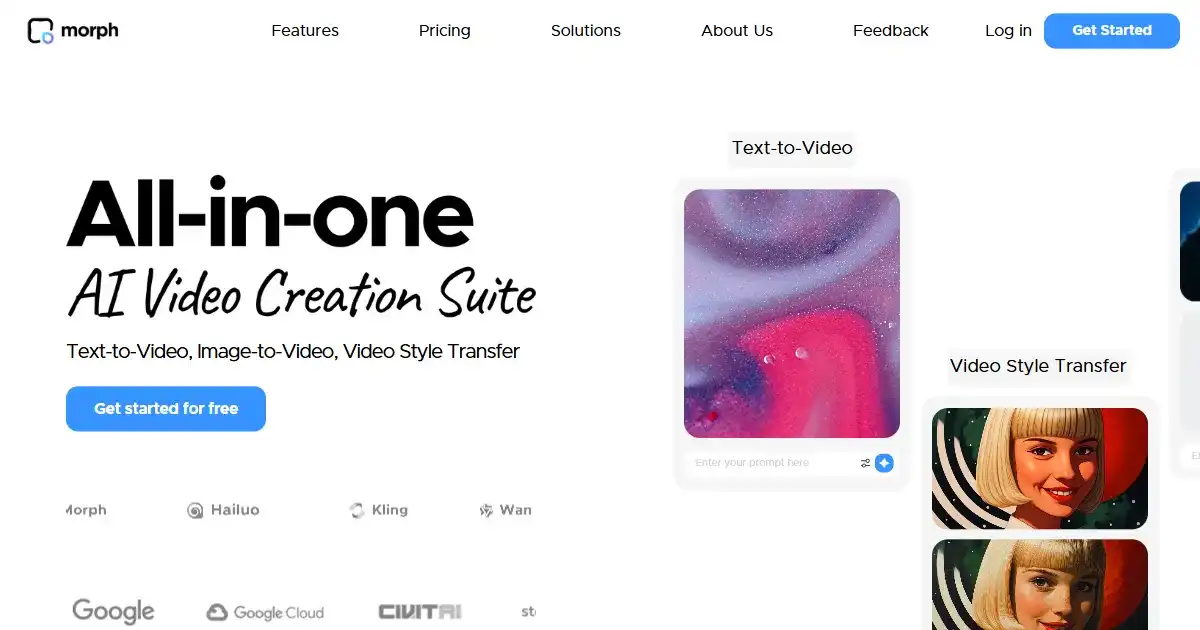
Morph Studio is a text-to-video AI tool. It allows users to quickly and easily create videos from text prompts. Users can access it via a Discord server to generate creative video content.
One translation. Verified by 22 AI models.
Compare leading AI translations, preserve document layouts, and add human verification when accuracy matters.
From idea to 3D model in one browser workspace
Generate from text or images, inspect the result online, then export GLB or OBJ and continue toward an STL workflow.

Create more in one place
Generate images, make videos, edit photos and create audio with shared credits.
Explore MagicShotWhat is Morph Studio
Morph Studio is an innovative AI platform that enables users to transform written text descriptions into dynamic video content. Operating primarily through a dedicated Discord server, this tool simplifies the video creation process, making it accessible for generating various visual outputs based on textual prompts. It leverages artificial intelligence to facilitate creative expression through generative video.
Key Features of Morph Studio
Morph Studio offers the core functionality of transforming text into video directly within Discord, facilitating rapid creative output.
Text-to-Video Generation: Allows users to create videos by simply providing text prompts.
Discord Integration: Accessible and usable directly within the Discord messaging platform.
Quick Content Creation: Enables fast generation of video content from written input.
Use Cases of Morph Studio
Creating short video clips for social media from text descriptions.
Generating visual assets for presentations or digital storytelling.
Experimenting with different narrative ideas by quickly visualizing text scenarios.
Producing quick video drafts for creative projects or concepts.
Morph Studio Pros and Cons
Pros
- Ease of Use: Simplifies video creation from text.
- Discord Accessibility: Convenient platform for users already on Discord.
- Creative Exploration: Offers a new way to generate visual content.
Cons
- Platform Limitation: Primarily available only through Discord.
- Feature Set: May lack advanced editing capabilities found in dedicated video tools.
- Learning Curve: Users new to Discord or AI generation might need some time to adapt.
- Quality Variation: Output quality can vary depending on the complexity of the prompt and the AI model.
Morph Studio FAQs
What is Morph Studio?
Morph Studio is an AI tool that transforms text prompts into videos using artificial intelligence.
How does Morph Studio generate videos?
It uses text-to-video AI technology to interpret your written descriptions and create corresponding video content.
What platform is used to access Morph Studio?
Morph Studio is primarily accessed and used through a dedicated Discord server.
Interested in this product?
Take a look at their websiteUpdated 2026-10-05
Find More Tools
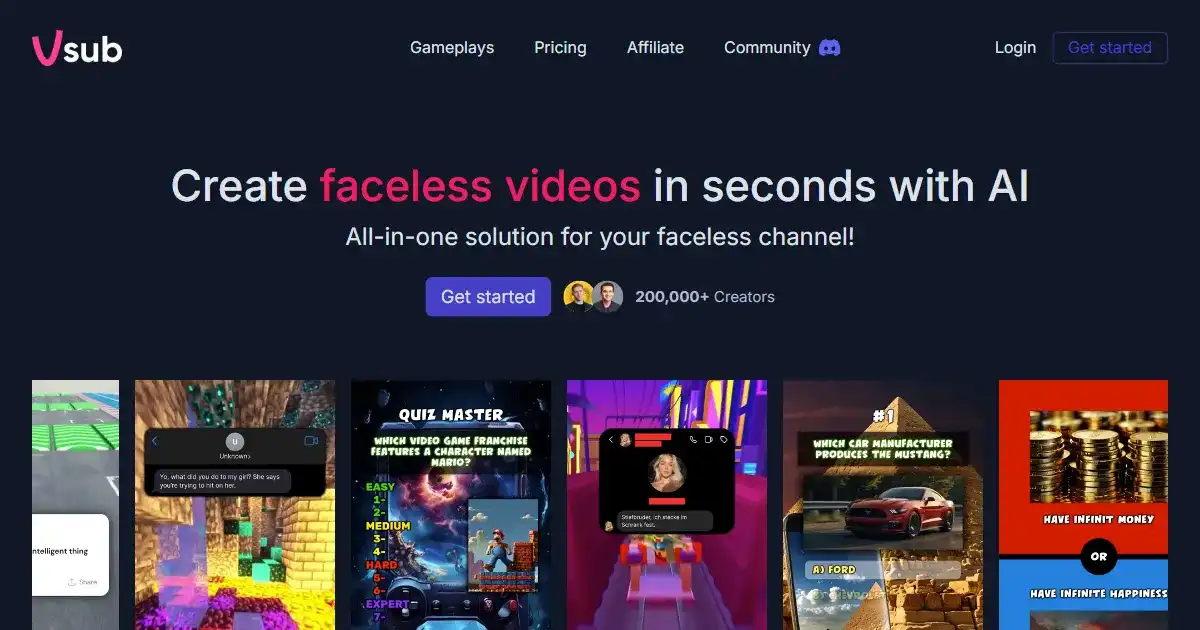
Vsub is an AI-powered video captioning tool that simplifies and accelerates the creation of engaging video content. It offers automated caption generation, AI voiceovers, and animated emojis, especially catering to creators focused on platforms like Reddit and other social media where narrative content thrives. Use Vsub to boost your video creation workflow and improve viewer engagement.

Jan is an open-source AI chatbot designed to boost productivity. It operates 100% offline, enhancing user privacy, and allows customizable AI assistants for tailored workflows. Integration with existing apps is seamless through its OpenAI-compatible local API server.
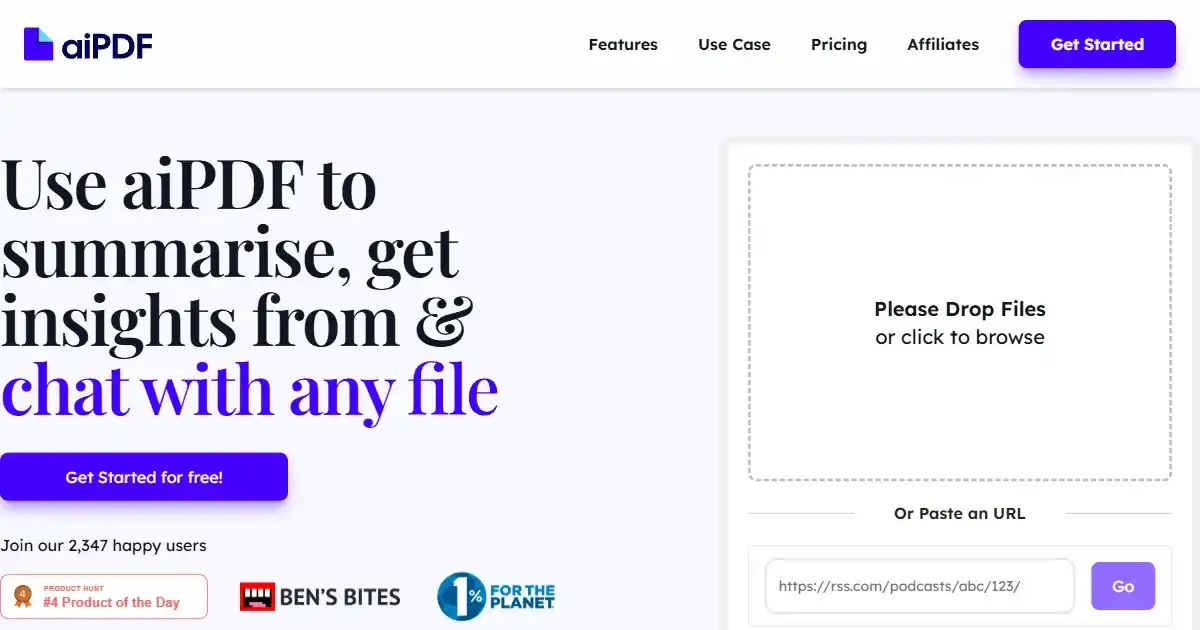
aiPDF is an AI-powered chat application that allows users to interact conversationally with their PDF documents. It simplifies extracting key information and summarizing complex content, saving time and effort. Users can upload various documents, including reports, essays, and ebooks, for quicker and more effective analysis and research.

Verisoul is a digital security platform that protects websites and mobile apps from fake users, bots, and fraud. It uses AI to analyze user behavior and provides customizable workflows to manage security responses.

Dewatermark.AI is an AI-powered tool that removes watermarks from images. It preserves image quality and offers manual editing for precision. Remove various types of watermarks quickly and easily.
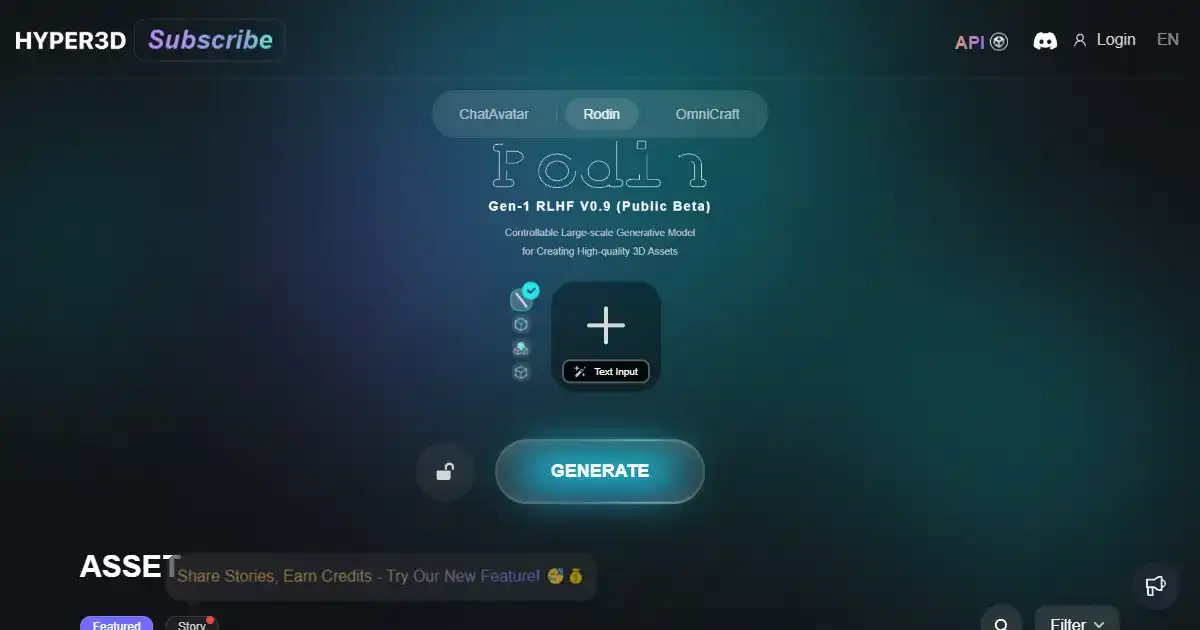
HyperHuman is an advanced AI-powered 3D face generator. Designed for animators and game developers, it creates realistic, animatable faces from text prompts. This tool integrates with industry-standard software for seamless workflow integration.