Triple 3D Review: Create 3D Models from Images or Text
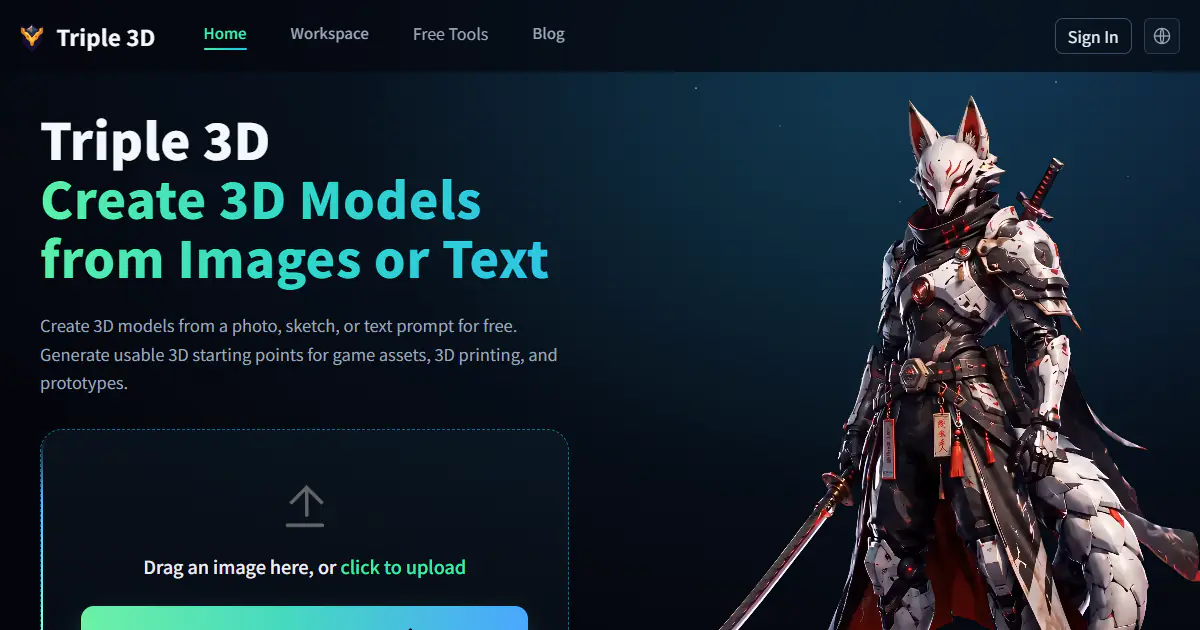
Triple 3D is a browser-based AI 3D workspace that turns images, photos, sketches, or text prompts into downloadable 3D starting points. It combines generation with online preview, model inspection, GLB and OBJ export, public examples, and free viewers and converters for common 3D formats.
One translation. Verified by 22 AI models.
Compare leading AI translations, preserve document layouts, and add human verification when accuracy matters.
From idea to 3D model in one browser workspace
Generate from text or images, inspect the result online, then export GLB or OBJ and continue toward an STL workflow.

Create more in one place
Generate images, make videos, edit photos and create audio with shared credits.
Explore MagicShotWhat is Triple 3D?
Triple 3D is an AI-assisted platform for moving from a visual idea or written prompt to a usable 3D starting point without beginning in a traditional modeling package. Users can upload a product photo, sketch, character reference, pet image, or other clear subject, or describe an object in text. The generated result can be rotated and reviewed in the browser before it is downloaded as GLB or OBJ for further work. The same site also brings together STL, OBJ, and GLB viewers plus image, PNG, 3MF, OBJ, and GLB conversion paths for STL-oriented workflows. That combination makes Triple 3D especially convenient for rapid game prototypes, printable concepts, product mockups, miniatures, and creative experiments.
Key Features of Triple 3D
Triple 3D connects fast AI generation with the preview, export, and conversion steps creators usually need next.
Image, photo, and sketch to 3D: upload a clear reference to generate a model with recognizable shape, depth, and texture as a base for refinement.
Text to 3D generation: describe props, creatures, characters, decorations, products, or printable ideas without first creating reference artwork.
Browser-based preview and inspection: rotate the model online and review its overall form, texture, scale, and visible surface quality before downloading.
GLB and OBJ export: download generated models in widely used formats and continue in Blender, Unity, Unreal Engine, a slicer, or another 3D tool.
Game and 3D-printing workflows: explore low-poly assets and printable concepts while keeping polycount, scale, wall thickness, watertightness, and supports in mind.
Free companion utilities: open STL, OBJ, and GLB files in browser viewers or use image, PNG, 3MF, OBJ, and GLB to STL conversion tools from the same site.
Best Uses for Triple 3D
Indie game prototyping: create props, background objects, collectibles, furniture, creatures, and scene-dressing assets before final optimization.
3D-printing concepts: turn a photo or prompt into a miniature, ornament, figurine, keychain, custom gift, or other model to prepare for slicing.
Product mockups: convert a product image or rough idea into a 3D preview for ecommerce, design reviews, marketing, or an early client presentation.
Character and creature exploration: test stylized pets, mascots, fantasy creatures, and character directions before investing in detailed manual modeling.
Rapid style iteration: compare low-poly, cartoon, realistic, fantasy, sci-fi, toy-like, and product-like variations from different prompts or references.
Format inspection and conversion: quickly view common 3D files or move OBJ, GLB, 3MF, PNG, and image inputs toward an STL workflow.
Triple 3D Pros and Cons
Pros
- Supports both image-based and text-based 3D generation in one browser workspace.
- Lets users preview and inspect a generated model before committing to a download.
- Exports GLB and OBJ for continued work in common 3D and game-development tools.
- Combines the generator with useful STL, OBJ, and GLB viewers and format converters.
- Addresses practical game-prototype and 3D-printing workflows instead of stopping at a rendered preview.
- The current free service makes it easy to test several concepts before choosing one to refine.
Cons
- AI-generated geometry, topology, UVs, textures, scale, and small details may still need manual cleanup.
- A generated model is not guaranteed to be game-ready, rig-ready, watertight, or print-ready without further inspection.
- Because the service is currently free, generation limits, export options, storage, and feature availability can change.
How to Use Triple 3D
- 1
Open the Triple 3D workspace and choose an image-based or text-based starting point.
- 2
Upload one clear image with a distinct main subject, or enter a focused description of the object you want.
- 3
Generate the model and wait for the task to finish.
- 4
Rotate the result in the browser and review shape, texture, scale, topology needs, and printability considerations.
- 5
Download GLB or OBJ, then continue editing, optimizing, repairing, rigging, or slicing in your preferred tool.
Triple 3D FAQs
Is Triple 3D free?
Triple 3D's current terms describe the service as free. Free access may still have changing generation limits, queues, export options, storage periods, or other usage restrictions.
Can Triple 3D create a model from a photo?
Yes. Its image-to-3D workflow accepts photos, product shots, sketches, concept images, and other references. A clear image with one main subject usually gives the workflow a better starting point.
Which model formats can I download?
The current image-to-3D workflow identifies GLB and OBJ as download formats. Triple 3D also offers separate browser viewers and STL-oriented conversion tools for several common formats.
Can I use Triple 3D for game assets?
It is useful for prototypes, props, background assets, low-poly experiments, and base meshes. Final production work may still require retopology, UV cleanup, LODs, colliders, pivots, scale adjustment, or rigging.
Are Triple 3D models ready for 3D printing?
They should be treated as printable concepts or starting points. Before printing, inspect watertightness, manifold geometry, wall thickness, scale, overhangs, fragile details, supports, and slicer compatibility.
Can generated models be used commercially?
Triple 3D's terms allow commercial use subject to those terms, applicable law, and third-party rights. Users remain responsible for checking ownership, likeness, trademark, design, and marketplace requirements.
Does Triple 3D replace Blender or CAD software?
No. It can accelerate the blank-canvas and prototyping stages, but detailed editing, precise engineering, retopology, rigging, repair, and final production checks still belong in specialized tools.
Interested in this product?
Take a look at their websiteUpdated 2026-10-05
Triple 3D Alternatives
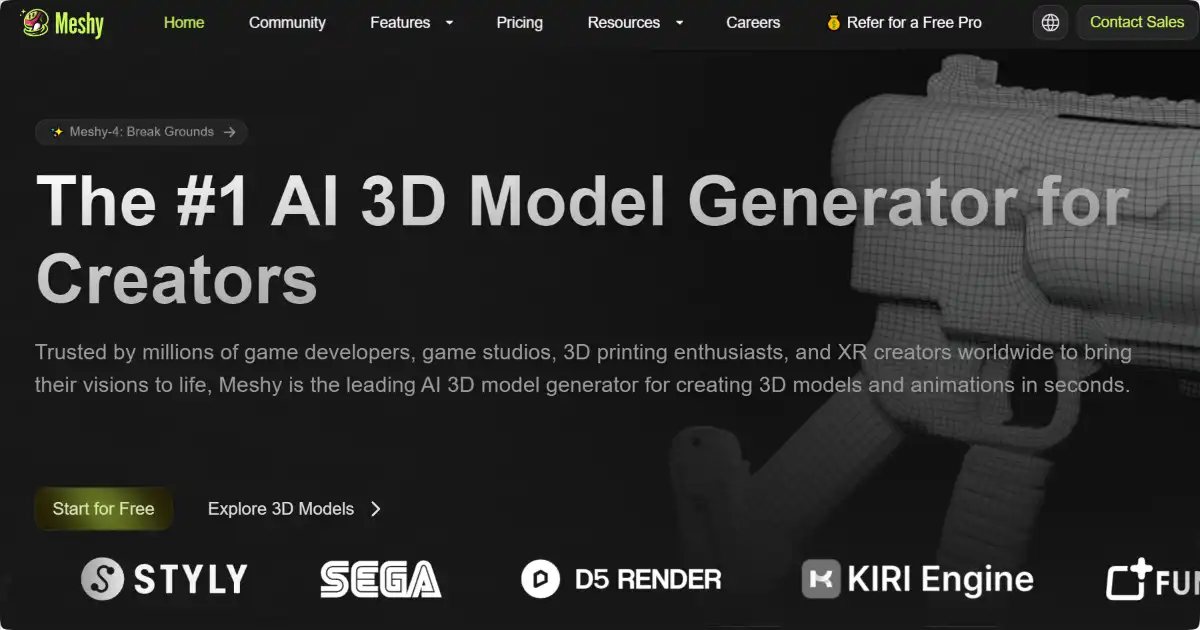
Meshy AI is an advanced 3D modeling toolkit that uses AI to generate 3D models from text prompts and images. It accelerates the creation of high-quality assets for game development, architecture, and various creative projects. Meshy AI empowers artists and designers to quickly conceptualize and iterate on 3D models with an efficient and user-friendly interface.
Editor's TakeNo review yet
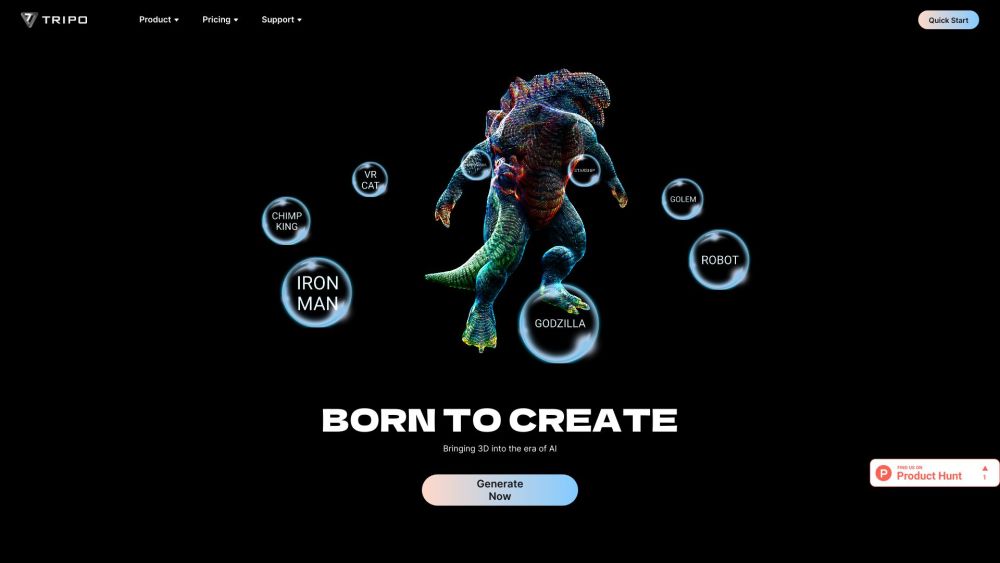
Tripo 3D is an AI platform that rapidly generates high-quality, ready-to-use 3D models from text or images in seconds.
Editor's TakeNo review yet
Artefacts.AI is an innovative platform utilizing AI to produce 3D models efficiently from text descriptions or images. It provides users with swift previews and downloadable results suitable for further digital production tasks. The user-friendly format promotes engagement among individuals ranging from skilled professionals to emerging hobbyists, expanding the scope of sophisticated project realization to a broader population.
Editor's TakeNo review yet
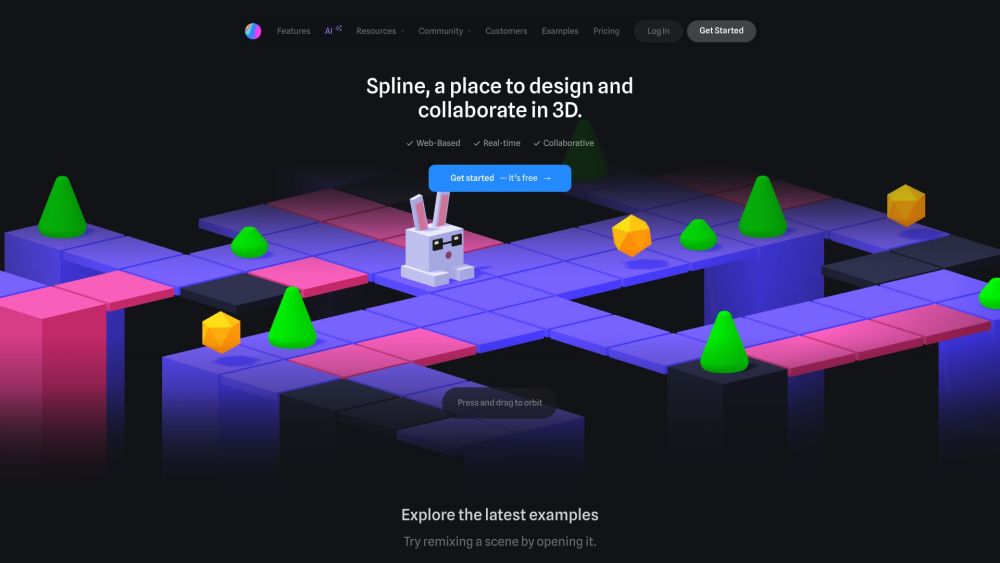
Spline is a free, web-based 3D design tool with real-time collaboration that allows users to create interactive 3D experiences for the web directly in the browser.
Editor's TakeNo review yet
Find More Tools
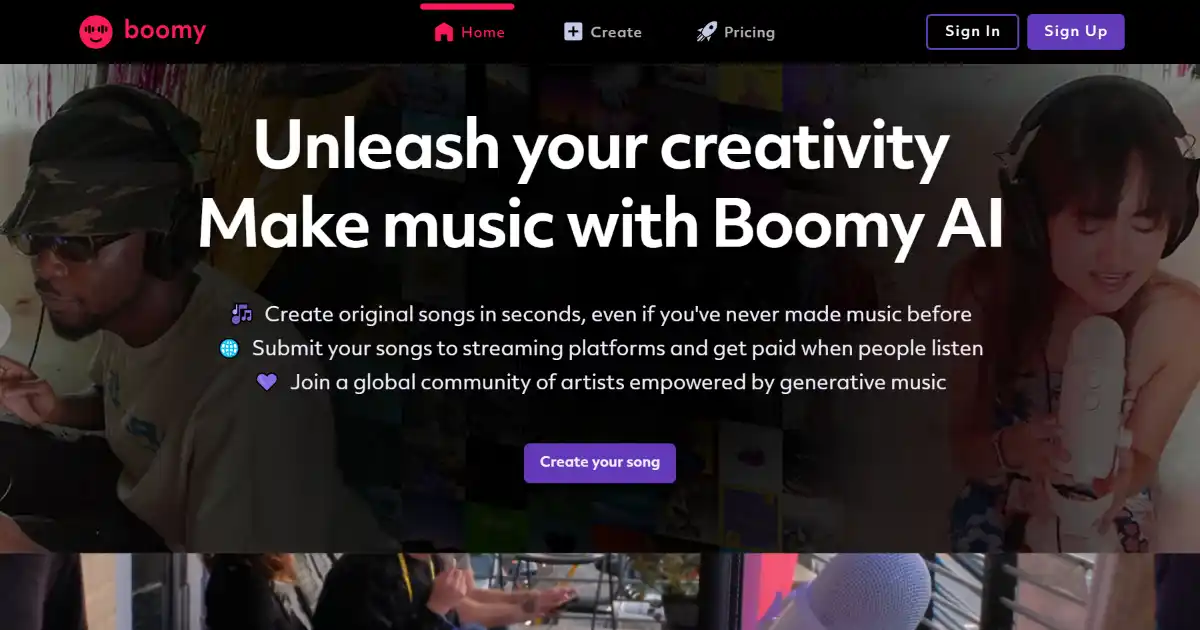
Boomy AI is an AI-powered music creation platform that allows users to create and share original songs in seconds. Users can customize their creations and distribute them to major streaming services, earning royalties on every play.
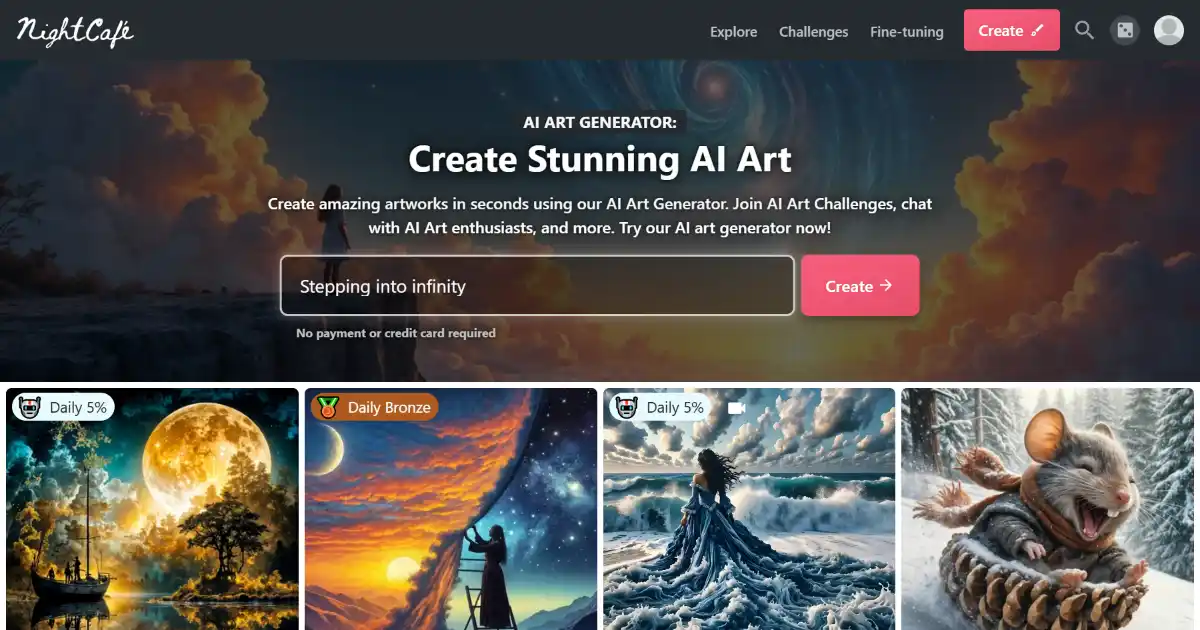
NightCafe AI Creator Studio is an online AI art generator platform. Its numerous AI algorithms enable creators of any experience level produce unique artworks based on multiple input parameters including image transformation, text or conceptual filters. Expanding capabilities from concept to merchandise with its artist social space and robust in platform digital print studio, users can readily monetize unique creations with little setup.

Humata AI is a document management and analysis tool that allows users to interact with and gain insights from their files. It leverages AI to offer summarization, in-depth analysis, and clear, concise explanations. Humata AI streamlines understanding of important details within your files.
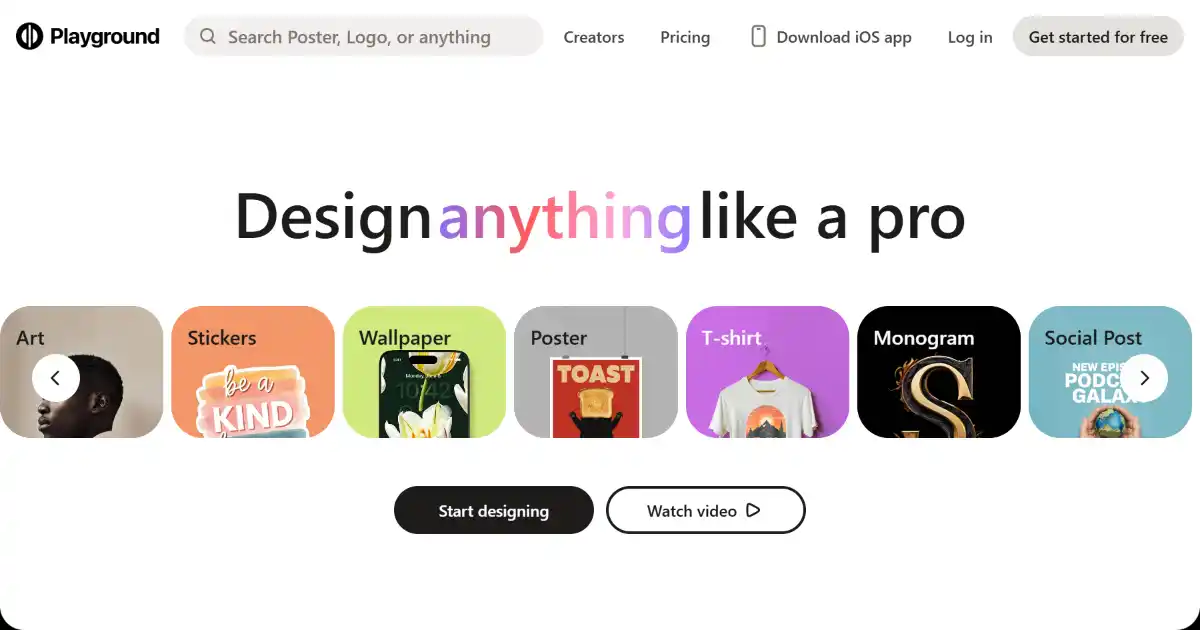
Playground AI is an AI-powered image generation and editing platform. Using Stable Diffusion models, it transforms text prompts into unique visuals and provides a diverse toolkit for image editing.

Riffusion is an AI music generator that transforms text prompts into audio clips. Using a modified version of the Stable Diffusion image generation model, it creates spectrograms, visual representations of sound, which are then converted into listenable music. Explore and experiment with varied musical styles and transitions with ease through an intuitive web app interface.
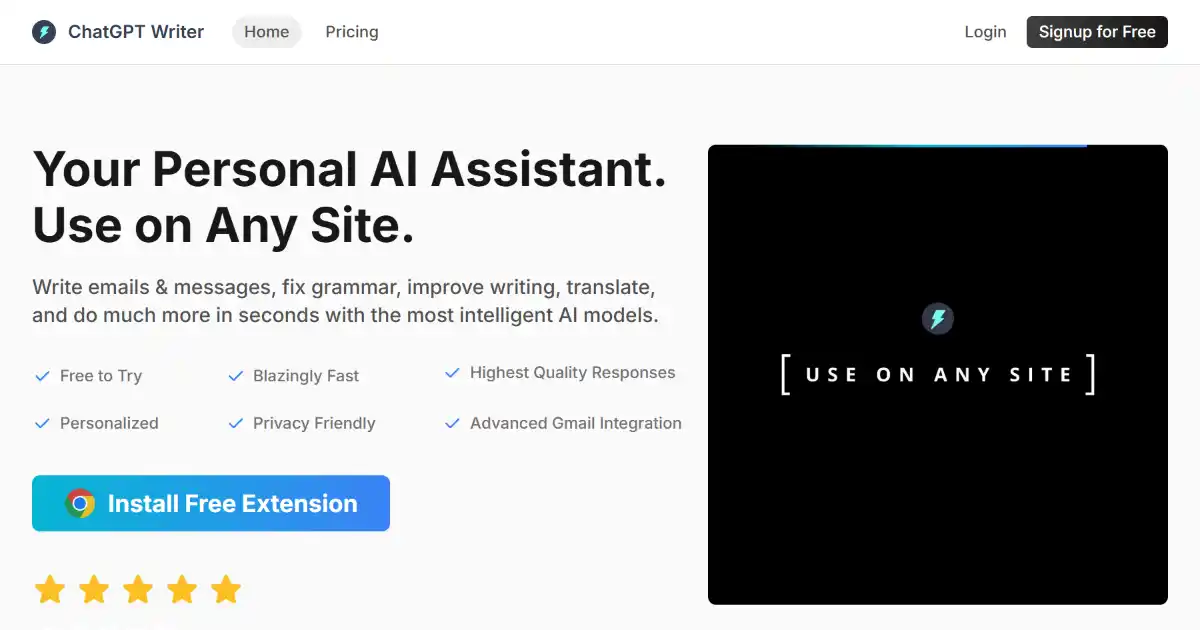
ChatGPT Writer is a free Chrome extension that uses AI to generate emails and replies within Gmail. It supports multiple languages and prioritizes user privacy by not storing emails or personal data.